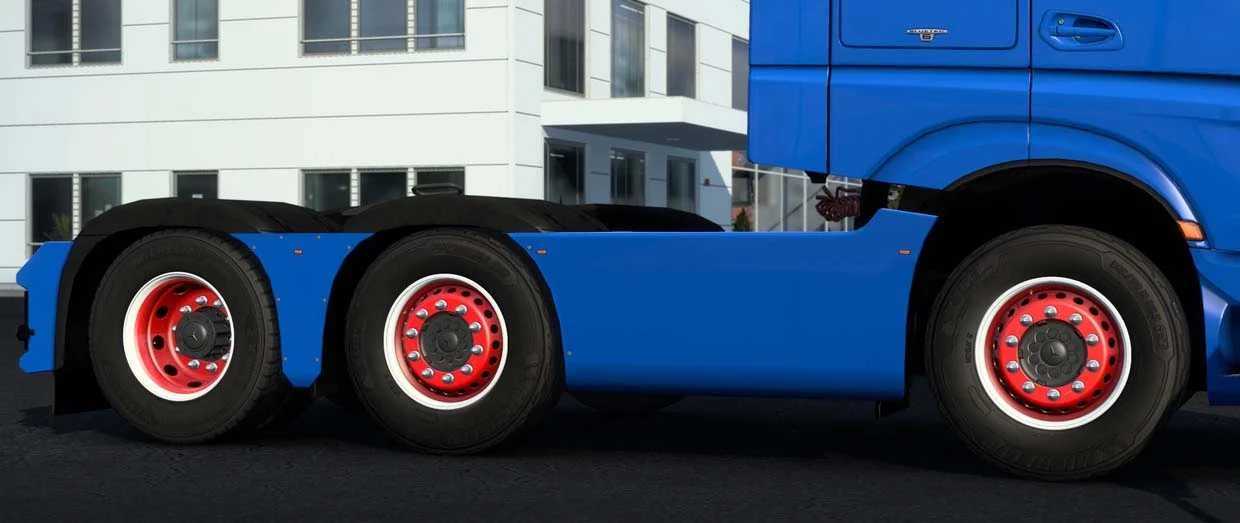
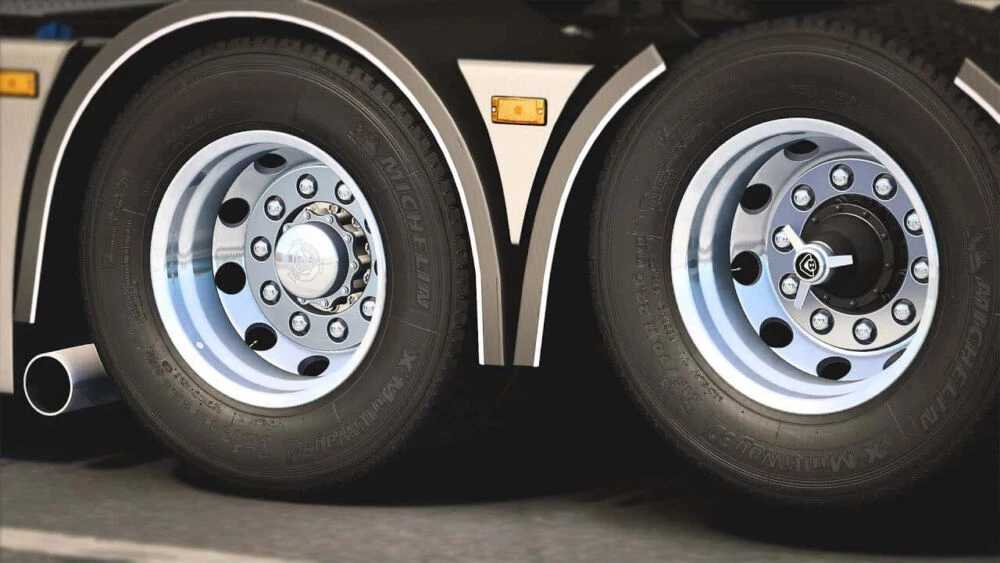
Jasper’s Wheel Pack v3.3 for ETS2 Version 1.54
Version 3.3 Highlights:
– Updated for the 1.54 game version
– Resolved Volvo/Renault HUB crash issue
– Corrected the normals on Daf’s cover
– Improved UVMapping for Alcoa Dura Bright
– Introduced Jasper’s Improved Brightness.scs file (enhancement for Jasper’s Wheels Pack v3.3)
This meticulously crafted wheel pack is built from the ground up, ensuring high-quality standards are met.
It boasts realistic 3D models paired with excellent performance, allowing seamless play for all users, regardless of computer specifications.
You can explore a vast array of choices, including Alcoas, Maxion, and custom-designed European styles, with numerous possible combinations.
Credits: Jasper
Installation Instructions for ETS2 or ATS Mods
Installing mods in Euro Truck Simulator 2 is straightforward. Simply download the mod from this site, and then copy or unzip the files into the “My Documents\Euro Truck Simulator 2\mod” folder. For American Truck Simulator (ATS) users, place the mods in the “My Documents\American Truck Simulator\mod” folder. You can use software like WinRAR or 7zip to unzip files. Afterwards, remember to activate the mods you wish to use.