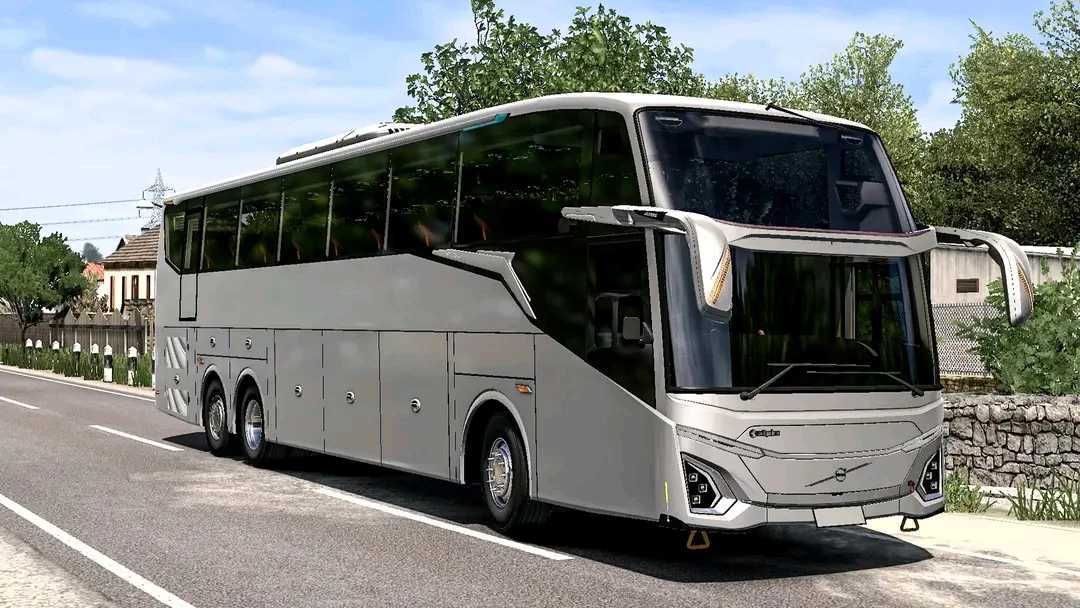
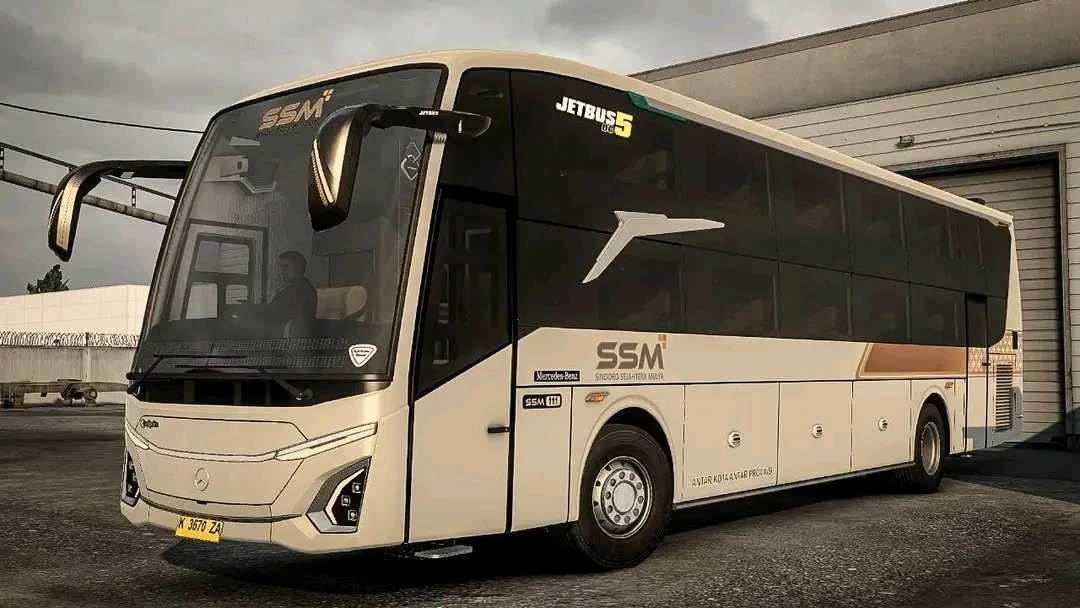
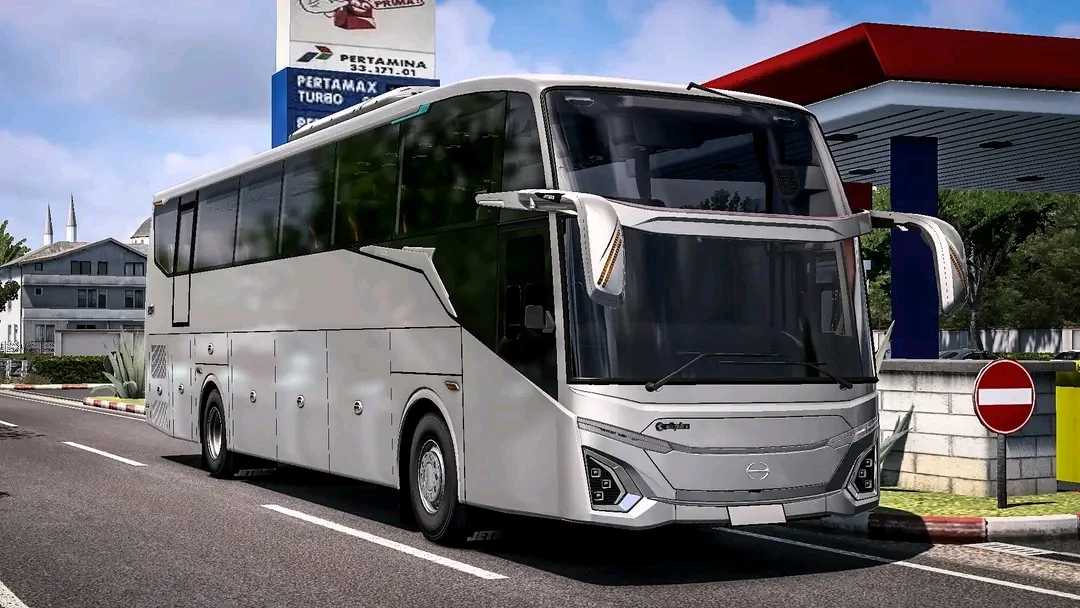
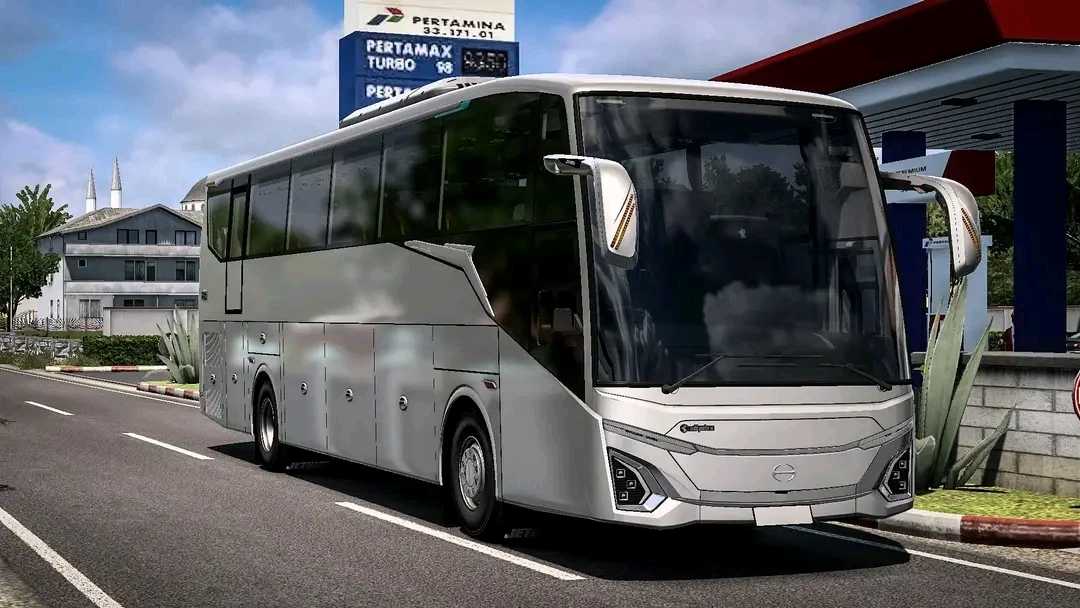
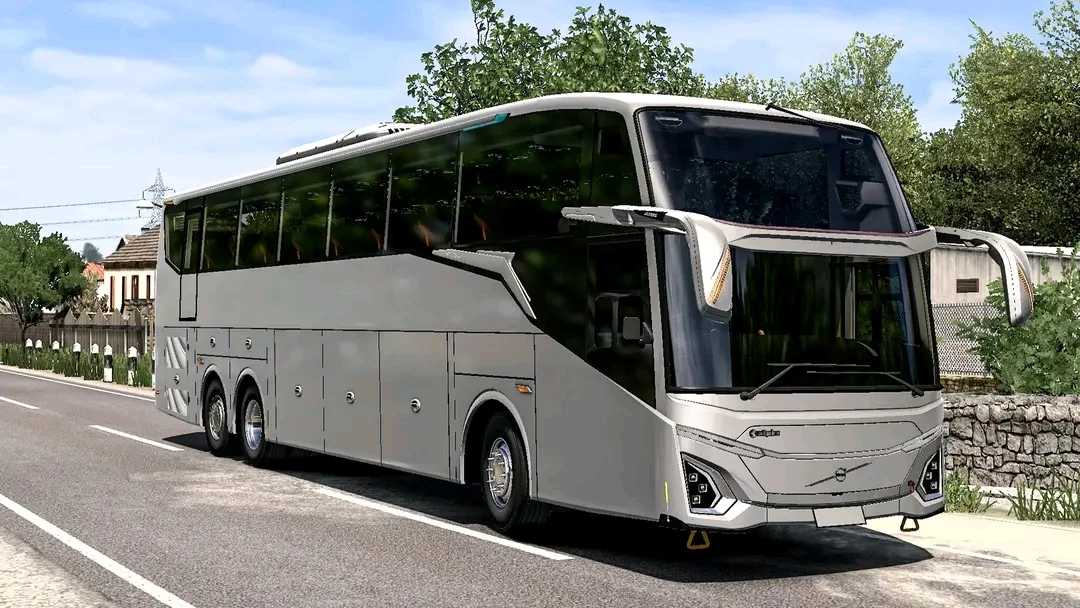
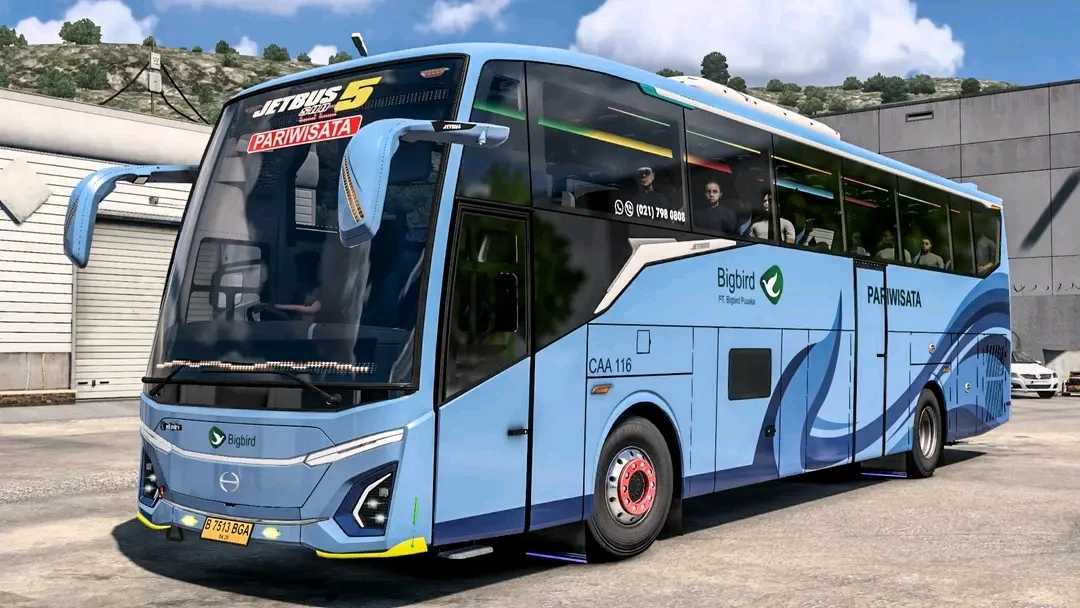
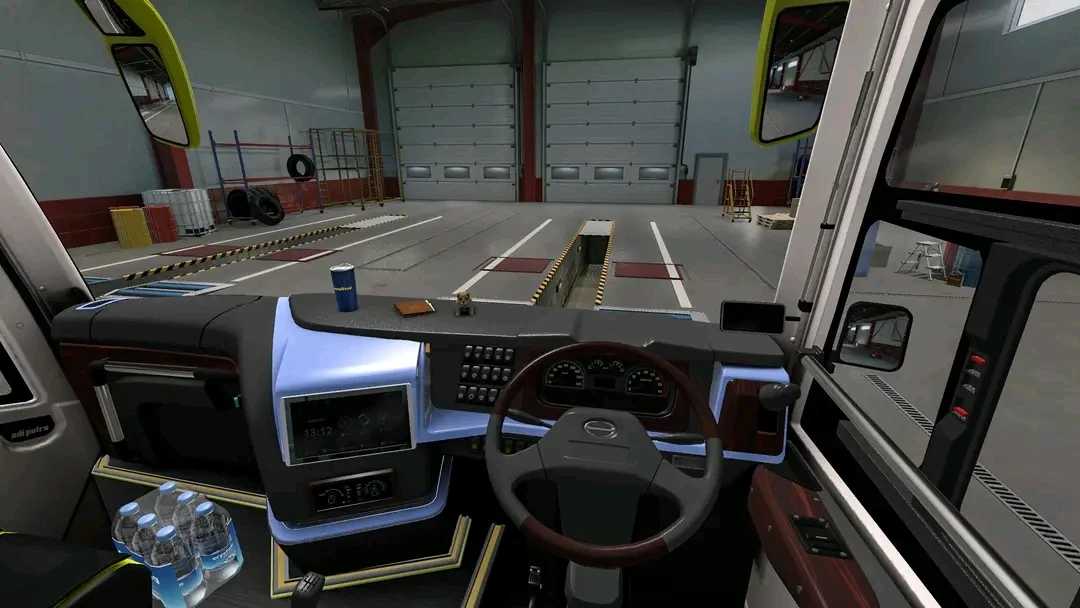
JetBus 5 Series v3.0 ETS2
3.0 Update Changes:
– Incorporates Update 2.5 (Dream Coach)
– Two new chassis: HINO RM 280 & Volvo B11R
– Six cabin variants added: Hino (SG, SG Piteng, DG, DG Piteng) & Volvo (SG & DG)
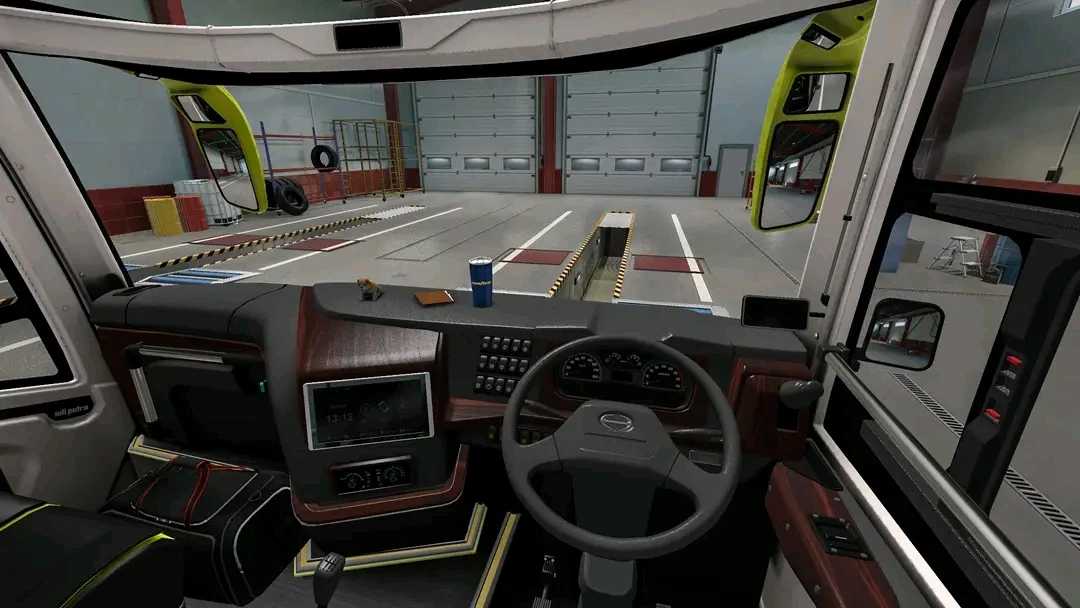
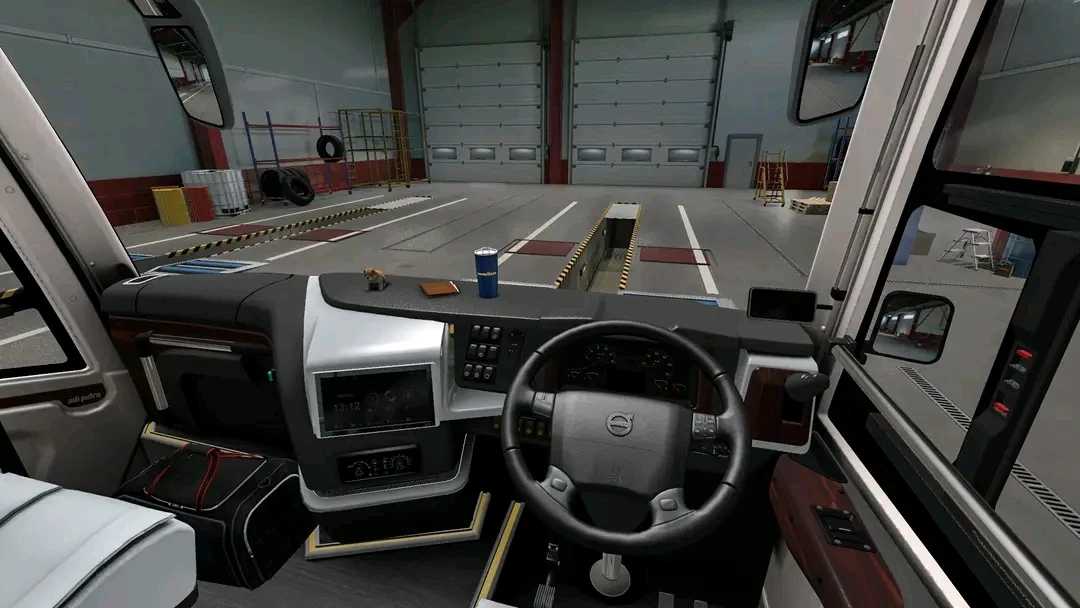
– Enhanced interior textures for realism utilizing Normal maps (Dashboard, steering wheel, wood, walls, etc.)
– Revised interior rearview mirrors (convex effect to eliminate flatness)
– Approximately 100 customizable liveries added for SHD cabins
– Authentic Hino RM sounds integrated
– New physics implemented to reduce sliding or skidding during turns.
– Introduced wide ACC running text (customizable via liveries), as MHD templates are exhausted.
– A variety of new accessories (passenger items, pillow blankets, front LED lights, tiger cage in trunk, ambient interior RGB lighting, roof AC variants, rear license plate LED options, exhaust LED variants, wide stock variants, paintable interior, and much more) – explore for additional details!
– New capsule door variant (Dream Coach)
– Improved warm white ambient LED color in the interior. Discover more yourself!
Credits: Zzz
How to Install ETS2 or ATS Mods
Installing mods in Euro Truck Simulator 2 is straightforward. Simply download the mod from here and copy/unzip the files into: “My Documents\Euro Truck Simulator 2\mod” folder. For American Truck Simulator, place the mods in: “My Documents\American Truck Simulator\mod” folder. You can use WinRAR or 7zip for unzipping. After that, activate the desired mods.