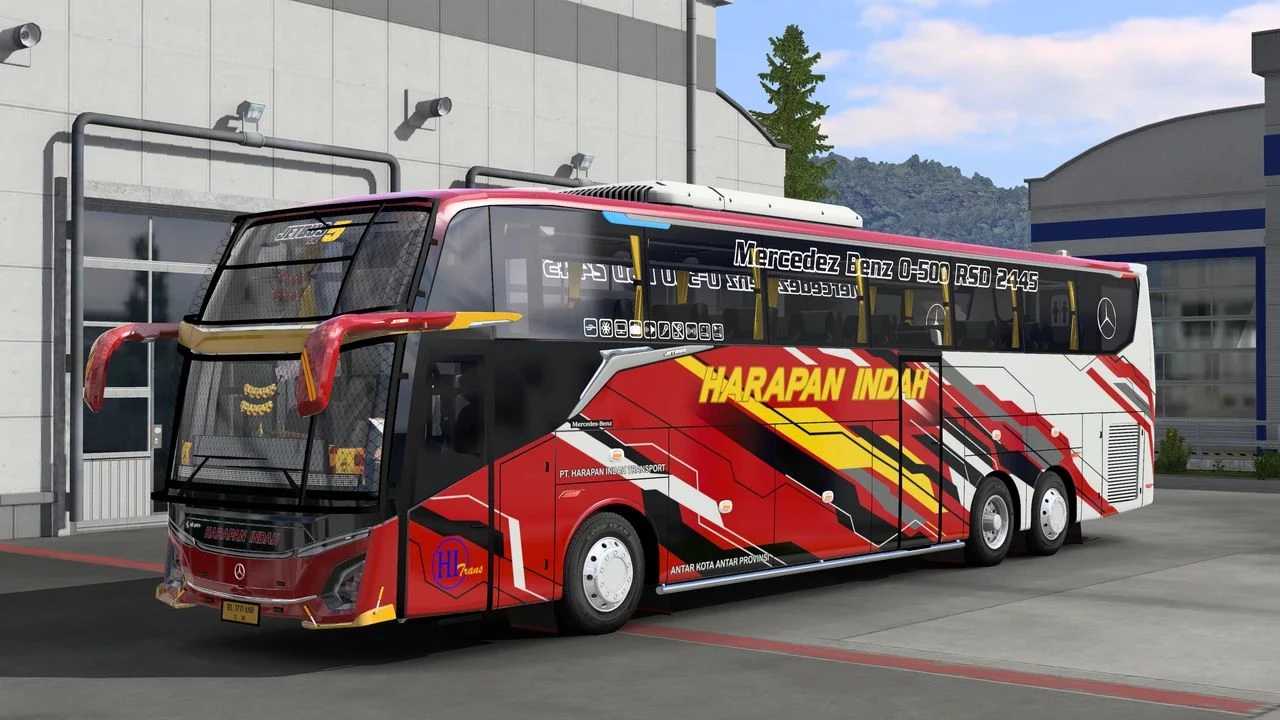
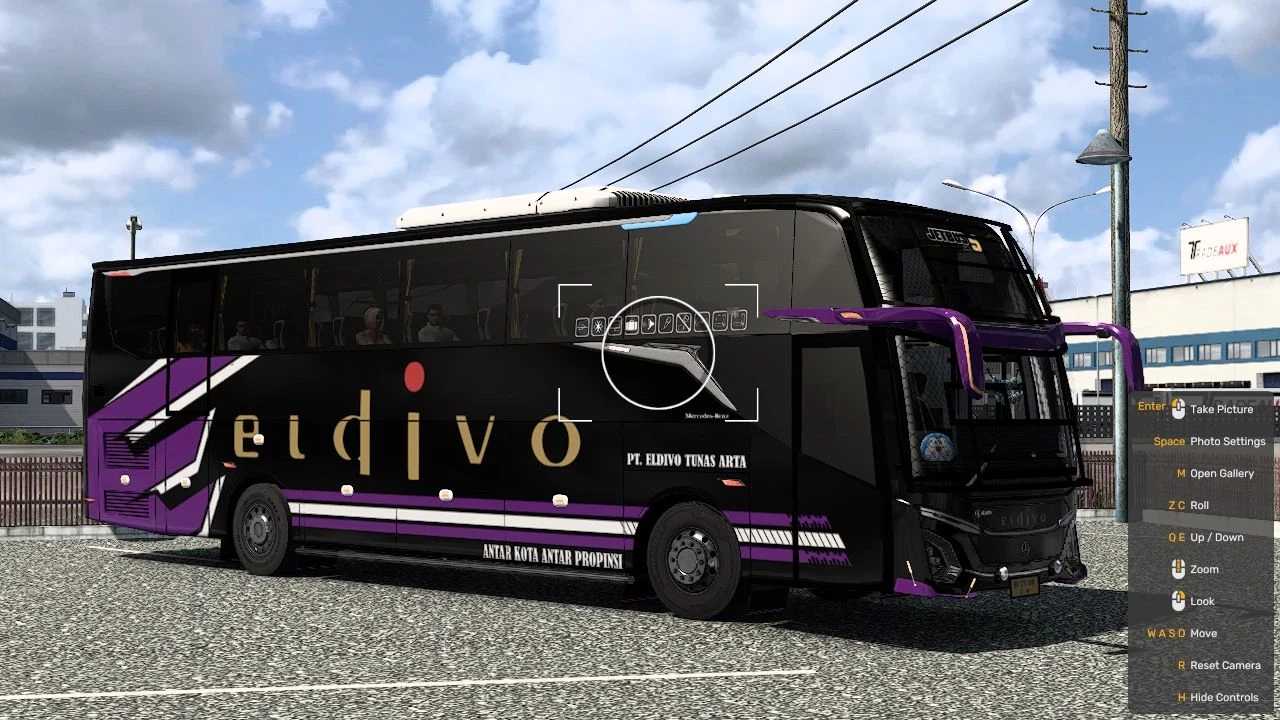
Jetbus Annas Edit Jetbus 5 WRM Update v1.47-1.55 ETS2
– Updated Livery to 118
– Fixed Visual Interior Mirror Bug
– Fixed Some Texture Parts Bugs
– Fixed Interior Animation Bug
– Added Interior and Animation Variant SG
– Introduced Animated Scania on Variant 6×2 & 4×2
– Customized Horn Cabin
– Repaired Engine Sound and Transmission
– Added Engine and Sound 1521
– Fixed Slow Engine and Transmission
– Changed Colors of Main Lamp
– Modified High Beam Lamp Colors
– Updated Parking Light Colors
– Fixed Physics of Suspension Mod
– Added ACC Flag
Credits: Edan Creation
How to Install ETS2 Mods or ATS Mods
Installing mods in Euro Truck Simulator 2 is straightforward. Simply download the mod from here and copy/unzip the files into: “My Documents\Euro Truck Simulator 2\mod” folder. If you are playing ATS, place mods in the “My Documents\American Truck Simulator\mod” folder. You can use WinRAR or 7zip for unzipping files. After that, activate the mods you wish to use.