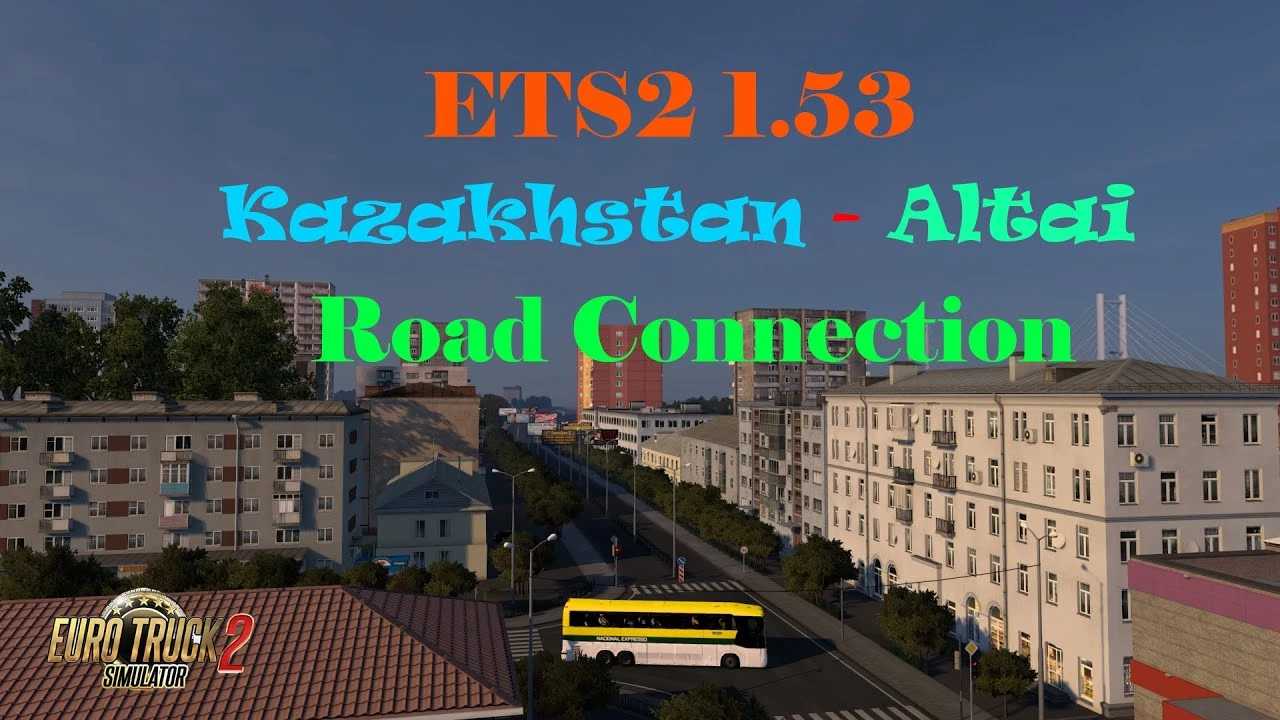
Kazakhstan – Altai Road Connection v0.5 ETS2
Updates v0.5
Corrected AI Vehicle Spawning
Introduced new roads and a company job in Semey
Overview:
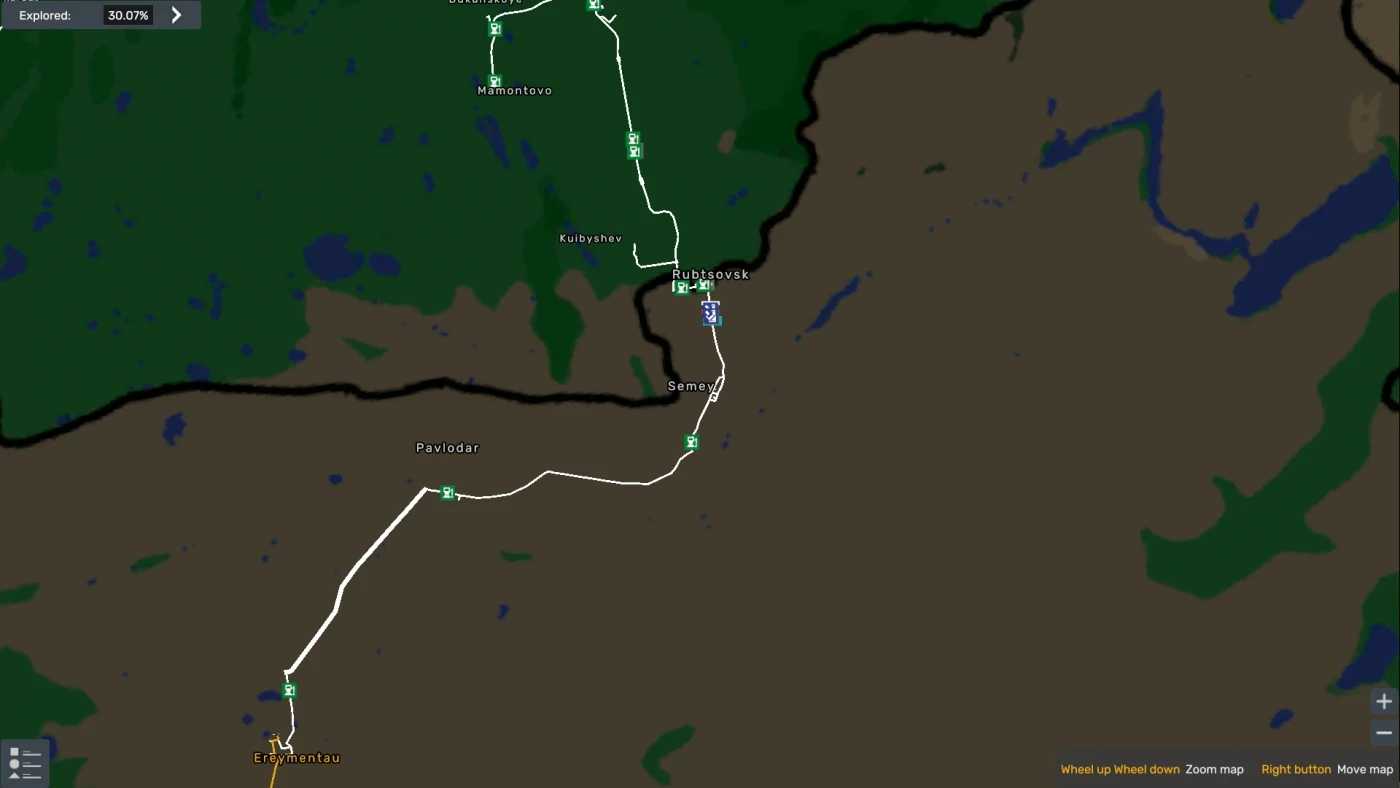
New route connecting Ereymentau and Rubtsovsk
Added Semey along with one Company
Added Pavlodar with one Company
This road connection requires the latest Altai Map and Republic of Kazakhstan.
Load order:
Ensure it is placed above the Republic of Kazakhstan and Altai Map.
Compatibility: 1.53
Credits: Bozkie
Instructions for Installing ETS2 or ATS Mods
Installing mods in Euro Truck Simulator 2 is straightforward. Simply download the mod from the link provided, and copy/unzip the files into the “My Documents\Euro Truck Simulator 2\mod” folder. If you’re playing ATS, place the mods in the “My Documents\American Truck Simulator\mod” folder. You can use WinRAR or 7zip to unzip files. After that, activate the mods you wish to use.