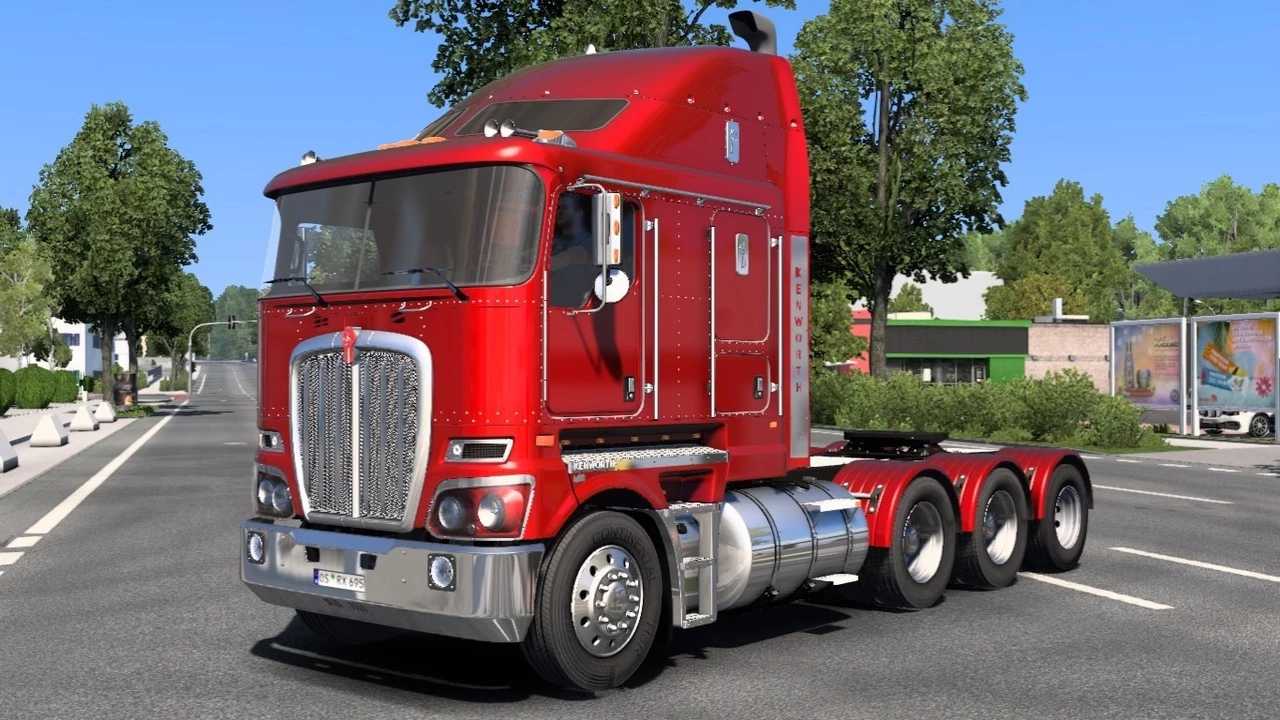
Kenworth K200 (BSA) v14.153 ETS2
Features:
- Standalone model
- Available for purchase at an Iveco dealership
- 5 cab types: Flat 2.3 LHD and Aerodyne 2.3/2.8 LCD
- 7 chassis options: 6×4, 8×6, and 8x double wheels
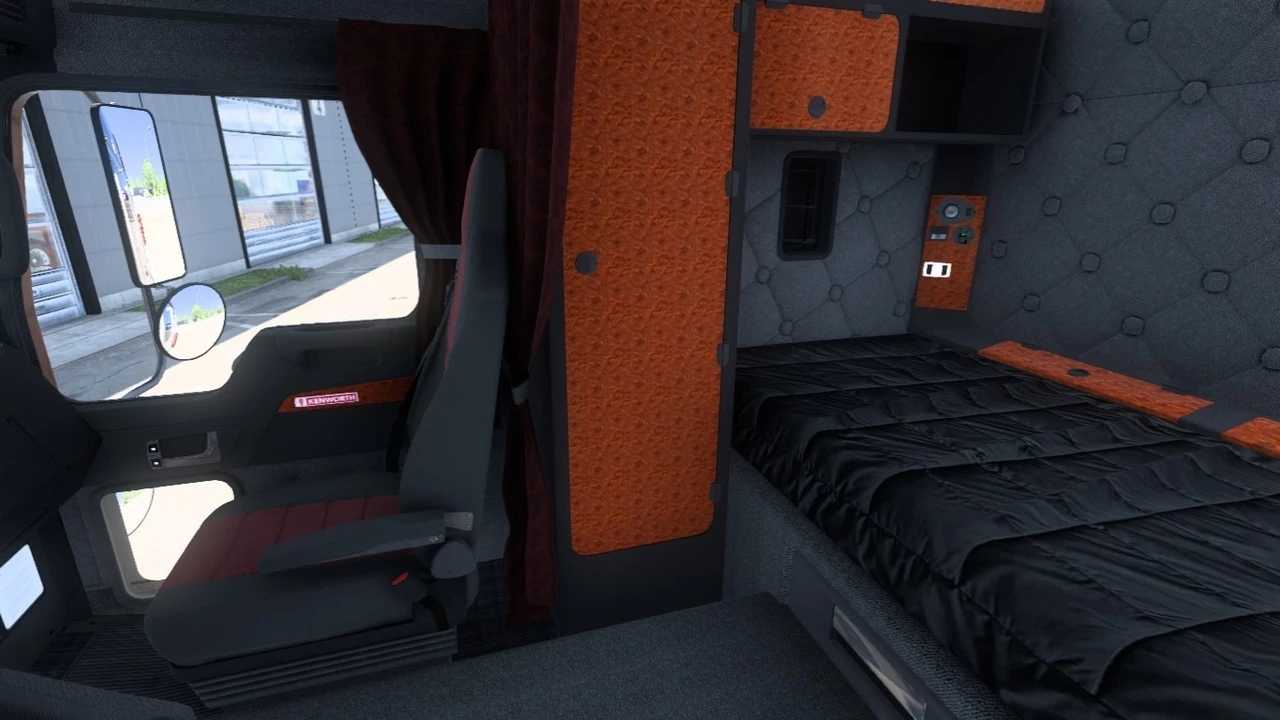
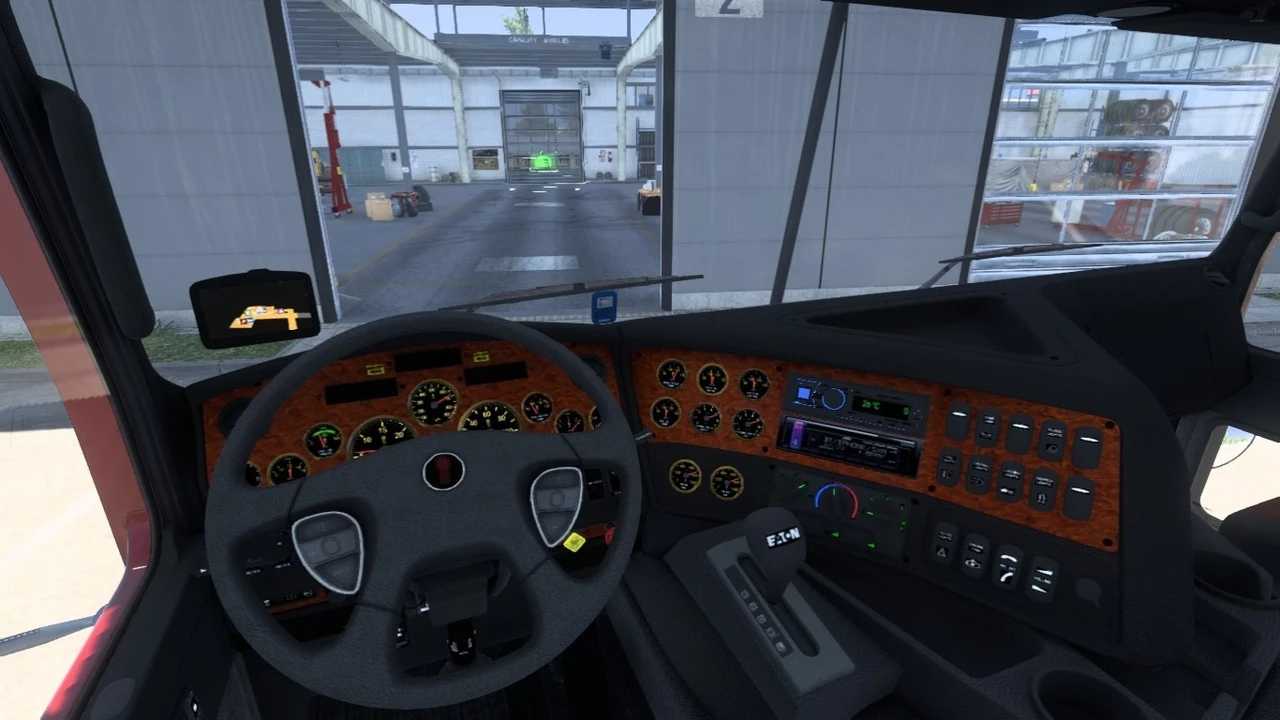
- 4 interior designs
- 23 engine choices from Paccar, Cummins, and Caterpillar with power ranging from 370 to 700 hp
- 16 transmission options: Eaton Fuller and UltraShift with 10, 13, and 18 speeds
- Custom engine sounds
- Tuning capabilities
- Smoke effects from the chimney
- Walking camera inside the cabin
- A total of 30 skin designs
- Compatible with SCI Steering Wheels DLC
- Compatible with ETS2 Cabin Accessories DLC
- Compatible with SISL’s Mega Pack v3.x
- Support for extended coupling
- Trailer cable functionality
- Window animations
- Shadow rendering in the cabin (patch 1.51 ATS)
- Included in company orders
- Showcased in the Gallery
- Updated for the latest patch 1.53
- Support for internal shadows added
- New skins added
- Main mirrors fixed
- Bugs resolved
Credits: jekich1, Oleg Verhovodov, SCS, Smith, Oleg Verhovodov (Fire-Blade), Mikhail Verhovodov, Virat, Evelin_Sophie, kriechbaum, Mick Brown, Tracy N Nathan Anderson, HCC, BSA
Installation Instructions for ETS2 or ATS Mods
Installing mods in Euro Truck Simulator 2 is straightforward. Simply download the mod from the provided link and copy/unzip the files into the “My Documents\Euro Truck Simulator 2\mod” folder. For American Truck Simulator, place the mods in the “My Documents\American Truck Simulator\mod” folder. Use WinRAR or 7zip to unzip the files. After that, activate the mods you wish to use.