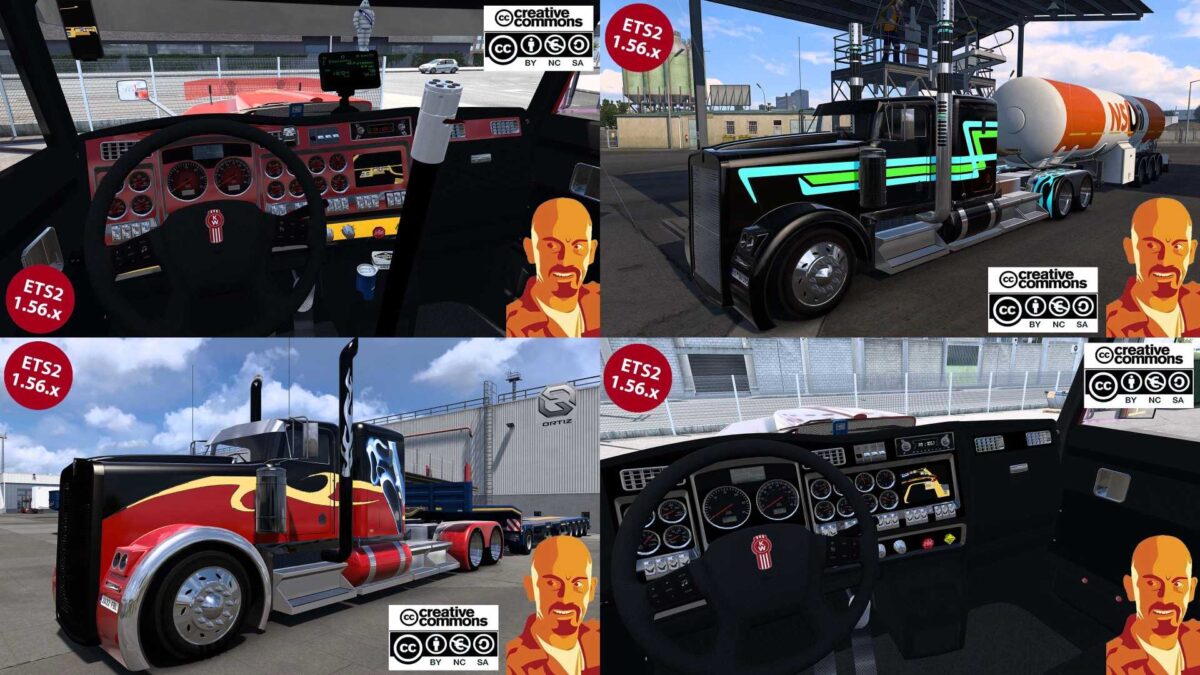
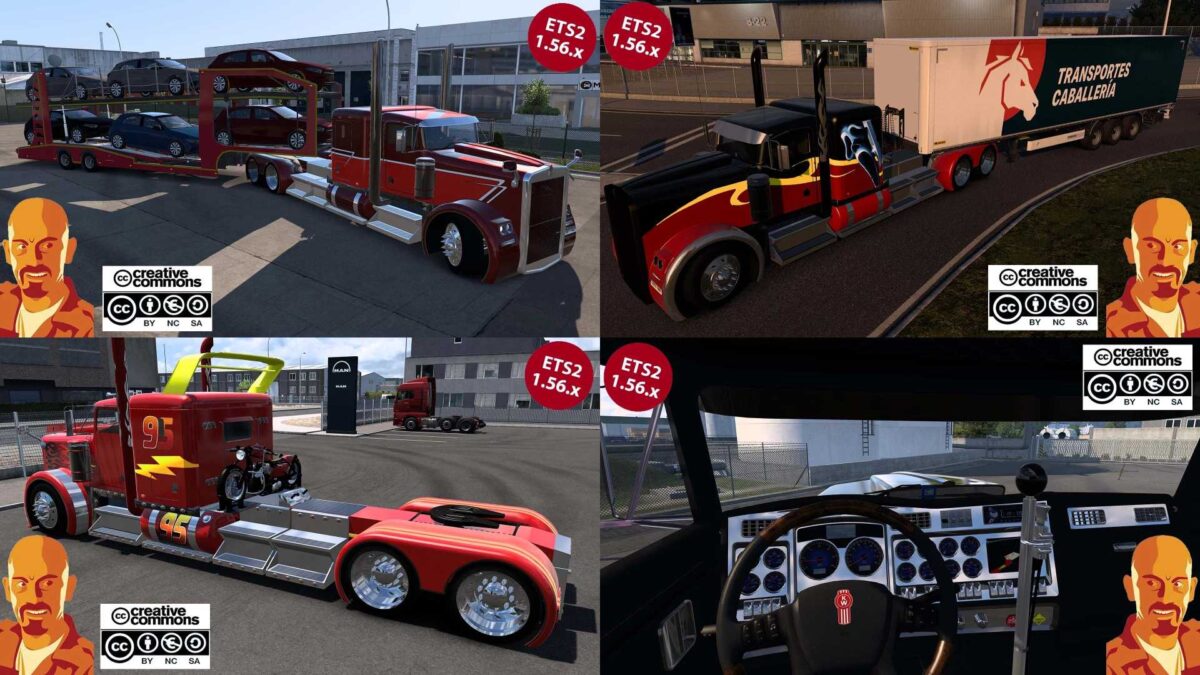
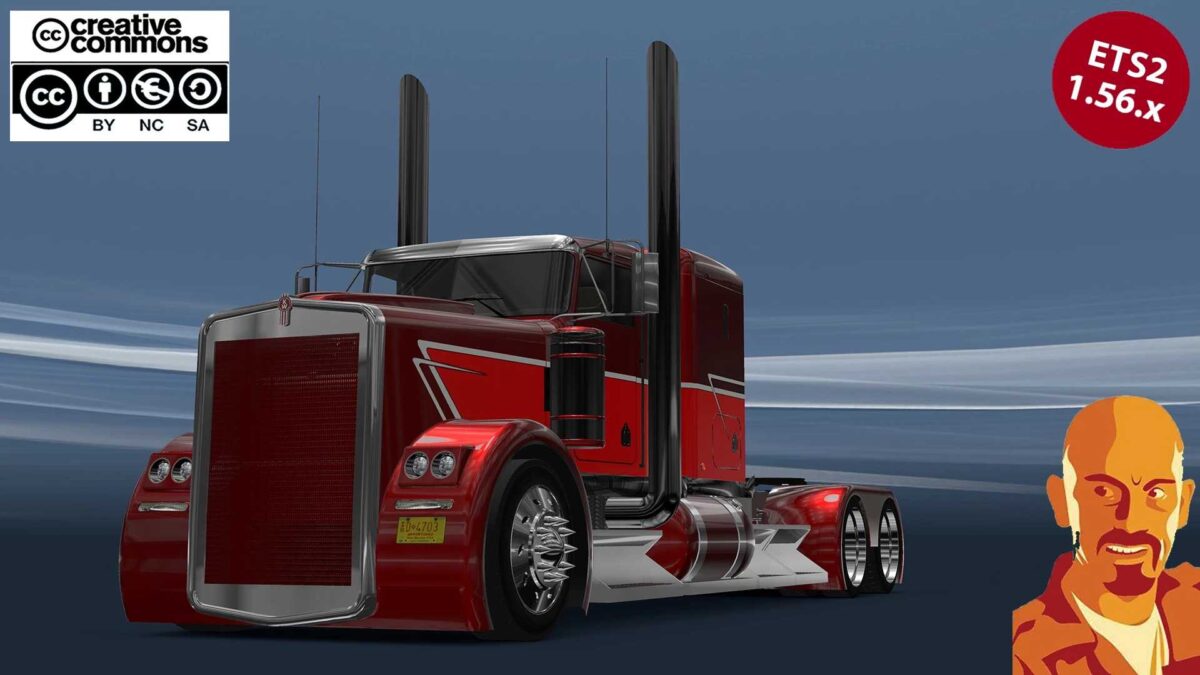
KENWORTH PHANTOM v1.1 1.56.x ETS2
V1.1 updates:
Resolved potential game crashes when accessing the mods dealer.
v1.0 features:
Adapted for ETS2 1.56.x.
Compatible from version 1.51 to 1.56.x.
Entirely redesigned mod.
Optimized for better FPS.
Corrected shadow issues.
Included missing wheel particles.
Introduced solid & metallic color presets (METALLIC PAINTS ONLY IN FULL VERSION).
Fixed all mirror functionalities.
Addressed issues with model texture flickering.
Corrected reflections for windshield & side windows.
Resolved all known bugs & glitches.
Removed unnecessary files.
Revamped skins (SKINS ONLY IN FULL VERSION).
Adjusted bike positions (BIKE ONLY IN FULL VERSION).
Implemented cabin accessories support.
Added optional Sis’L Megapack compatibility.
Integrated animated side windows.
Resolved wiper issues.
Corrected odometer functions.
Updated dashboard display.
Enhanced light configurations.
Refined light masks.
Made adjustments on 3D models.
Included truck in the truck browser (ONLY IN FULL VERSION).
Enabled truck for quick jobs (ONLY IN FULL VERSION).
Credits: CyrusThe, TraviesoMan.
How to install ETS2 mods or ATS Mods
Installing mods in Euro Truck Simulator 2 is straightforward. Simply download the mod from here and copy/unzip the files into the “My Documents\Euro Truck Simulator 2\mod” folder. For American Truck Simulator, place mods in the “My Documents\American Truck Simulator\mod” folder. To extract files, you can use WinRAR or 7zip. Afterward, activate the mods you wish to use.