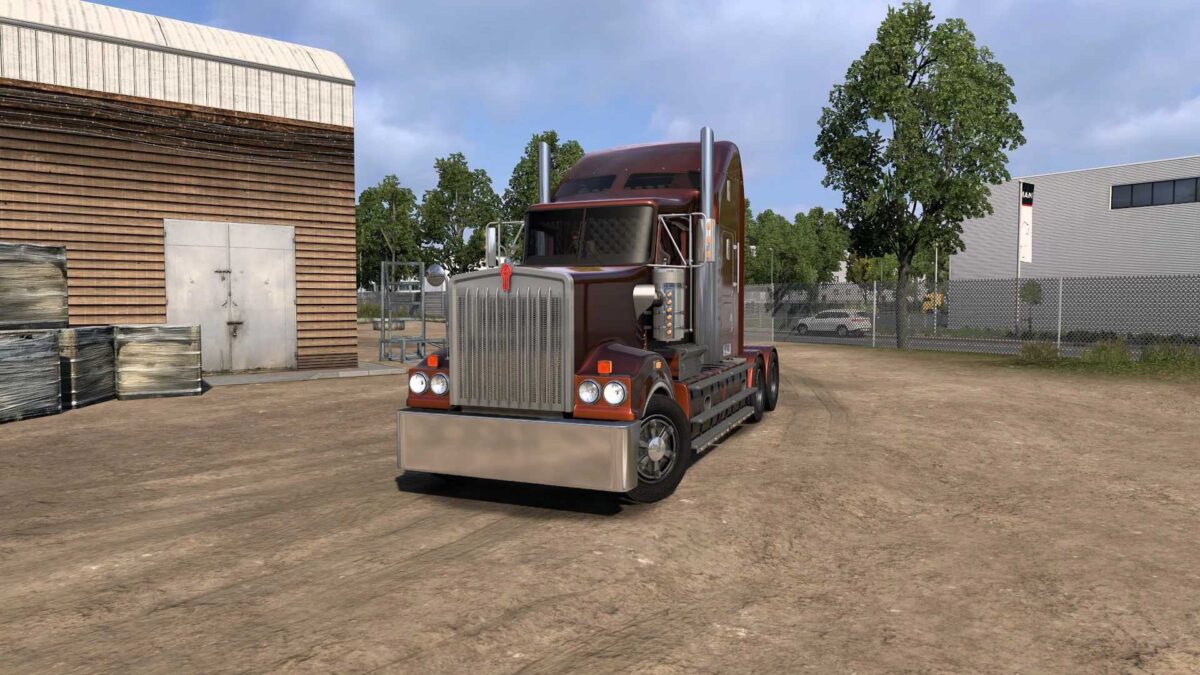
Kenworth T908 v6.8 1.53 ETS2
Features:
Completely autonomous model;
Available for purchase at the MAN dealership; (Iveco)
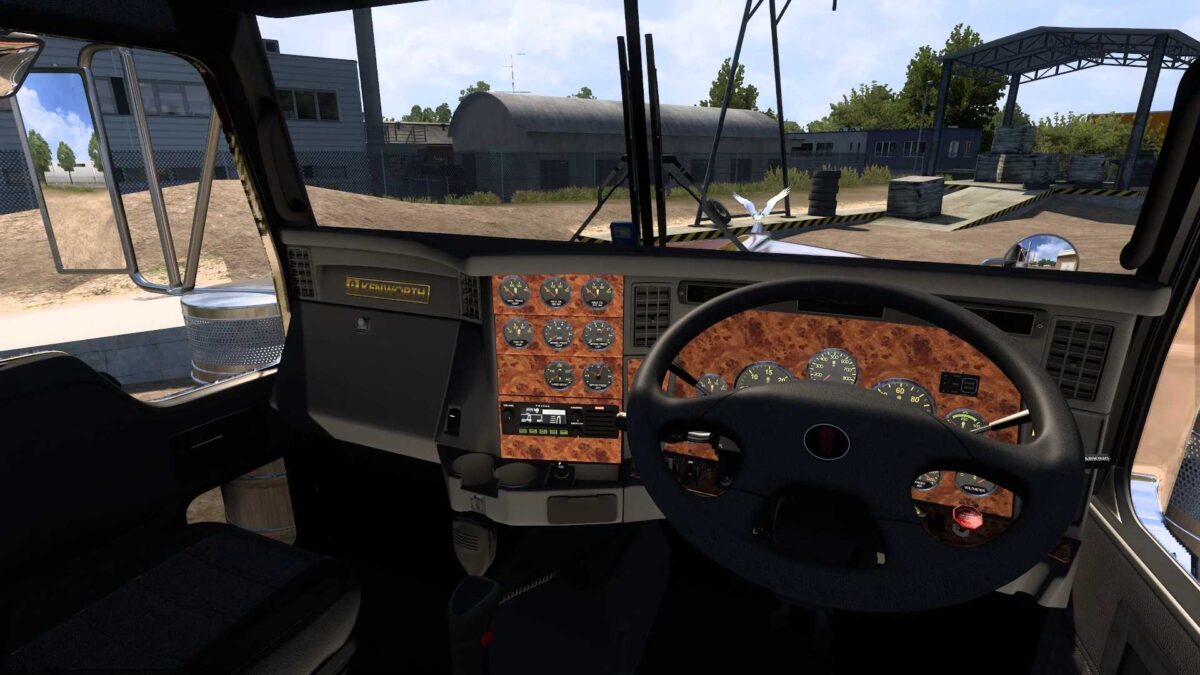
Four cab options (4 for right-hand drive);
Four landing gear options (4 for right-hand drive);
Extensive external tuning options;
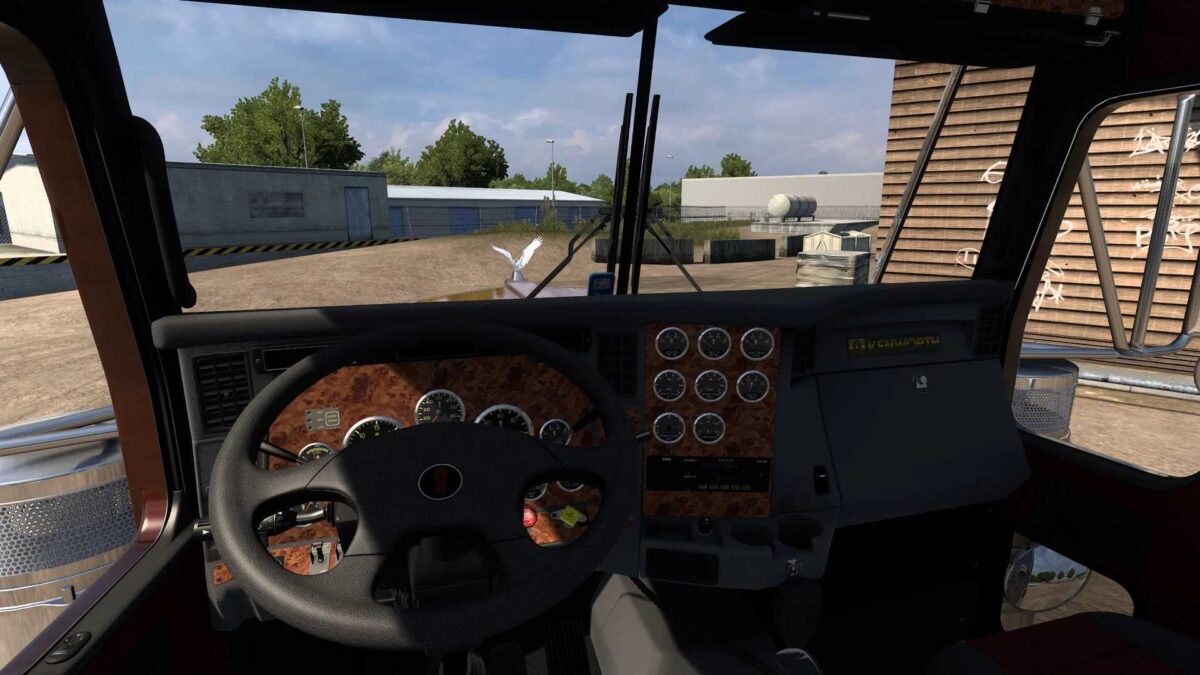
Interior features three different views (+ right-hand drive);
Unique wheels; Custom sound + new N14 v2.0 and N14c;
Metallic paint finish;
Walking camera functionality;
Adaptation for version 1.53;
Registered at your dealership;
Window animation available, but only for left-hand drive interiors;
Advanced coupling system included;
Two types of spiral cable options;
Custom sounds in Fmod format.
Important:
The mod was uploaded slightly later than anticipated, so it isn’t brand new!
Version 6.8 for Euro Truck Simulator 2 (v1.53):
Minor modifications made to the front bumper;
Added air intake features;
Goblin vinyl added to the rear cabin wall, specifically for “B” cabin option, not intended for other variants;
Fixed illumination issues on the windshield; anticipating the arrival of this stunning American model, I extended its availability, and you can now purchase it at your dealership.
Credits: Virat, SCS: – 3D model, Stas556: – wrapping, animation, registration, Kriechbaum: – sound, engine and transmission registration, Fire-Blade: – modeling in 3ds Max, Robert Bogdanov: – Texturing, scanning, Gerald Hardie: – Technical support, Smith: – Assistance with updates and model improvements, Mick Brown: – Accessories, Mishanka: – Additional registration, Knox: – Dashboard, TV, and GPS integration. RDA TEAM Updated by: Finnya
How to install ETS2 or ATS Mods
Installing mods in Euro Truck Simulator 2 is straightforward. Just download the mod from here and copy/unzip the files into the “My Documents\Euro Truck Simulator 2\mod” folder. For American Truck Simulator, place the mods in “My Documents\American Truck Simulator\mod” folder. You can use WinRAR or 7zip to unzip files. After that, activate the mods you wish to use.