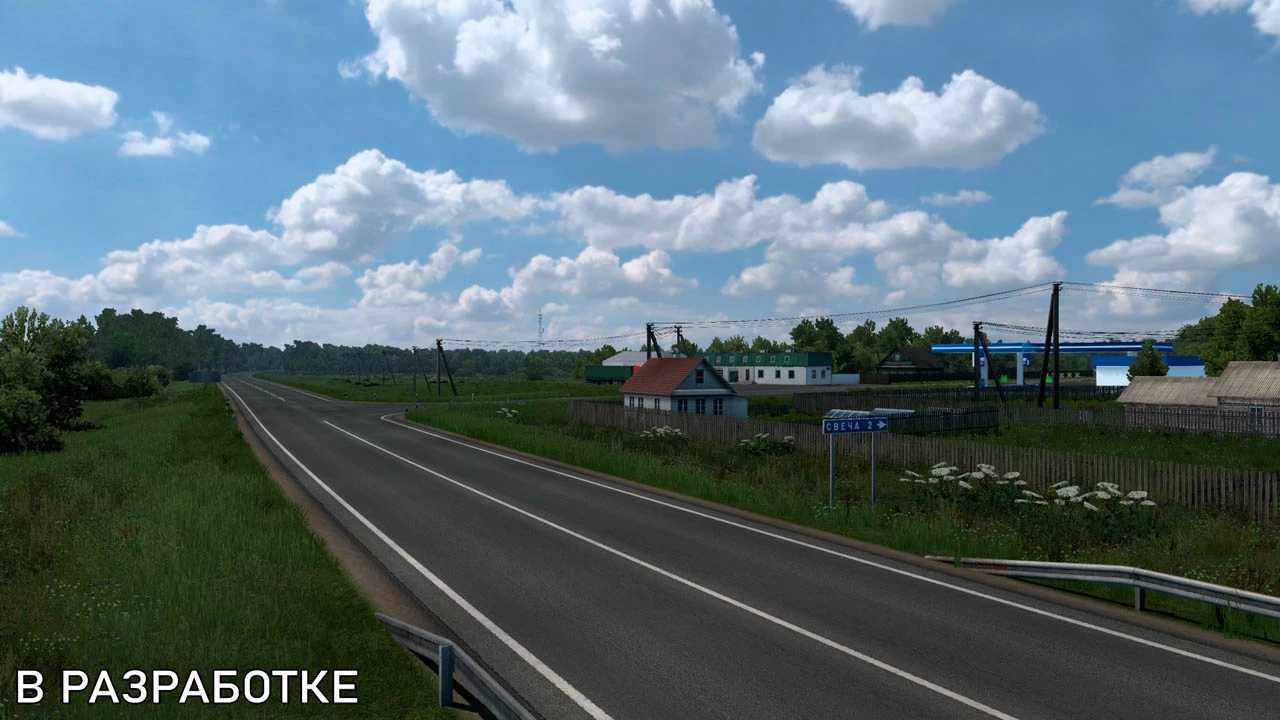
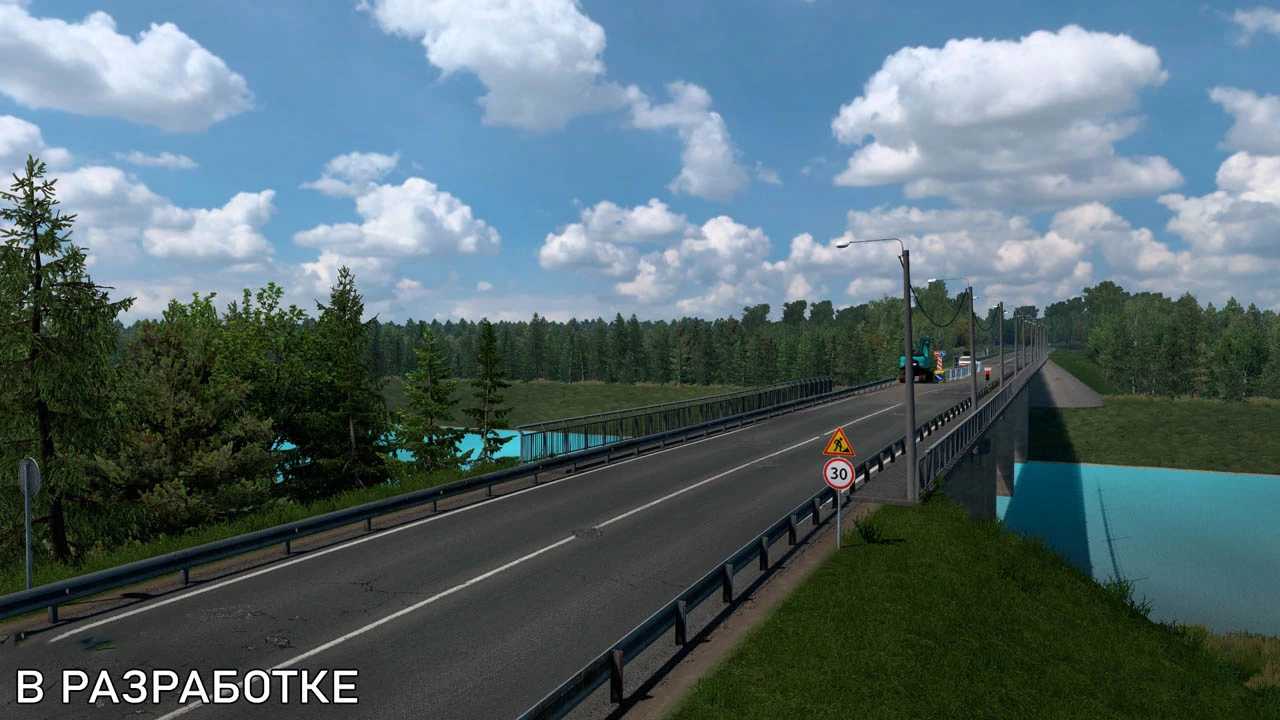
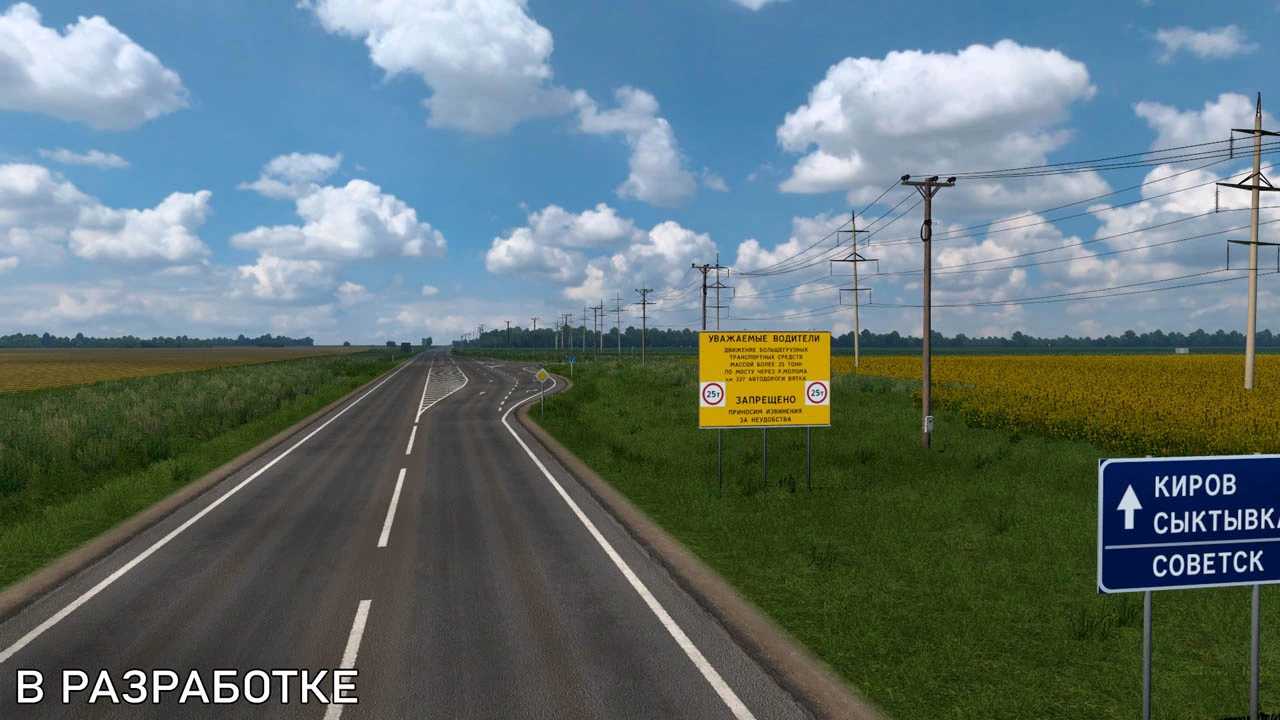
Kirov Map v1.7.2 for ETS2 1.55
Change Log for Version 1.7.2
– Updated for ETS2 version 1.55
Ensure you have all relevant DLC for the maps, excluding the West Balkans DLC.
Credits: Svo43
How to Install ETS2 or ATS Mods
Installing mods in Euro Truck Simulator 2 is straightforward. Simply download the mod from here and copy/unzip the files into the “My Documents\Euro Truck Simulator 2\mod” folder. For American Truck Simulator (ATS), place the mods in “My Documents\American Truck Simulator\mod” folder. Use WinRAR or 7zip to extract the files. Don’t forget to activate the mods you wish to use.