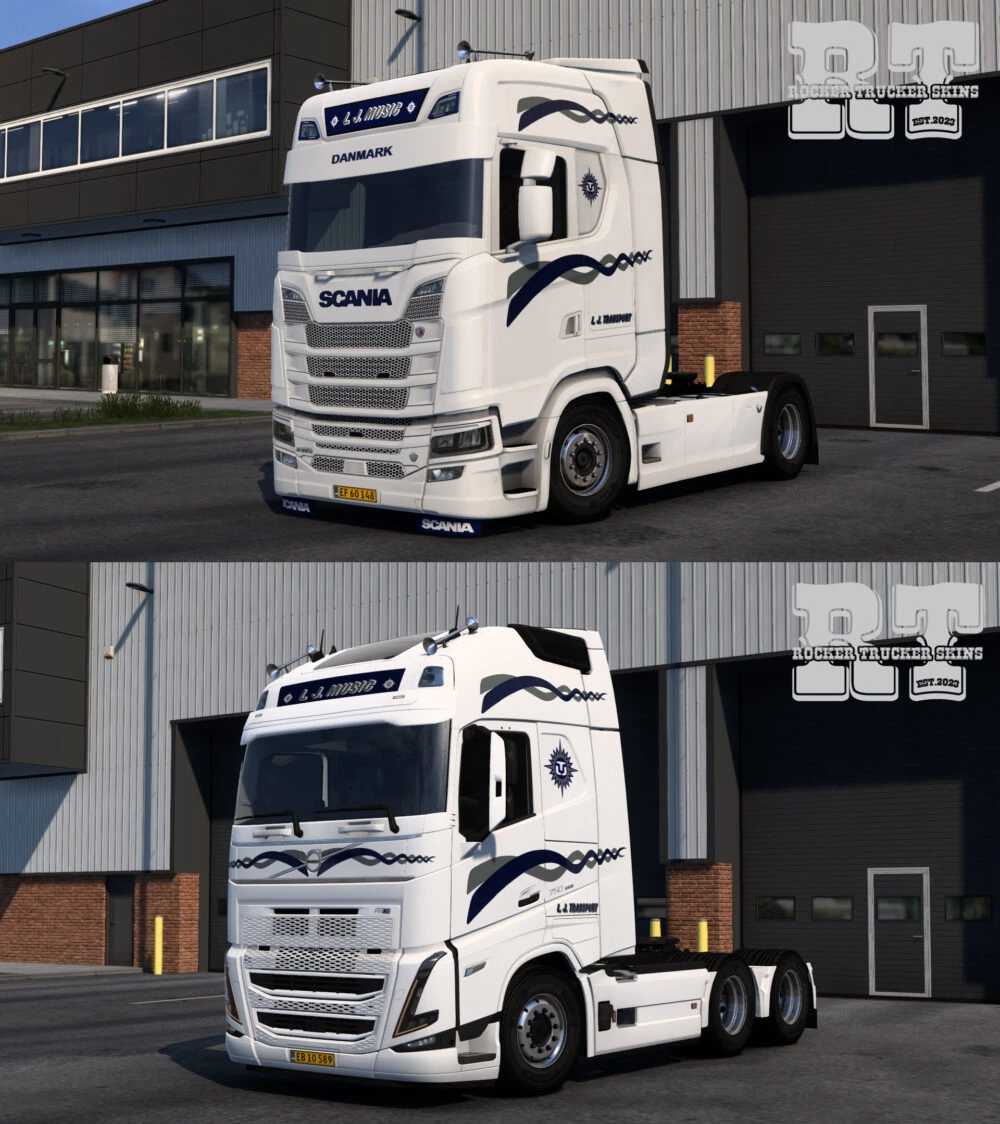
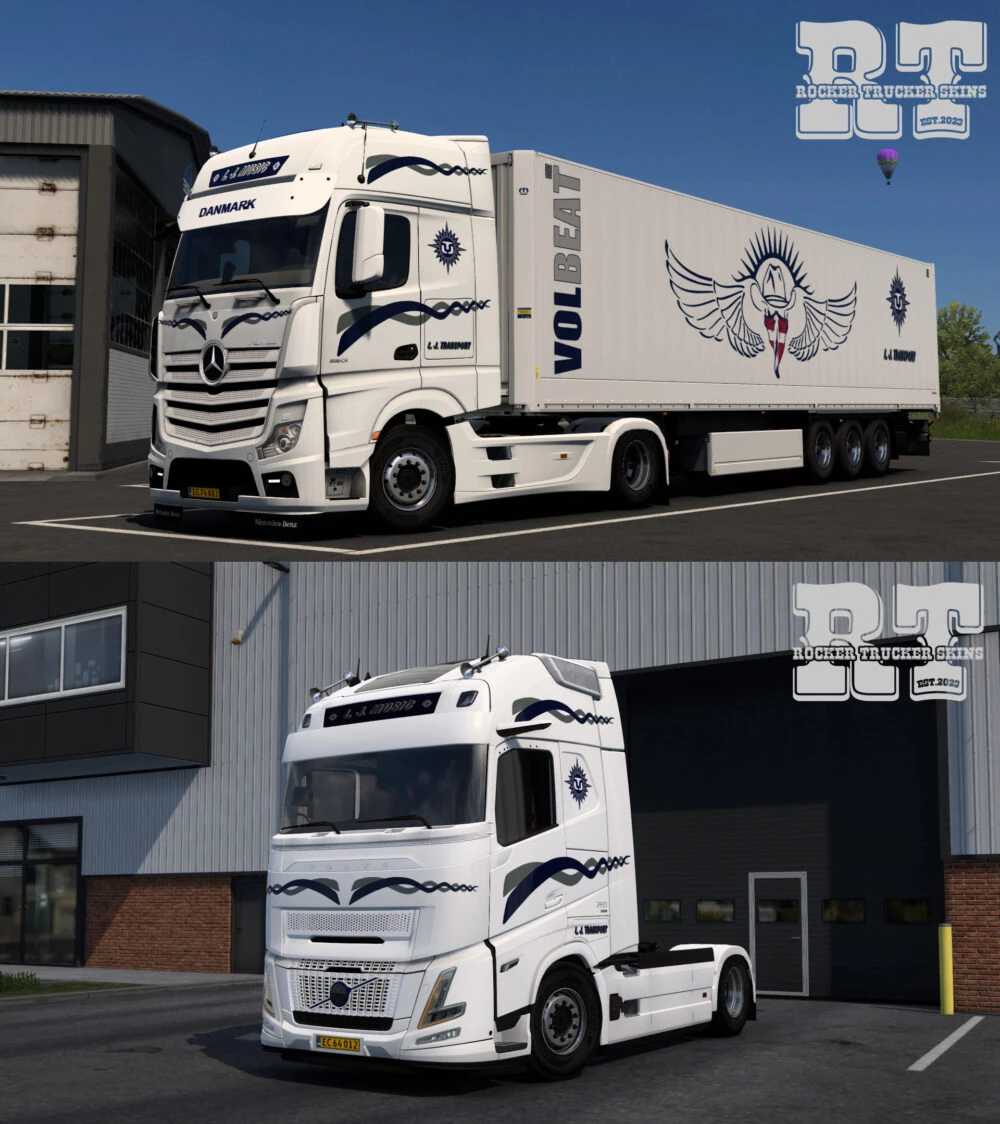
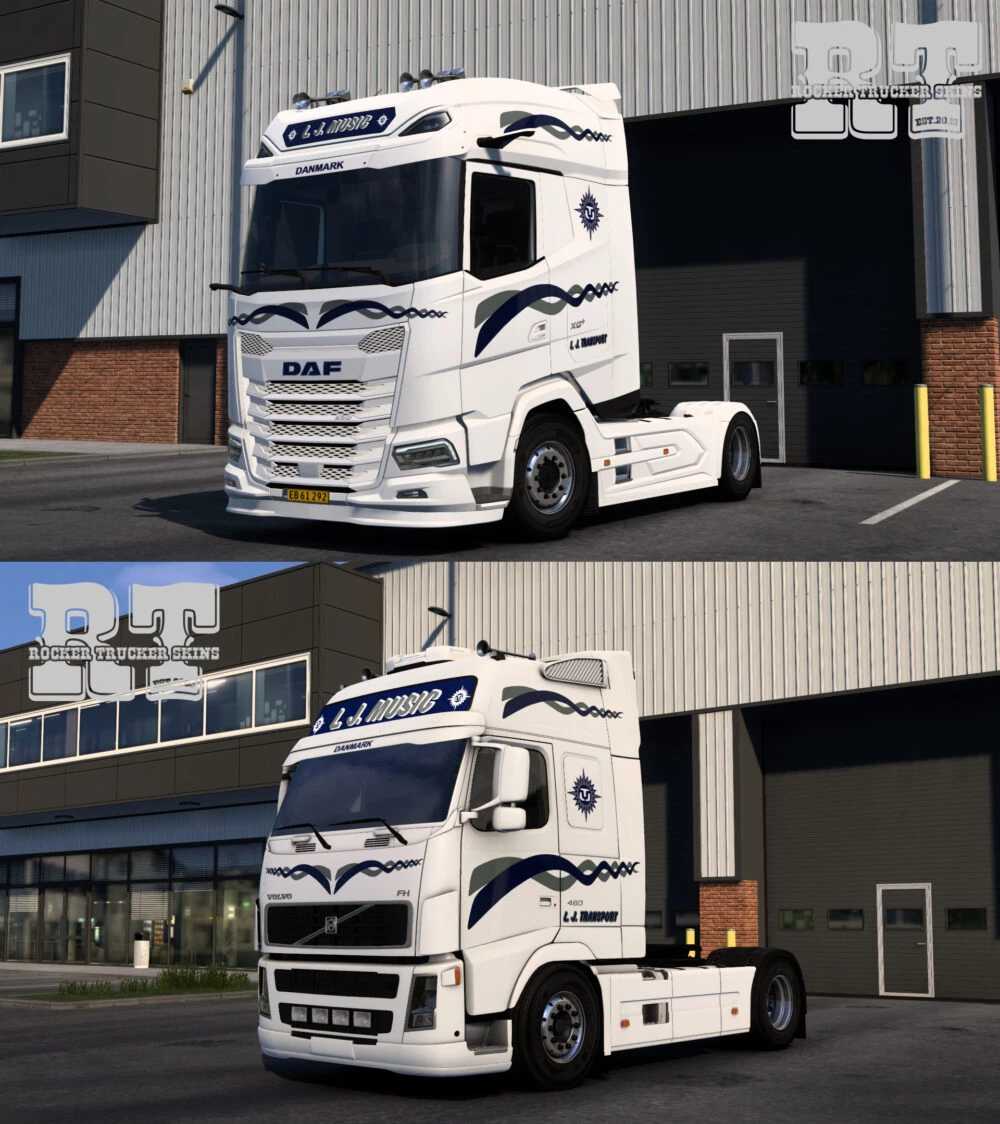
L. J. Transport Skin Pack v1.0 for ETS2
Compatible Vehicles:
– DAF NGD 2021 (SCS)
– Mercedes Actros MP4 (SCS)
– Scania R & S NextGen (SCS, Eugene) + requires the “50k addons” mod for lightbox
– Volvo FH 4 (SCS) + lightbox support
– Volvo FH 5 (SCS) + lightbox support
– Volvo FH 6 Globetrotter & Aero (SCS) + lightbox support
– Volvo FH2 FH3 (ModsTrade) + lightbox option №5
– Krone Dryliner
Credits: Rocker Trucker
Installation Instructions for ETS2 or ATS Mods
Installing mods in Euro Truck Simulator 2 is straightforward. Download the mod from the link provided, then copy or unzip the files into: “My Documents\Euro Truck Simulator 2\mod” folder. If you’re using American Truck Simulator, place the mods in: “My Documents\American Truck Simulator\mod” folder. You can use WinRAR or 7zip for extracting files. Afterward, activate the mods you wish to use.