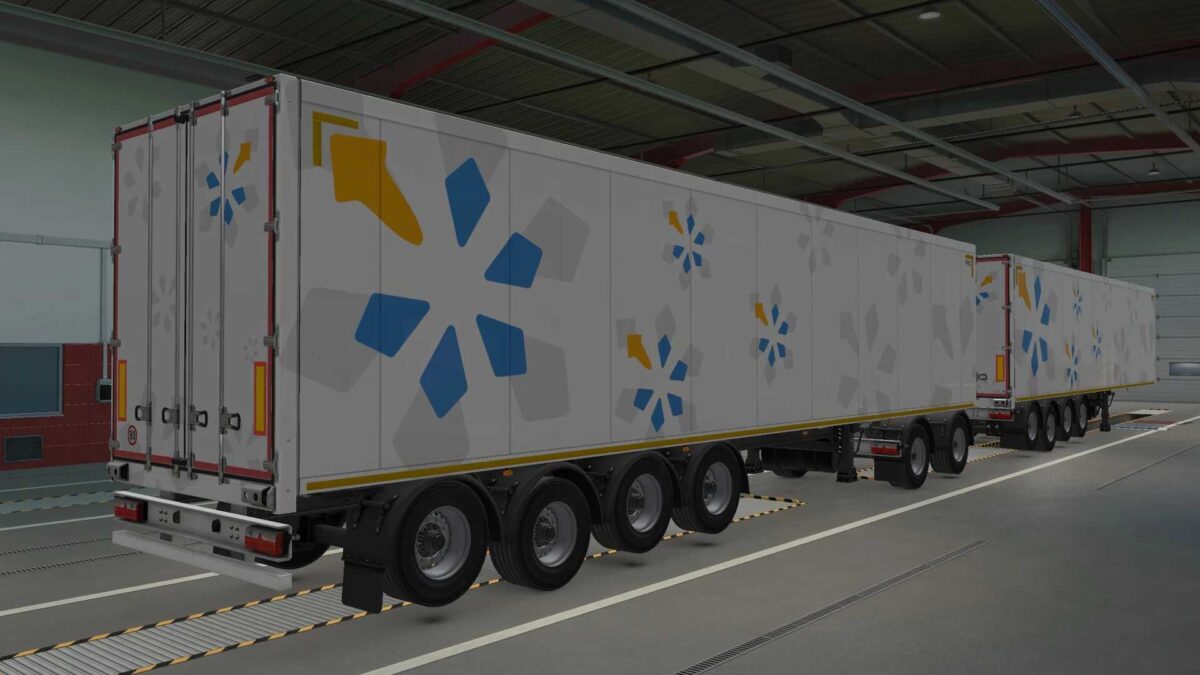
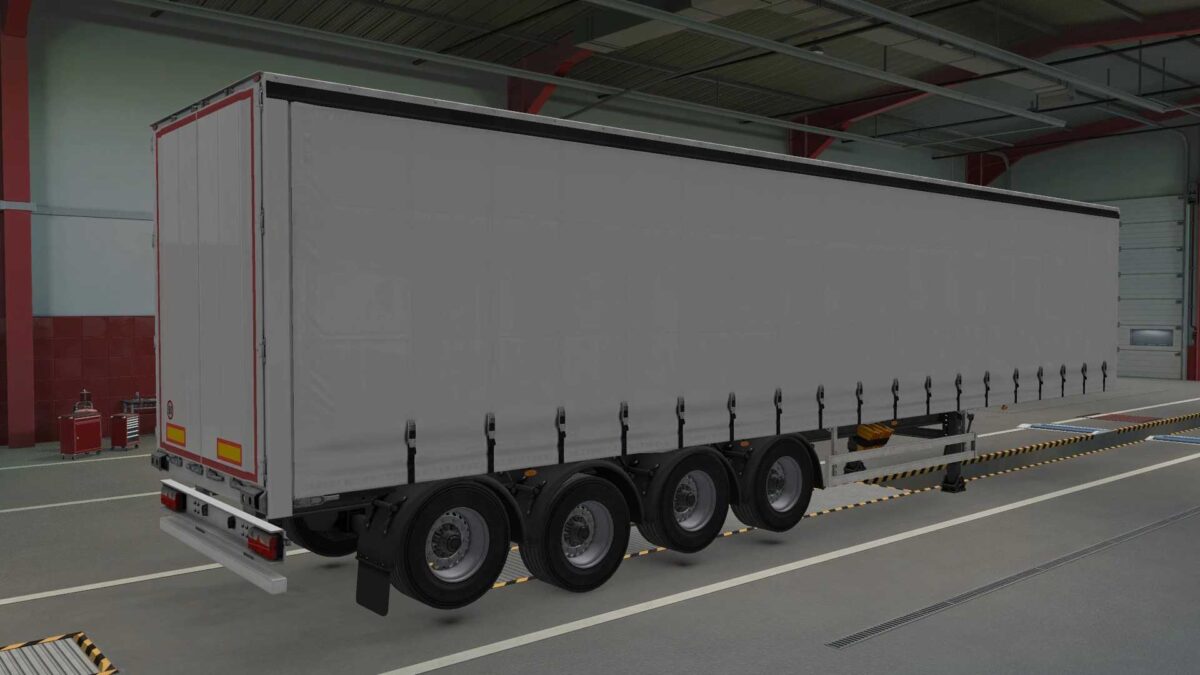
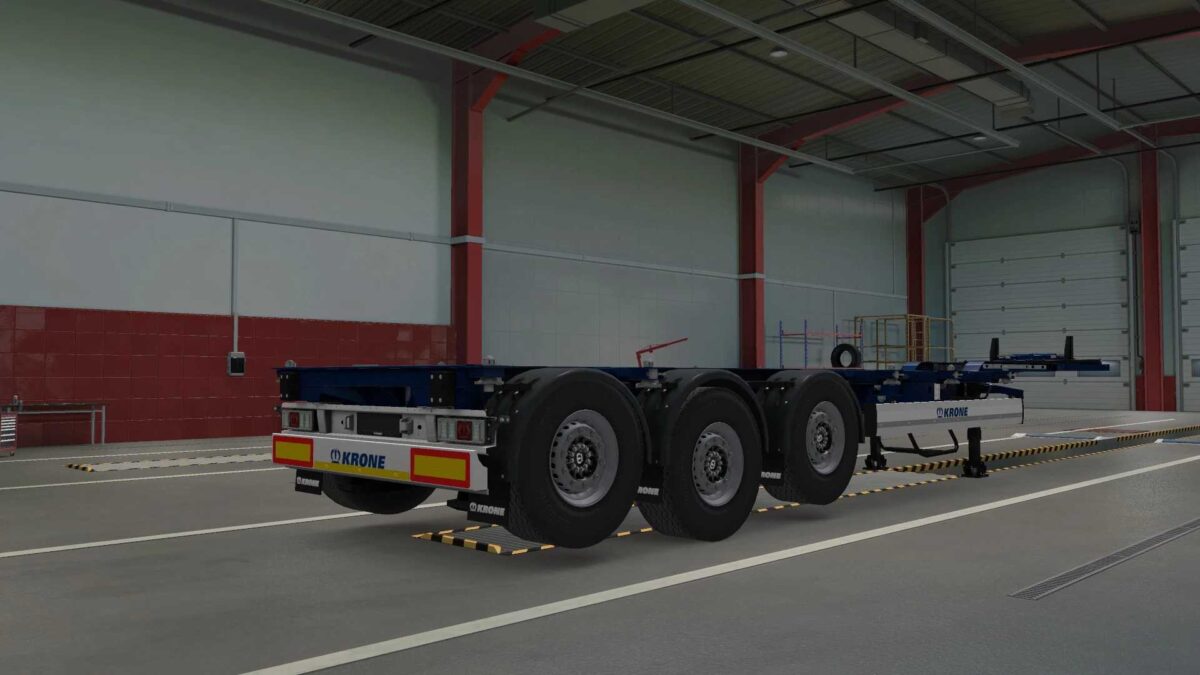
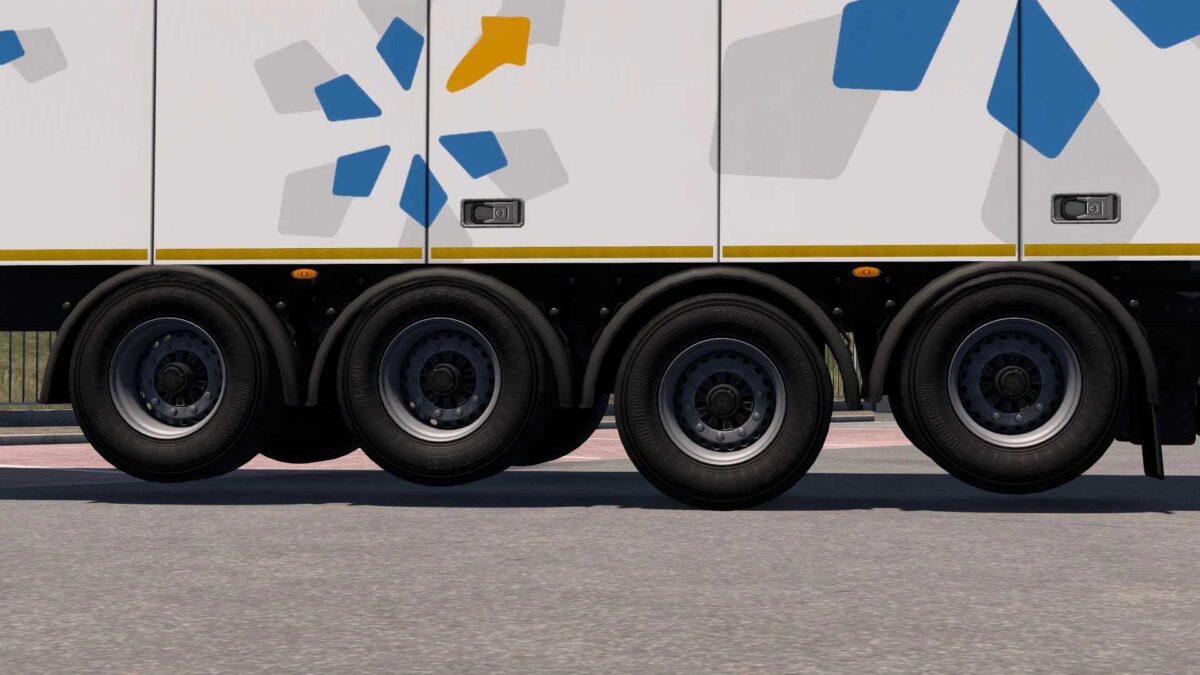
LIFTING AXES ETS2 20 11 2025 v1.0 1.50 1.57 ETS2
THIS MOD DOES NOT REQUIRE EXTRACTION; SIMPLY PLACE IT IN YOUR GAME’S MODS FOLDER AS DOWNLOADED.
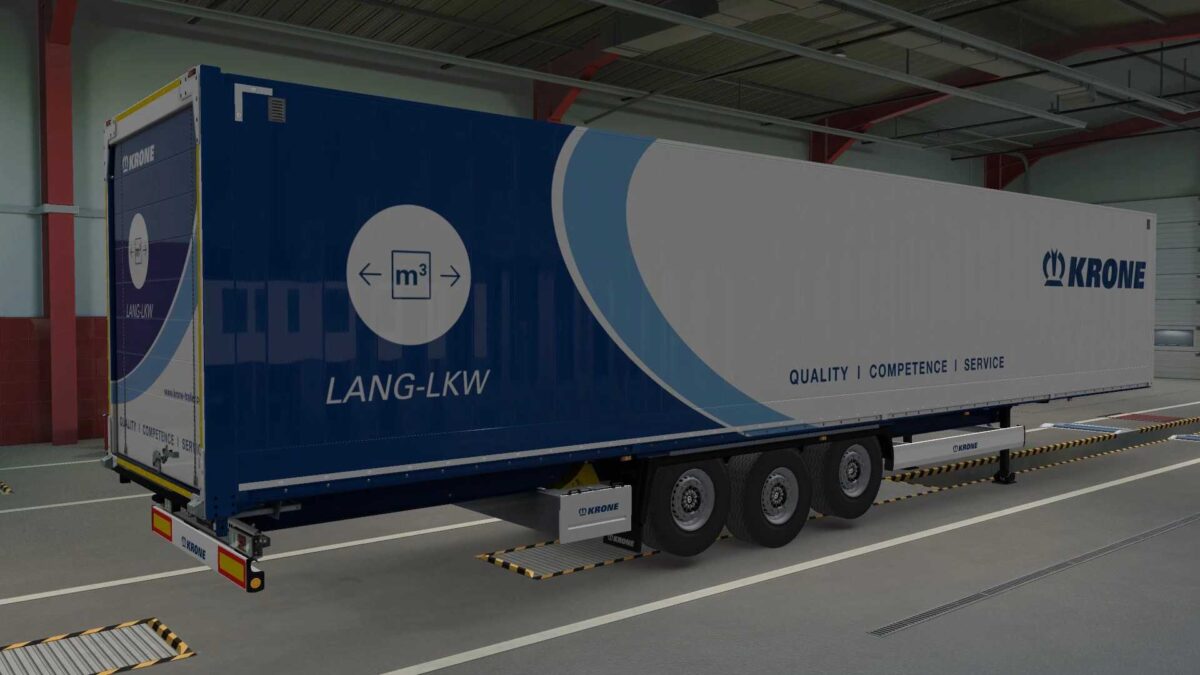
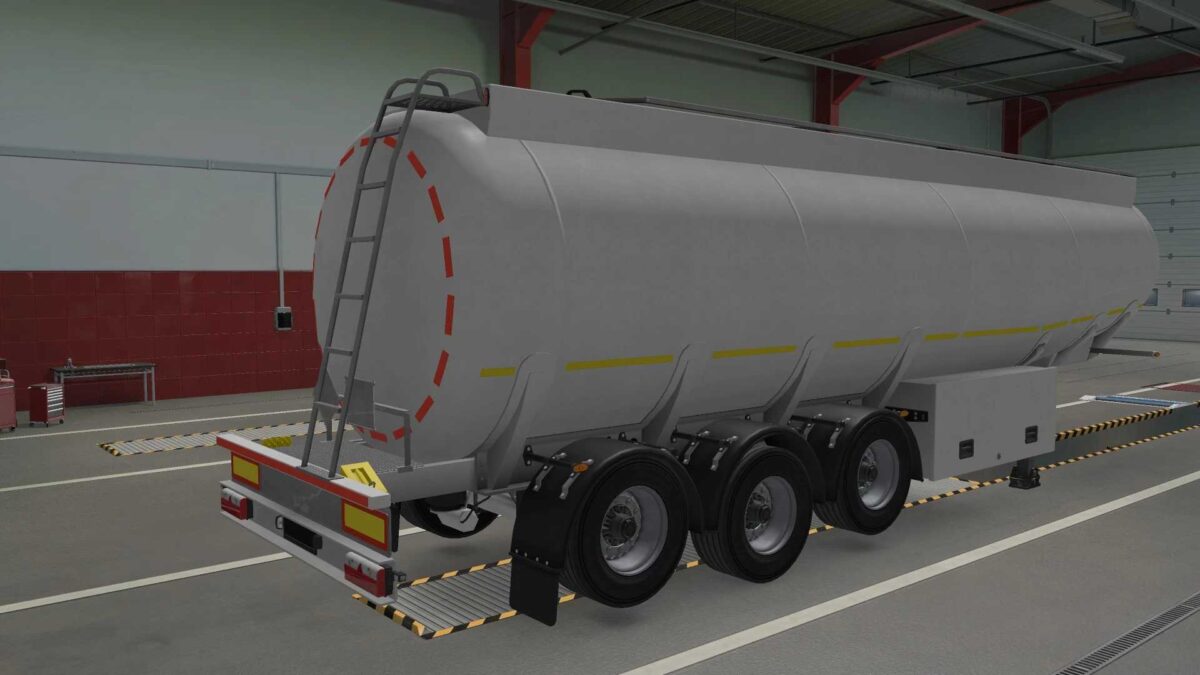
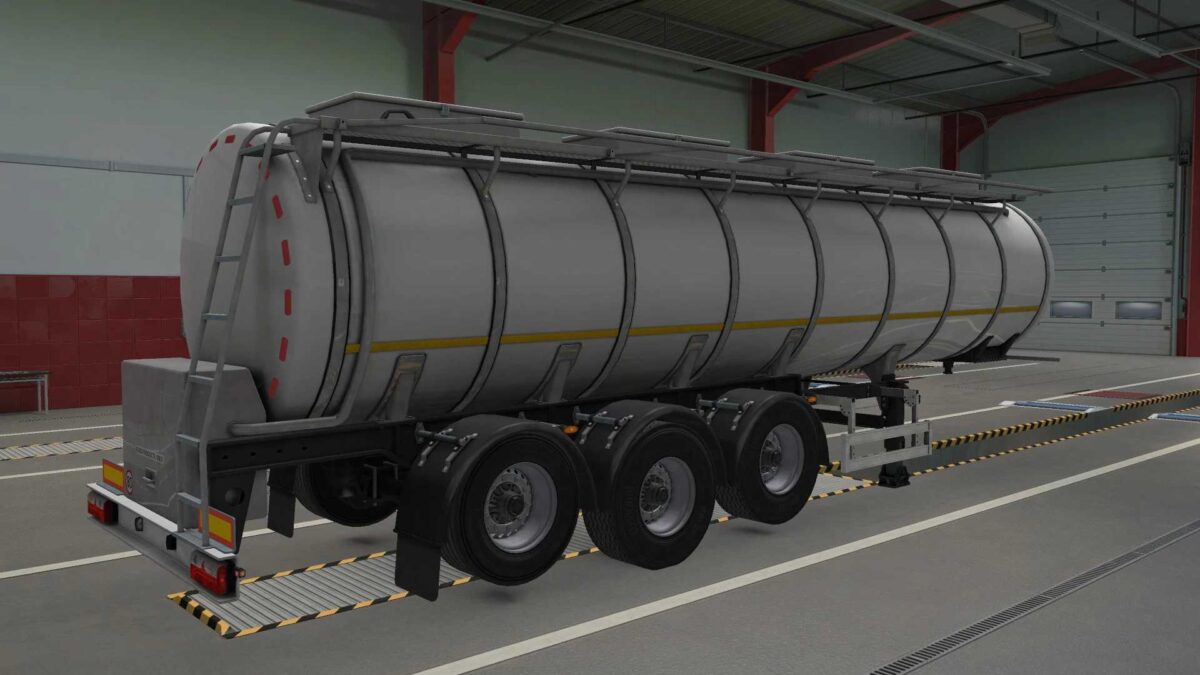
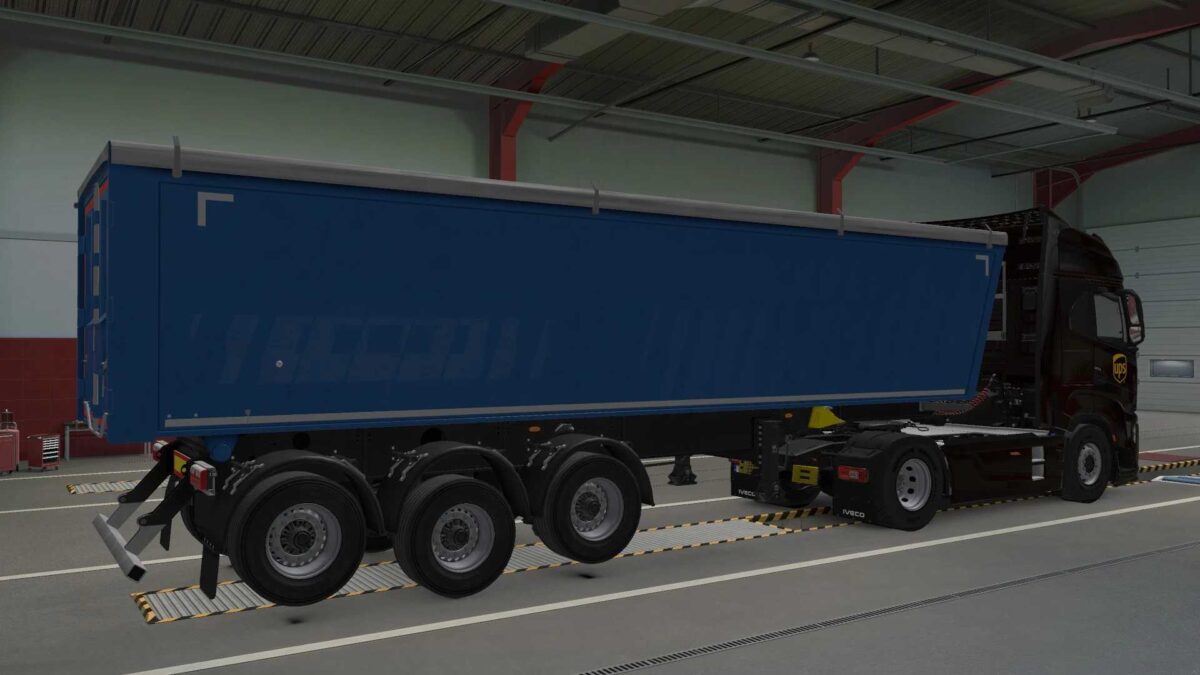
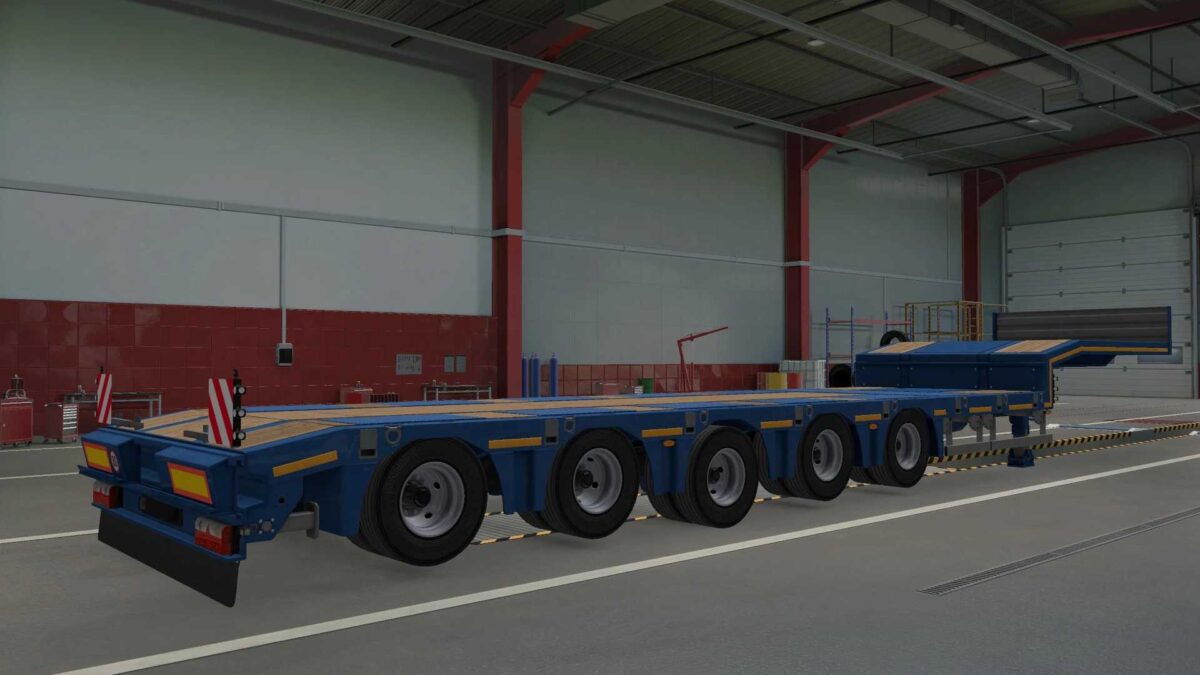
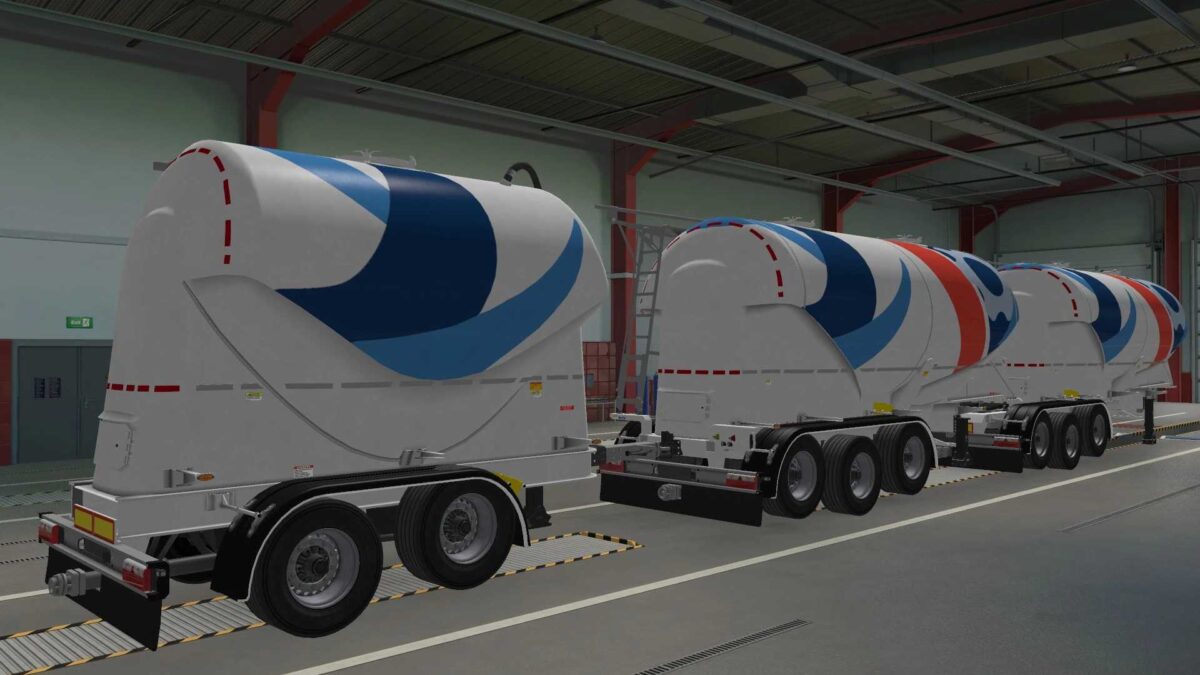
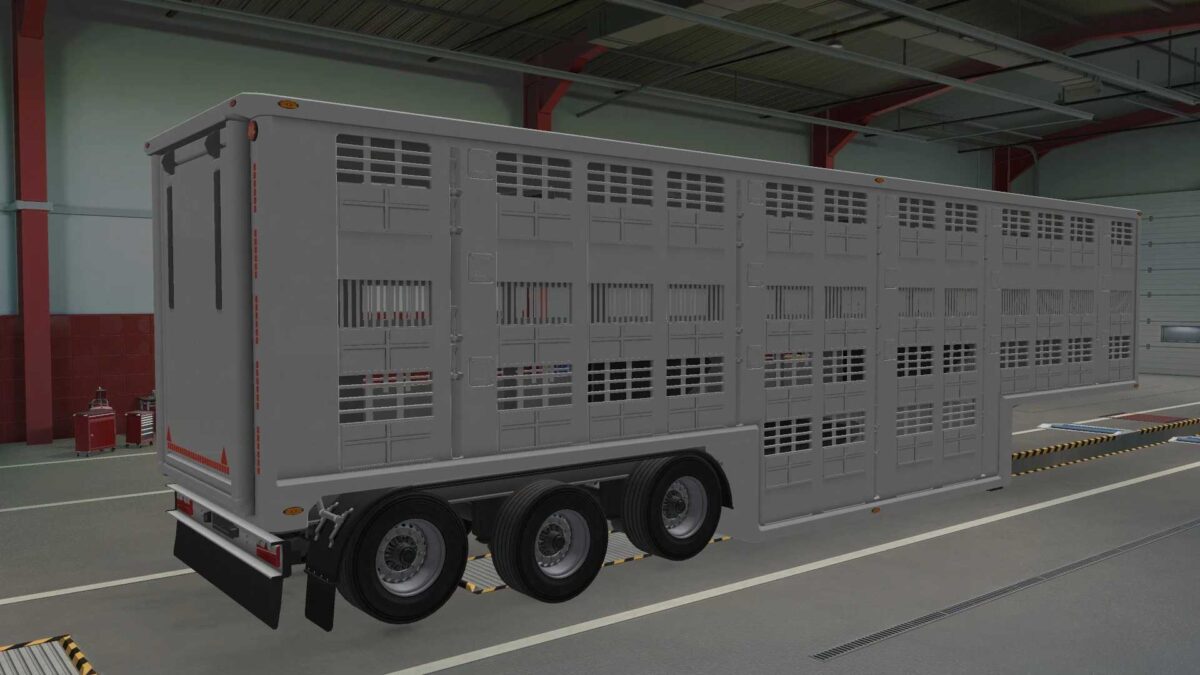
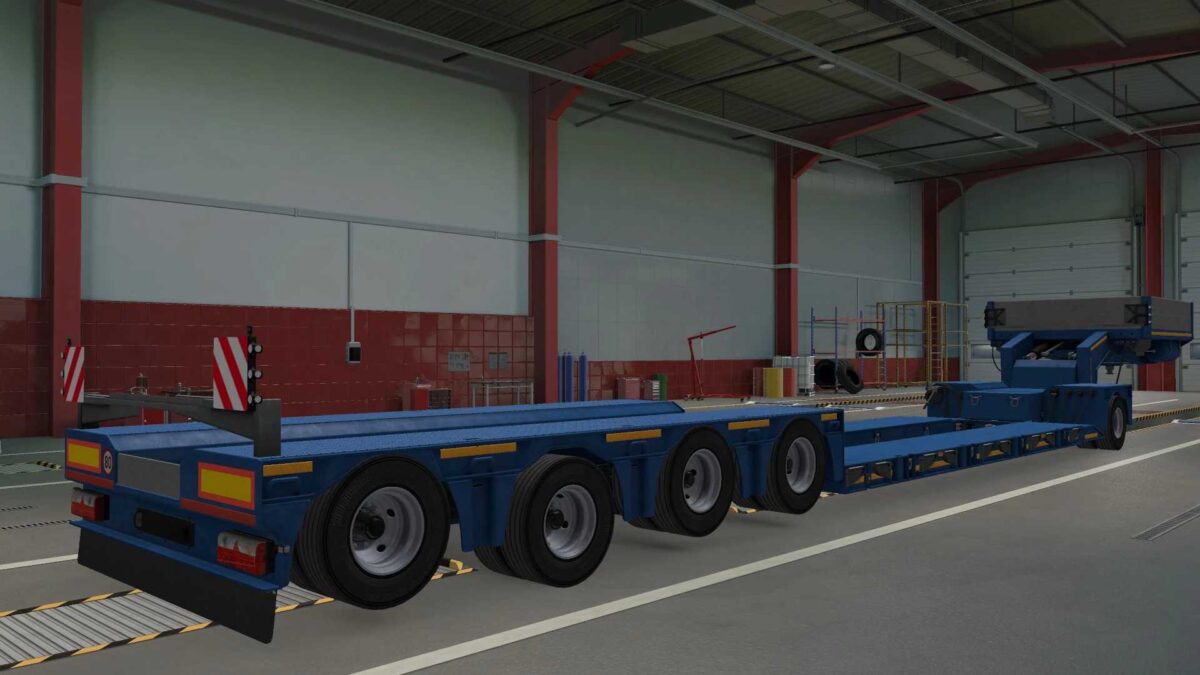
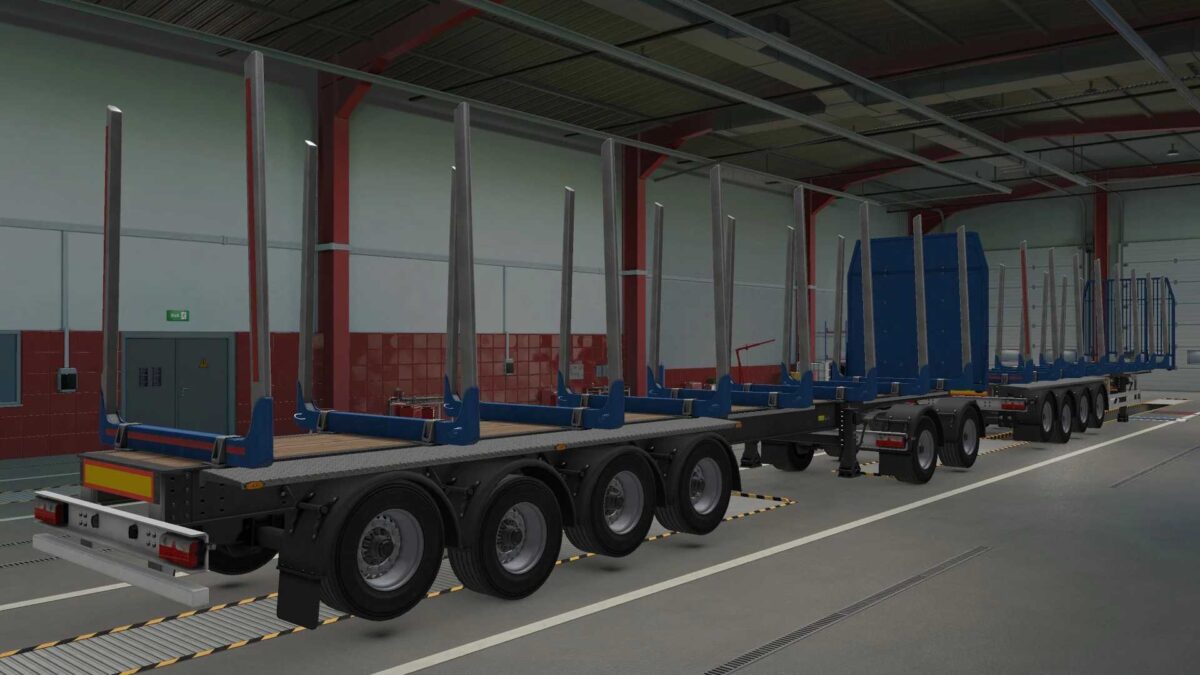
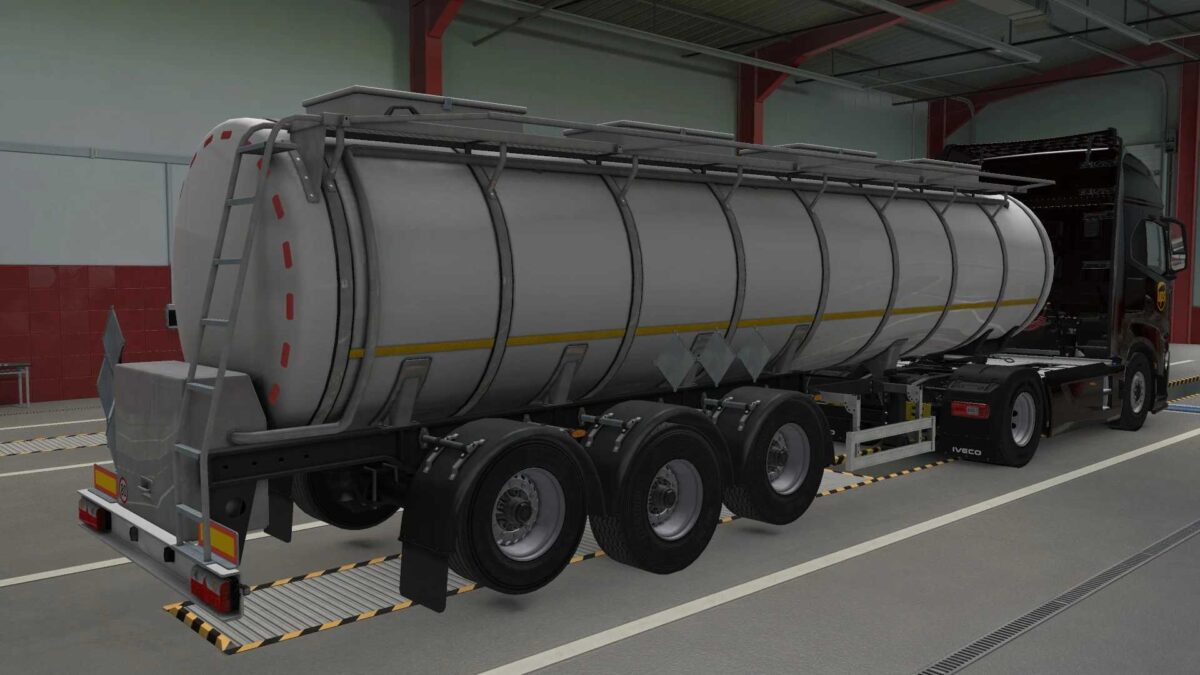
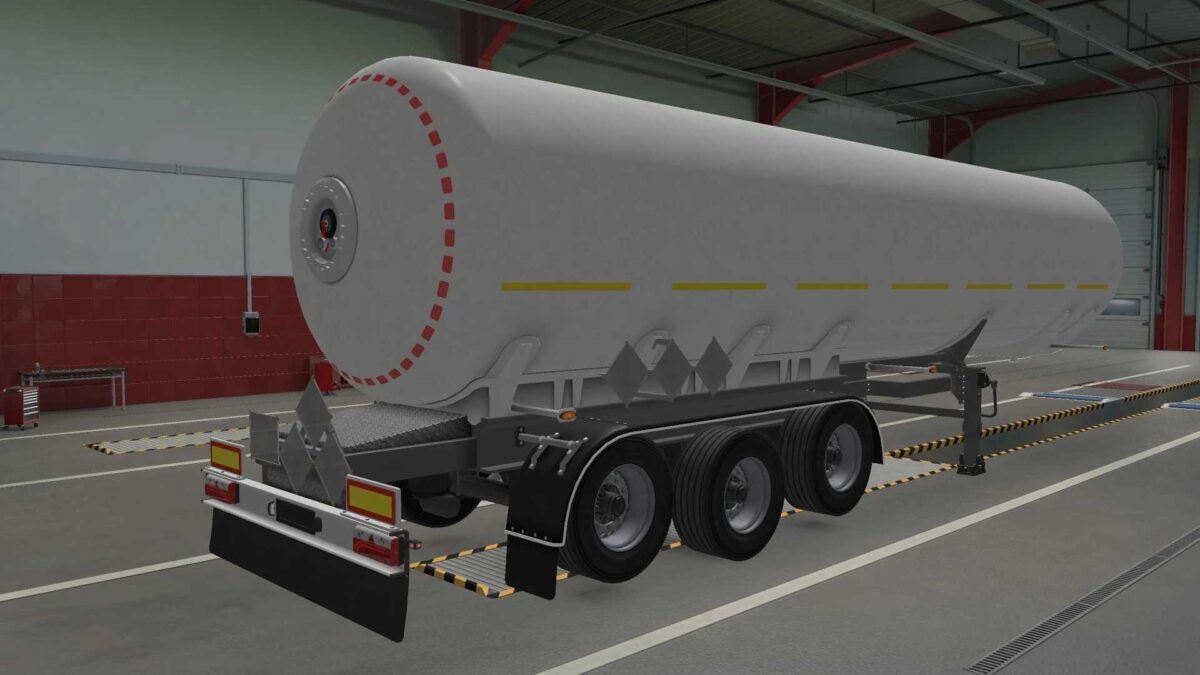
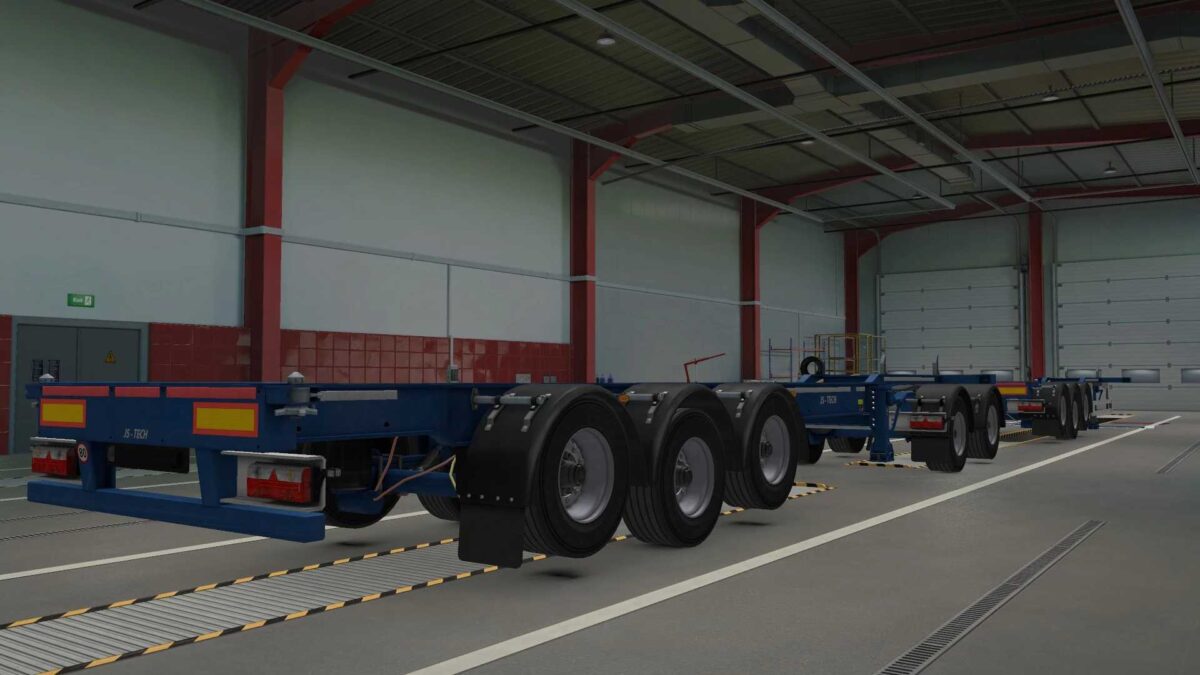
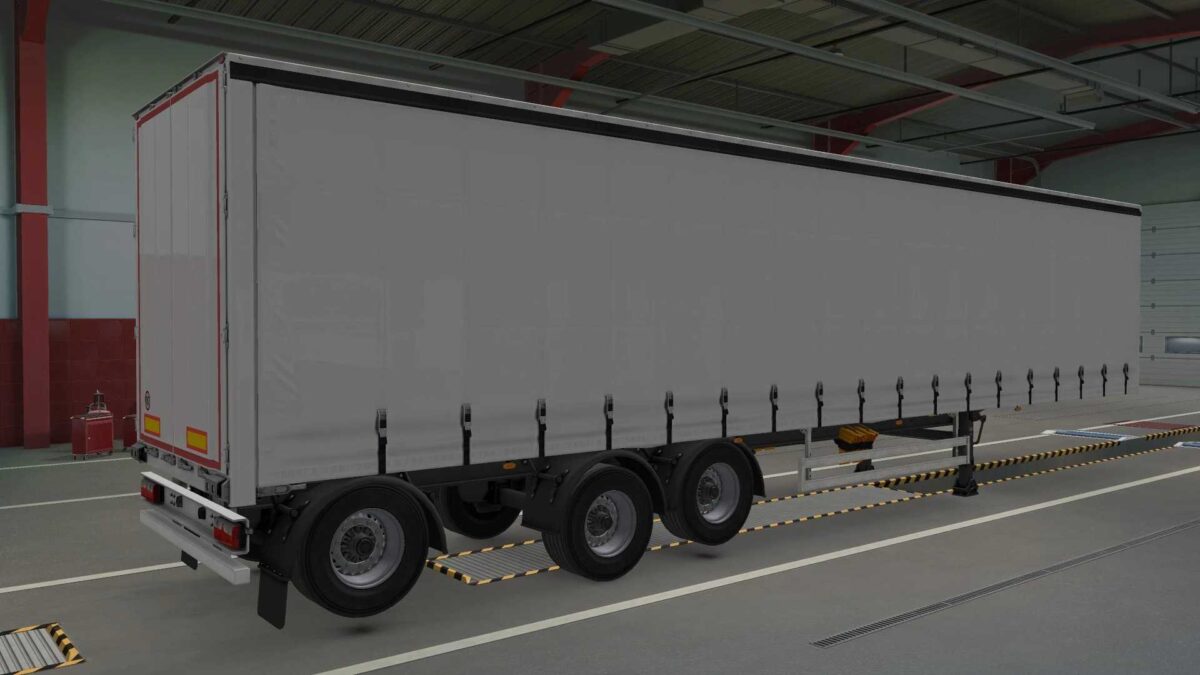
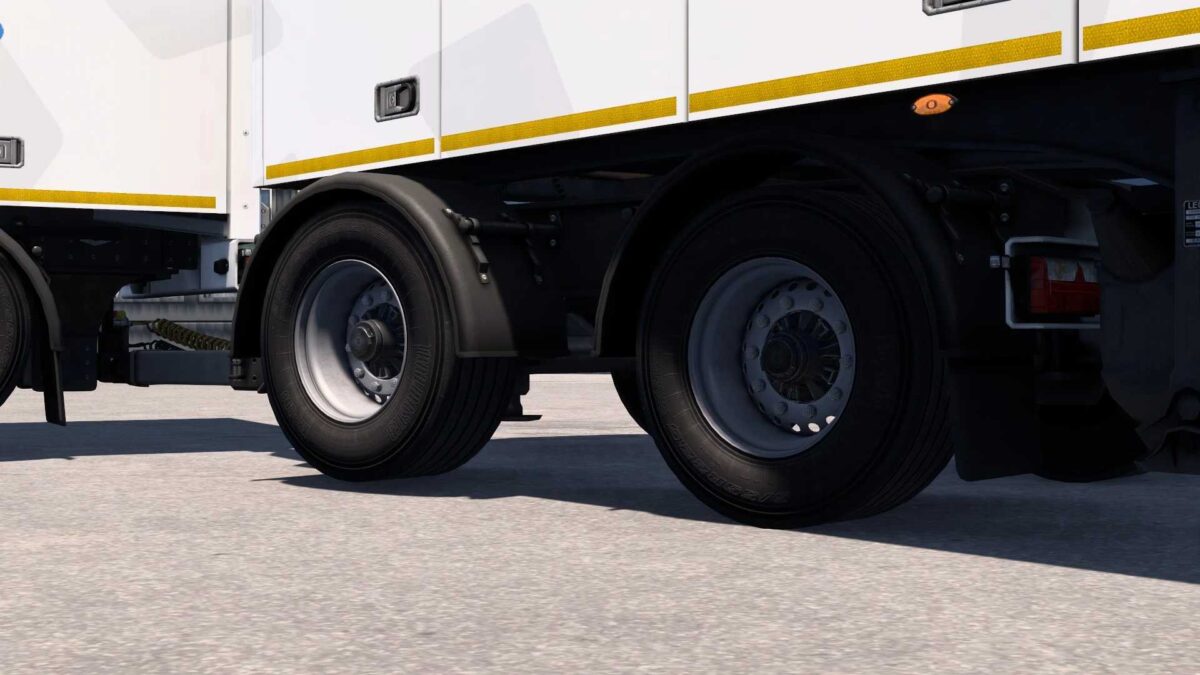
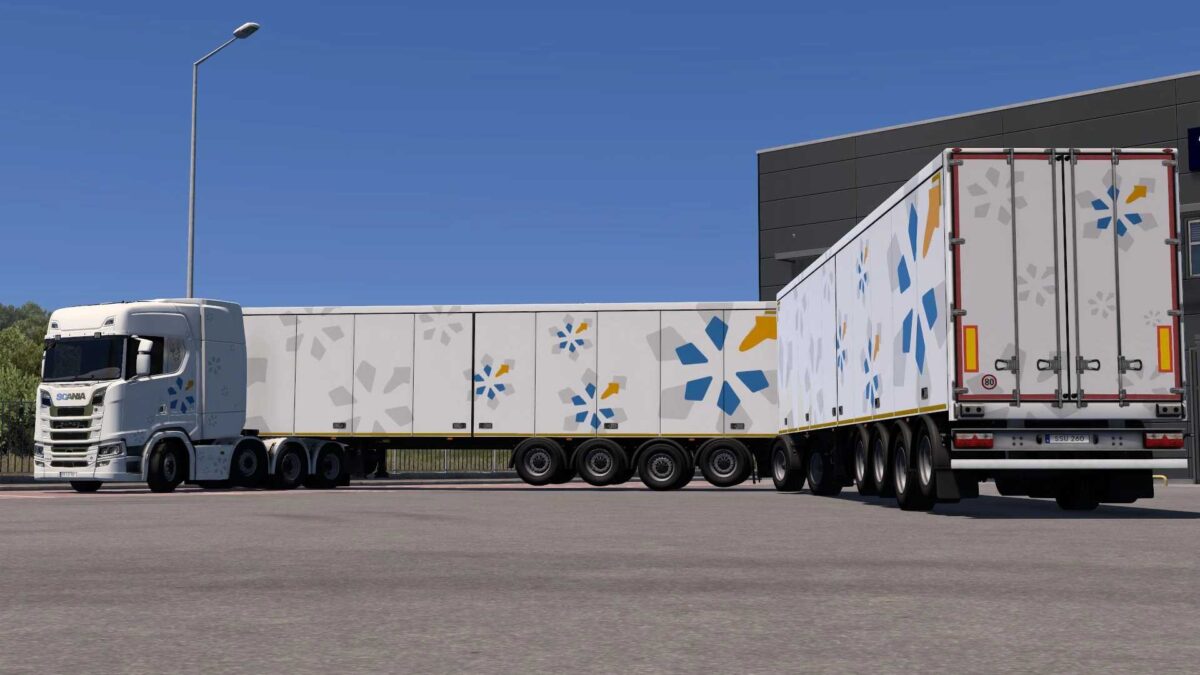
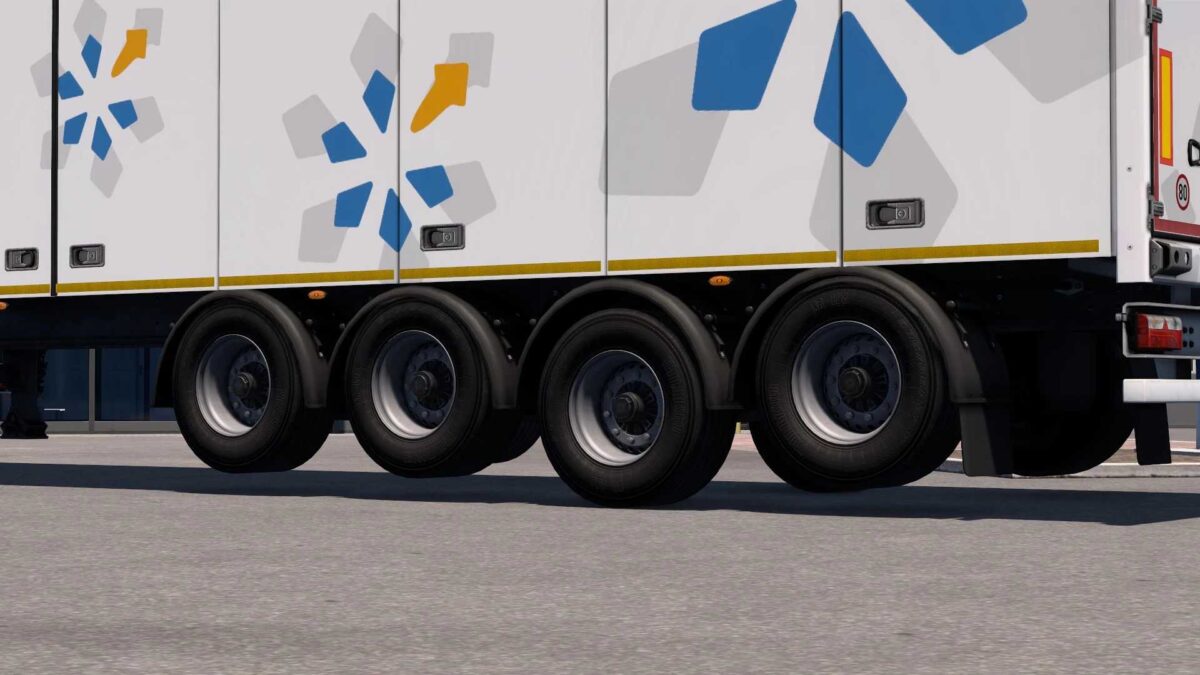
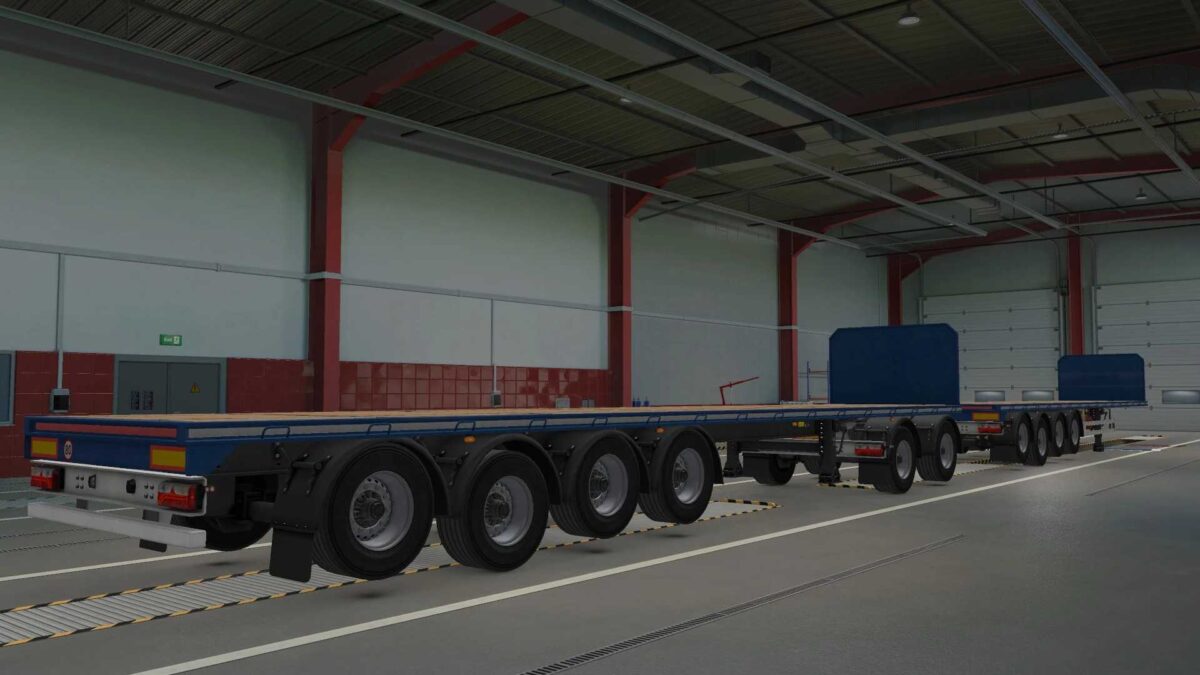
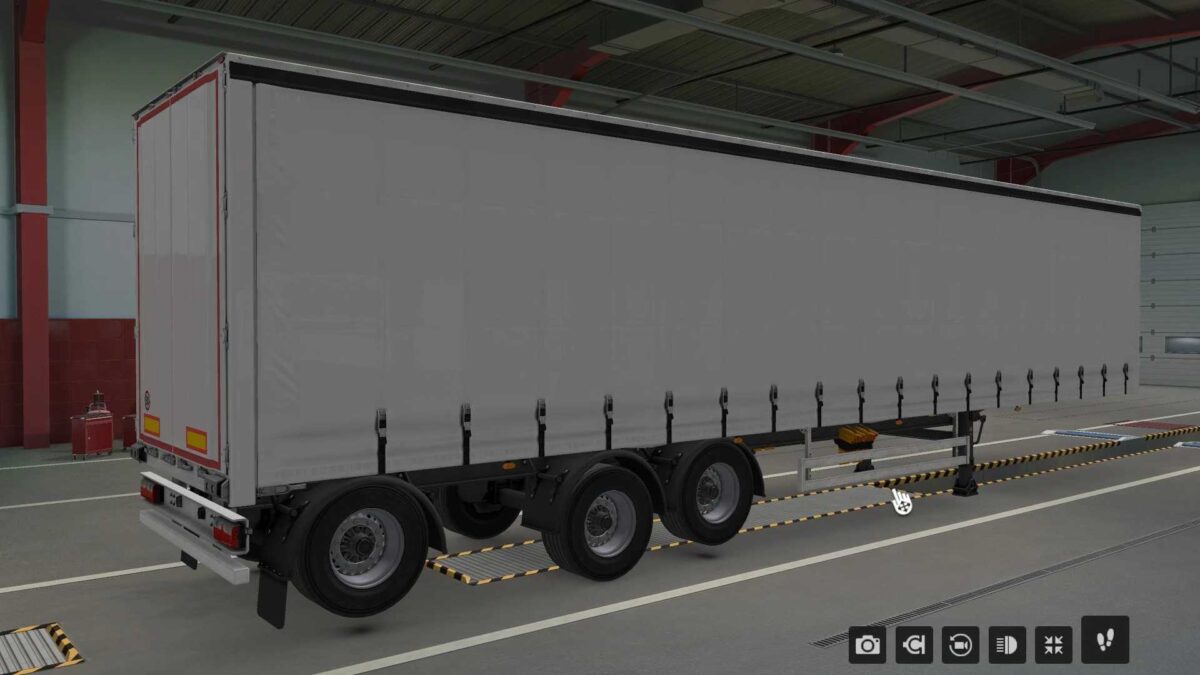
THIS MOD REMOVES THE NEED FOR ADDITIONAL AXLES, REDUCING TIRE WEAR WHEN DRIVING EMPTY AND MAKING MULTIPLE LOWERED AXLES UNNECESSARY.
COMPATIBLE TRAILERS IN THIS VERSION
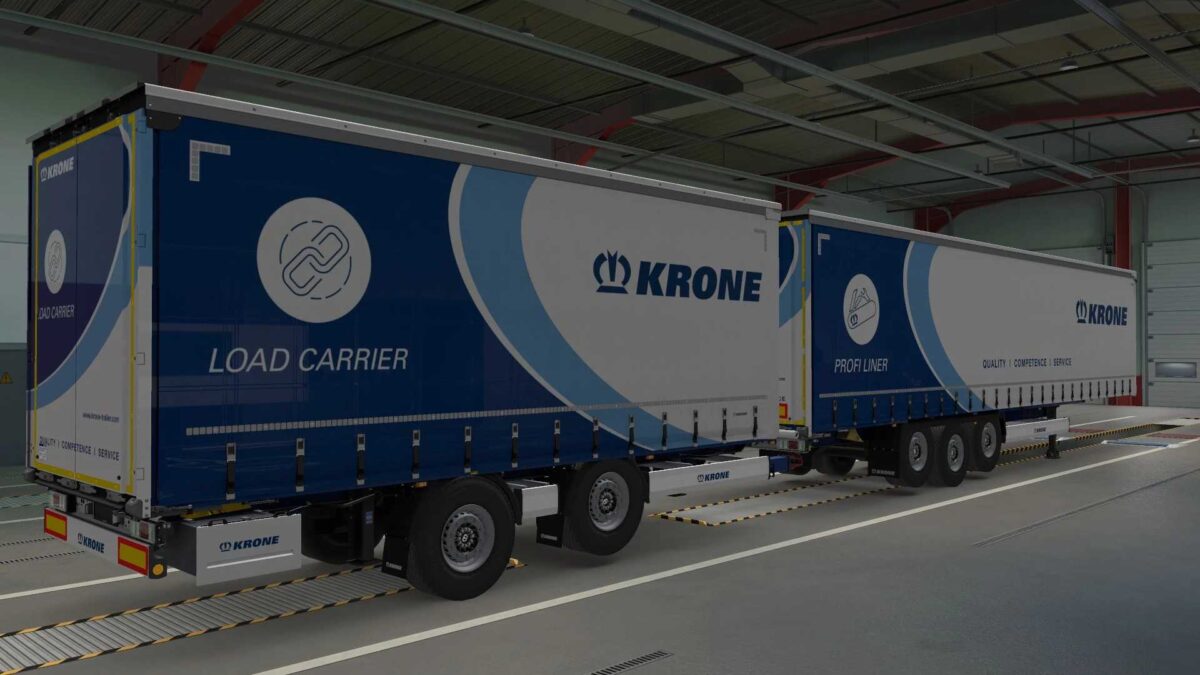
– KRONE BOXLINER
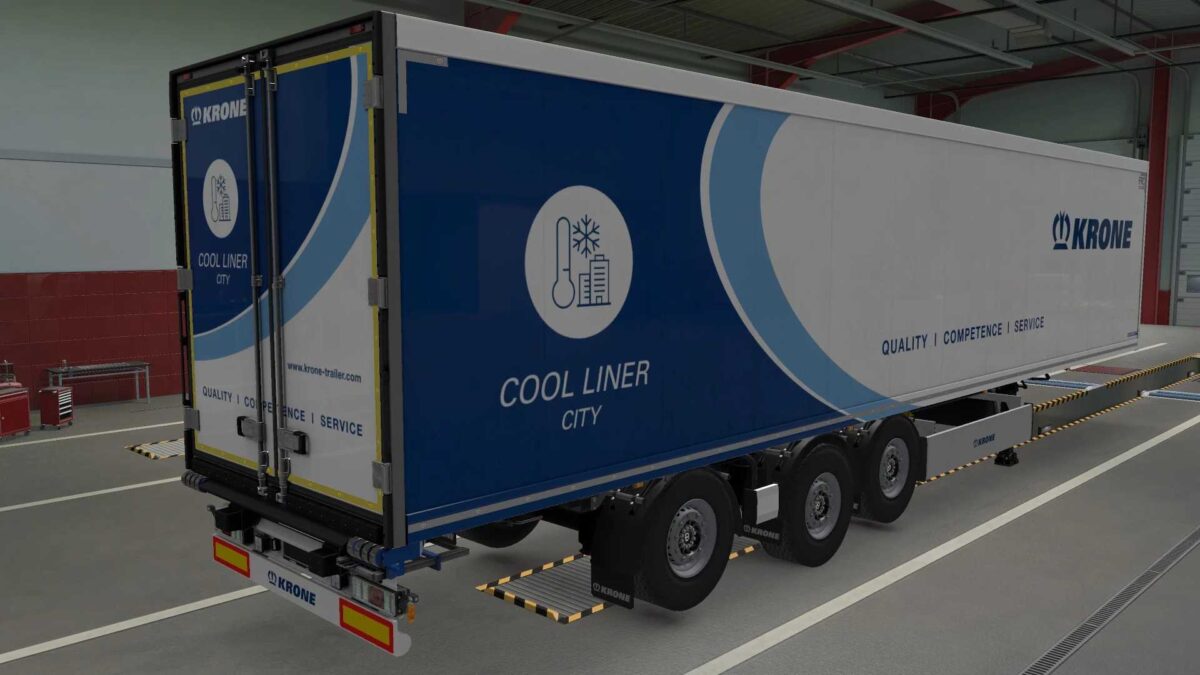
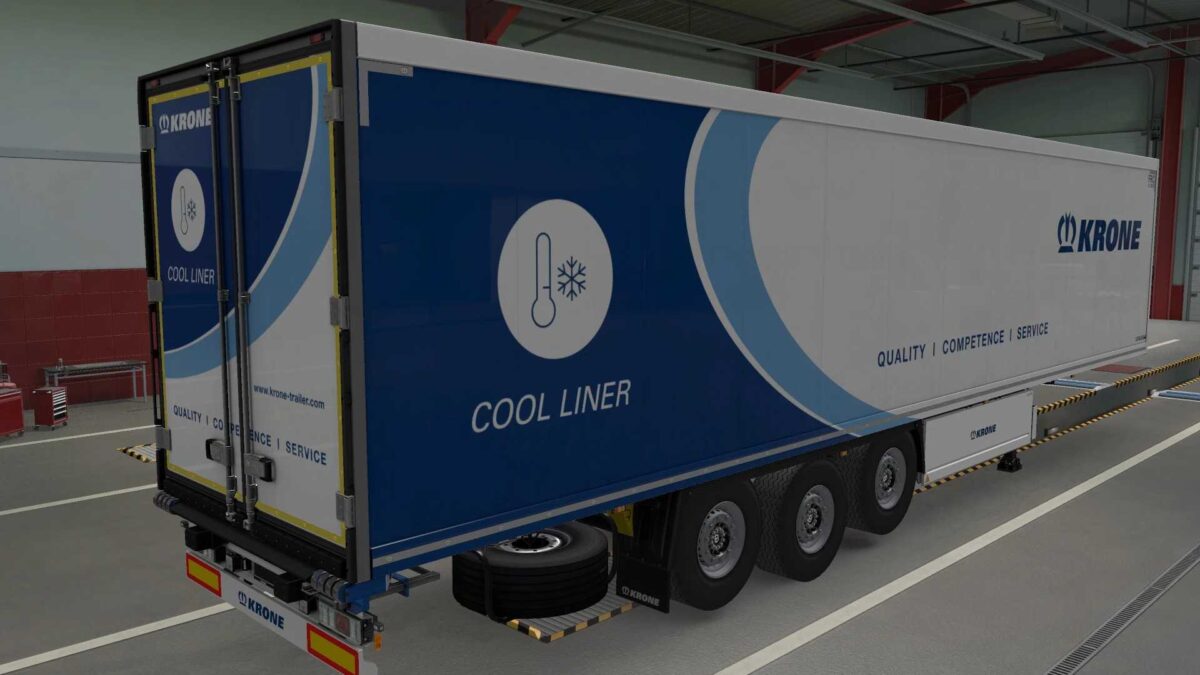
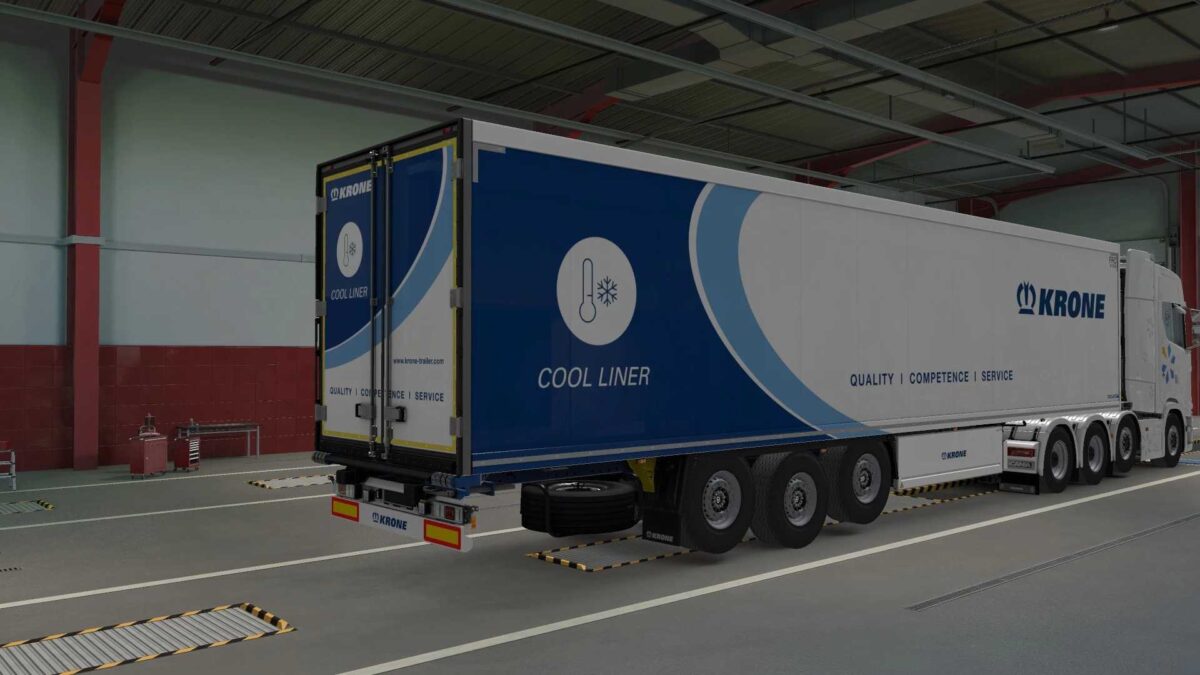
– KRONE COOLLINER
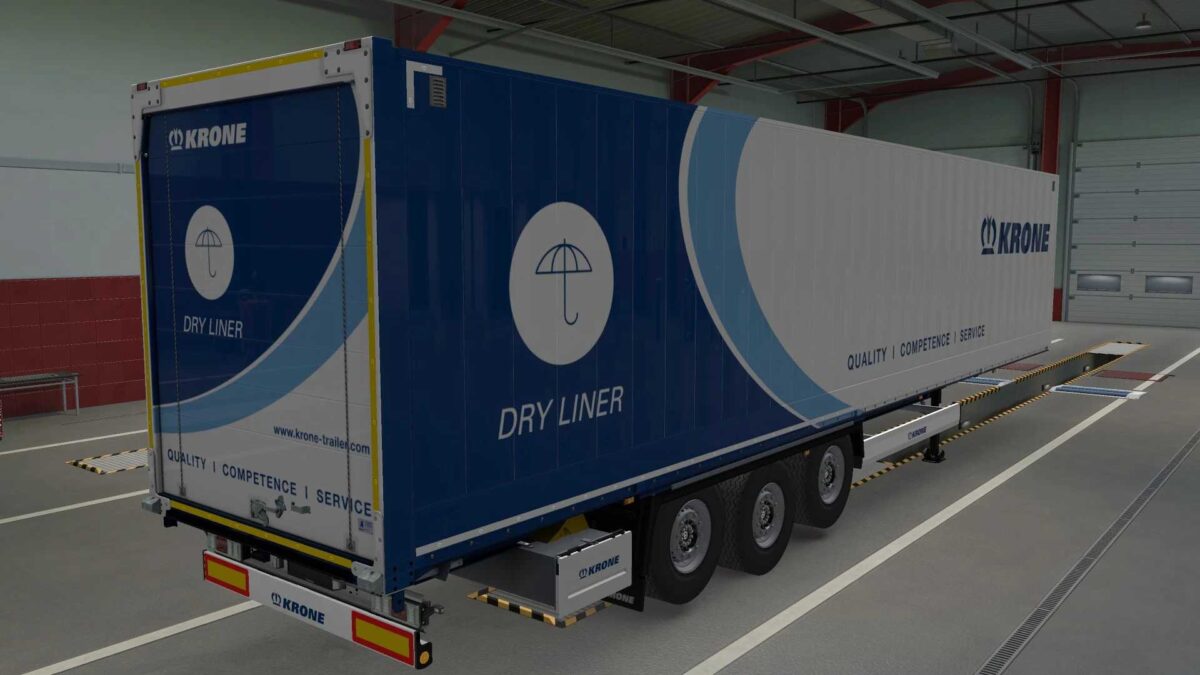
– KRONE DRYLINER
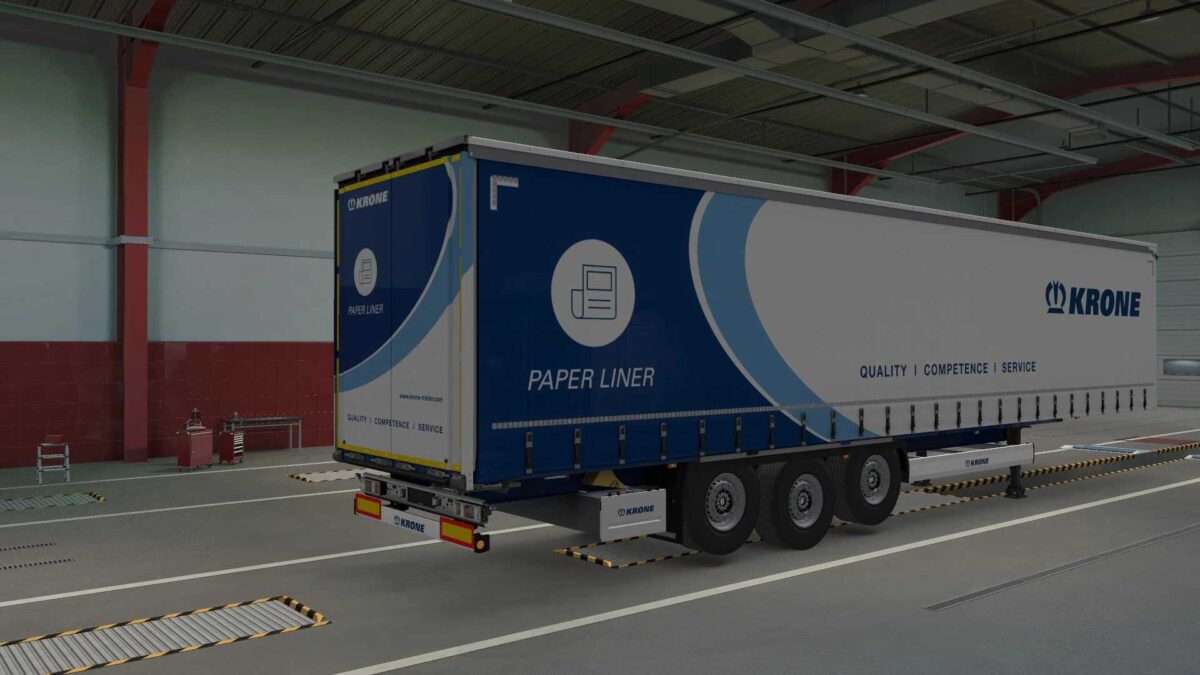
– KRONE PAPERLINER
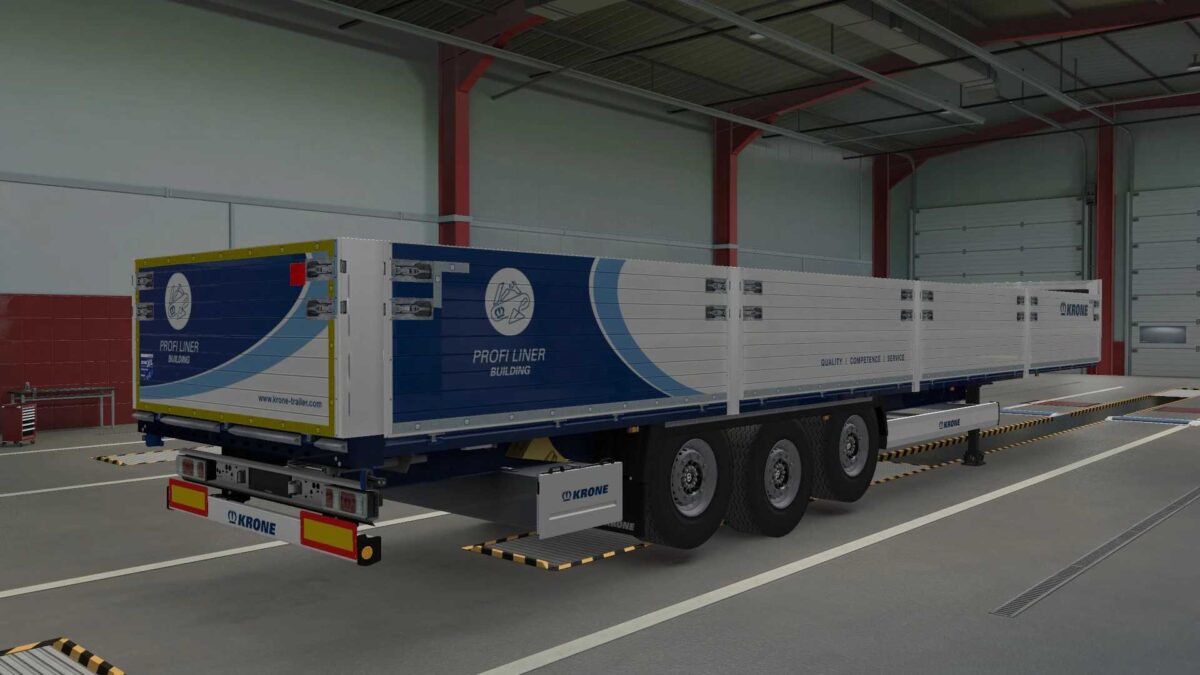
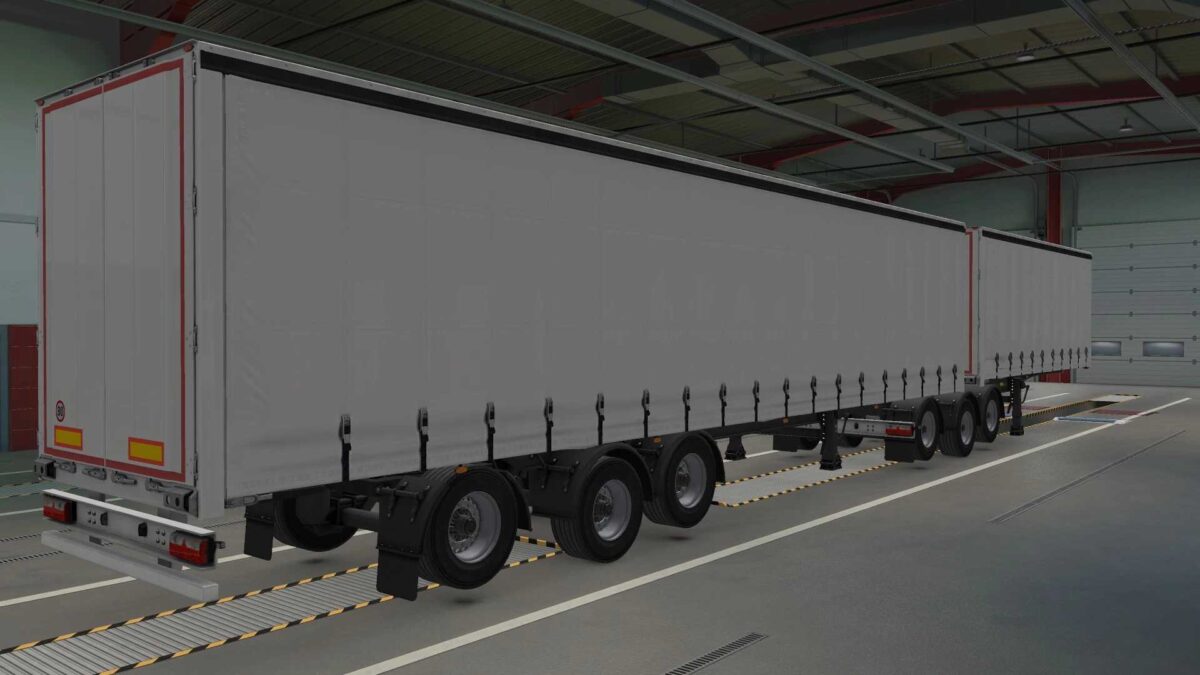
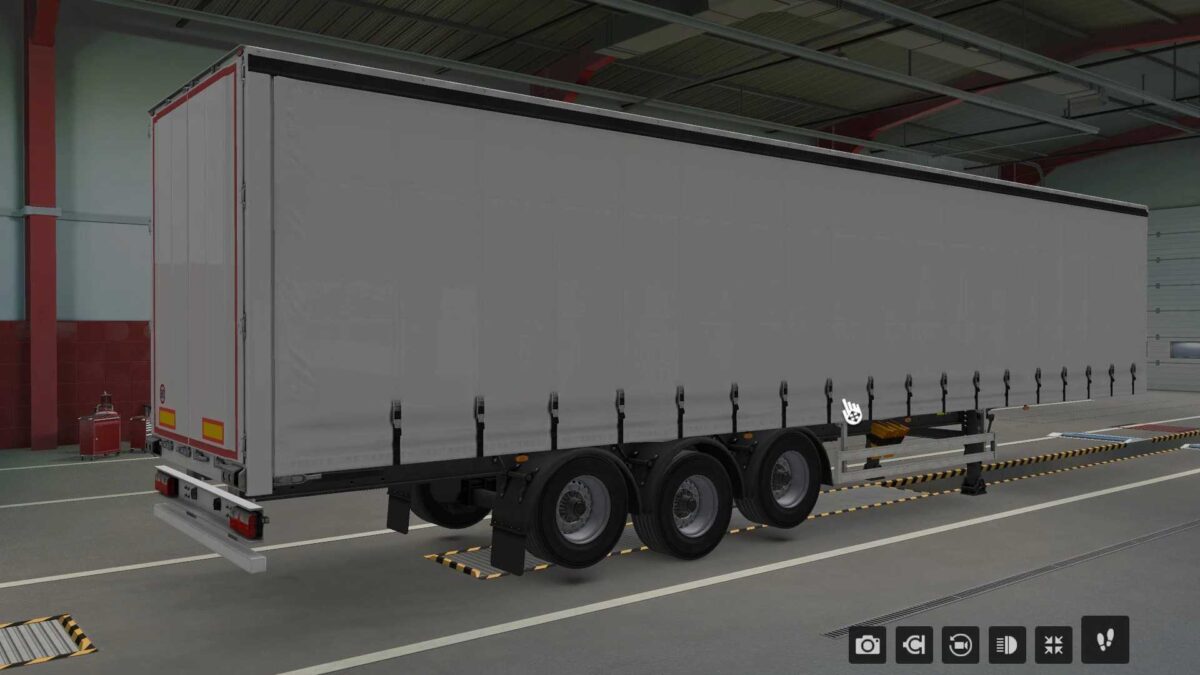
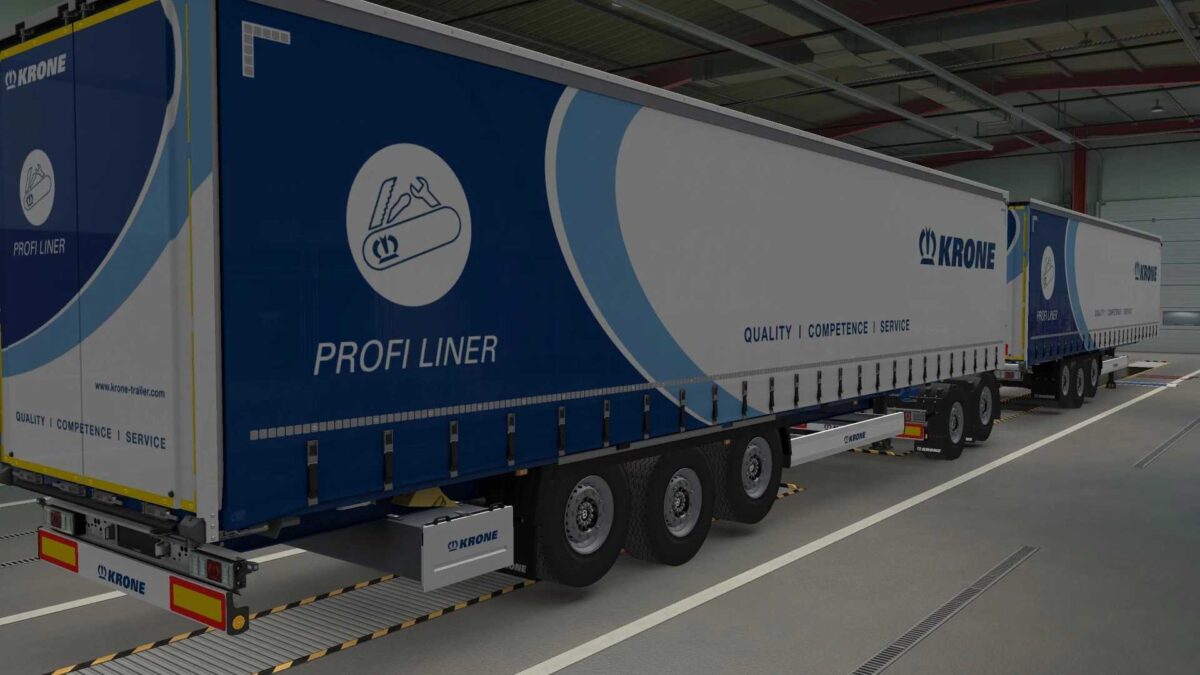
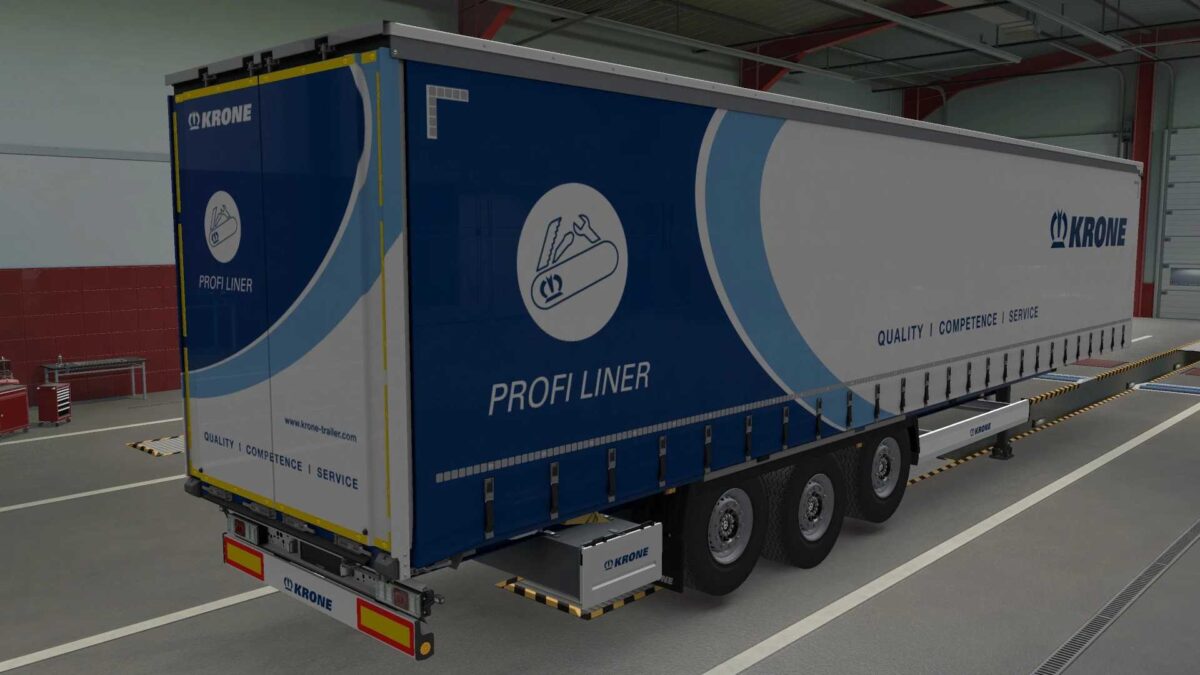
– KRONE PROFILINER
– KRONE PROFILINERBM
– KRONE PROFILINERHD
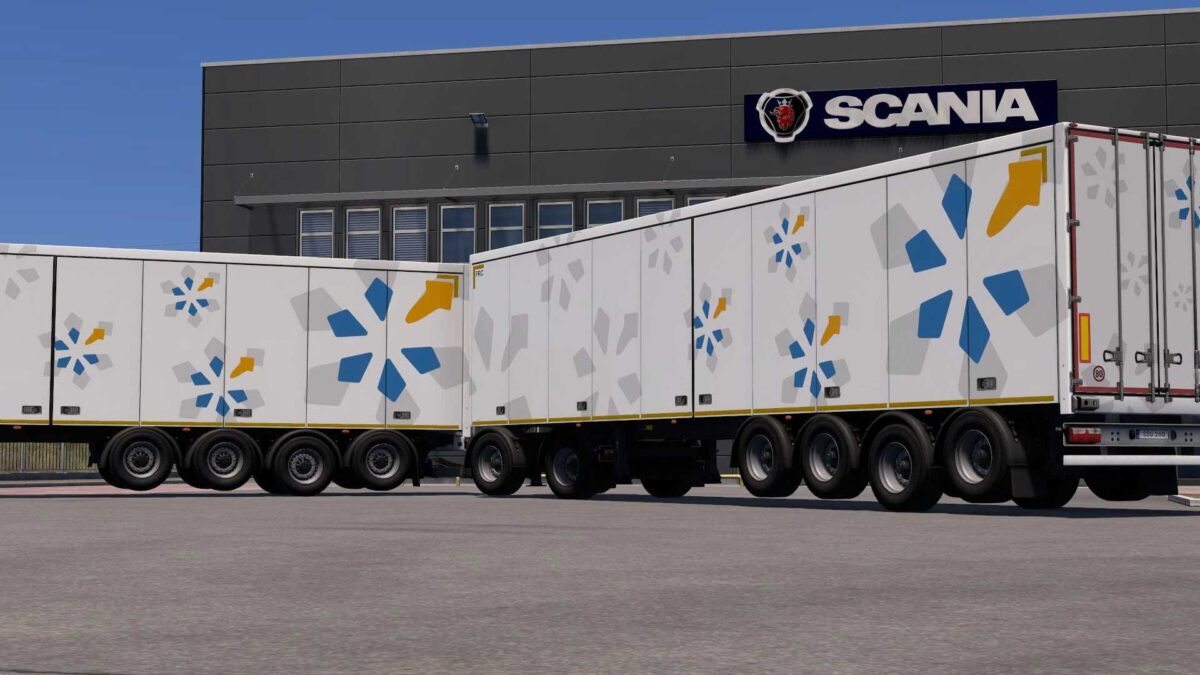
– SCS BOX
– SCS CHEMTANK
– SCS DUMPER
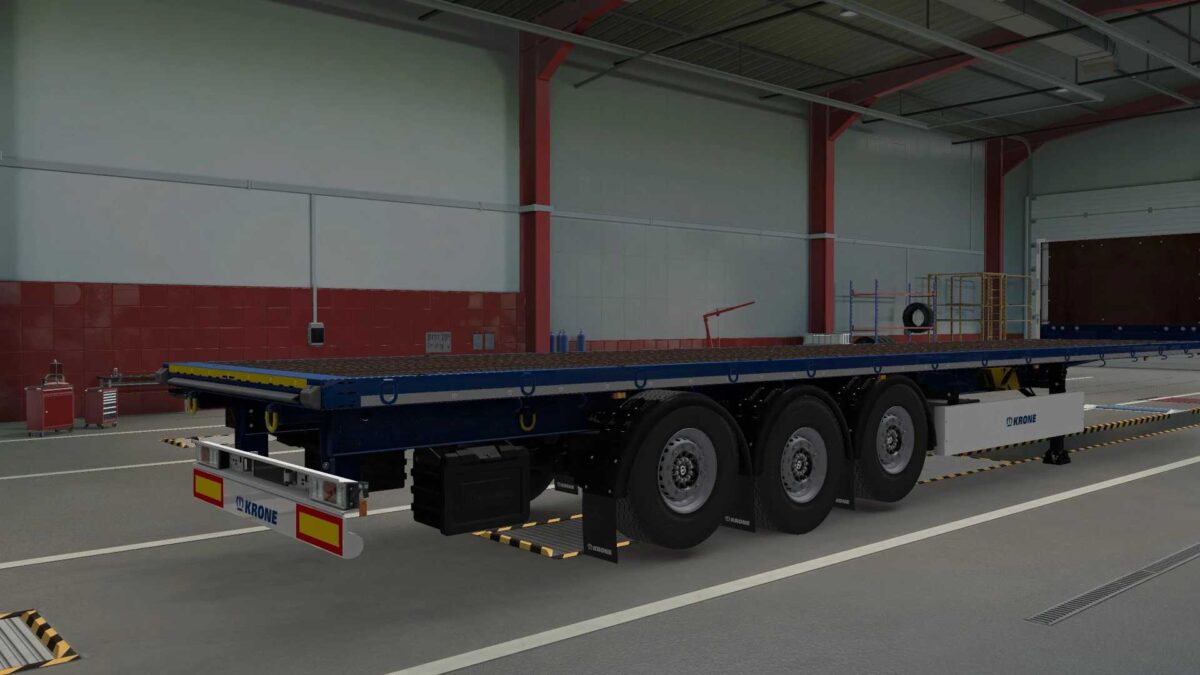
– SCS FLATBED
– SCS FOODTANK
– SCS FUELTANK
– SCS GASTANK
– SCS GOOSENECK
– SCS LIVESTOCK
– SCS LOG
– SCS LOWBED
– SCS LOWLOADER
– SCS SILO
Credits: RODONITCHO MODS
How to install ETS2 mods or ATS Mods
Installing mods in Euro Truck Simulator 2 is straightforward. Download the mod from here and copy/unzip the files into: “My Documents\Euro Truck Simulator 2\mod” folder, or for ATS, place them in: “My Documents\American Truck Simulator\mod” folder. You can use WinRAR or 7zip to extract the files. Finally, activate the mods you wish to use in the game.