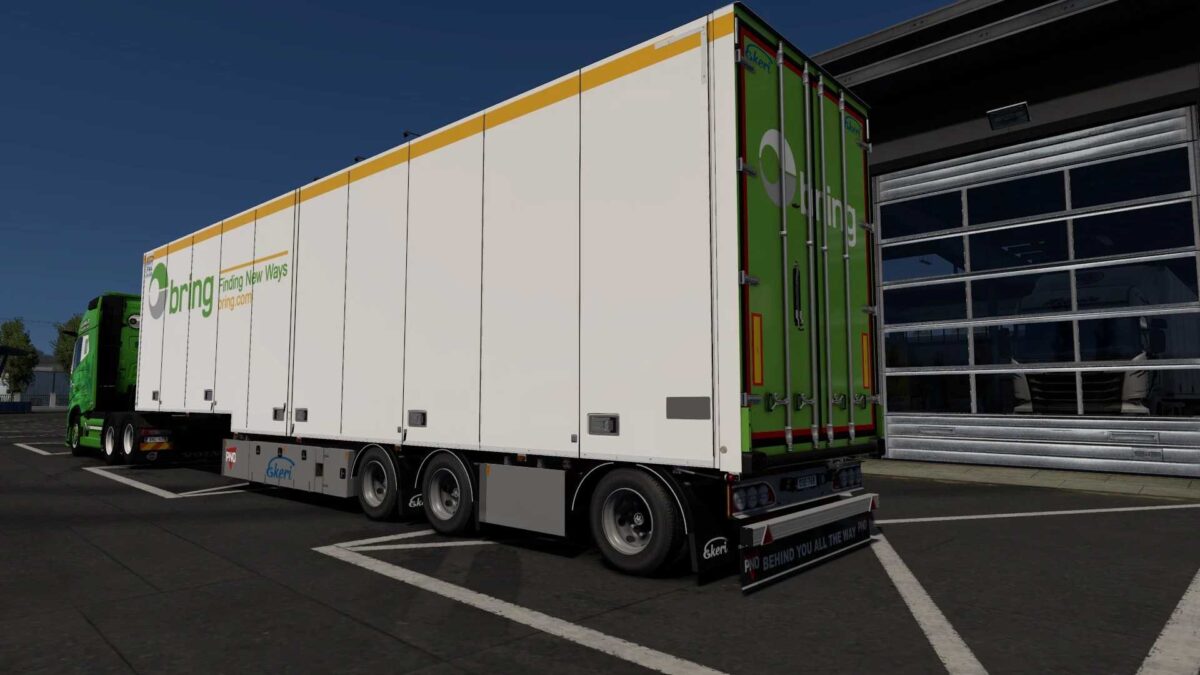
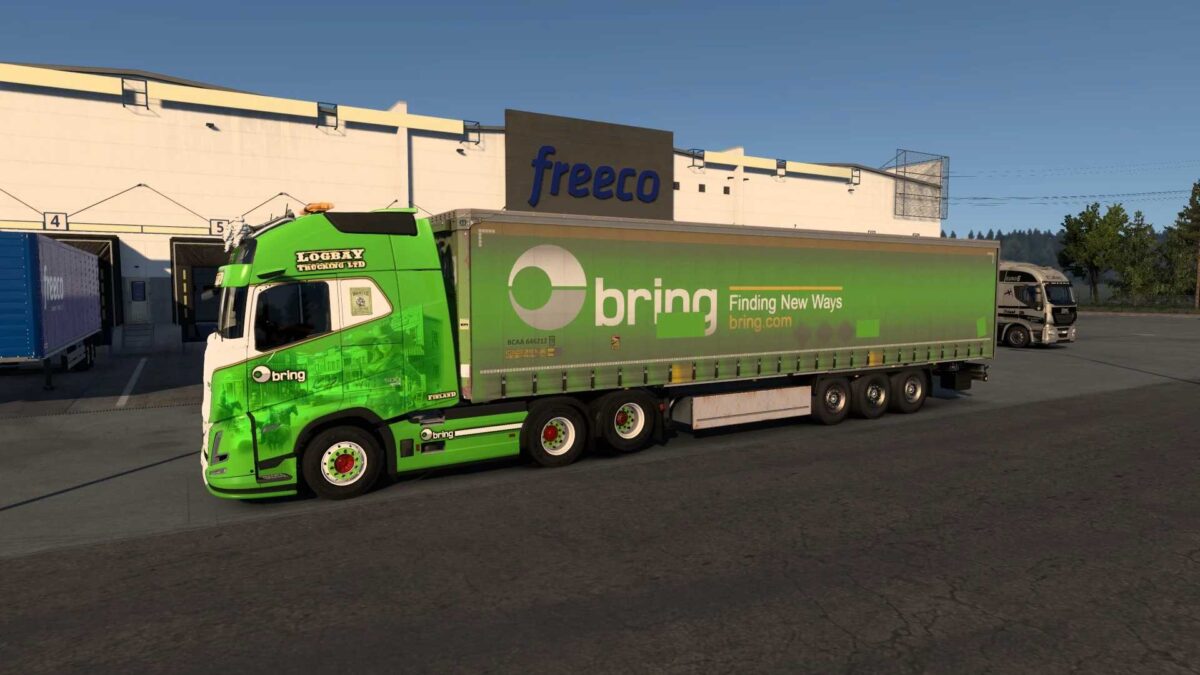
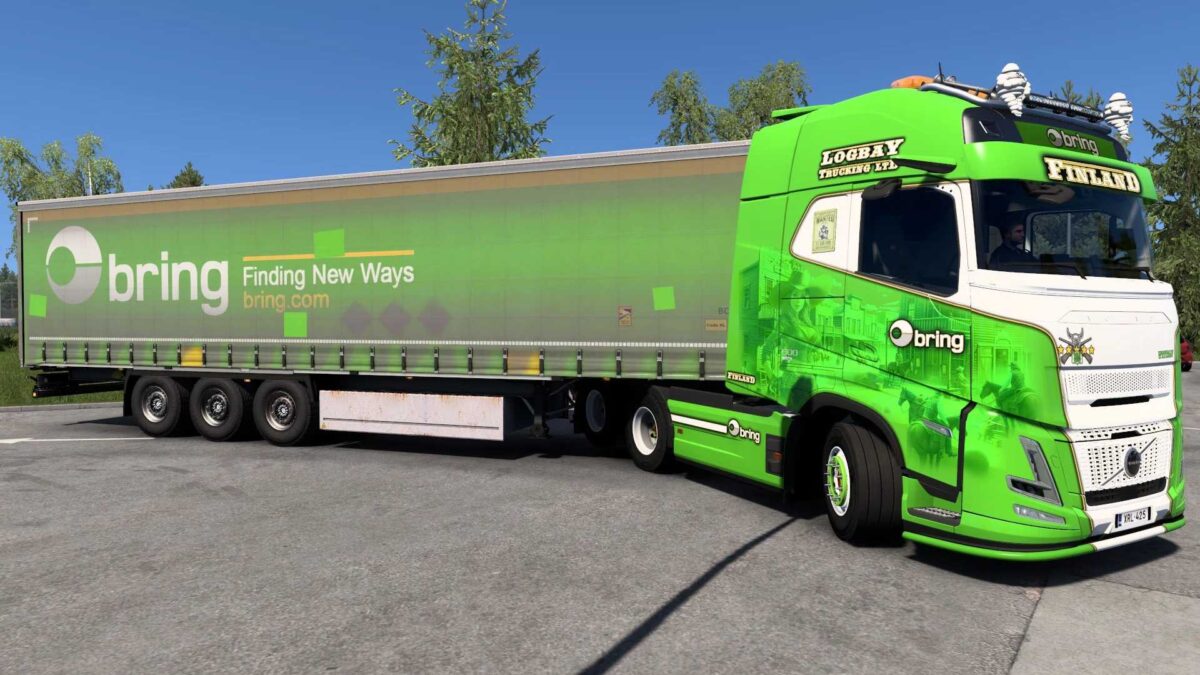
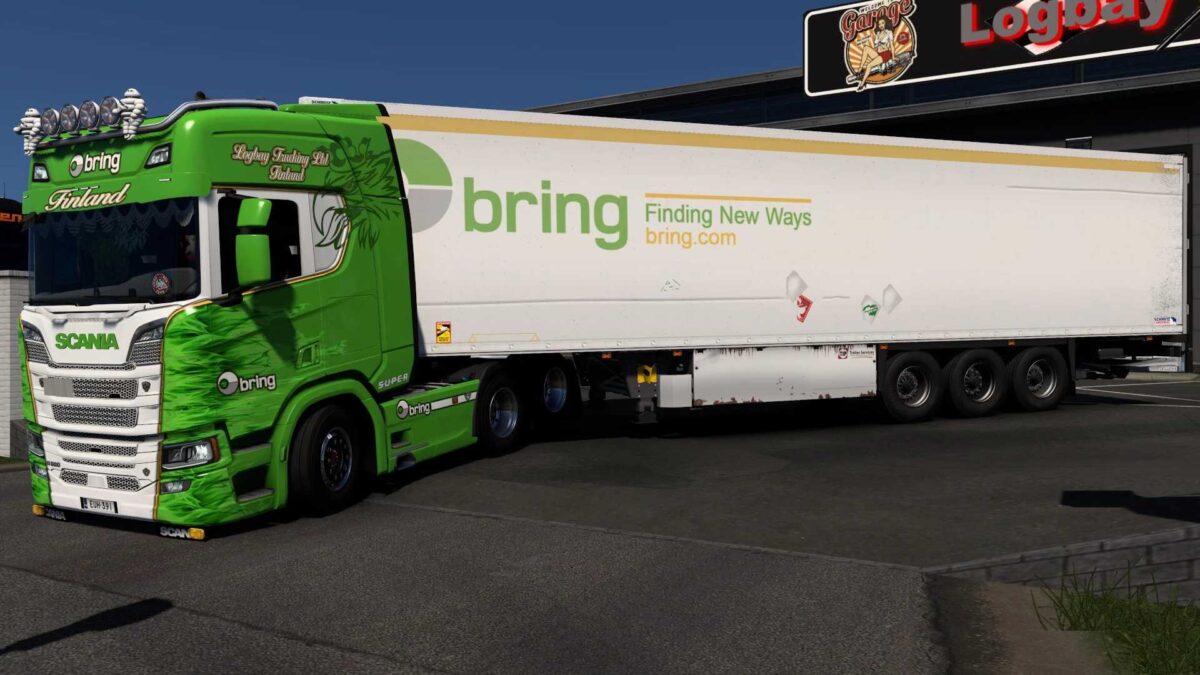
Logbay Trucking with Bring Skins v1.0 for ETS2
Compatible with:
Volvo FH6 Aero (SCS)
Scania R NG (SCS/Eugene)
Krone (DLC) Profiliner
Ekeri Revision (Kast) 4.2/4.0 Stepframe
Schmitz (JuseeTV) SKO Cool 2020
Creator: Pirtom
Installation Guide for ETS2 and ATS Mods
Installing mods in Euro Truck Simulator 2 is straightforward. Simply download the mod from this site and copy/unzip the files into the “My Documents\Euro Truck Simulator 2\mod” directory. For American Truck Simulator (ATS), place the mods in: “My Documents\American Truck Simulator\mod” folder. Use programs like WinRAR or 7zip to extract the files. Afterward, activate the mods you wish to use.