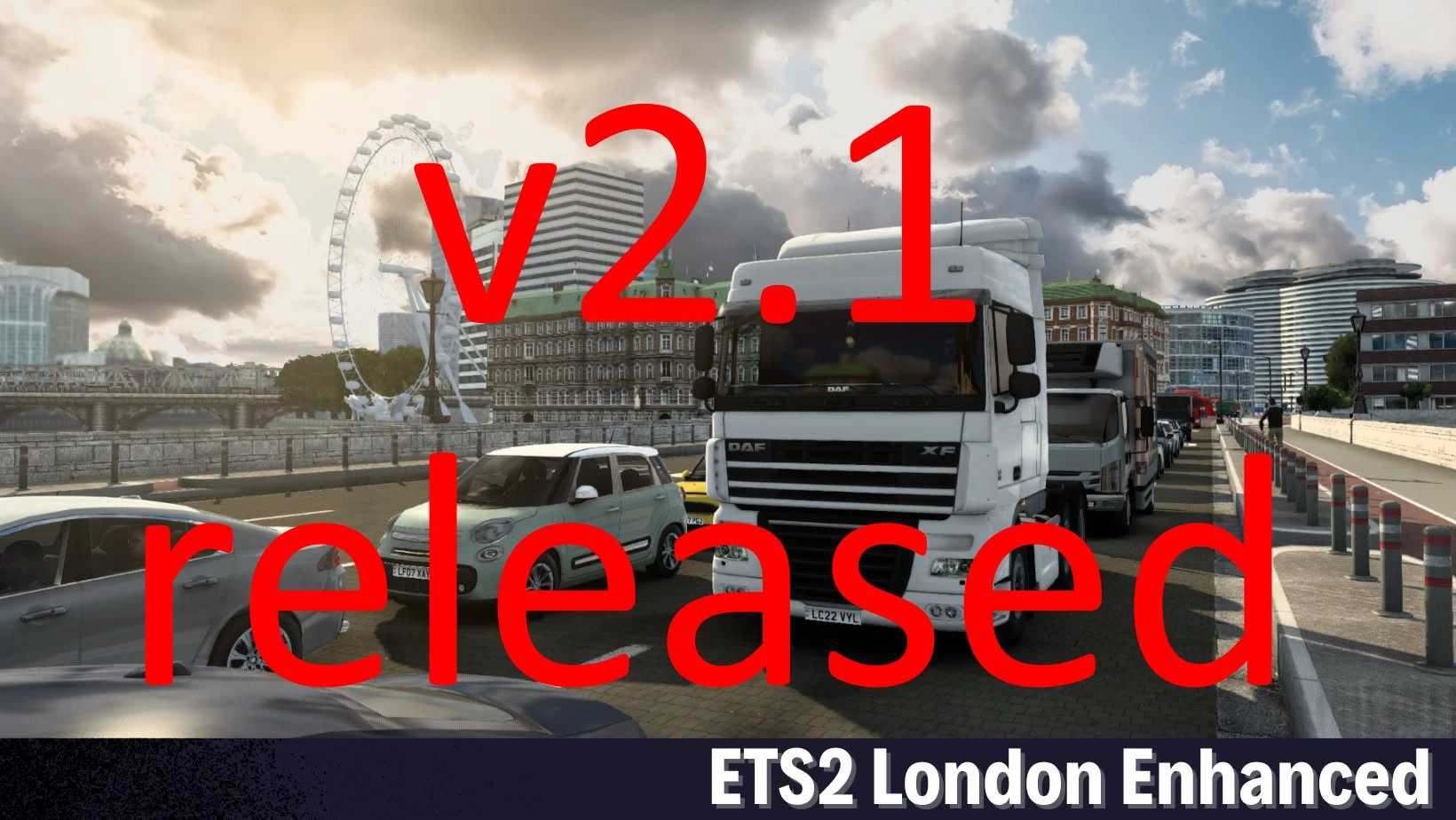
LONDON ENHANCED V2.1 ETS2
v2.1
Release of ETS2 LONDON ENHANCED
Requires the most recent version of PROMODS
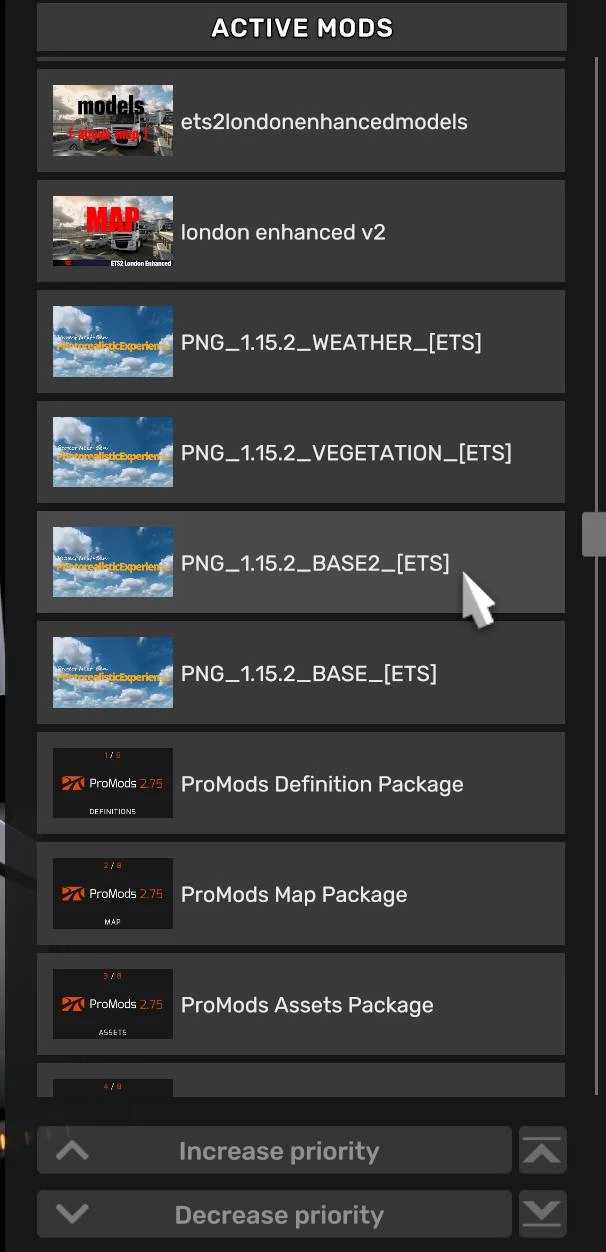
Loading order
Refer to the second image for details
V2.1
All London businesses are now available for work/show jobs
UI map view – corrected minor road issues
Misplaced building near London garage has been removed
Credits: mrmonkey1990
How to install ETS2 mods or ATS Mods
Installing mods in Euro Truck Simulator 2 is straightforward. Simply download the mod from here, and copy/unzip the files into: “My Documents\Euro Truck Simulator 2\mod” folder. For American Truck Simulator, install mods in: “My Documents\American Truck Simulator\mod” folder. You can use WinRAR or 7zip to unzip the files. After that, make sure to activate the mods you wish to use.