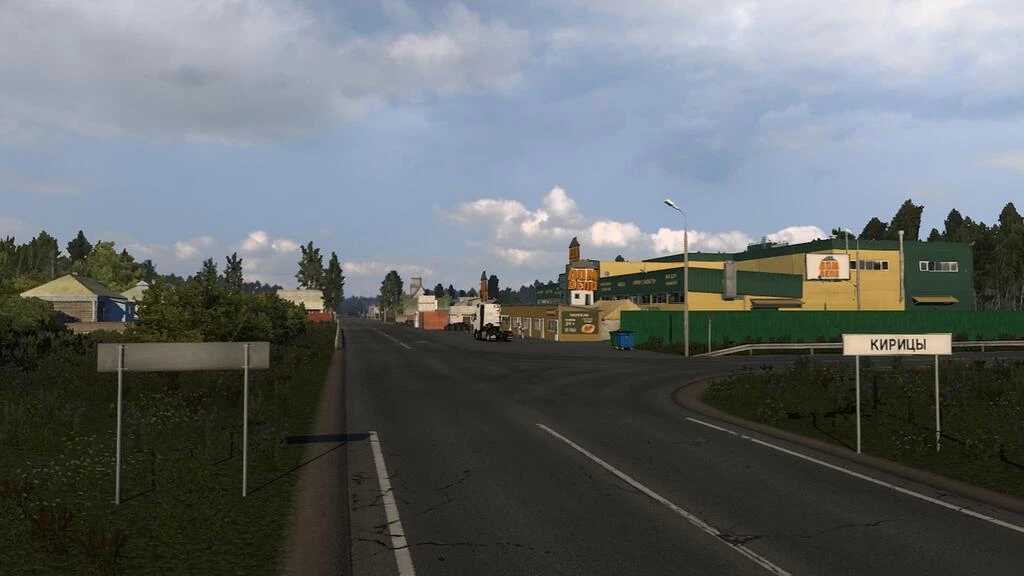
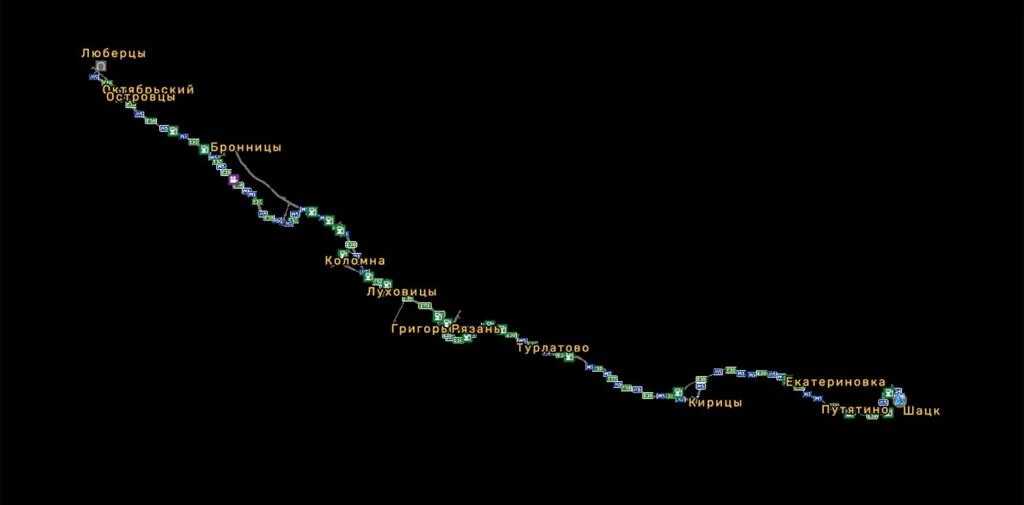
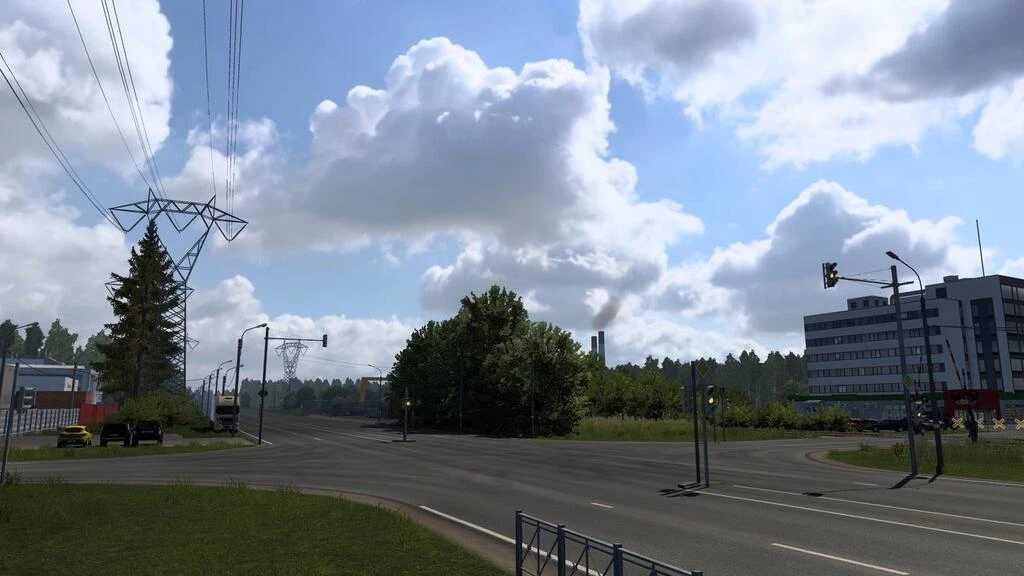
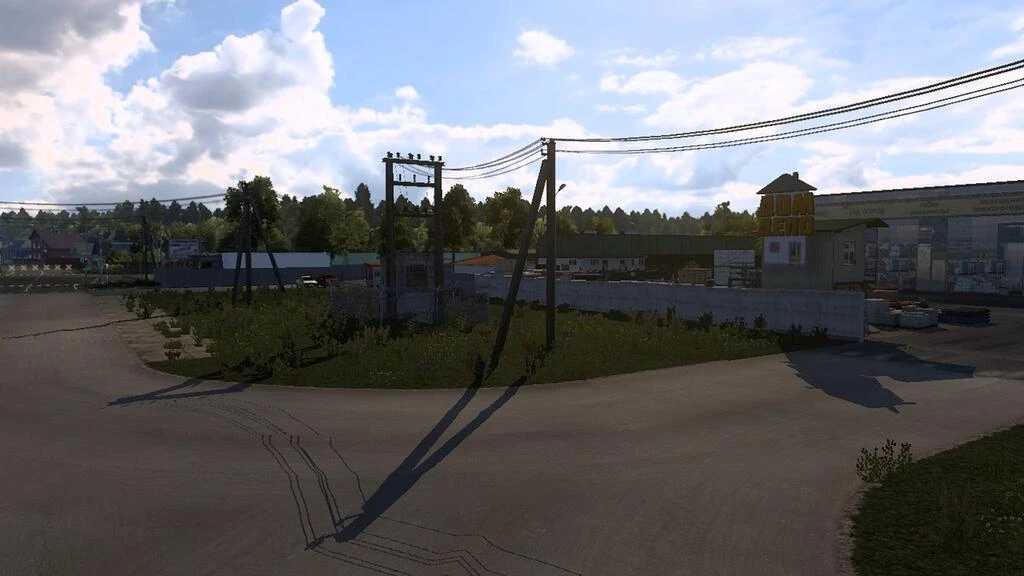
M5 Ural Map v2.2 for ETS2
Updates in version 2.2:
Added:
– Frolovo village, Ryazan region
– Ekaterinovka village, Ryazan region
– Putyatino village, Ryazan region
– City of Shatsk
– Bypass route around Shatsk, interchange, and part of road R-124 (including bases and garage)
This modification utilizes default objects and is set at a scale of 1:19.
Compatible with version 1.53.
Credits: Akimov
Instructions for Installing ETS2 or ATS Mods
Installing mods in Euro Truck Simulator 2 is straightforward. Simply download the mod from the provided link, and then copy/unzip the files into the “My Documents\Euro Truck Simulator 2\mod” folder. For American Truck Simulator, place mods in the “My Documents\American Truck Simulator\mod” folder. You can use WinRAR or 7zip for the extraction. Once extracted, activate the mods you would like to use.