M5 Ural Map v2.5 for ETS2
New Features in Version 2.5:
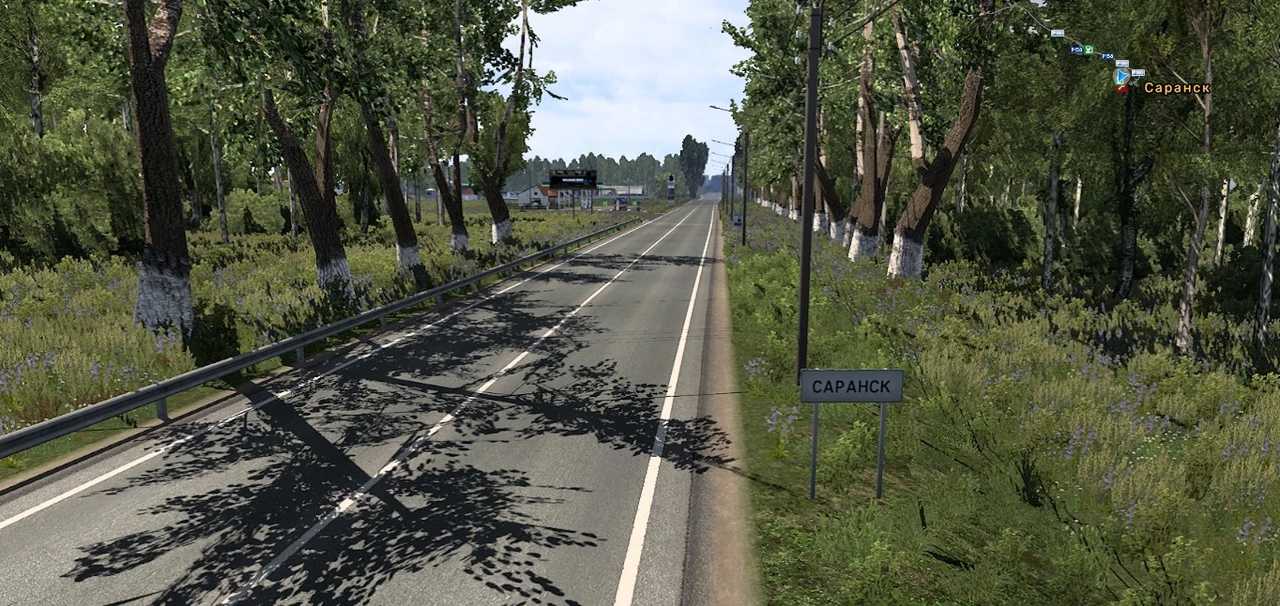
Includes the addition of Highway R-180 extending from the Krasnoslobodsk interchange toward Saransk to the point where highways R180 and R158 intersect;
Extends from the intersection of P180 and P158 highways to the junction of Saransk city;
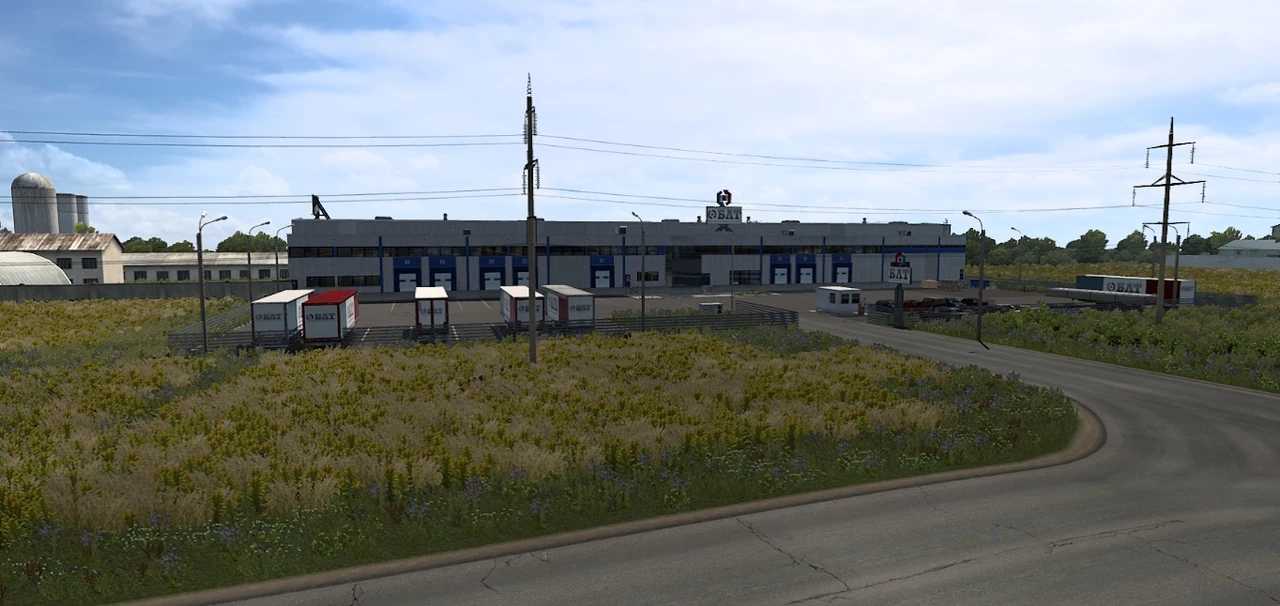
Adds bases such as “Green Fields”, “BLT”, “Radus”, and “Dom Depot”;
This modification utilizes default assets and is designed for a map scale of 1:19,
Compatible with version 1.54.
Credits to: Akimov
Installing ETS2 or ATS Mods
Installing mods in Euro Truck Simulator 2 is straightforward. Simply download the mod from the provided link, and then copy/unzip the files into the “My Documents\Euro Truck Simulator 2\mod” folder. If you are using American Truck Simulator, place the mods in the “My Documents\American Truck Simulator\mod” folder. You can use programs like WinRAR or 7zip to extract files. After that, remember to activate the mods you wish to use.