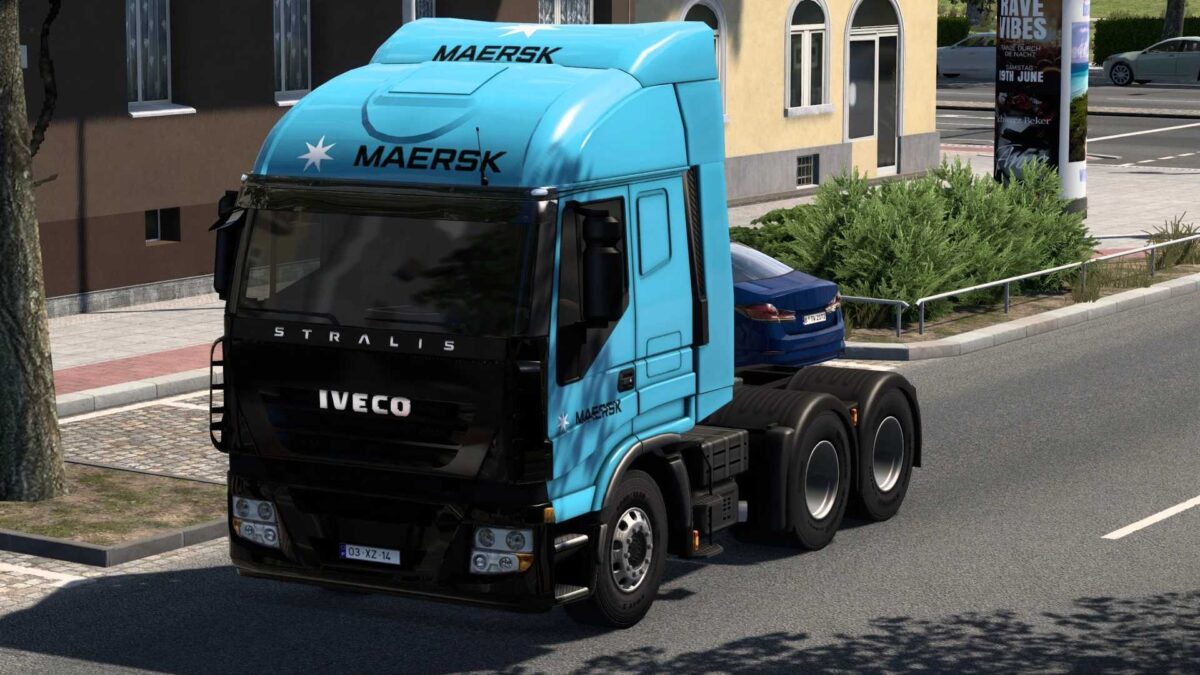
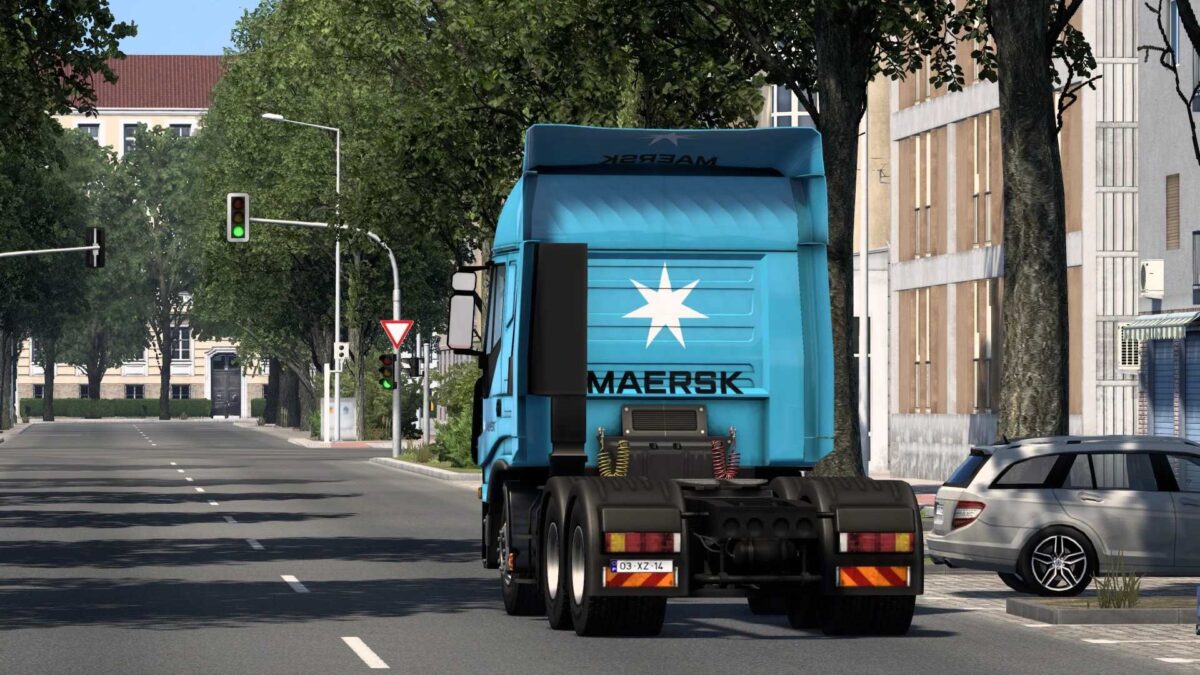
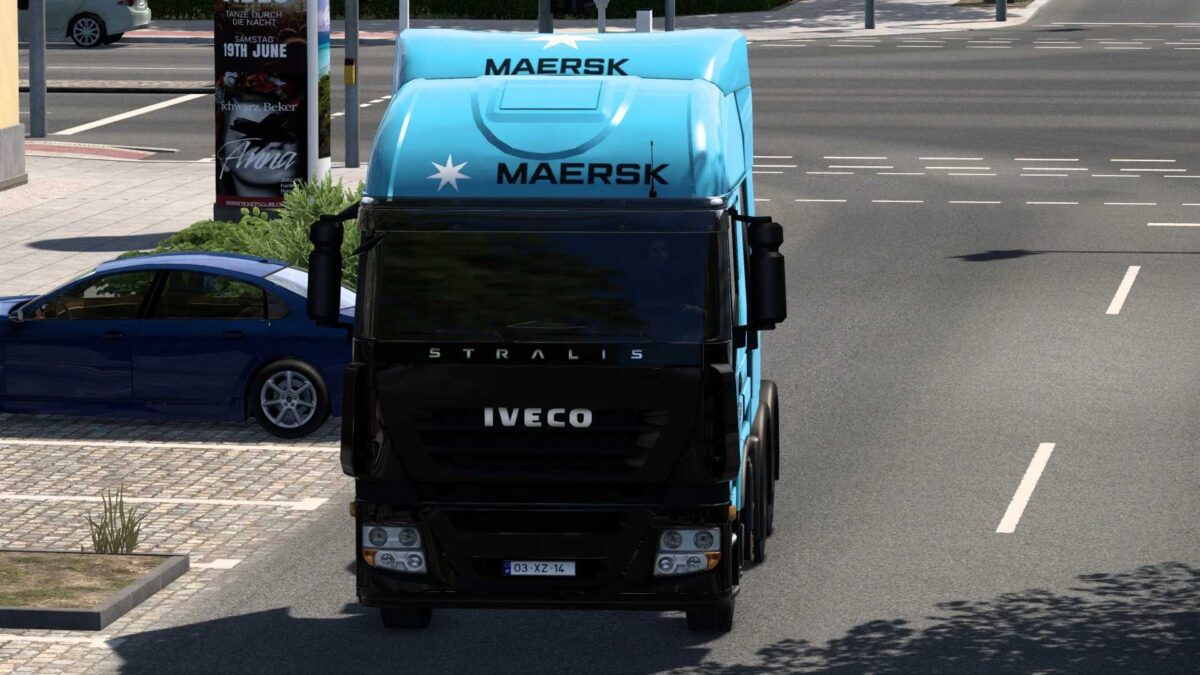
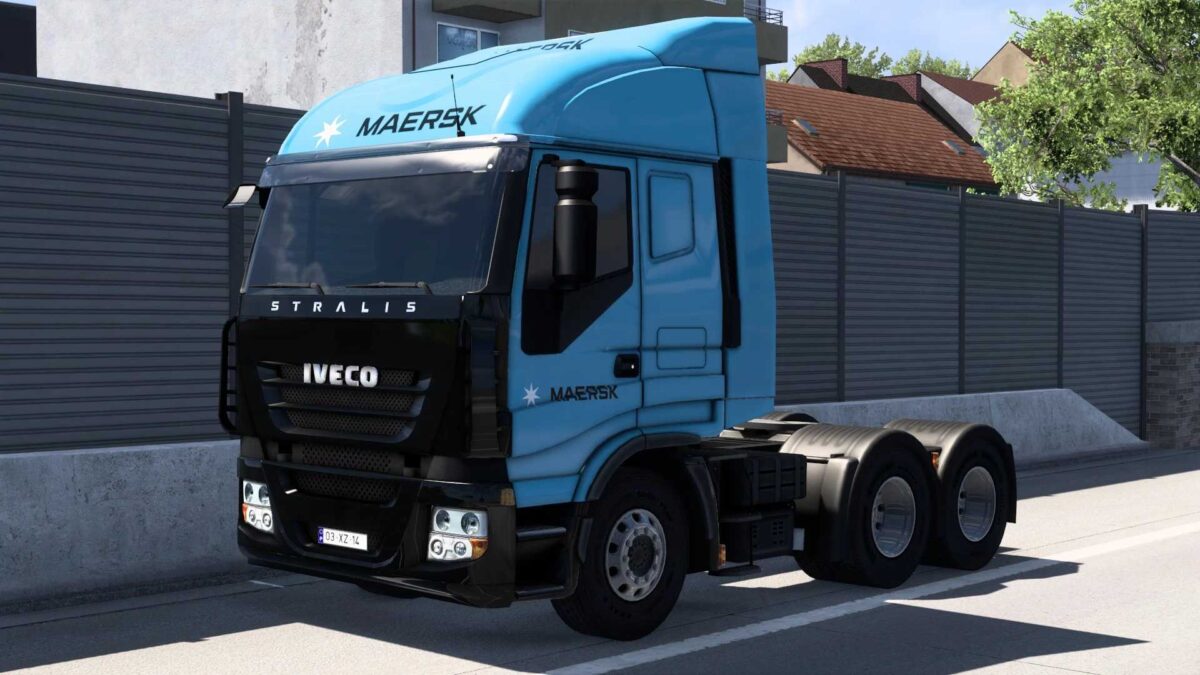
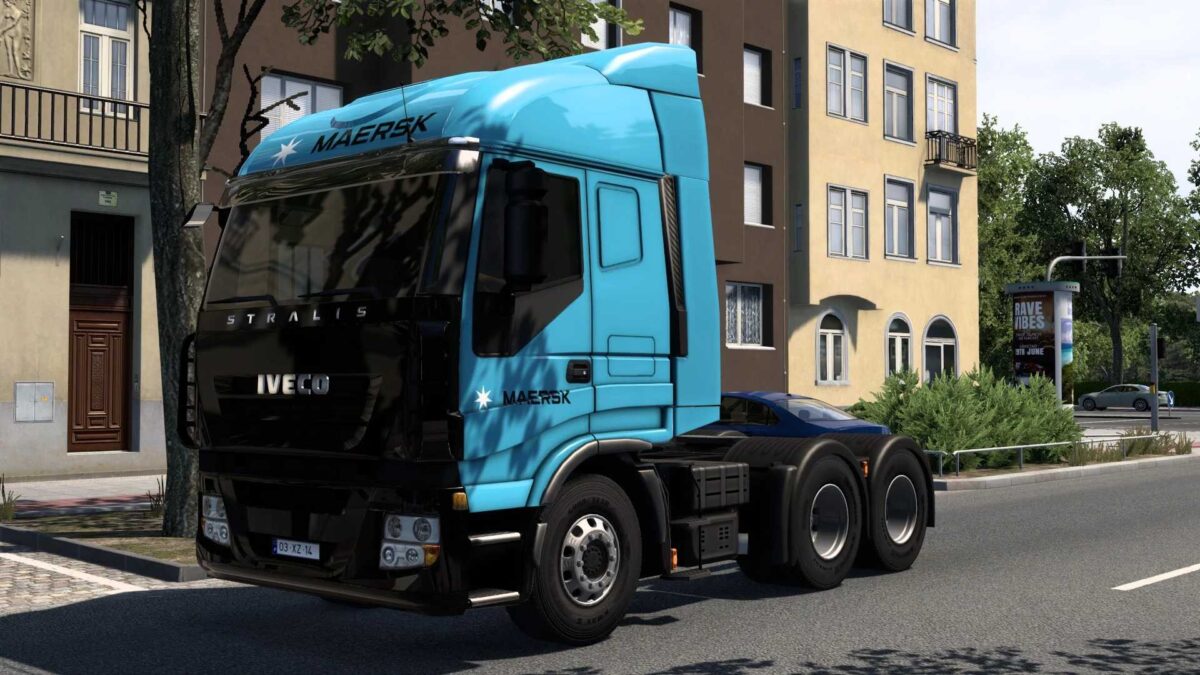
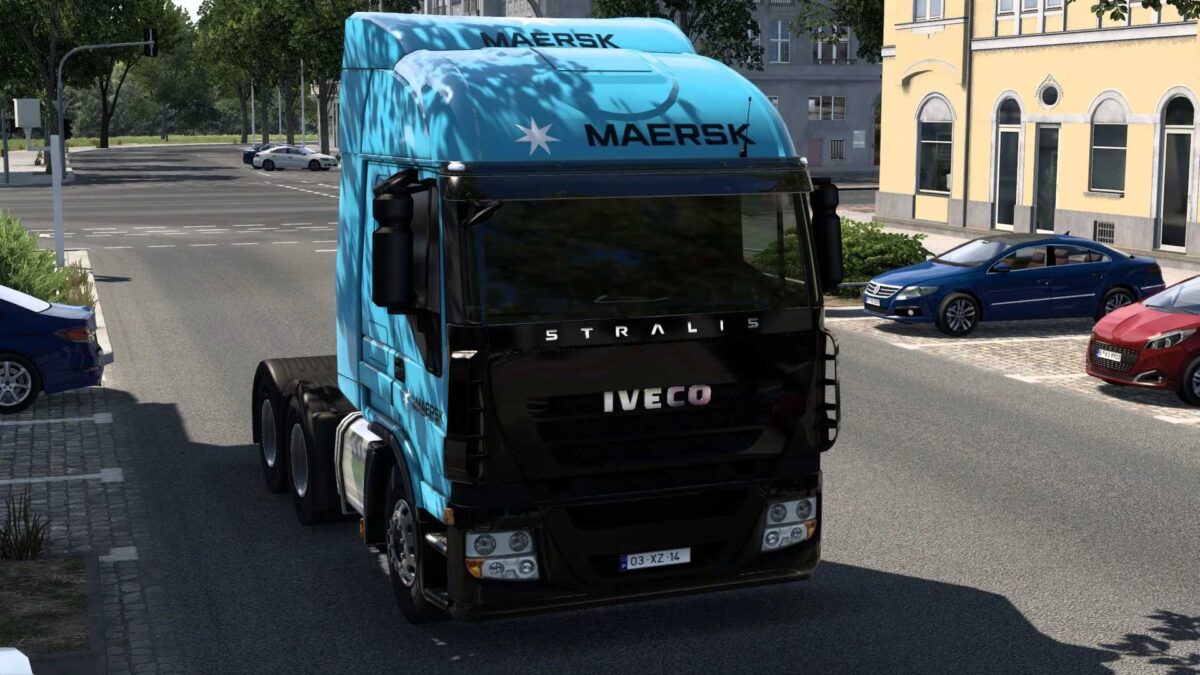
MAERSK IVECO STRALIS 07 11 2025 v2.0 1.50 1.57 ETS2
THIS MOD CAN BE USED DIRECTLY; JUST PLACE IT IN YOUR GAME’S MODS FOLDER WITHOUT EXTRACTION.
Credits: RODONITCHO MODS
Installation Guide for ETS2 or ATS Mods
Installing mods in Euro Truck Simulator 2 is straightforward. Download the mod, copy/unzip the files into: “My Documents\Euro Truck Simulator 2\mod” folder. For American Truck Simulator, place it in: “My Documents\American Truck Simulator\mod” folder. Use software like WinRAR or 7zip to unzip files. After that, activate the desired mods to use them.