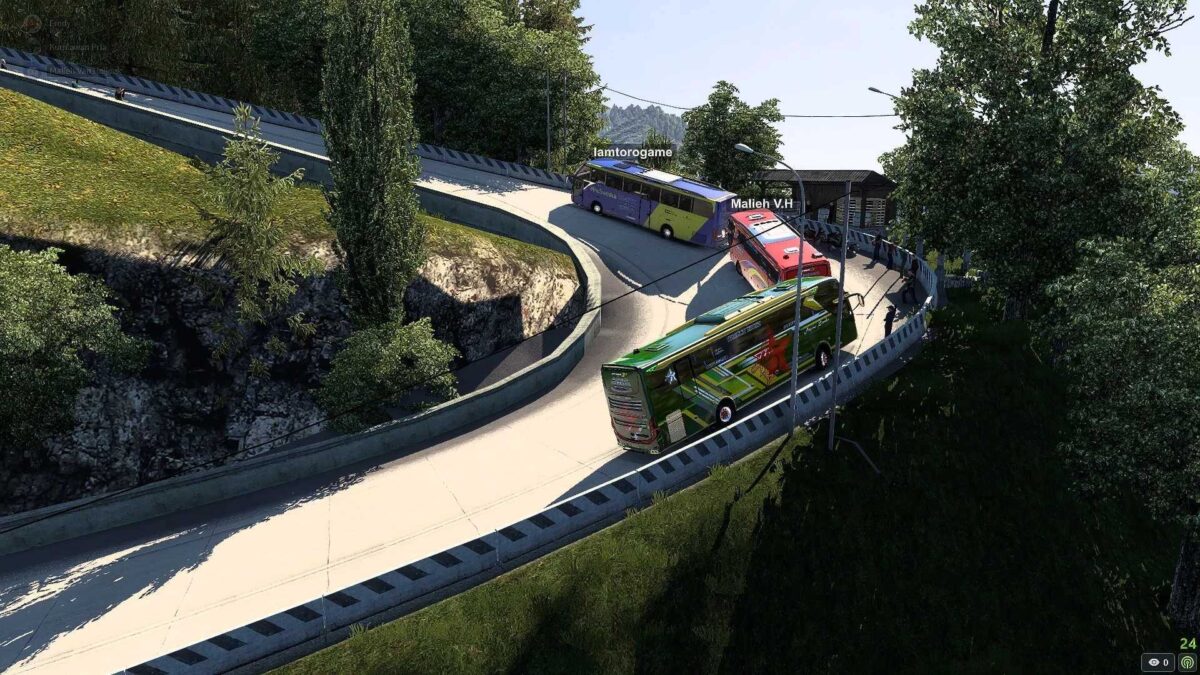
Map Sitinjau Lauik V20 Update Bengkulu 1.36 to 1.57 ETS2
The Sitinjau Lauik V20 map has been successfully designed and is now available. This standalone map functions on ETS2 versions 1.36-1.57.
To find detailed installation instructions, please refer to the included readme link.
V20 Updates Include:
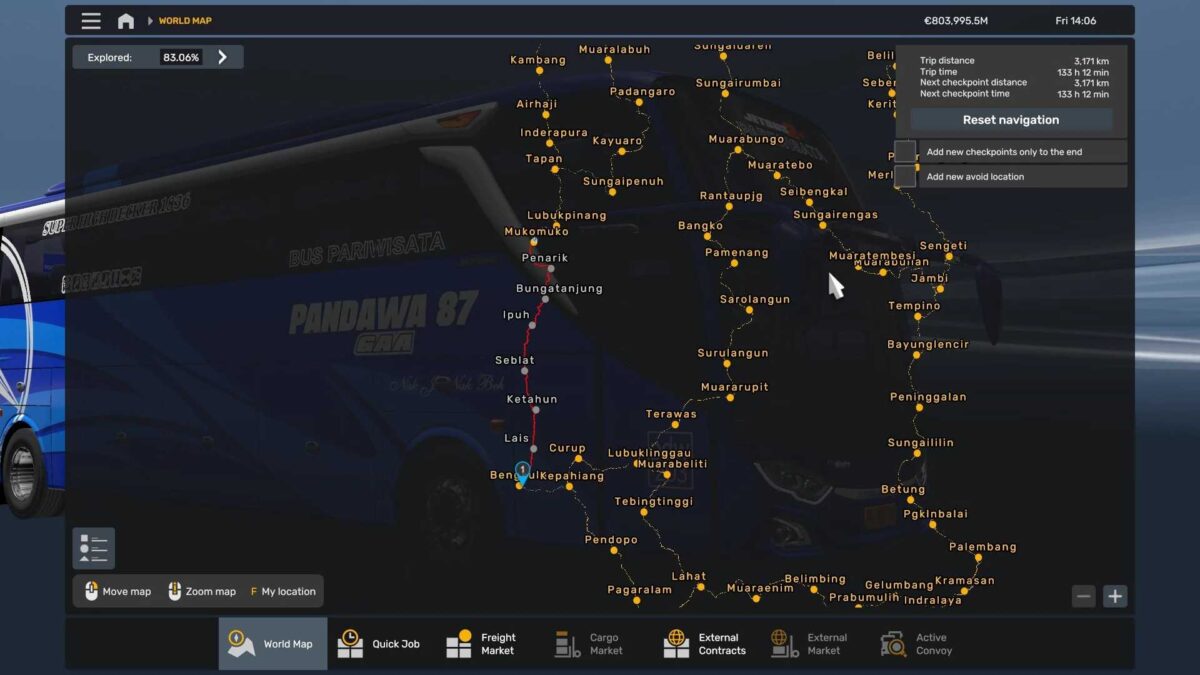
A total of 3,100 km of fresh routes from Muko-muko to Bengkulu, featuring six cities: Penarik, Bunga Tanjung, Ipuh, Seblat, Ketahun, and Lais.
All models, terrain, prefabs, and buildings now feature enhanced water reflection.
Numerous details added and improved.
Compatibility with all required DLC maps.
Installation Instructions:
Copy the sitinjau file into Documents > Euro Truck Simulator 2 > mod folder.
When setting up a profile, replace the playing module europe.mbd with indonesia.mbd.
Proceed with the game as normal.
Mod Configuration:
Compatible with ETS2 versions 1.36-1.54.
DLC map fixes.
DLC Sitinjau V20.
Update for ETS2 version 1.55.
DLC map fixes.
Fix for Sitinjau 1.55 update.
DLC Sitinjau V20.
Credits: Lamtorogame
How to Install ETS2 or ATS Mods
It’s simple to install mods in Euro Truck Simulator 2. Just download the mod from here and place/unzip files in: “My Documents\Euro Truck Simulator 2\mod” folder. For American Truck Simulator, you should install mods in: “My Documents\American Truck Simulator\mod” folder. Use WinRAR or 7zip to unzip files. Afterward, ensure to activate the mods you wish to use.