MAPA BR BRASIL 5.5 GRÁTIS PARA 1.55 ETS2
Changelog:
Updated for version 1.55
Features:
A complimentary map featuring 398 cities across all regions of Brazil.
No DLC required.
Virtual Companies located in multiple cities (upon request).
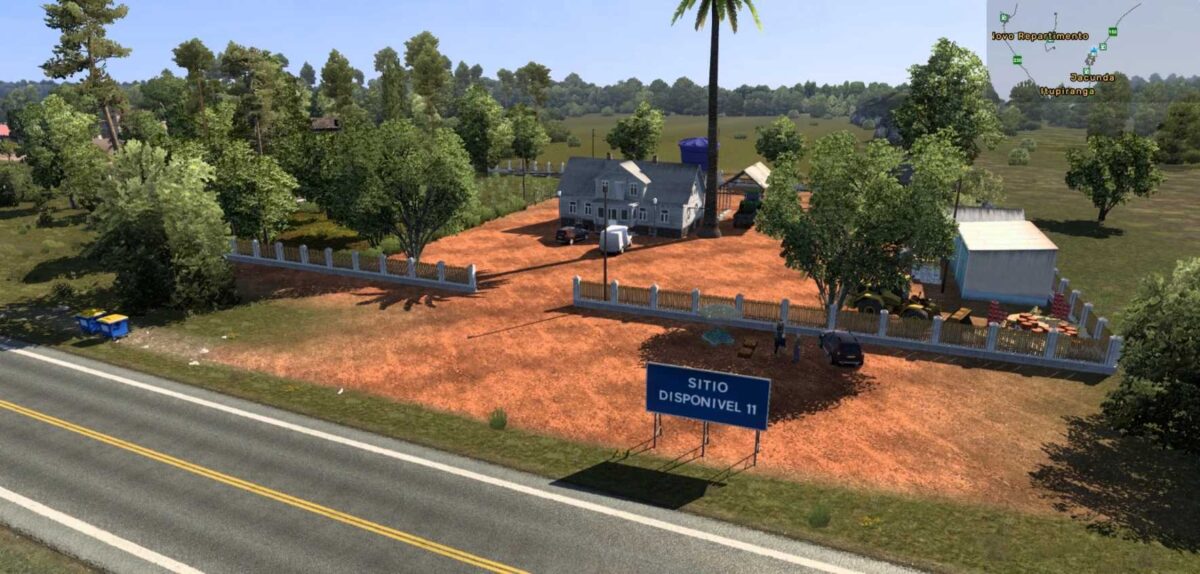
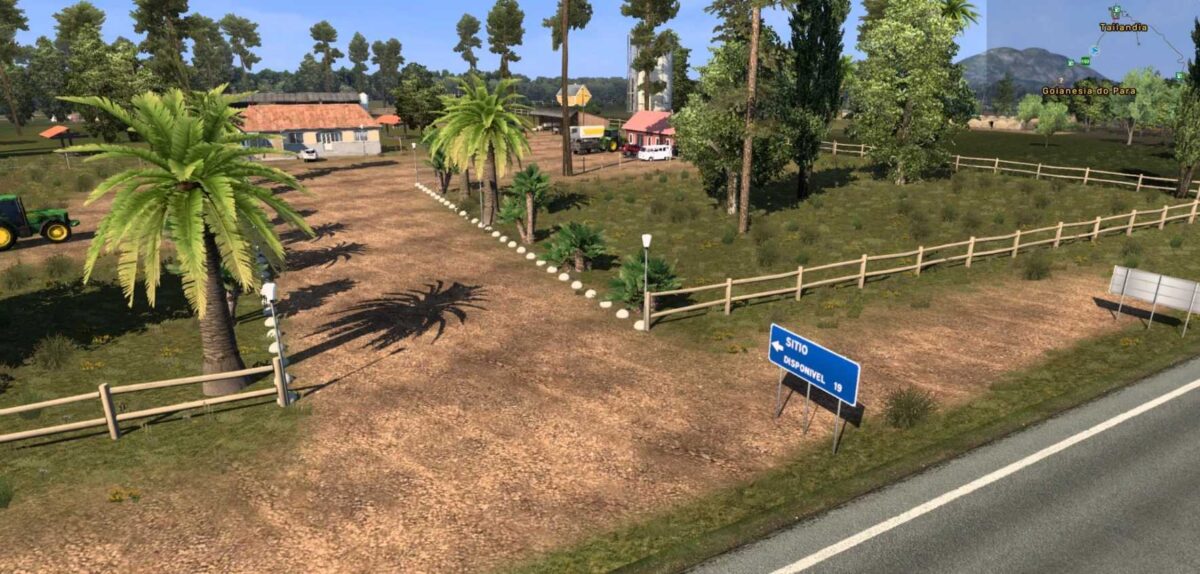
Orders for garages, farms, and residences included on the map by their clients as part of the project.
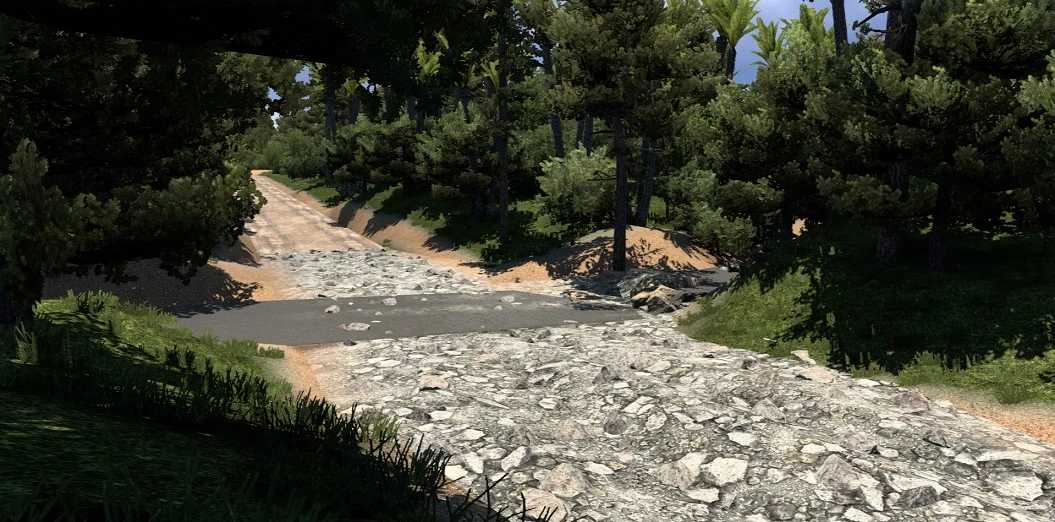
Numerous dirt road segments through existing rural areas;
More than 120 bus stations incorporated across all capitals as well as randomly located in interior cities.
In-built passenger cargo for use directly on the map (no third-party mods needed). Use the “passengers” tag in the freight market. Compatible with your bus mod.
Custom greengrocer cargo (dry cargo) made available on the map for ceasas (no third-party mods necessary). Use the “greengrocer” tag for freight. Compatible with your rigid truck mod.
CEASAS for rigid trucks with inbound and outbound cargos in all capitals and select strategic cities.
Farms and ranches named after subscribers who participate in live broadcasts and videos on the MAPA BR BRASIL ETS2 YouTube channel.
Operational monumental scales.
Toll stations on various routes and highways.
Ferry crossings available in multiple locations.
Original SCS scale maintained.
Cities created from the ground up in a symbolic and strategic manner.
Random connecting roads that mimic real-life layouts.
Credits: Reinaldo Souza
How to install ETS2 mods or ATS Mods
Installing mods in Euro Truck Simulator 2 is straightforward. Simply download the mod from here, and copy/unzip the files into: “My Documents\Euro Truck Simulator 2\mod” folder. For ATS, place the mods in: “My Documents\American Truck Simulator\mod” folder. You can use WinRAR or 7zip to unzip the files. Once that’s done, activate the mods you wish to use.