Mazda MX-5 Miata NA v2.1 ETS2
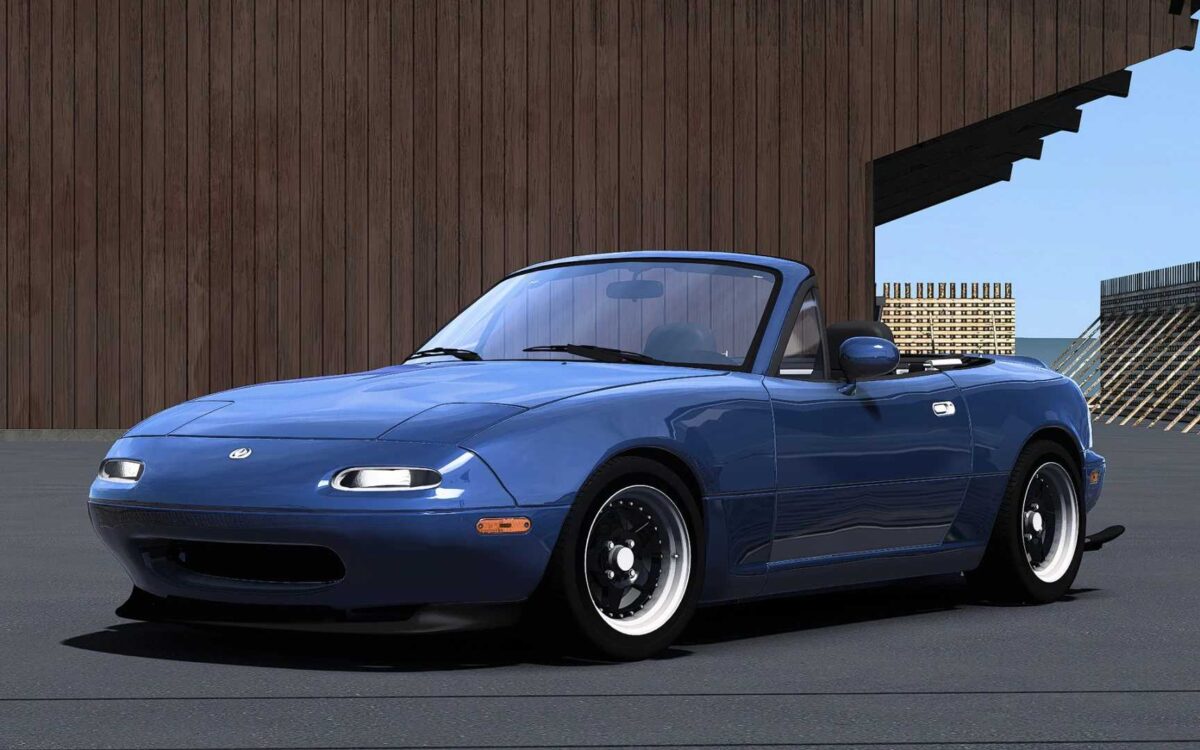
– Premium quality exterior and interior
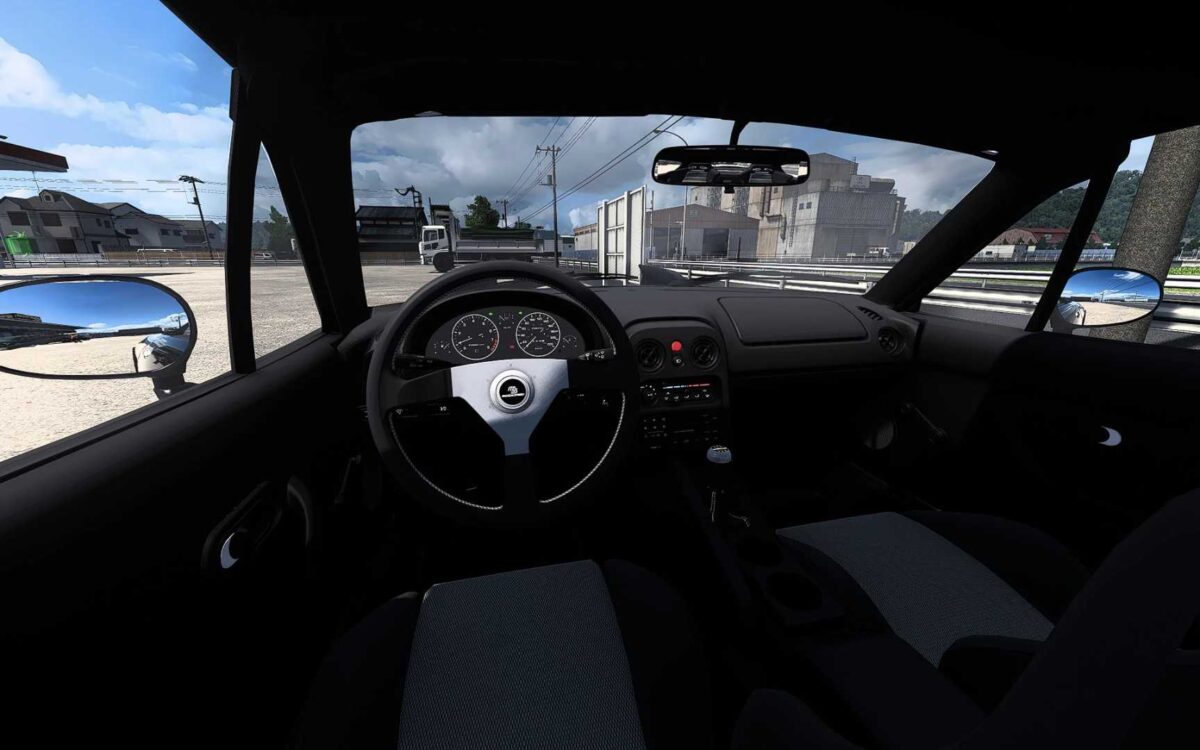
– Authentic interior lighting
– Front windows that open
– Animated indicator, wiper arm, handbrake, and hazard warning button
– Real engine specifications (1.6 L 90 hp and 113 HP, 1.6 L tuned, and 1.8 L)
– Realistic transmission setup (5-speed manual)
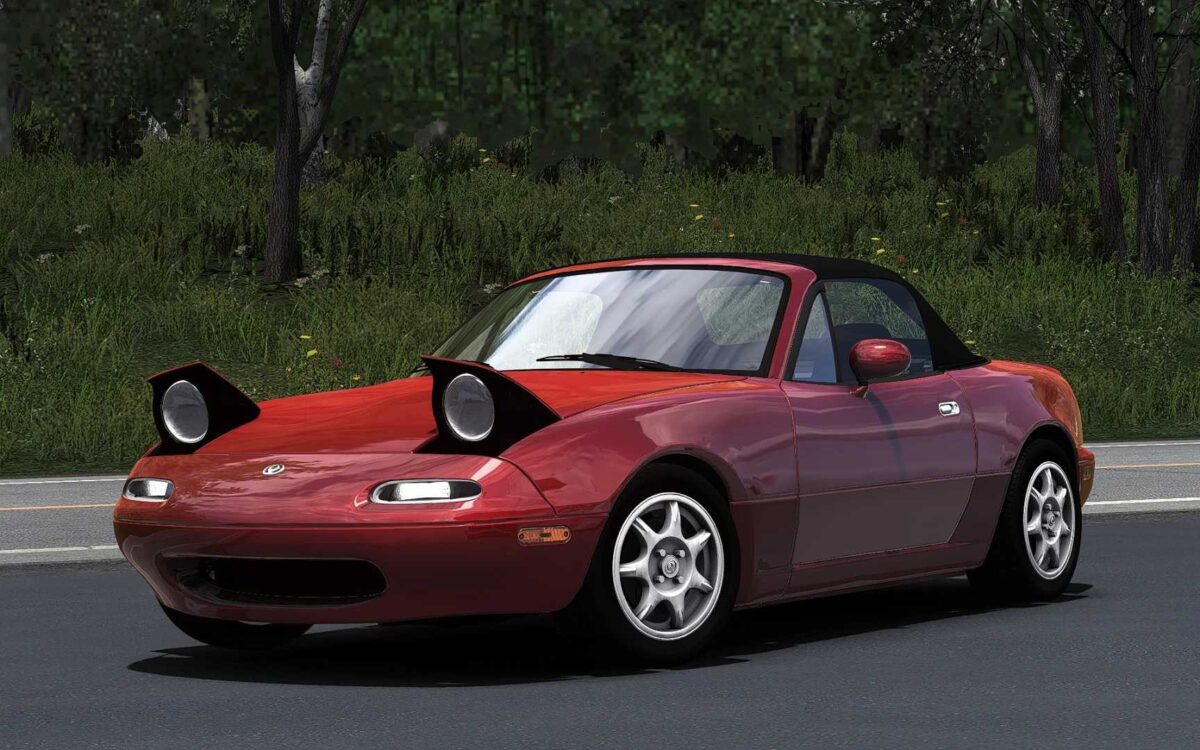
– Four hood styles (vented, non-vented, retractable headlights)
– Three bumper options (standard, with splitter, and tuned)
– Three wheel designs (standard, tuned, and glossy)
– Two steering wheel styles (standard and Mazdaspeed)
– Two seat and gearshift lever variations (standard and Mazdaspeed)
– Two roof options (soft and hard)
– Two spoiler types (standard and tuned)
– Two side skirt styles (standard and tuned)
– One extra rear wing arch extension
Update compatible with version 1.56
Credits: Nimit
How to install ETS2 mods or ATS Mods
Installing mods in Euro Truck Simulator 2 is straightforward. Simply download the mod from this site, then copy/unzip the files into: “My Documents\Euro Truck Simulator 2\mod” folder. For American Truck Simulator, place the mods in: “My Documents\American Truck Simulator\mod” folder. To extract files, you can use WinRAR or 7zip. After extraction, activate the mods you wish to use.