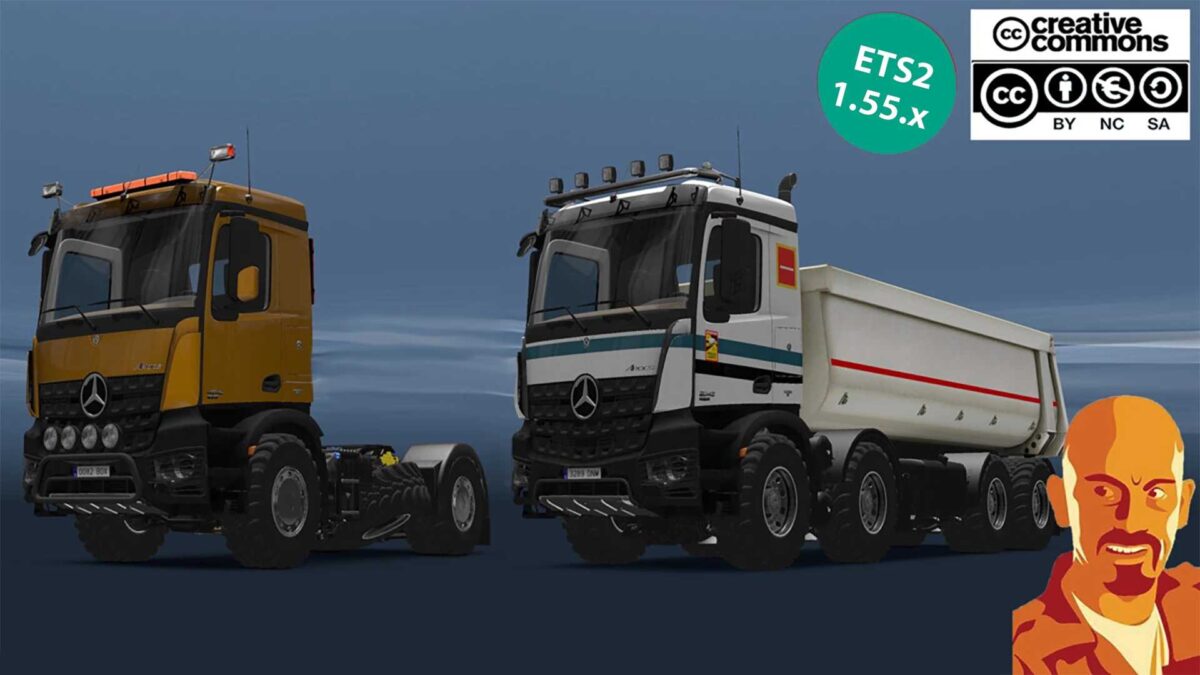
MERCEDES BENZ AROCS AGRAR v4.0 1.54-1.55.x ETS2
COMPREHENSIVE version features:
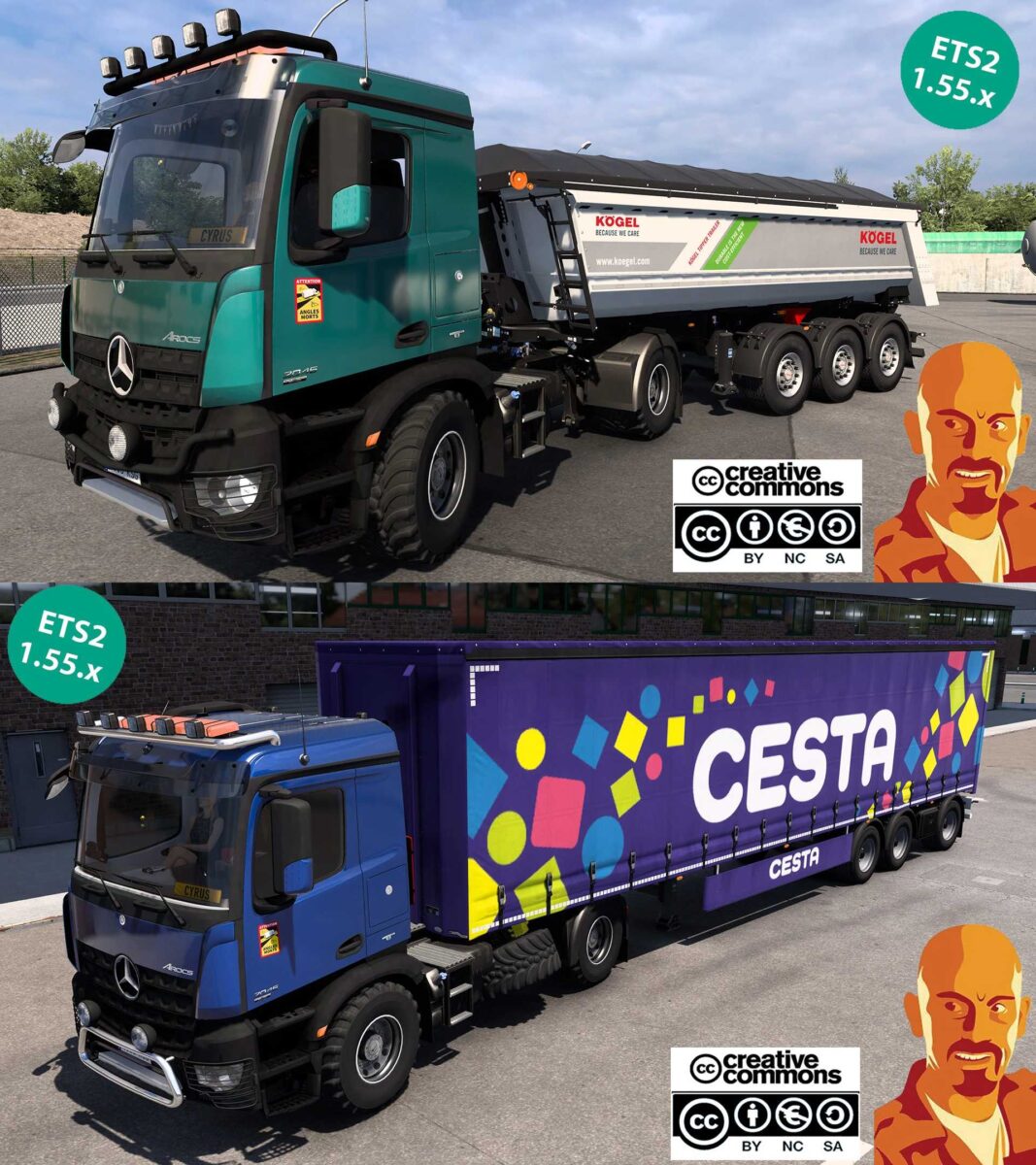
Truck and trailer combined in a single mod.
Support for metallic paints and skins.
Double and triple trailer options.
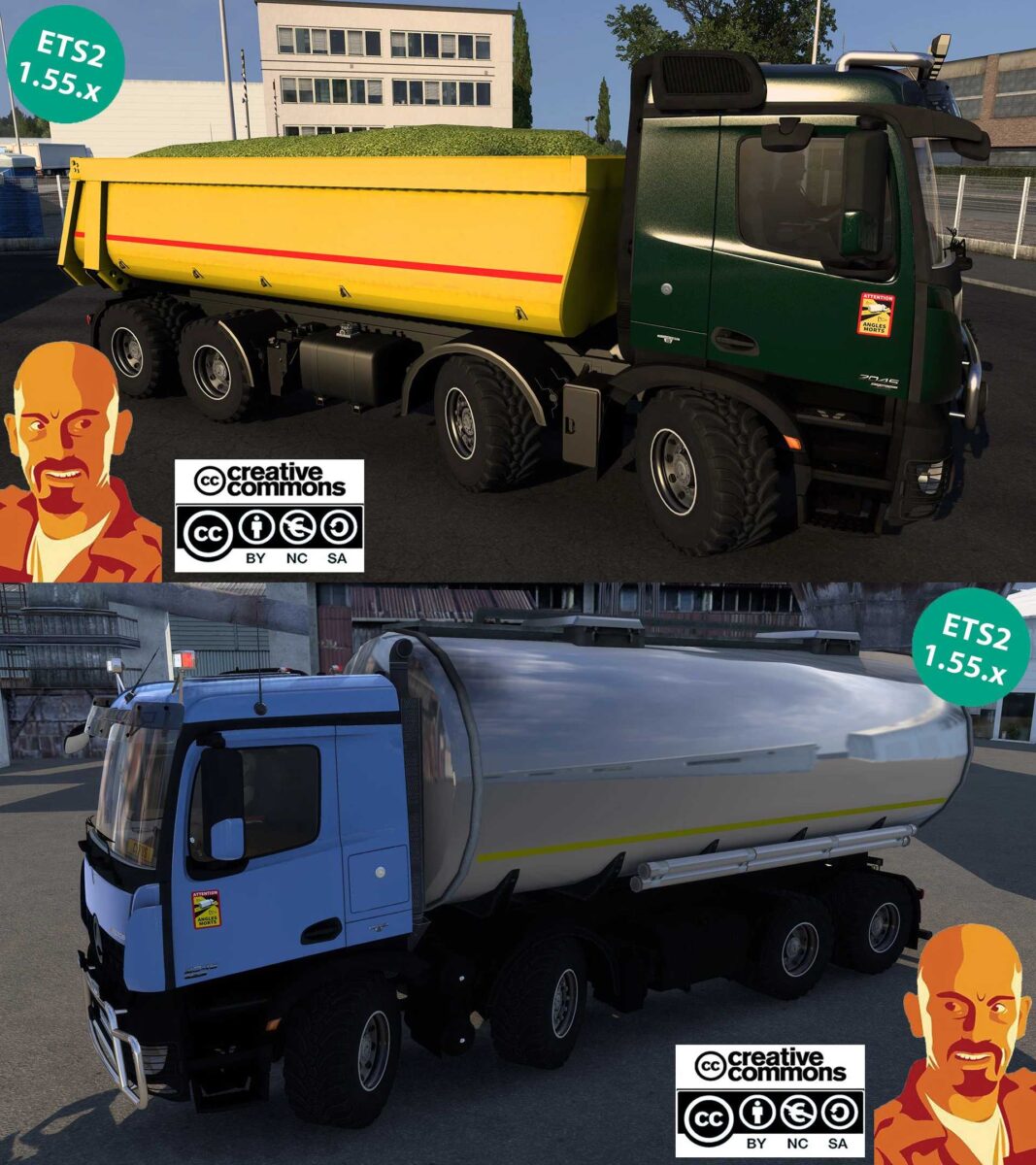
Kipper and cistern trailers included.
“LONG VEHICLE & ROAD TRAIN” signage.
Rear beacons available.
All types of cargo supported.
Multiple roof grill designs.
Various bumper grill options.
An extensive range of accessory selections.
Exhaust smoke effects.
“Angles morts” sticker included.
Chromed wheel covers.
Truck visible in truck browser.
Trailer viewable in trailer browser.
v4.0 Enhancements:
Updated for ETS2 1.55.x.
Adjusted to the new SCS cargo system.
Completely revamped mod design.
New cistern trailer and 4 cargo types added (EXCLUSIVE TO FULL VERSION).
Updated cistern truck body (EXCLUSIVE TO FULL VERSION).
Support for double and triple trailers (EXCLUSIVE TO FULL VERSION).
Fixed blinkers.
Reflex components intensity adjustments.
Enhanced plate lighting.
Included “LONG VEHICLE & ROAD TRAIN” signage (EXCLUSIVE TO FULL VERSION).
Rear strobe light added (EXCLUSIVE TO FULL VERSION).
Changes made to DEF files.
Other minor tweaks applied.
You will need SiS’L megapack for complete cabin accessories availability!
Just enjoy the ride!
Log is clean.
Credits: Cyrus, Maxi.S, Chris Dre, Kevin Funke, Matze, STv-Modding (mod for FS17).
Instructions for installing ETS2 mods or ATS Mods
To install mods in Euro Truck Simulator 2, simply download the mod from here and copy/unzip the files into: “My Documents\Euro Truck Simulator 2\mod” folder. For ATS, install mods in: “My Documents\American Truck Simulator\mod” folder. Use WinRAR or 7zip to unzip the files. After unzipping, you must activate the mods you wish to use.