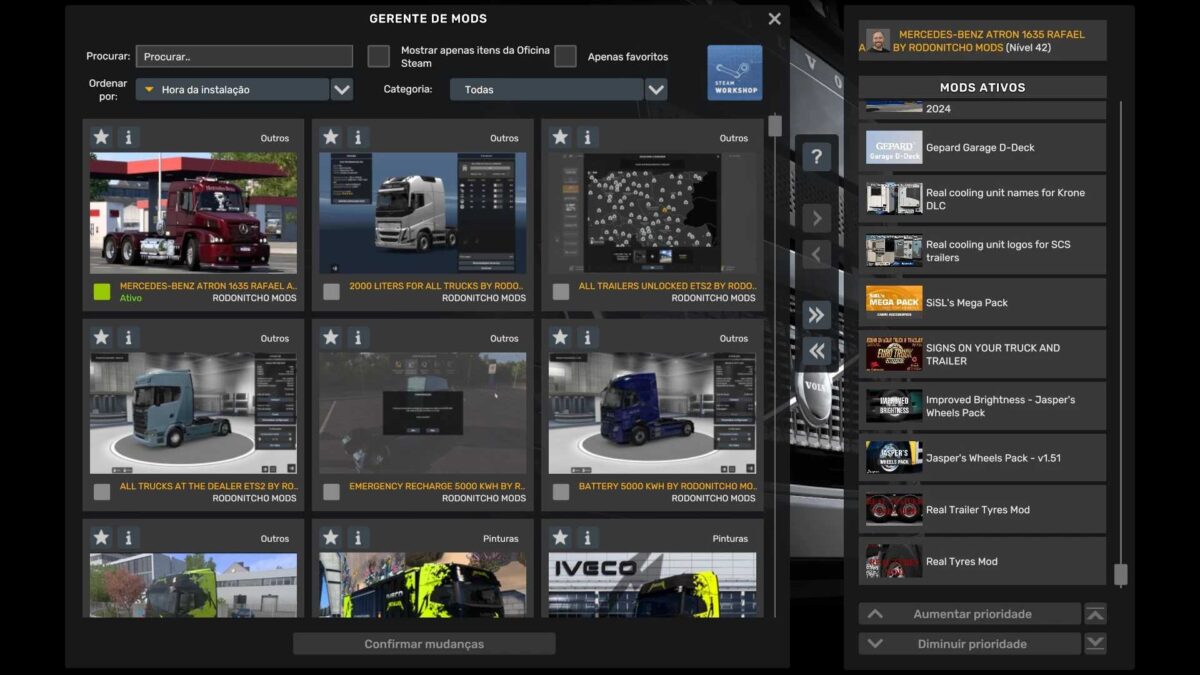
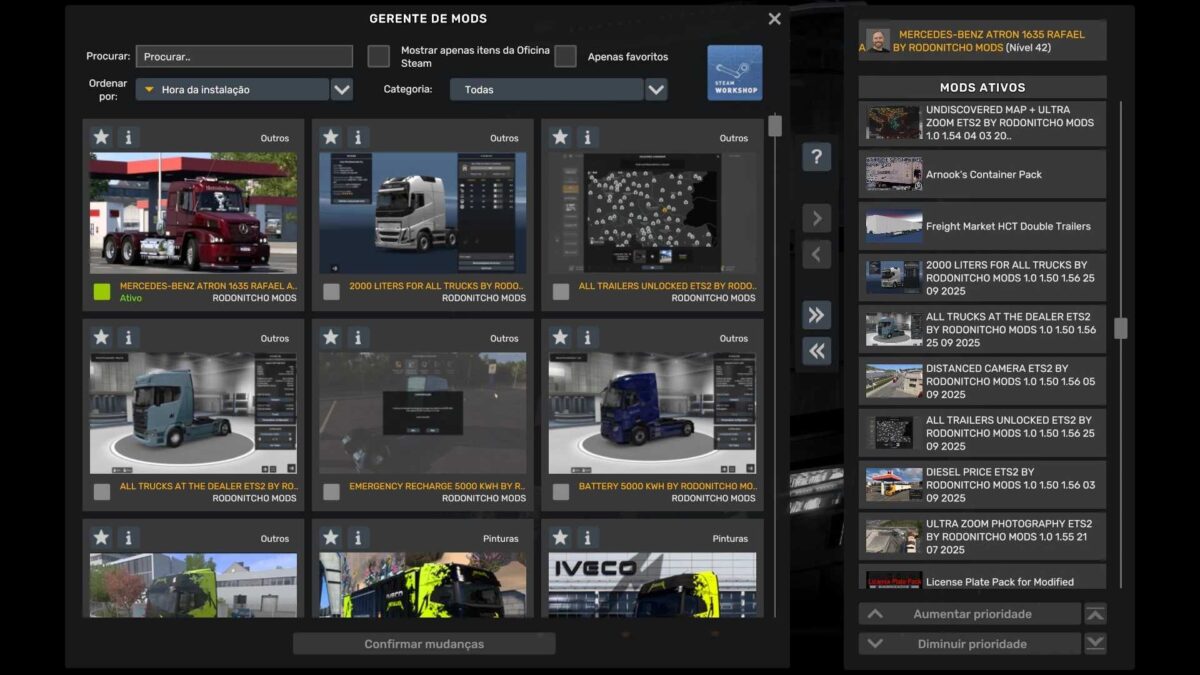
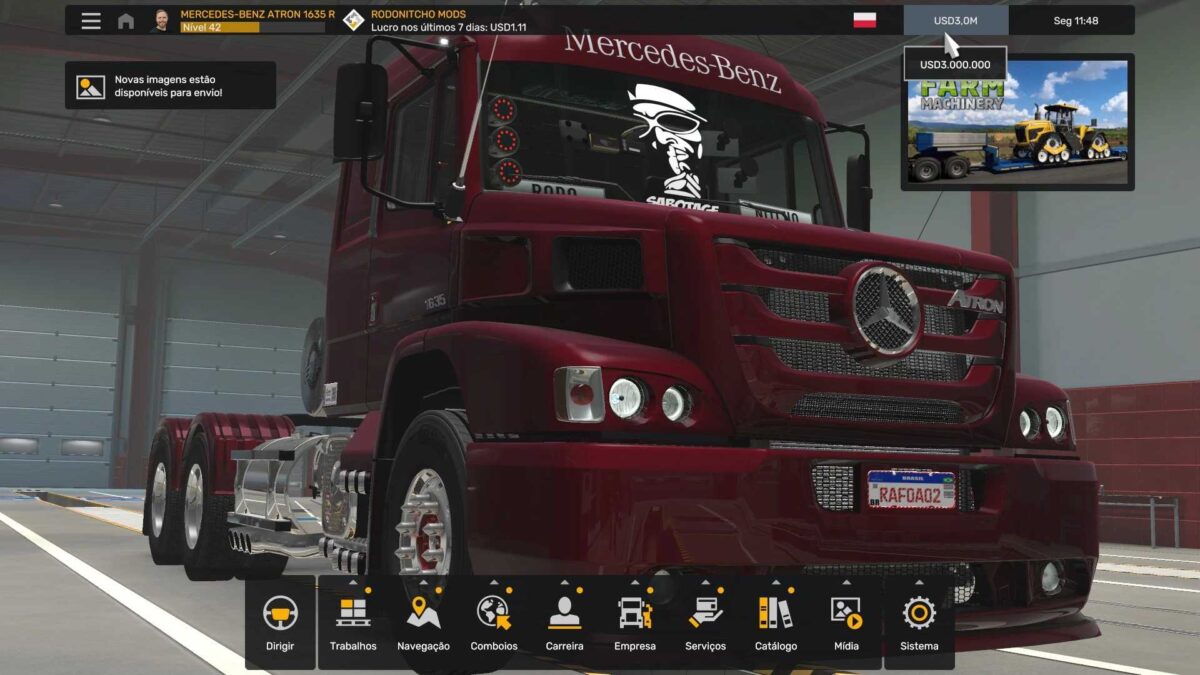
PROFILE MERCEDES-BENZ ATRON 1635 RAFAEL ALVES 28 09 2025 v1.0 1.56 ETS2
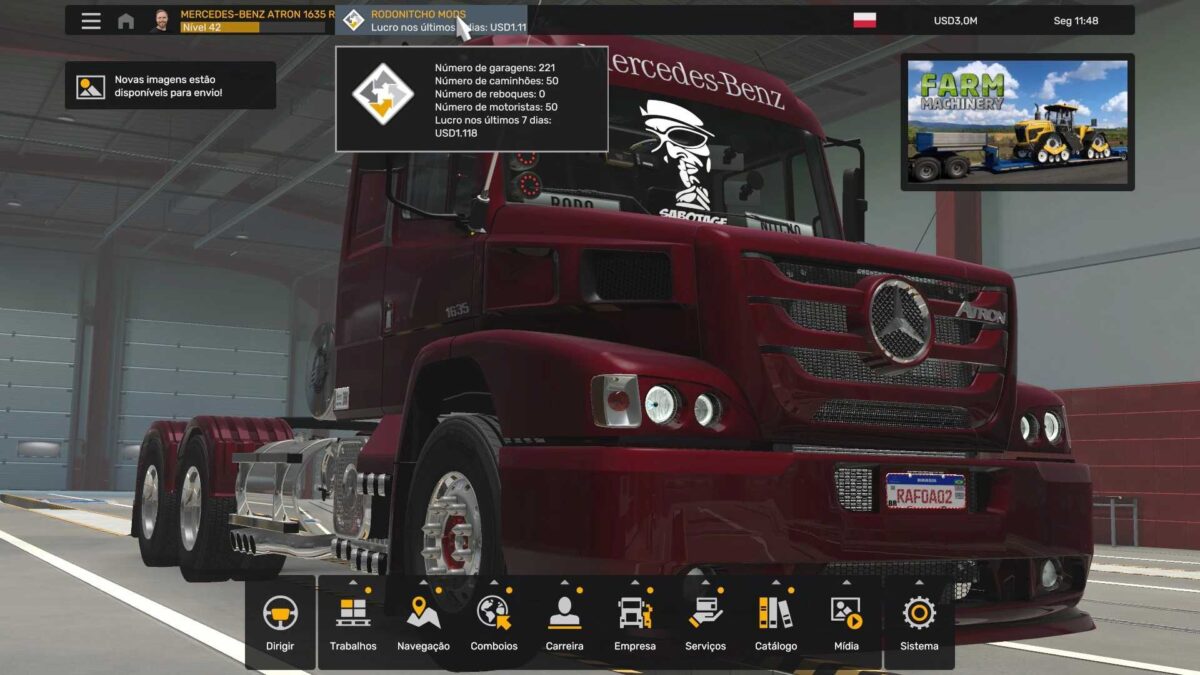
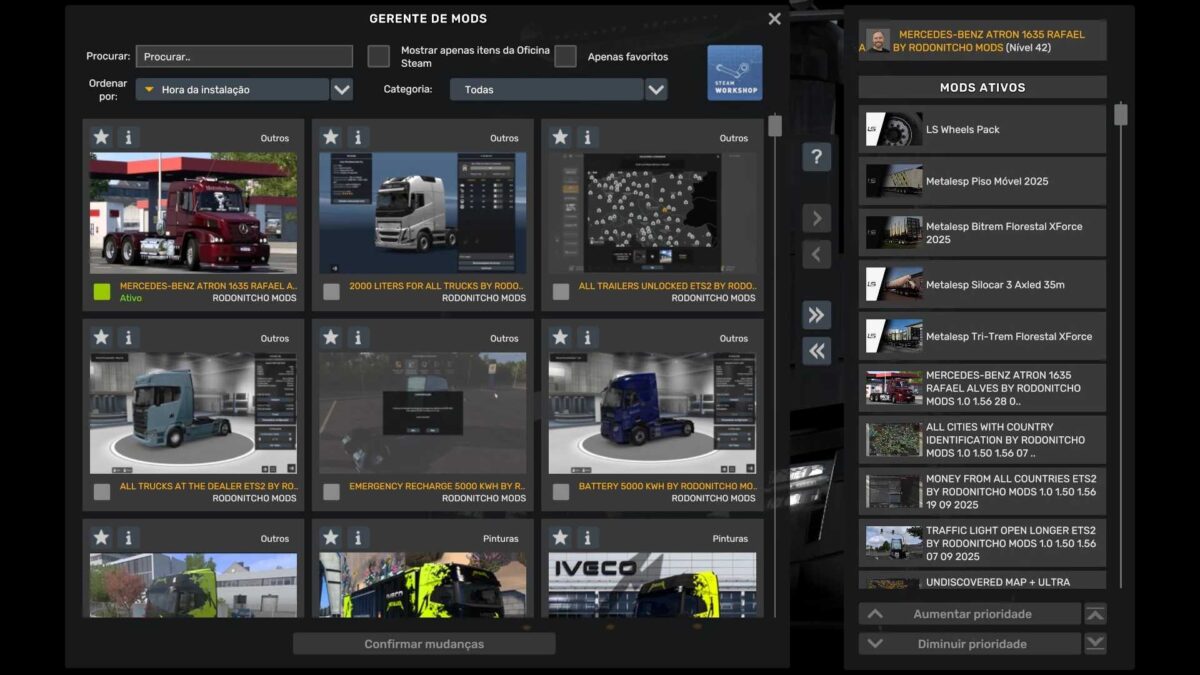
PROFILE MERCEDES-BENZ ATRON 1635 RAFAEL ALVES BY RODONITCHO MODS 1.0 1.56 28 09 2025
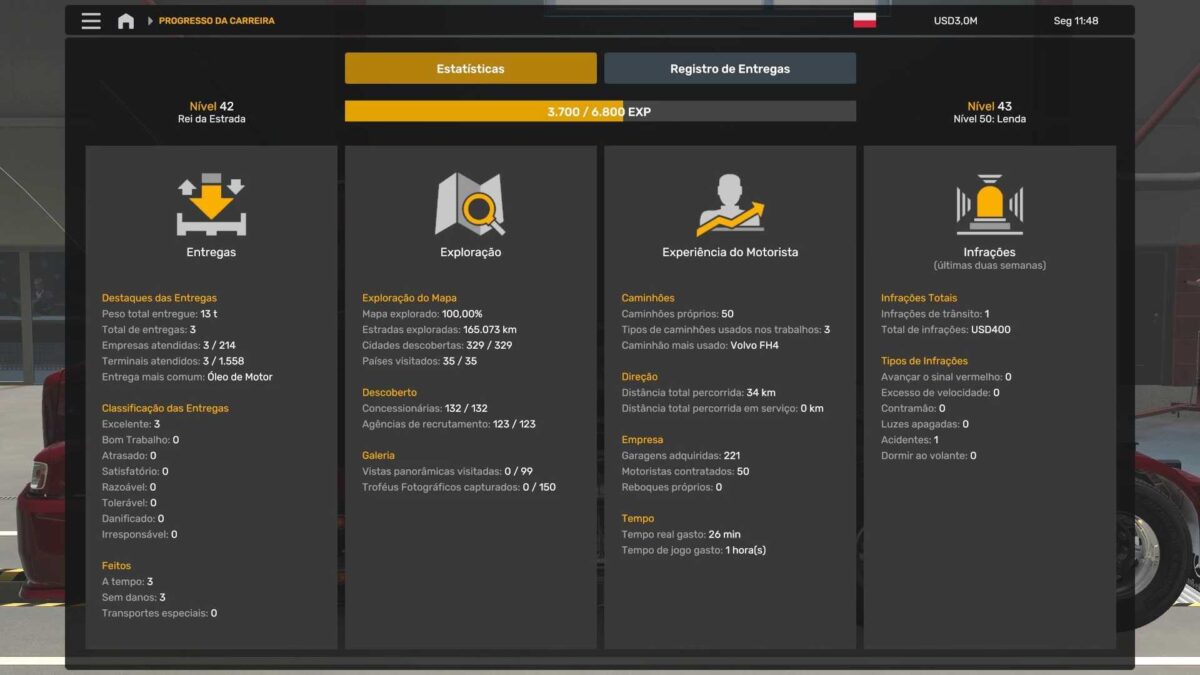
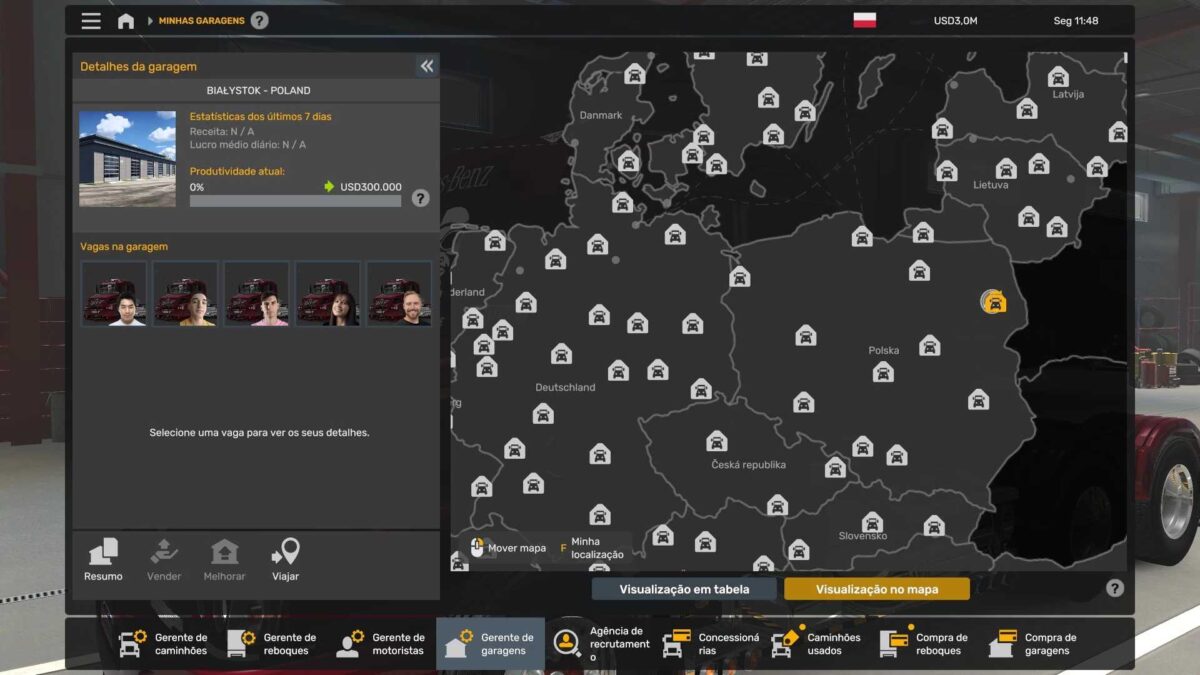
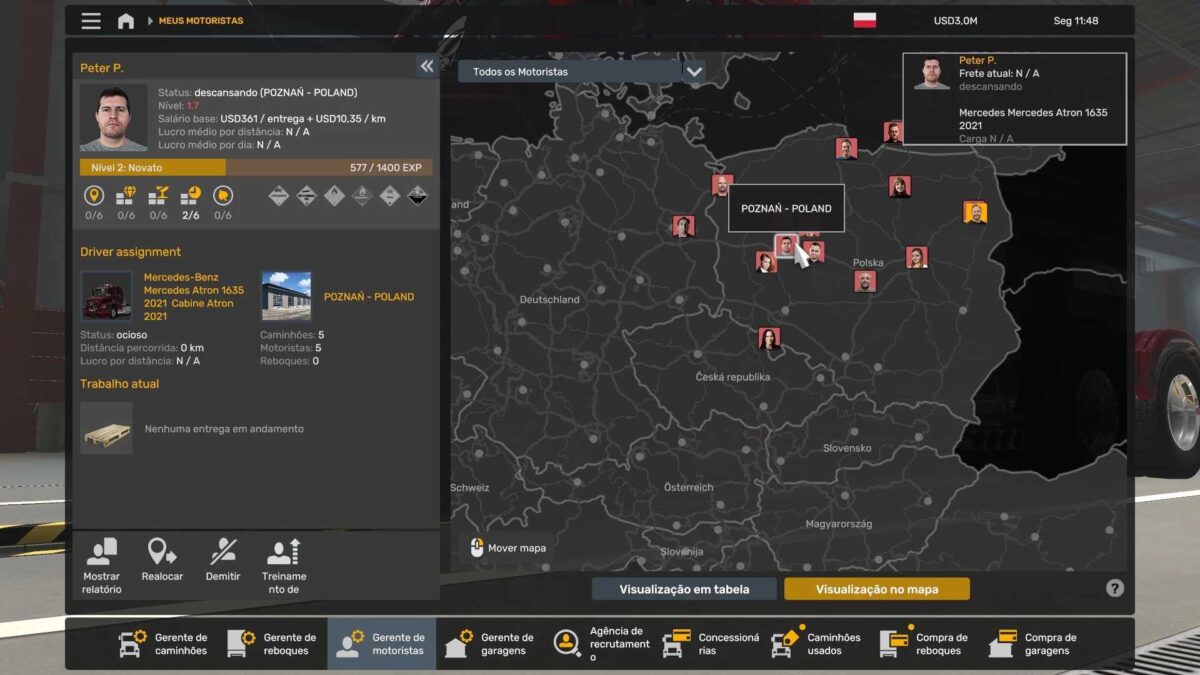
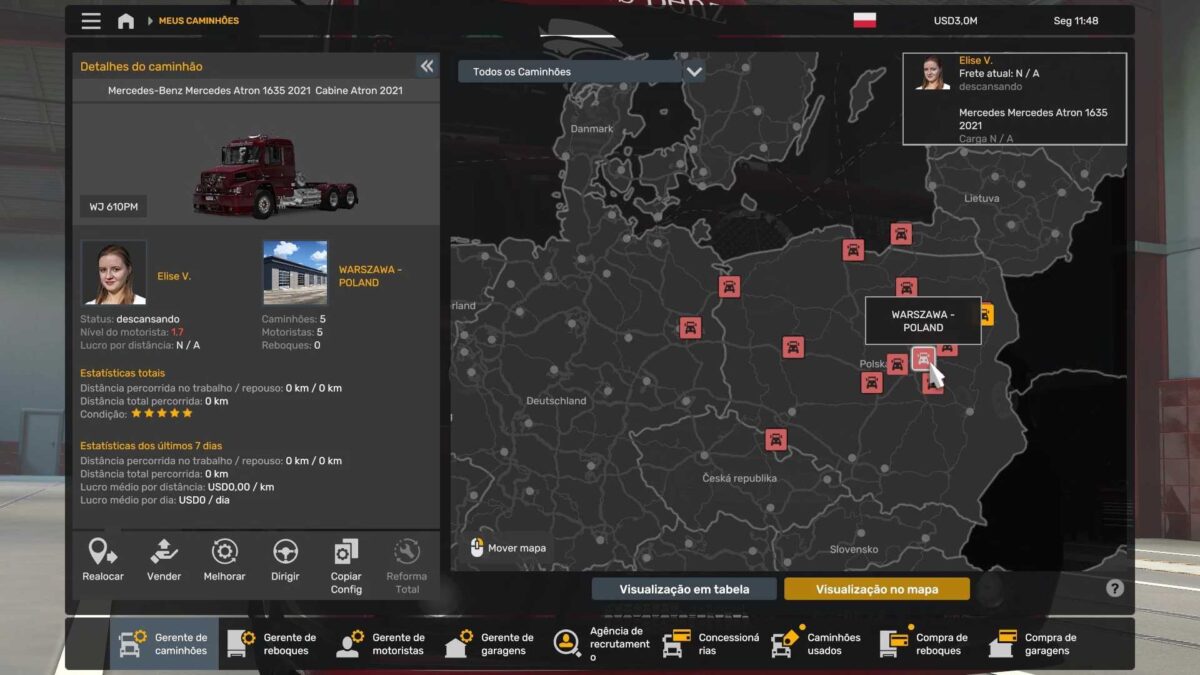
GARAGES 221
TRUCKS 50
DRIVERS 50
TRAILERS 0
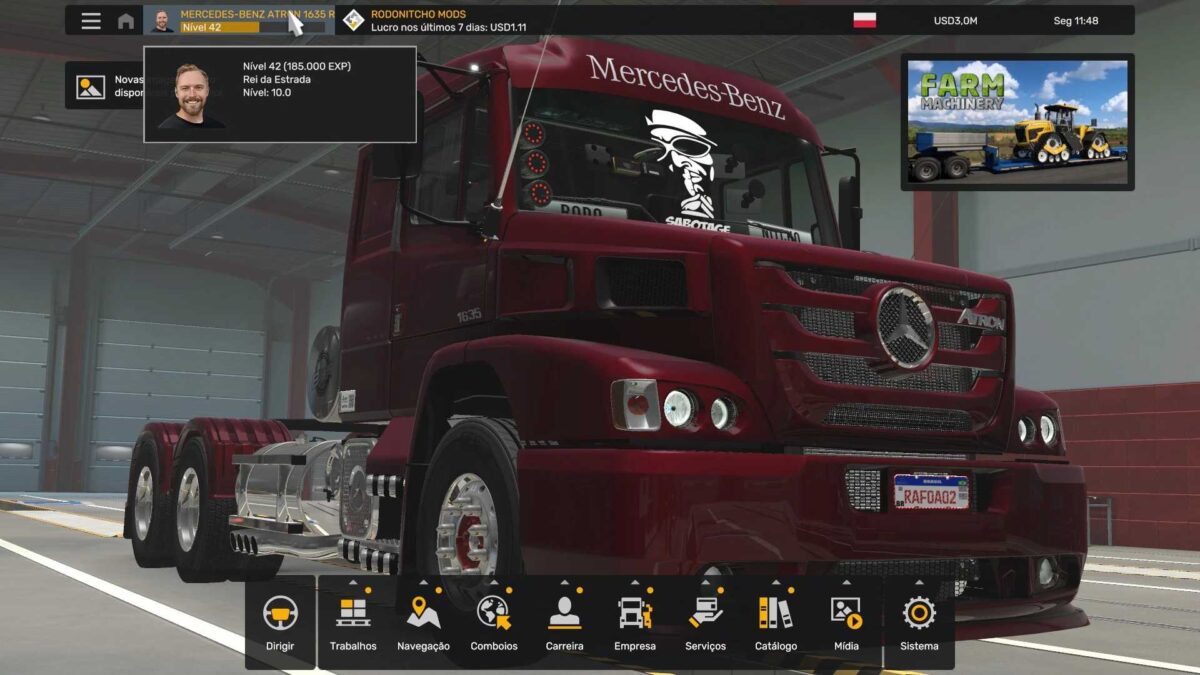
MONEY 3,000,000 EUROS
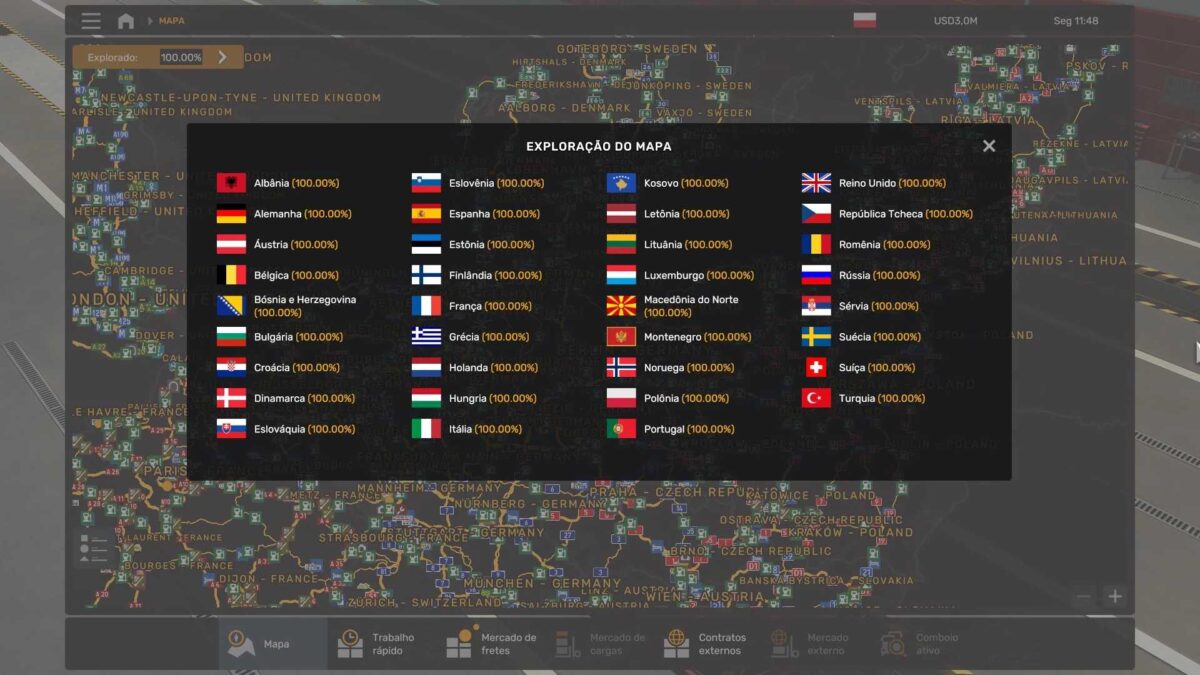
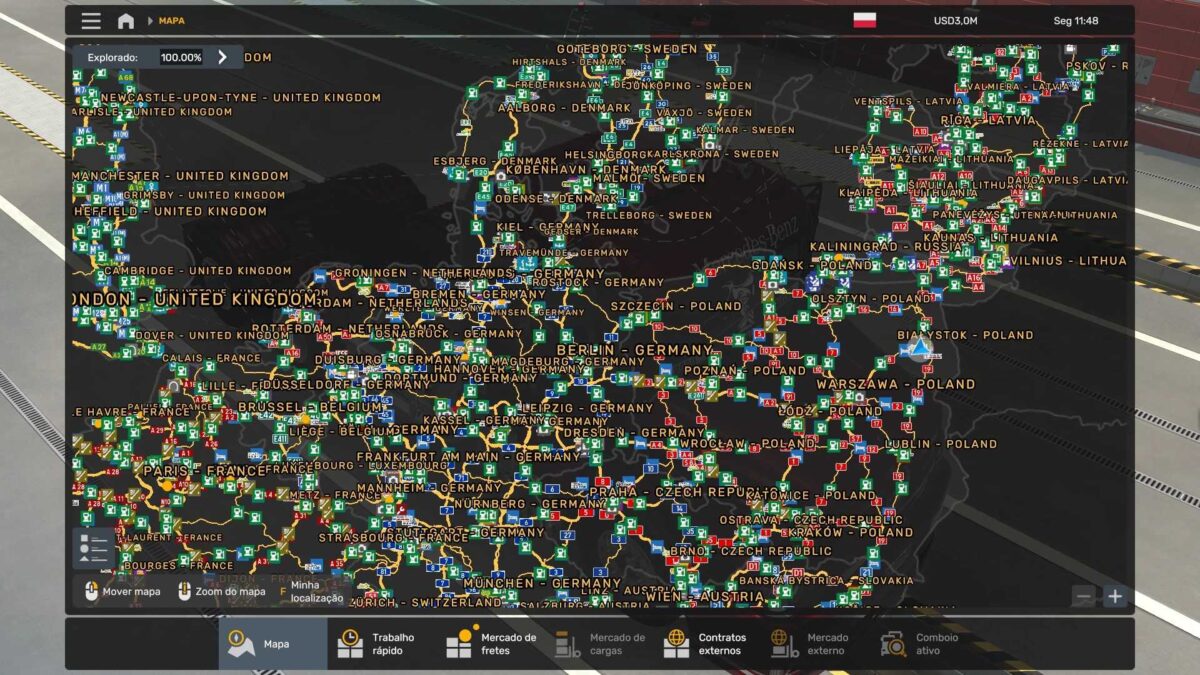
MAP EXPLORED 100.00%
CITIES 329/329
COUNTRIES 35/35
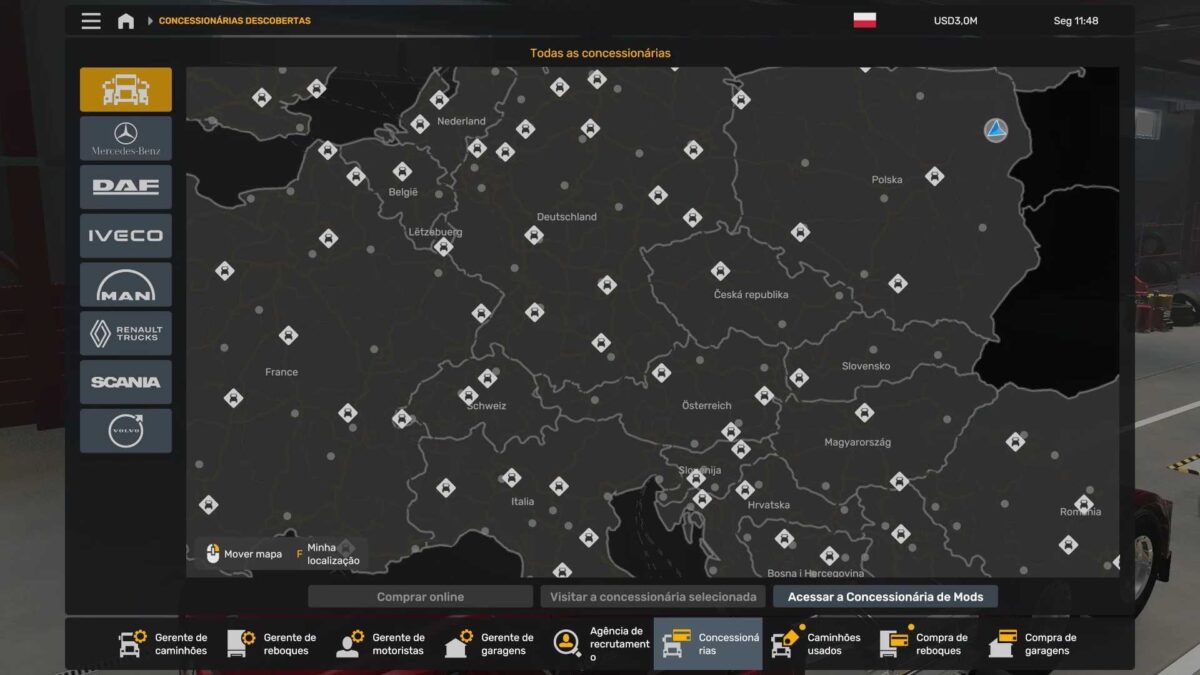
DEALERS 132/132
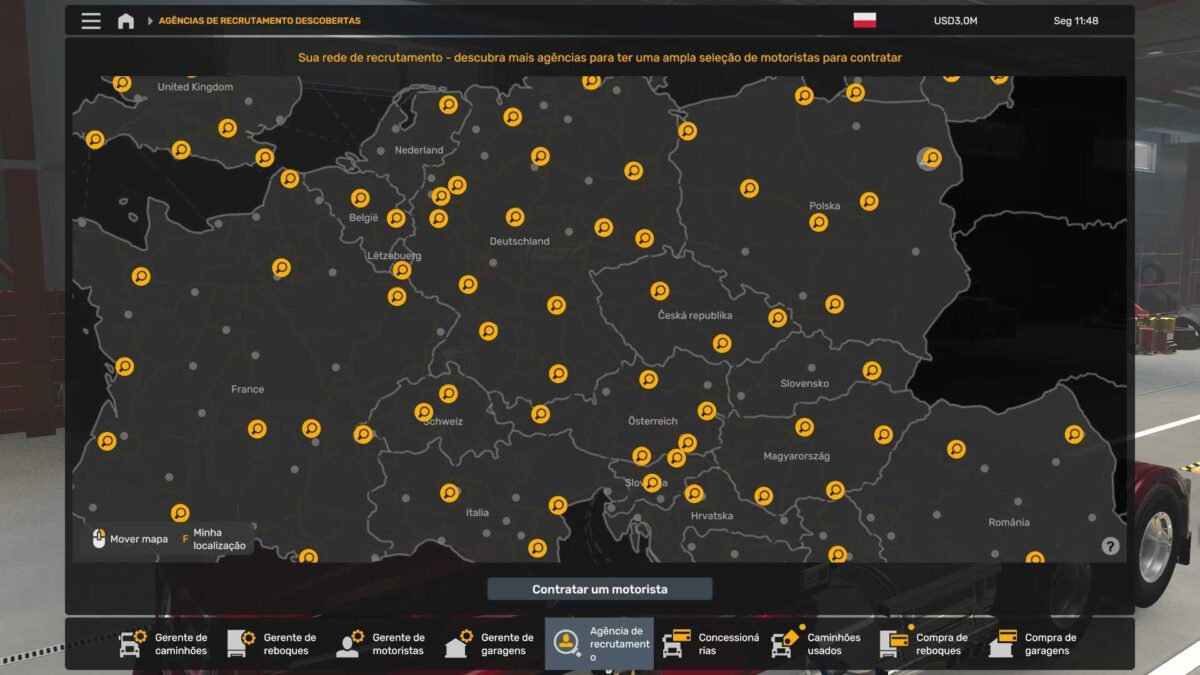
RECRUITMENT AGENCY 123/123
PARKING SPACES AVAILABLE IN GARAGES 1,105
MAIN GARAGE BIAŁYSTOK
LEVEL 42 (185,000 EXP)
Credits: RODONITCHO MODS
How to install ETS2 mods or ATS Mods
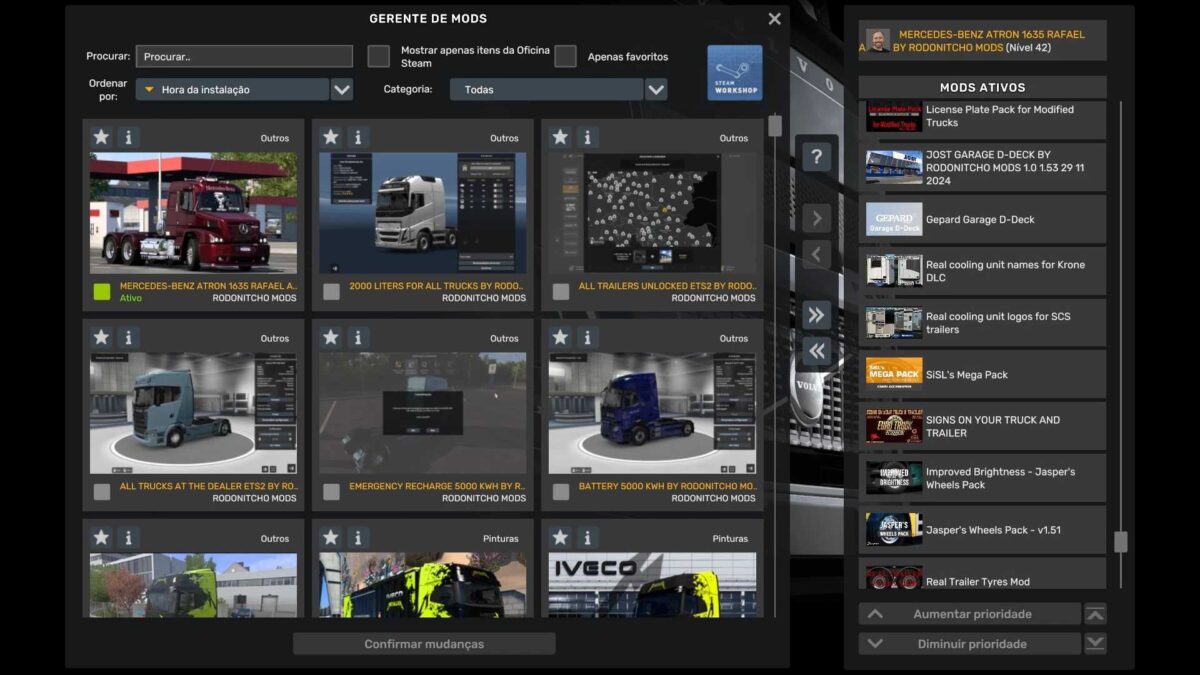
Installing mods in Euro Truck Simulator 2 is straightforward. Simply download the mod from here, and copy/unzip the files into: “My Documents\Euro Truck Simulator 2\mod” folder. If you’re using ATS, place the mods in: “My Documents\American Truck Simulator\mod” folder. To extract files, you can use WinRAR or 7zip. Afterward, activate the mods you wish to use.