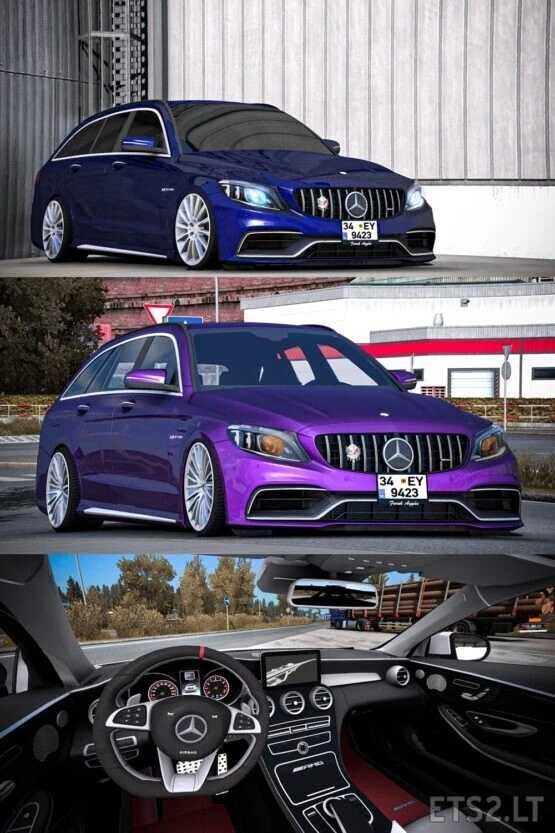
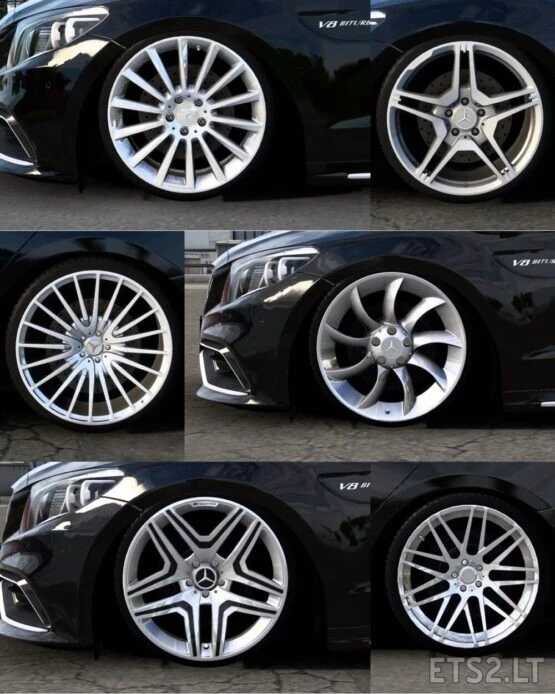
Mercedes Benz C63s 1.54 ETS2
Discover the Mercedes Benz C63s.
This vehicle is fully functional and active.
Credits: Faruk Aygun
Credits: Faruk Aygun
Installing ETS2 or ATS Mods
Adding mods in Euro Truck Simulator 2 is straightforward. Download a mod and place the files (uncompressed) into: “My Documents\Euro Truck Simulator 2\mod” folder. For American Truck Simulator, use: “My Documents\American Truck Simulator\mod” folder. You can use WinRAR or 7zip to unzip files. After installation, activate the mods you wish to enable.