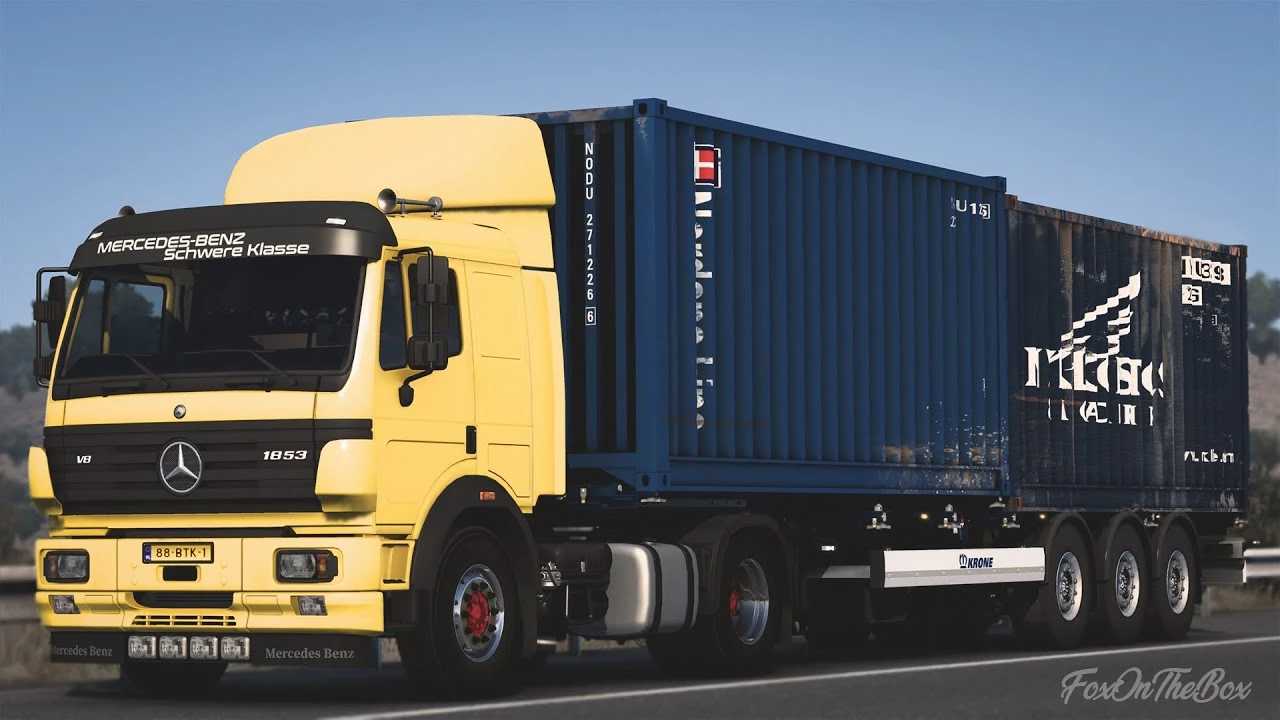
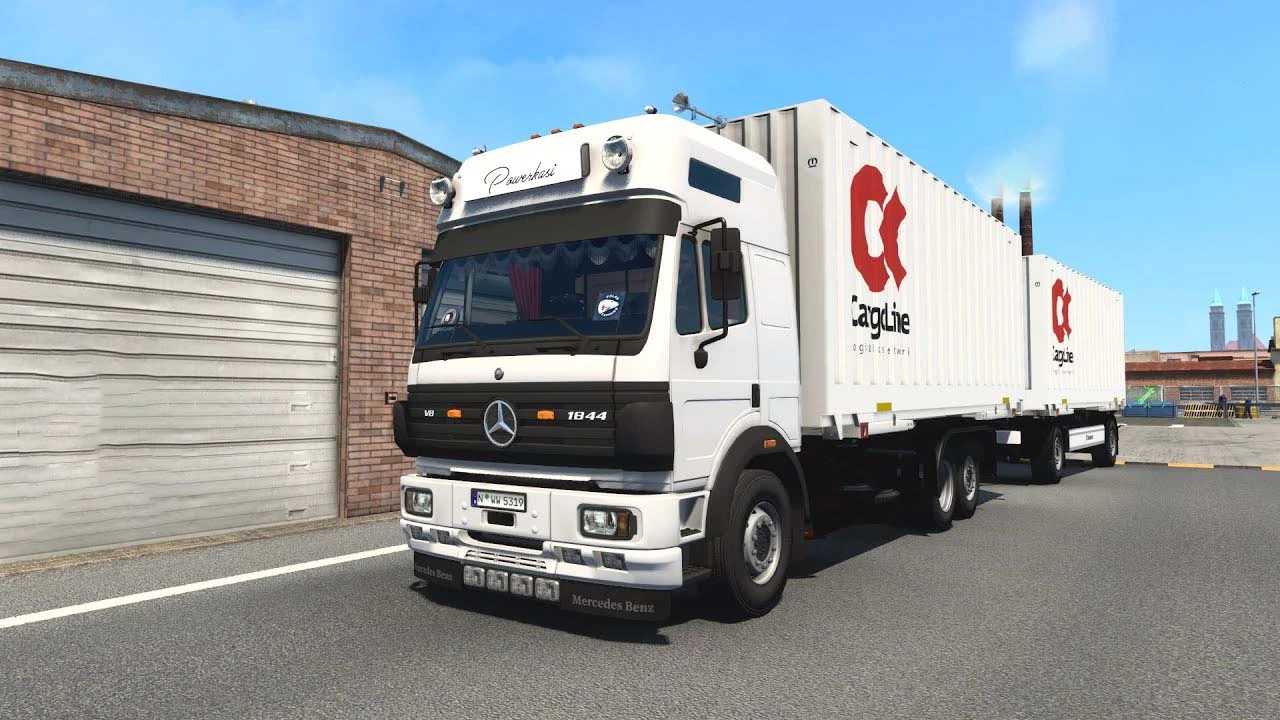
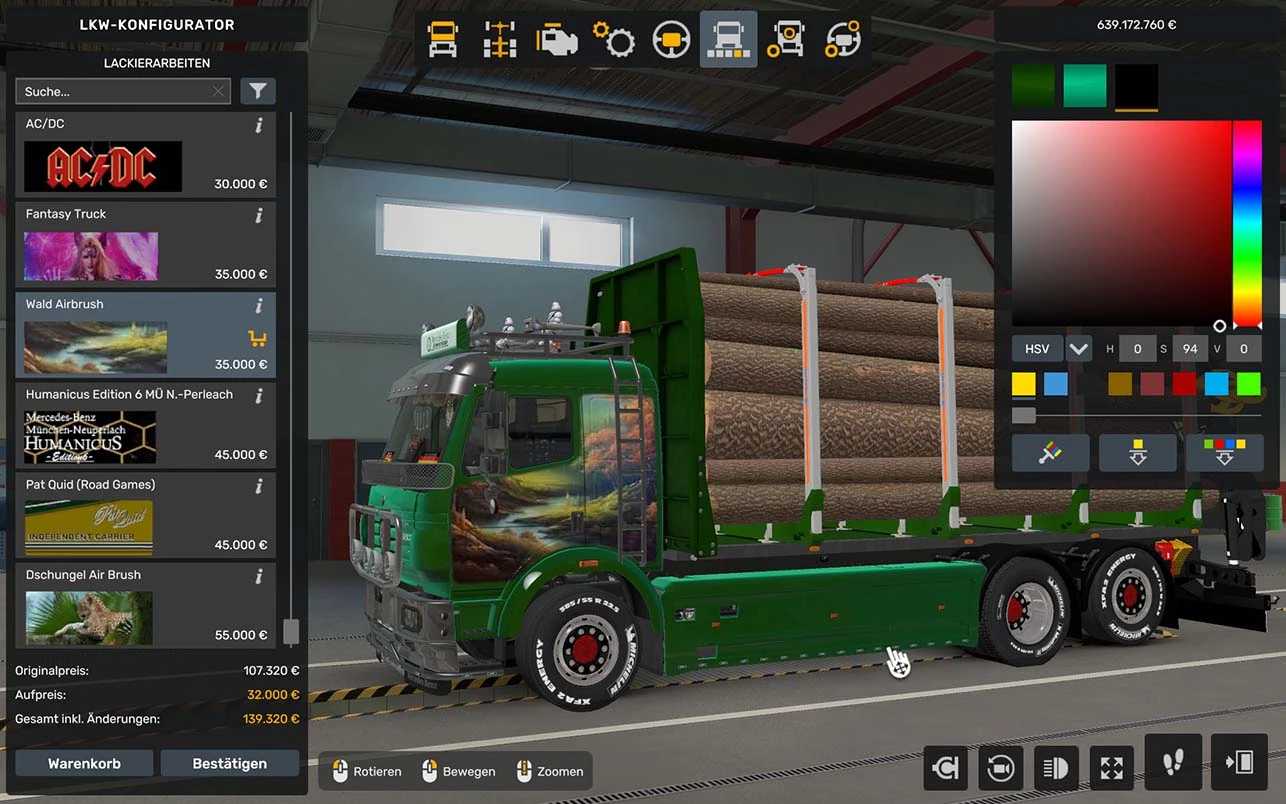
Mercedes Benz-SK v1.56 ETS2
Change Log 1.56.x
– New components, chassis with fixed superstructures (tarpaulin, box, dropside, stakes with crane)
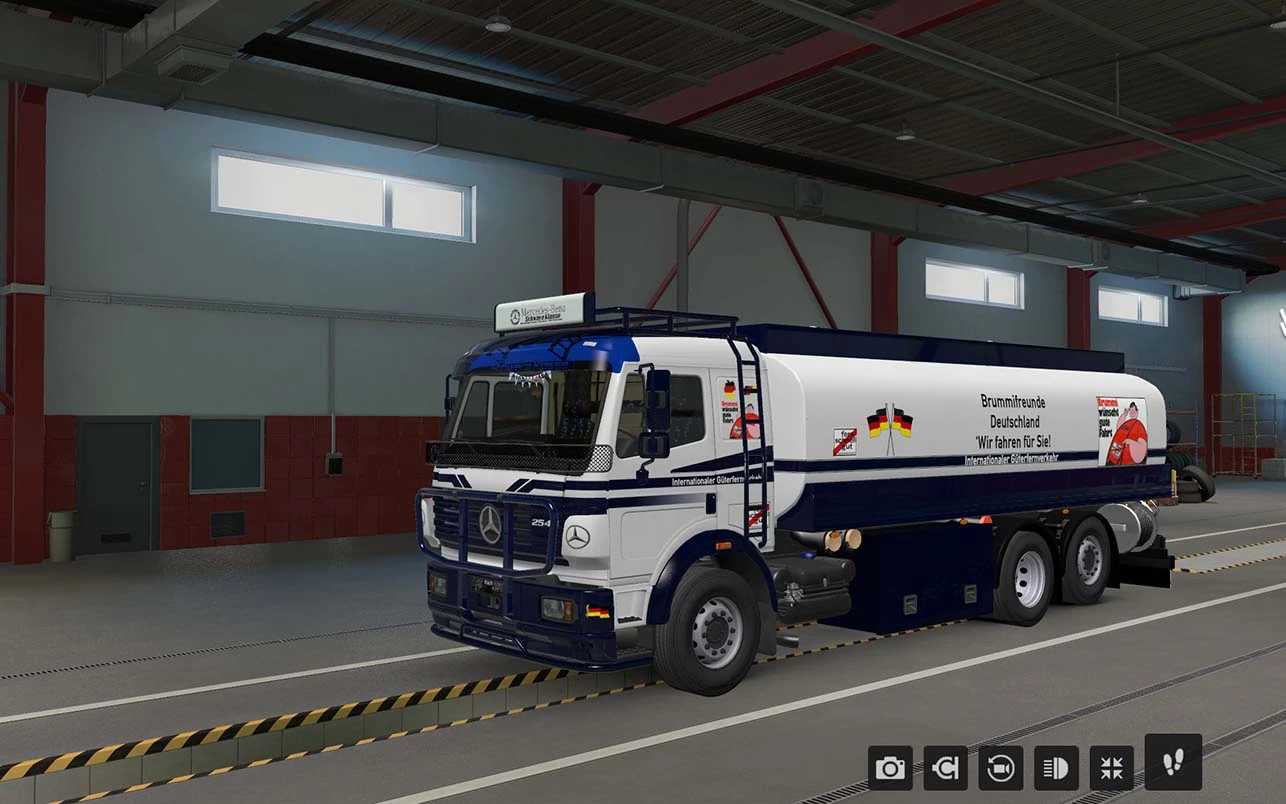
– Added tank structure.
Includes:
2 cabins
8 chassis + BDF chassis
5 engines, 5 transmissions
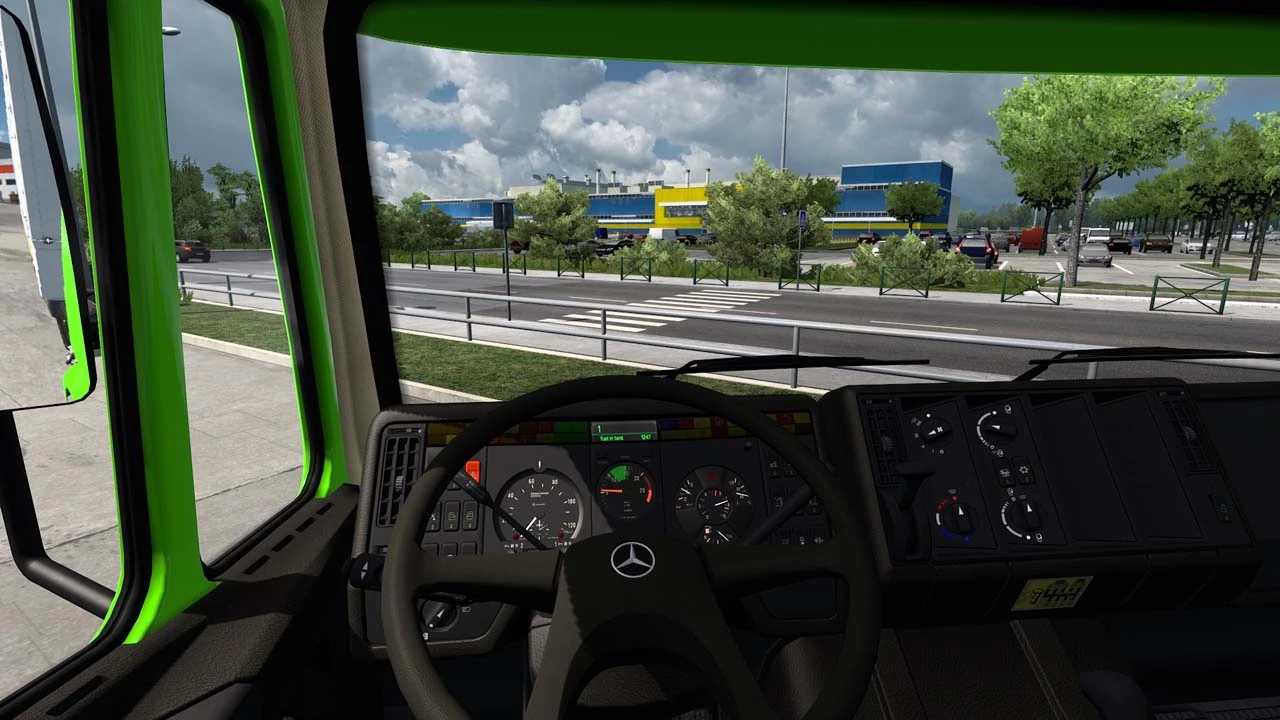
2 interior styles
New computer dashboard
Skin pack
Numerous tuning options
Templates
Load Order
Mercedes_SK
Swap Body Pack by Sebastian7870
Swap Body Carrier Krone Trailer Sebastian7870
Swap Body Carrier Trucks Sebastian7870
old tgx2020 sounds_147
Compatibility: 1.56
Credits: XBS, Martin
Installation Instructions for ETS2 or ATS Mods
Installing mods in Euro Truck Simulator 2 is straightforward. Simply download the mod from here, copy/unzip the files into: “My Documents\Euro Truck Simulator 2\mod” folder or, for ATS, place them in: “My Documents\American Truck Simulator\mod” folder. You can use tools like WinRAR or 7zip for unzipping. After that, activate the mods you wish to use.