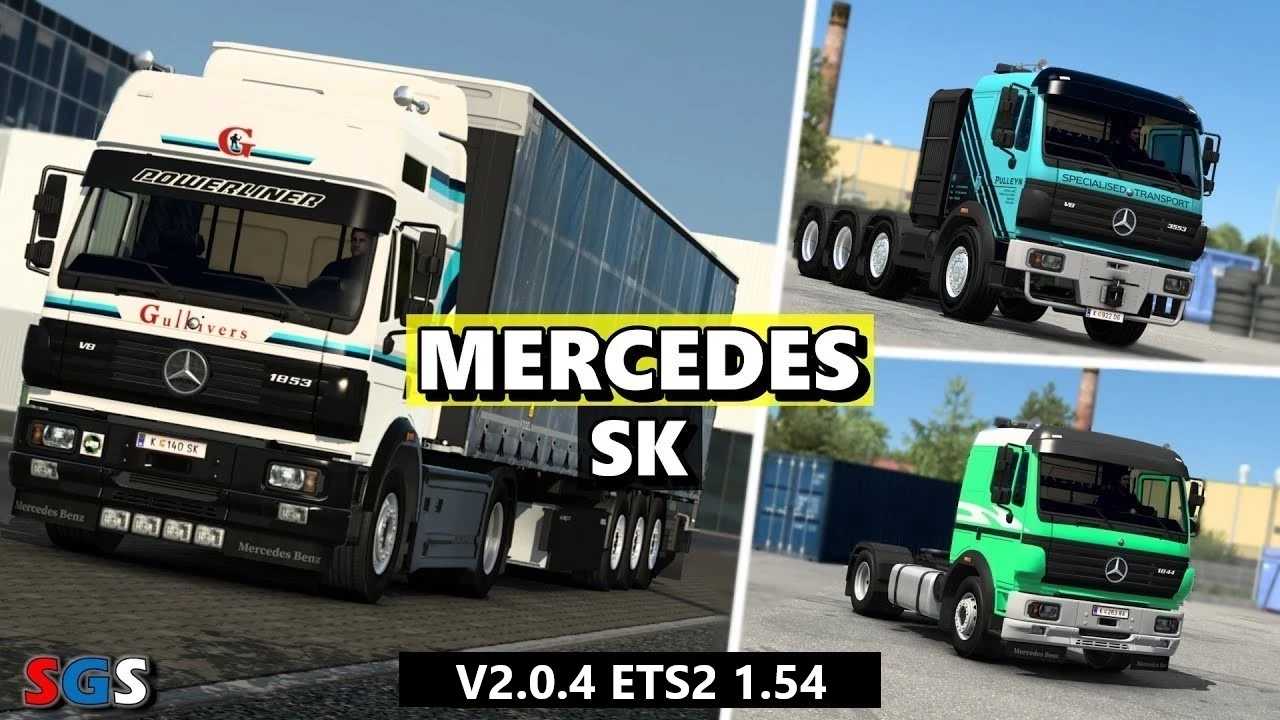
Mercedes Benz-SK v2.0.4 ETS2
Changelog
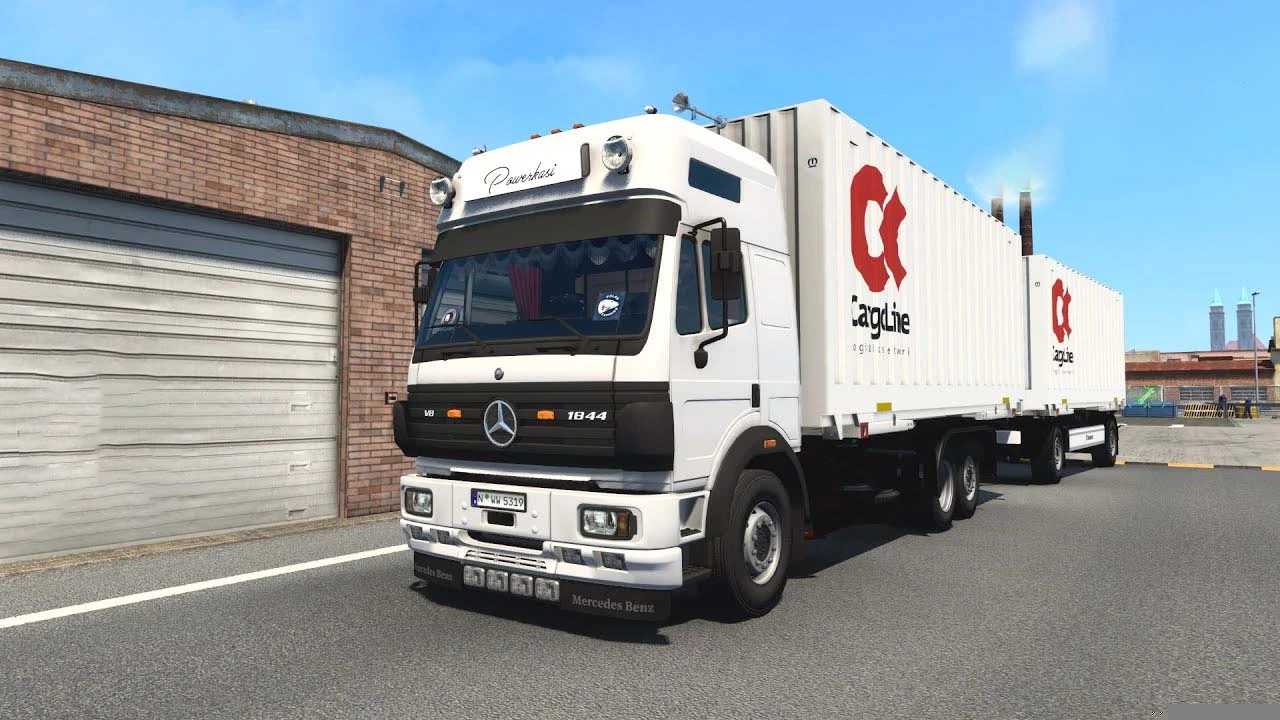
– Introduced interior shades, adjusted center of gravity, and enabled the Ventyres trailer combo to carry up to 20 tons
– Adjusted sound settings
Features:
2 Cab configurations
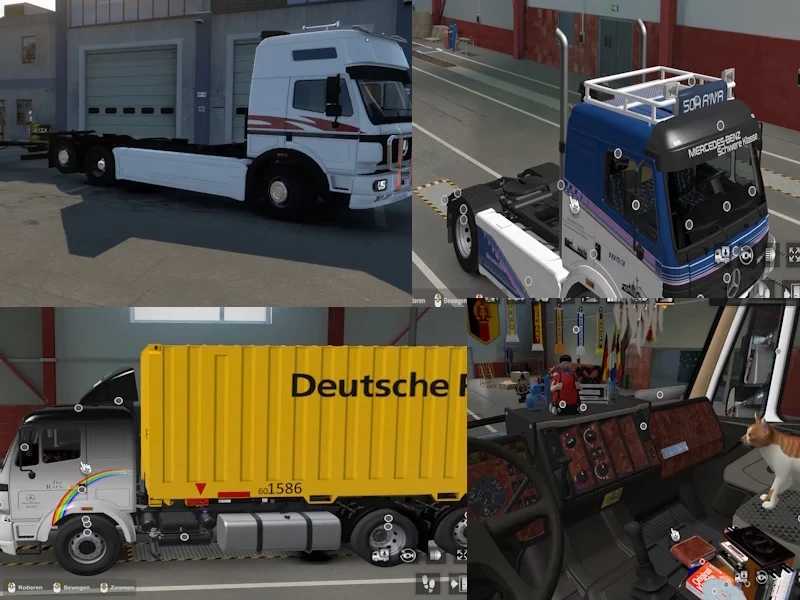
8 Chassis types including BDF chassis
5 Engine options and 5 Transmissions
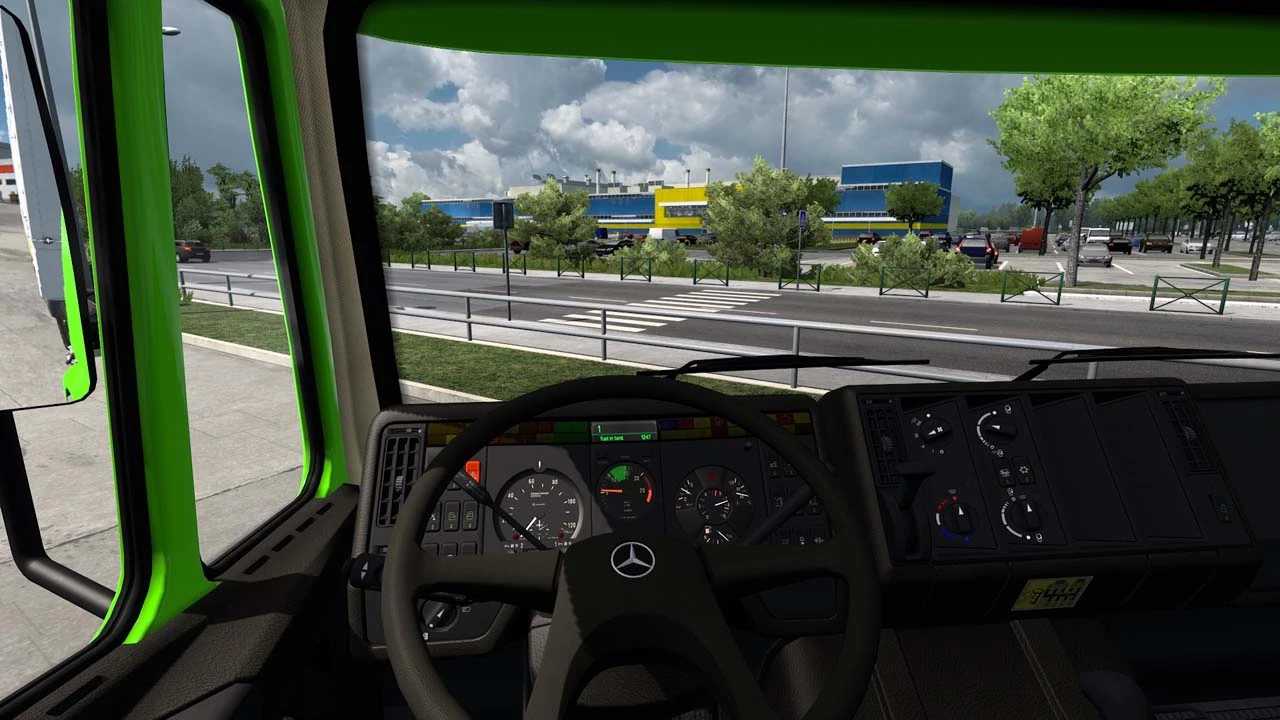
2 Interior designs
Updated computer dashboard
Skinpack included
Extensive tuning options
Templates available
Load Order:
Mercedes_SK
Swap Body Pack by Sebastian7870
Swap Body Carrier Krone Trailer by Sebastian7870
Swap Body Carrier Trucks by Sebastian7870
Old TGX 2020 Sounds_147
Game Compatibility: 1.54
Credits: XBS, Martin
Installation Instructions for ETS2 or ATS Mods
Installing mods in Euro Truck Simulator 2 is straightforward. Simply download the mod from the link, then copy/unzip the files into: “My Documents\Euro Truck Simulator 2\mod” folder. For American Truck Simulator (ATS), place them in: “My Documents\American Truck Simulator\mod” folder. You can use WinRAR or 7zip to unzip the files. After that, activate the mods you wish to use.