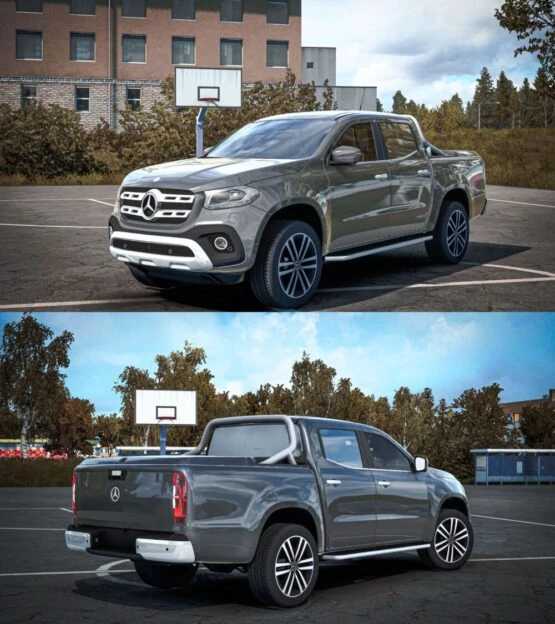
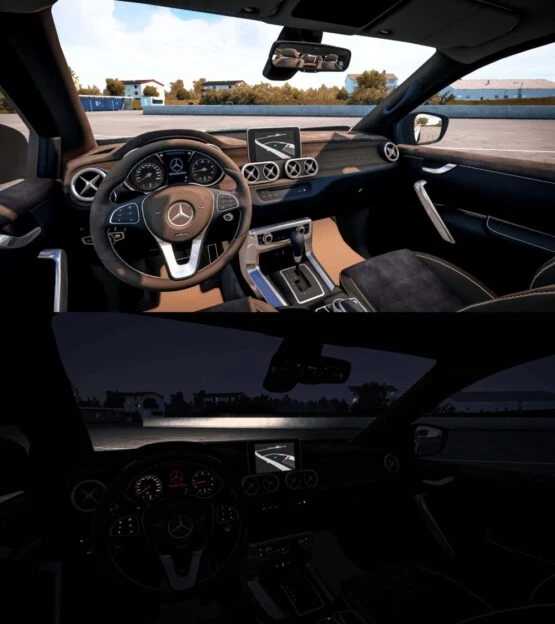
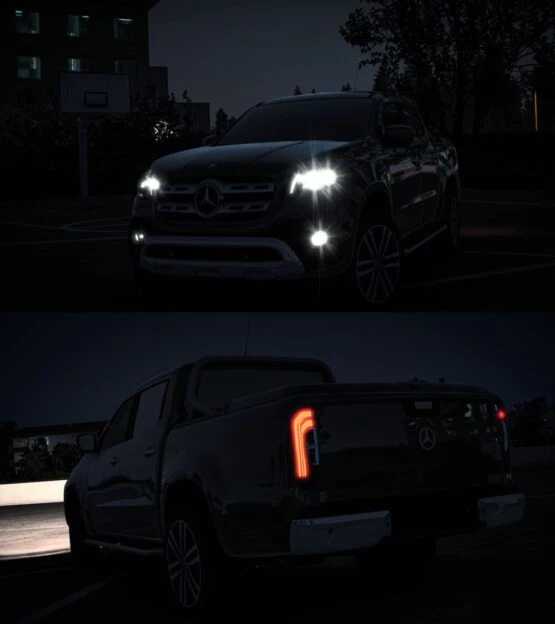
Mercedes-Benz X-Class SUV Diesel v1.0 for ETS2
Mercedes-Benz X-Class SUV Diesel
– Bugs have been resolved.
– Updated for improved compatibility.
Credits: Ismail Kaan Saribiyik
Installation Instructions for ETS2 or ATS Mods
Installing mods for Euro Truck Simulator 2 is straightforward. Simply download the mod from the provided link, then copy or unzip the files into: “My Documents\Euro Truck Simulator 2\mod” folder. For American Truck Simulator (ATS), place mods in: “My Documents\American Truck Simulator\mod” folder. To unzip files, you can use WinRAR or 7-Zip. After that, activate the mods you wish to use.