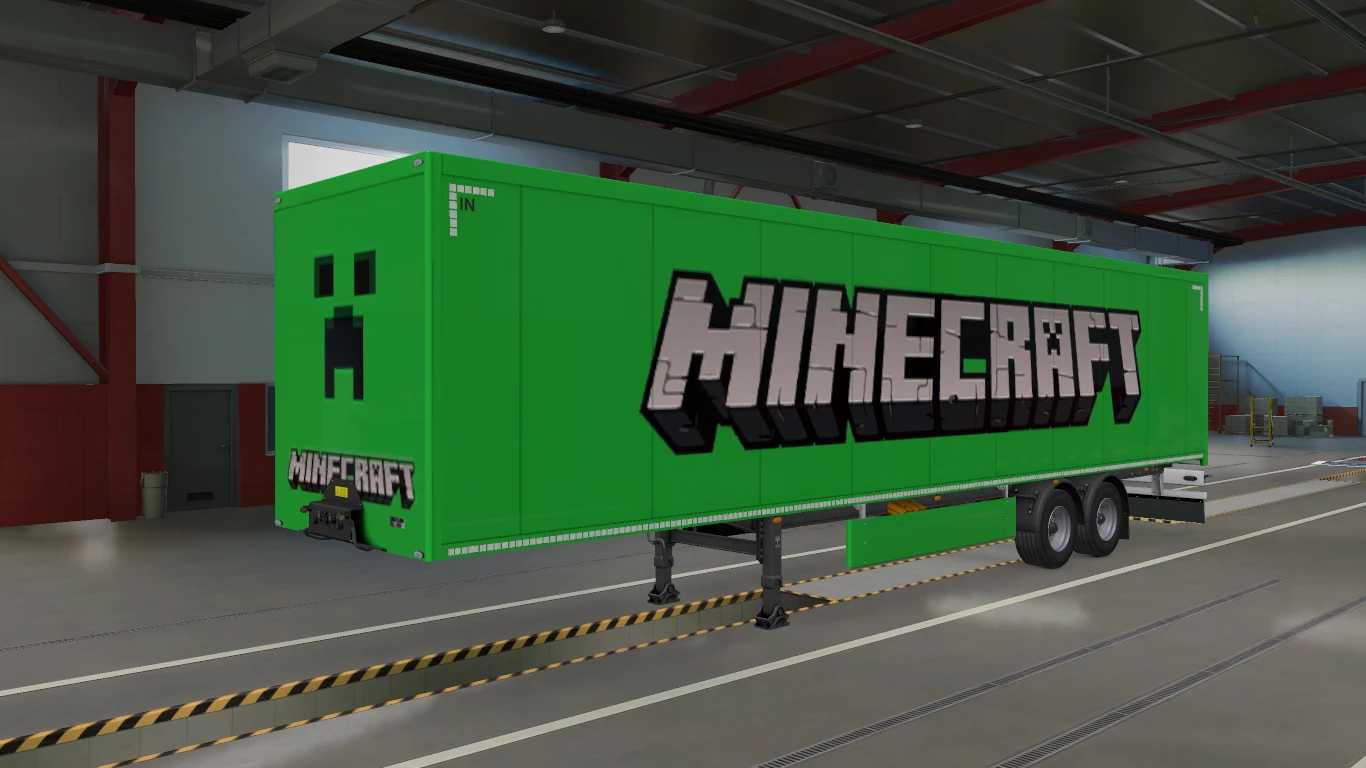
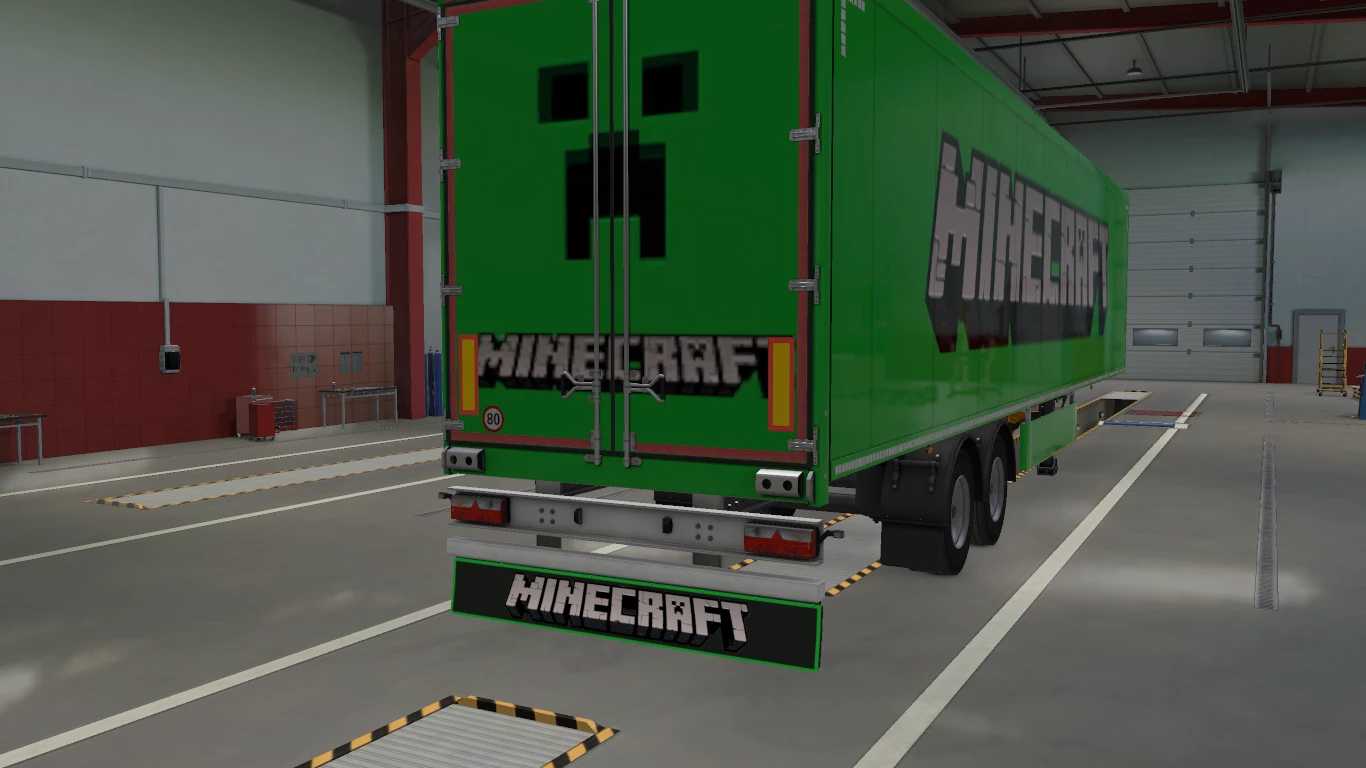
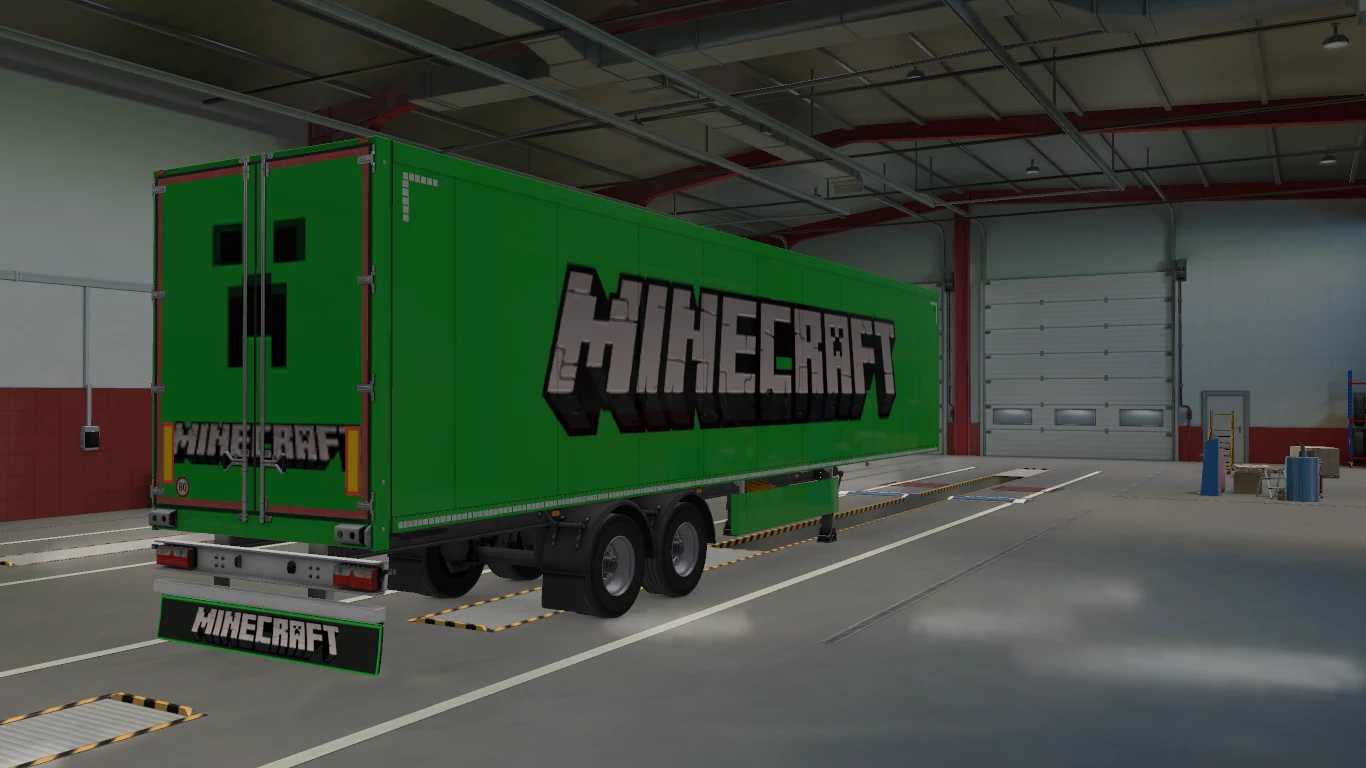
Minecraft Trailer Skin + Mudflap v1.0 ETS2
This mod features a Minecraft skin designed for SCS Box trailers, complete with a mudflap.
Credits: Roshan
How to install ETS2 or ATS Mods
Installing mods in Euro Truck Simulator 2 is straightforward. Simply download the mod from the provided link and copy/unzip the files to the “My Documents\Euro Truck Simulator 2\mod” folder. For American Truck Simulator, place the mods in the “My Documents\American Truck Simulator\mod” folder. To extract files, you can use either WinRAR or 7zip. After that, activate the mods you wish to use.