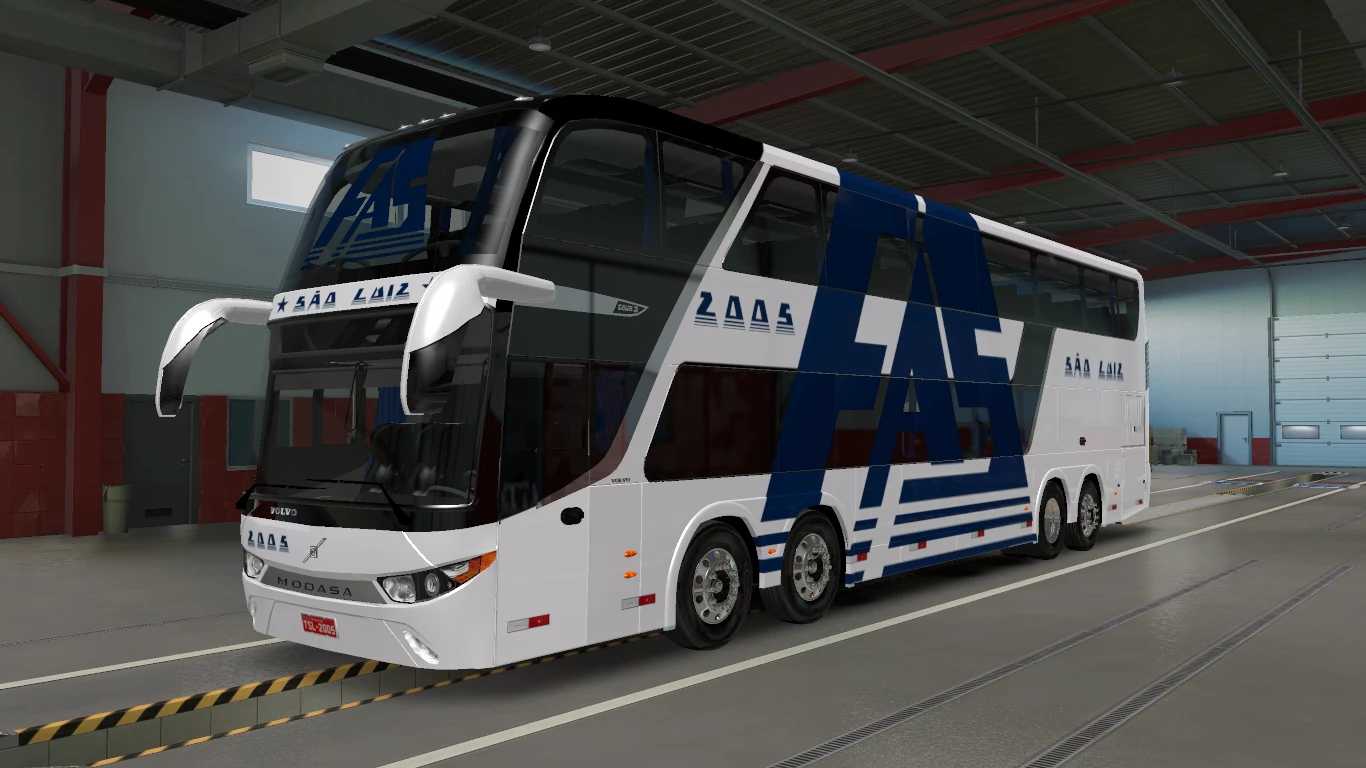
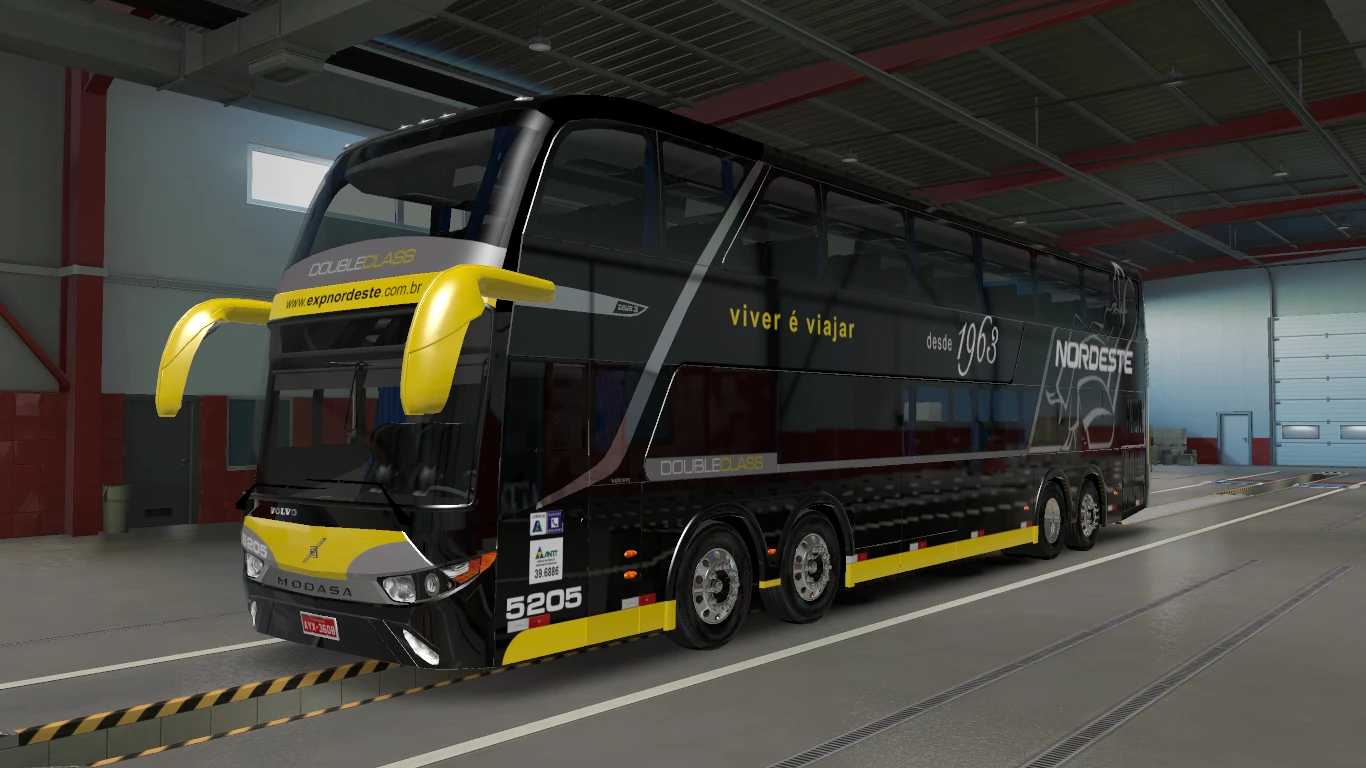
Modasa Zeus 3 Volvo 8×2 v3.1 1.56 ETS2
Highlights:
1. Fully Animated features on exterior view (such as doors, storage compartments, and windows).
2. Complete internal animations (including gas pedal, handbrake, ignition, window, doors, and compartments).
3. Support for animated suspension.
4. Reliable physics.
5. Interior lighting included (Press O to activate).
6. Unique sounds included and compatibility with Convoy Multiplayer.
7. Standalone mod design.
Credits: Ronald Cruz – Fabian Espinoza – Javier Toapanta
Installation Guide for ETS2 or ATS Mods
Installing mods in Euro Truck Simulator 2 is simple. Download the mod from the specified link and copy/unzip the files into: “My Documents\Euro Truck Simulator 2\mod” folder. For American Truck Simulator, place mods in: “My Documents\American Truck Simulator\mod” folder. You can use WinRAR or 7zip to unzip files. After that, activate the mods you wish to use.