My rendition of the Skoda MPT V12 1.54 ETS2
VERSION 12 UPDATES:
Fully compatible with version 1.54. All functionalities are operational.
Rear-Wheel Drive chassis available in three capacities: 66, 200, and 400 liters.
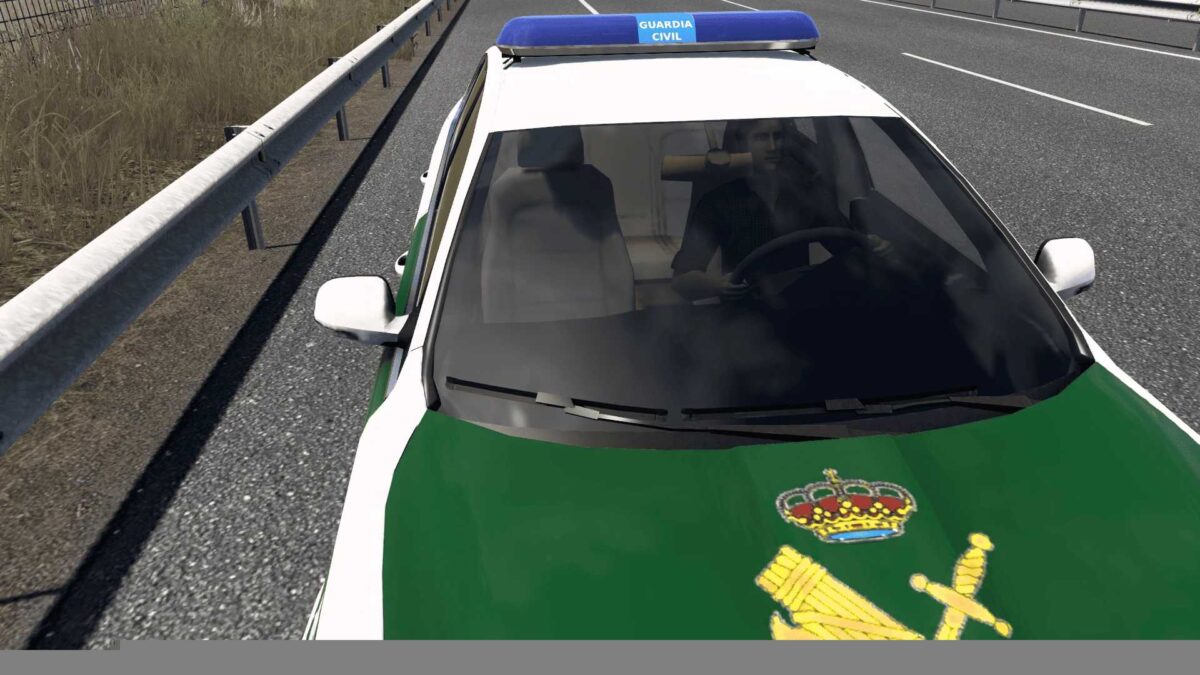
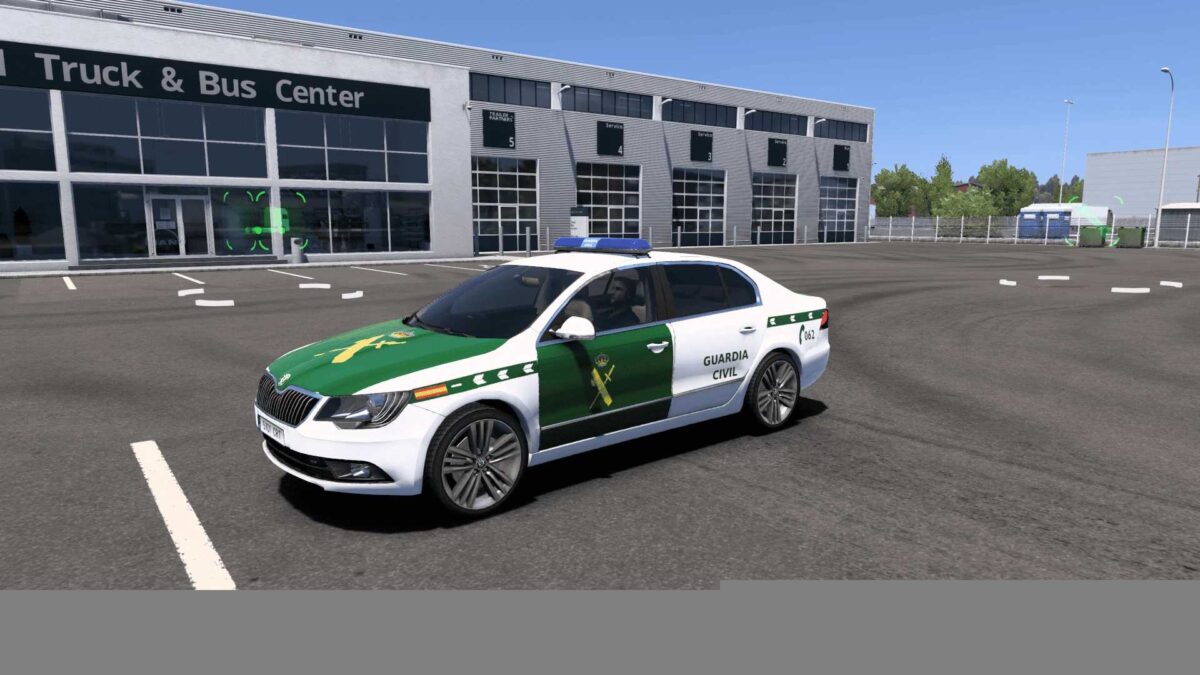
Includes Guardia Civil livery.
Optional Sport Steering Wheel available.
FEATURES:
Complete animation.
Multiple cabin accessory mounts. Extensive object variety.
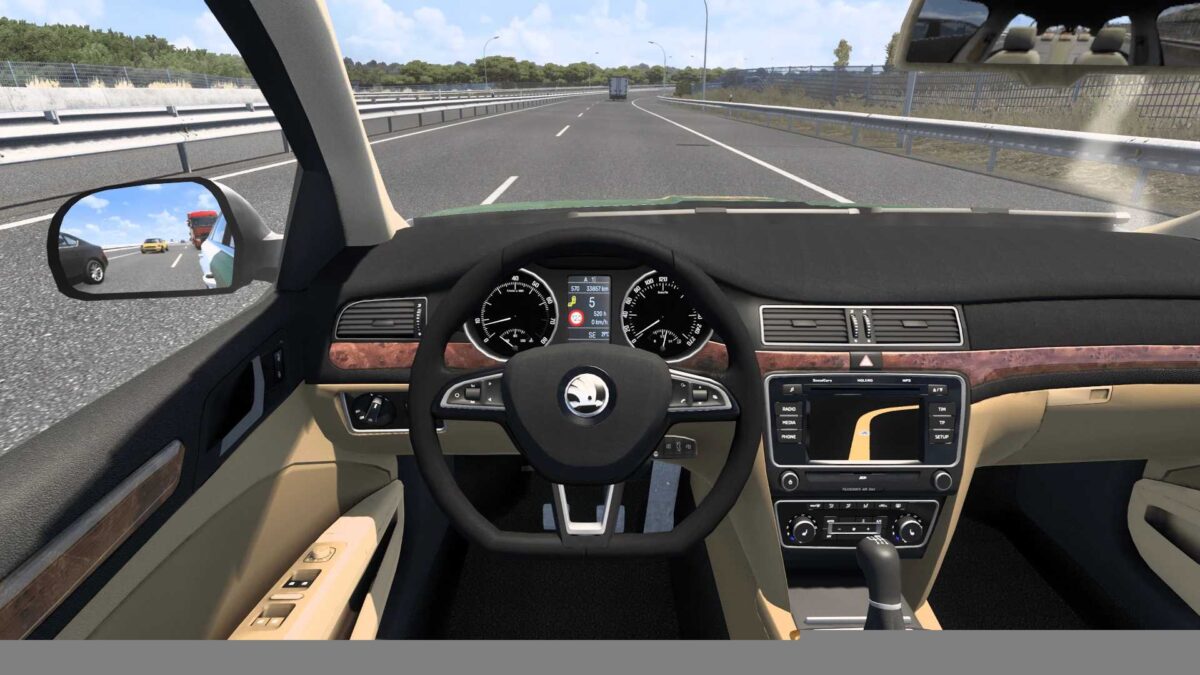
Two onboard computers with full gaming functionalities.
Four distinct GPS types, each with various displays mimicking real Skoda GPS systems.
Head-Up Display as an accessory for all variants, with an additional optional display.
Rear view camera combined with 360-degree camera and a front night vision camera available as accessories.
Two styles of dashboard lights (standard and premium).
Realistic specifications (weight, fuel consumption, air pressure, battery voltage, etc.). Enhanced physics.
Authentic Skoda branding (logo on steering wheel, exterior, and wheel caps). Skoda emblems placed at the rear.
New 2.0 TSI engines: 200 hp and 280 hp variants.
Blind spot alerts on the onboard computer screen for all configurations.
Two distinct chassis options: Front Wheel Drive and All-Wheel Drive, each with three fuel tank alternatives (66, 200, 400 liters).
Numerous real warning sounds integrated (complete acoustic warning system). Updated low air pressure alerts and other sound arrangements.
Added interior shadows.
Illuminated cabin interiors.
Optional second steering wheel available.
ABS indicator on instrument panel. Versions for Continental and UK markets.
Exterior Accessories:
Five styles of exhaust systems.
Three options for dual exhaust outlets.
Three types of rear spoilers.
Four antenna types mimicking actual Skoda Superb antennas.
Aluminum roof racks.
Taxi and Romanian Taxi signs available.
Police LED lights and Guardia Civil sirens.
Enhanced textures for high beams.
Rain tire options available.
All bugs and warnings resolved. Gamelog is entirely clean.
Smooth performance on all computer types.
Credits: MPTruckers, Edsor
Installation instructions for ETS2 mods or ATS Mods
Installing mods in Euro Truck Simulator 2 is straightforward. Just download the mod from the provided link, then copy/extract the files to: “My Documents\Euro Truck Simulator 2\mod” directory. For American Truck Simulator, place the mods in: “My Documents\American Truck Simulator\mod” folder. Use WinRAR or 7zip to extract files. After that, activate the mods you wish to utilize.