Navi Tablet – Google-Style Navigation v1.0 ETS2
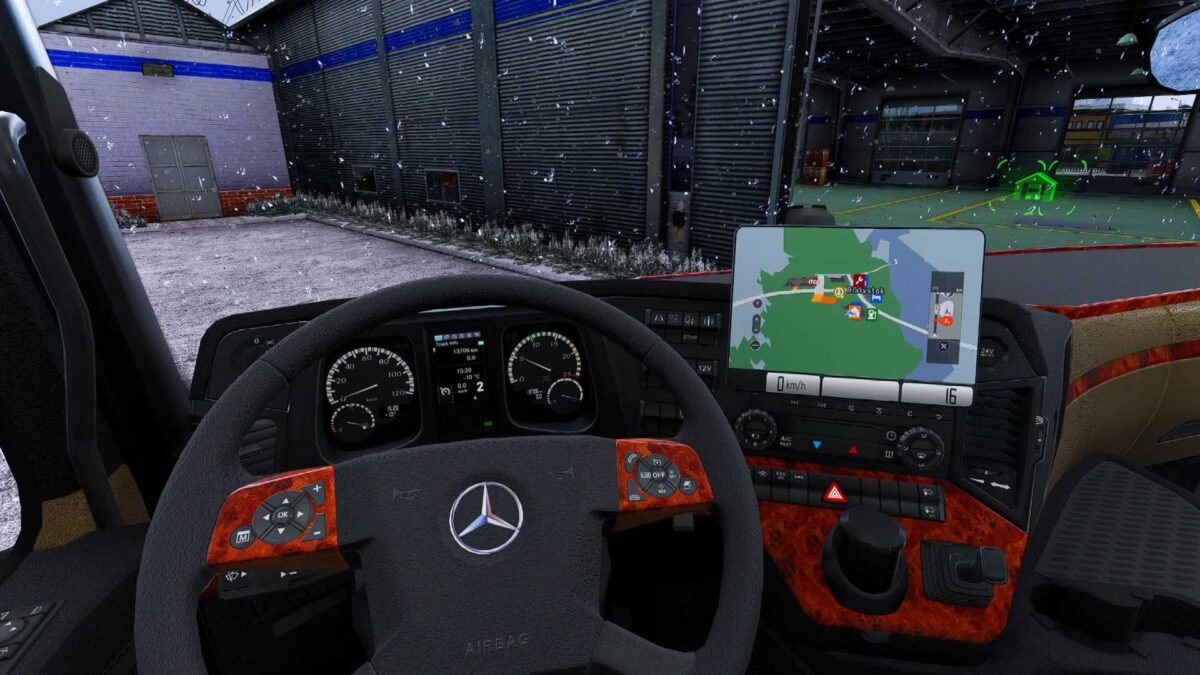
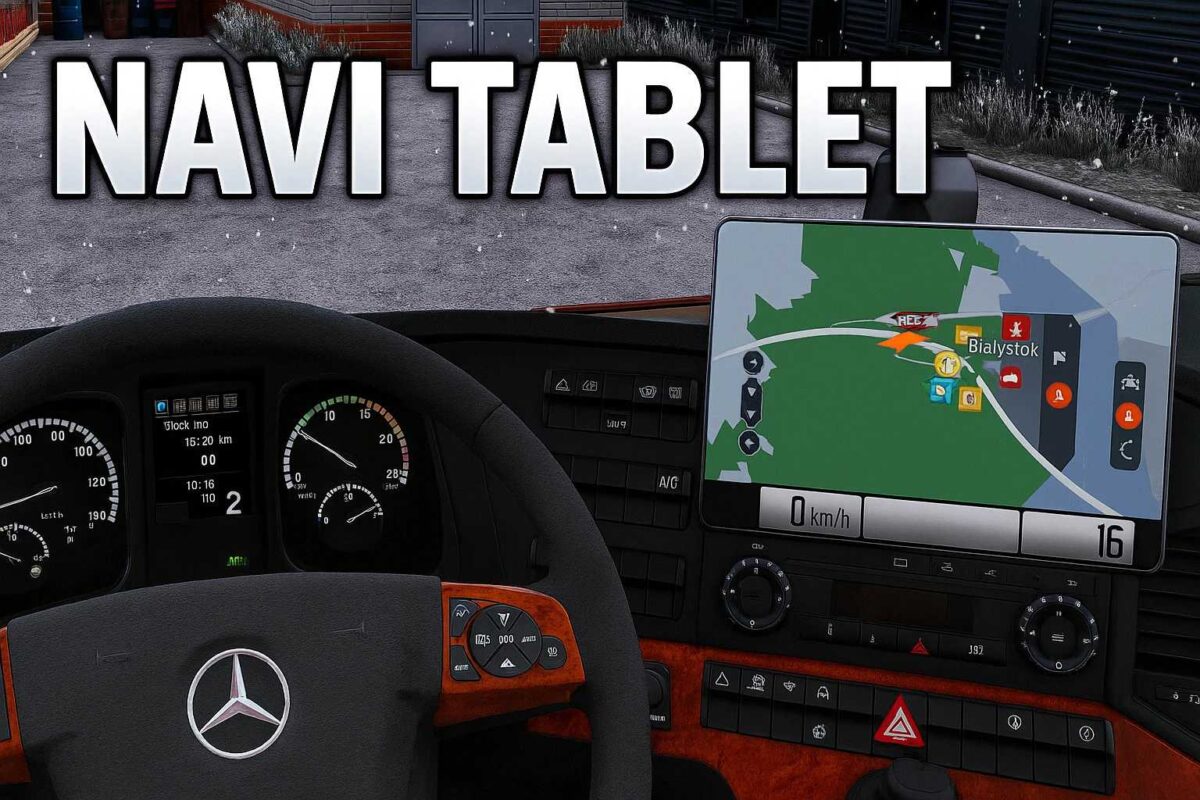
Featuring a modern navigation style inspired by Google Maps
Digital speedometer
Current speed limit display
Estimated Time of Arrival (ETA)
Live clock view
Enhanced map color schemes
Functional in both cabin display AND Route Advisor
Compatible with ETS2 versions 1.55 and above
Lightweight design with no frame rate drops
Credits: Orzechollo MODSITE
How to install ETS2 mods or ATS Mods
Installing mods in Euro Truck Simulator 2 is straightforward. Simply download the mod from here and copy/unzip the files into the “My Documents\Euro Truck Simulator 2\mod” folder. For those playing ATS, please place mods in the “My Documents\American Truck Simulator\mod” folder. Use software like WinRAR or 7zip to extract files. After that, activate the mods you wish to use.