Nissantruck AI Vehicles Pack v16 for ETS2
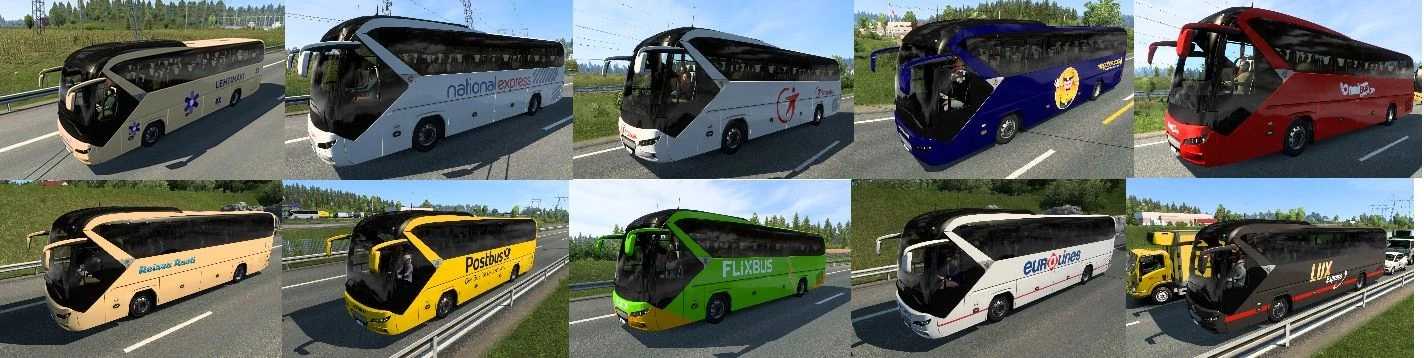
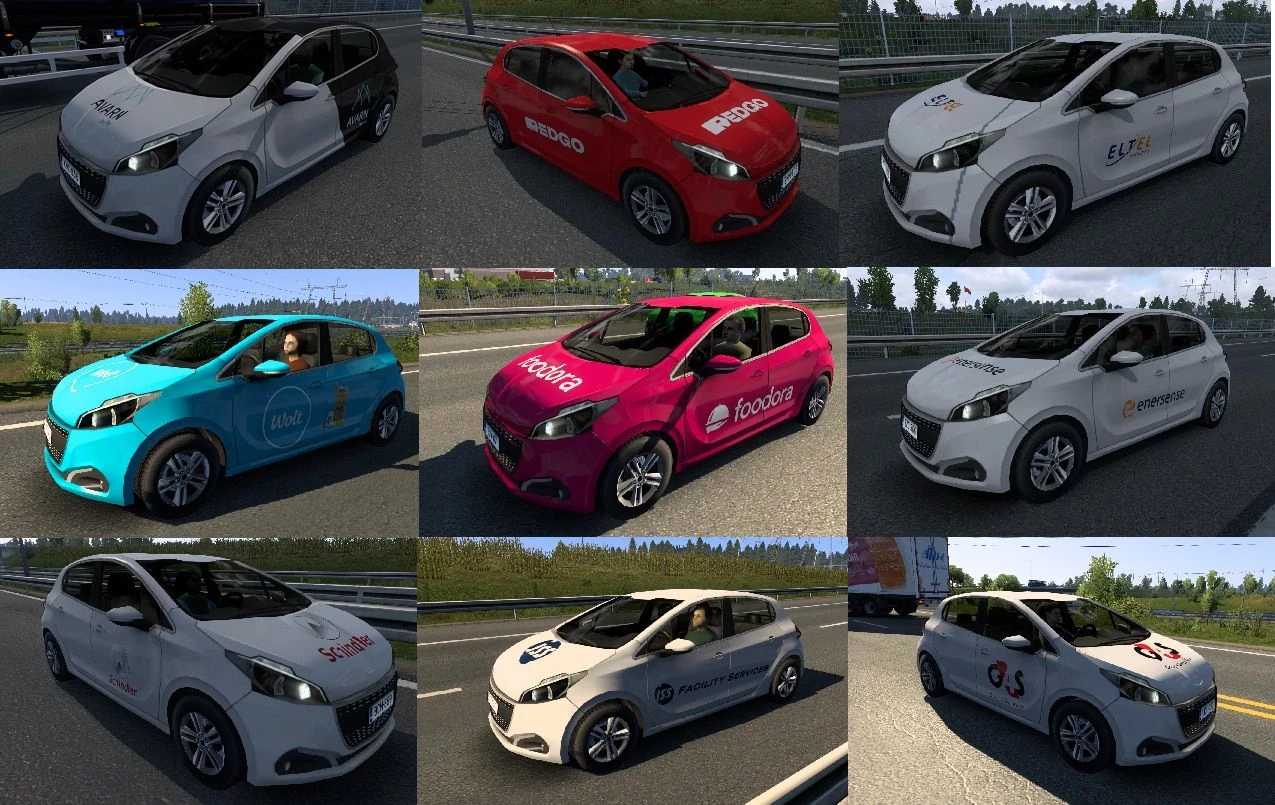
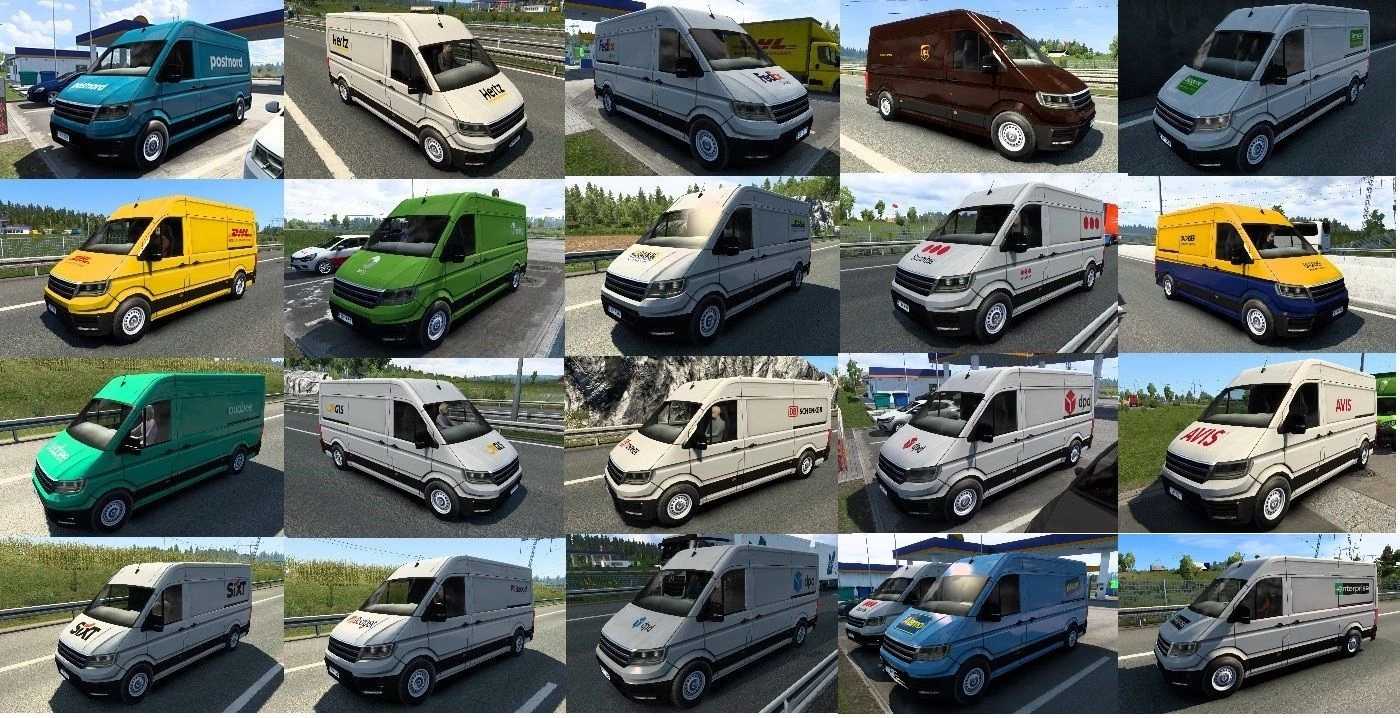
This pack introduces a variety of vehicles into the traffic system.
It includes 20 new Scania trucks.
Logos of car brands and models are now featured on the rear of the new traffic vehicles.
Additionally, the speed limits of slower vehicles in traffic have been adjusted.
Credits: Nissantruck
How to Install ETS2 Mods or ATS Mods
Installing mods in Euro Truck Simulator 2 is straightforward. Simply download the mod from this site and copy/unzip the files into the “My Documents\Euro Truck Simulator 2\mod” folder. For American Truck Simulator, place the mods in the “My Documents\American Truck Simulator\mod” folder. You can use WinRAR or 7zip to unzip the files. After that, make sure to activate the mods you wish to use.