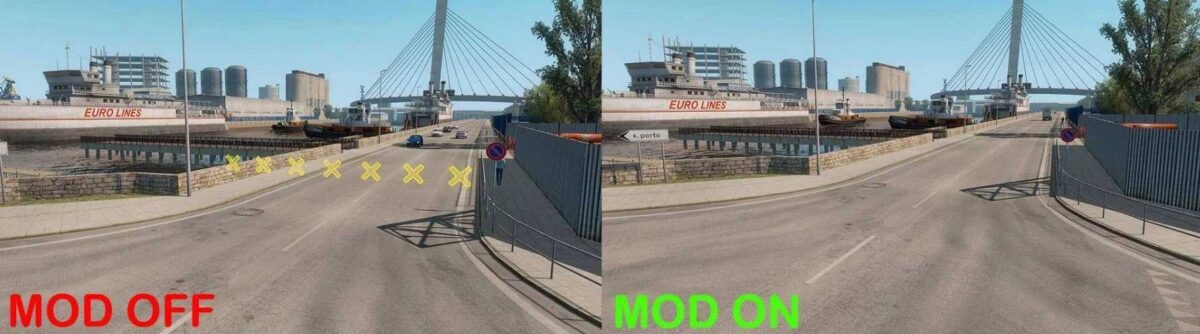
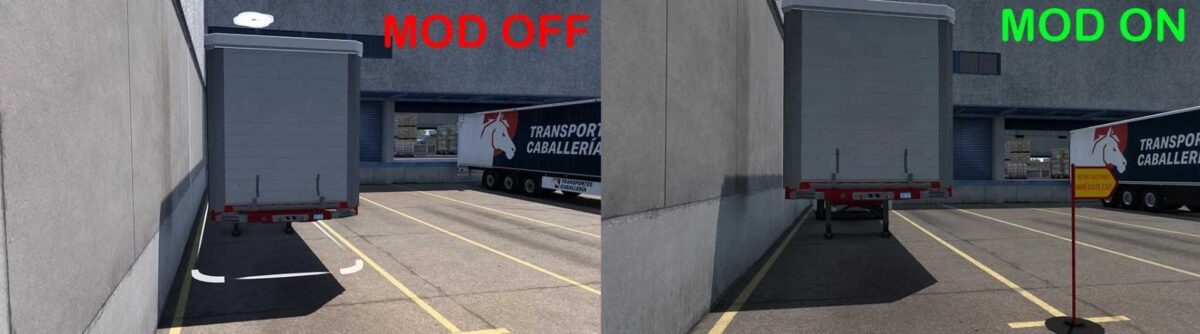
No Icons Mod 1.56 ETS2
Changes:
– Updated for version 1.56 of the game
Features:
– Absence of load icon (flagpole with warning flag)
– No unloading position markers (only cones)
– Clear dead-end barriers
– No fuel service icon (sewer)
– No truck shop icon (sewer)
– No toll booth icon (sewer)
– And additional features…
Credits: RussianGuy, Tomas, Turbado
How to Install ETS2 or ATS Mods
Installing mods for Euro Truck Simulator 2 is straightforward. Simply download the mod from this site and place the files (unzipped) into: “My Documents\Euro Truck Simulator 2\mod” folder. For American Truck Simulator, place the mods in: “My Documents\American Truck Simulator\mod” folder. Use WinRAR or 7zip to unzip files. After that, activate the mods you wish to use.