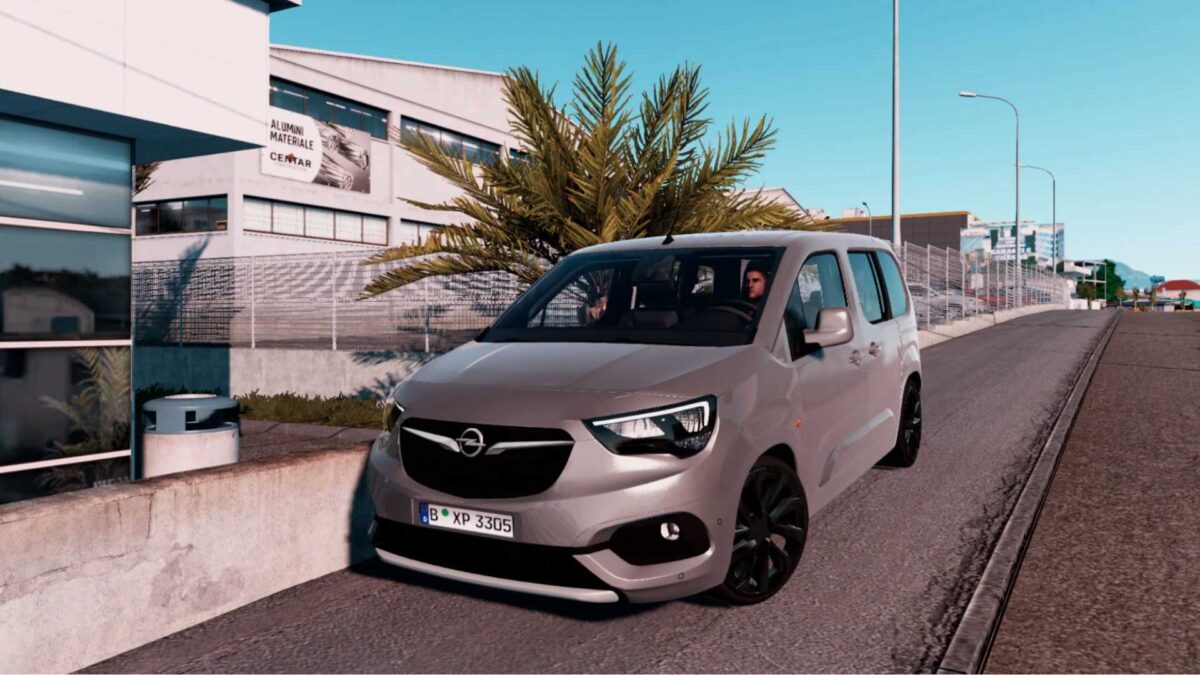
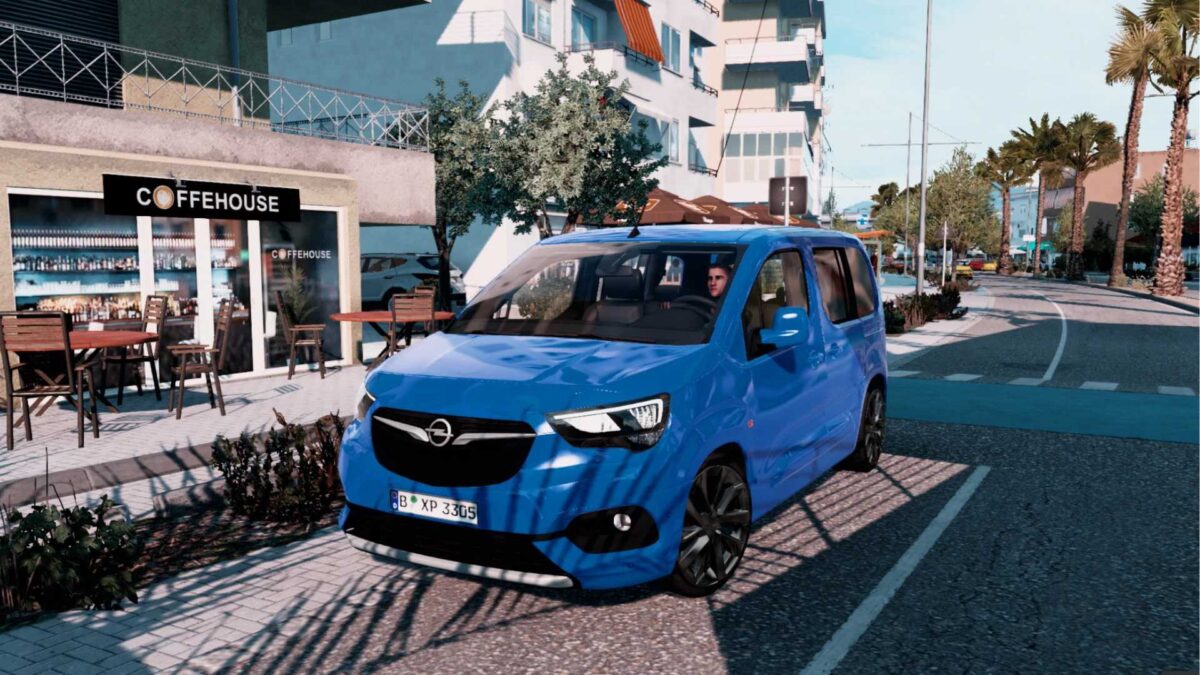
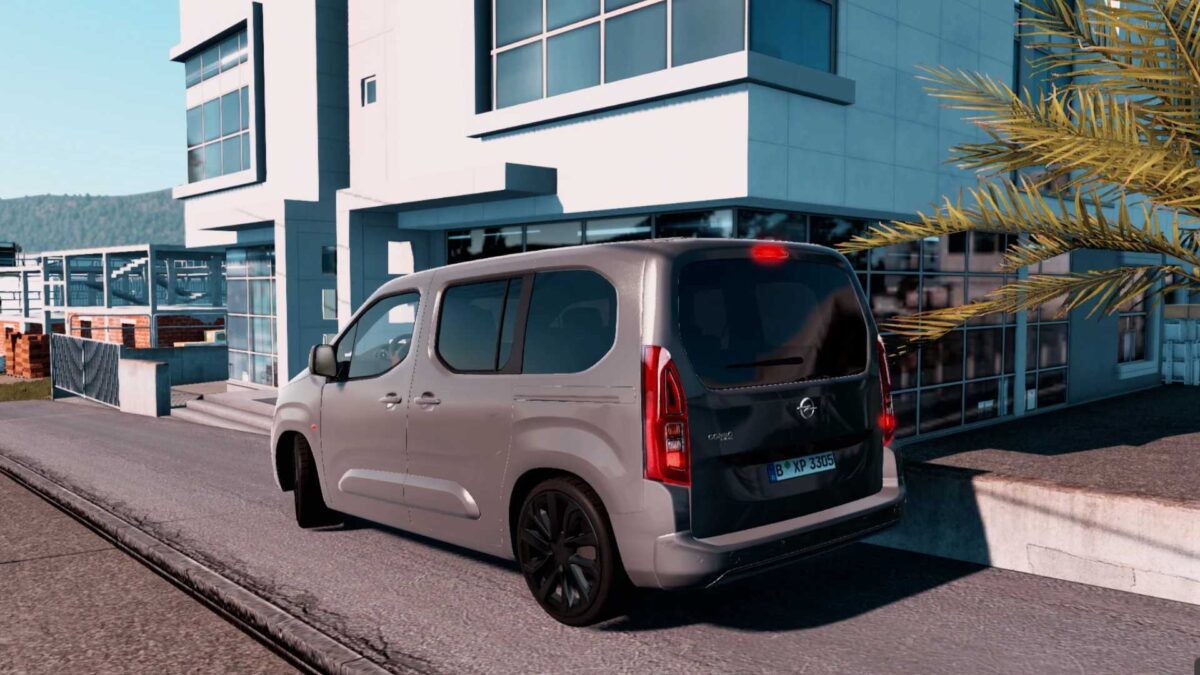
Opel Combo 2023 1.54.x ETS2
Latest update
I’ve modified several materials
Removed the upper glass
Added additional lighting
Updated Engine Sound
Maximum Speed: 208 KM/H
Specifications:-
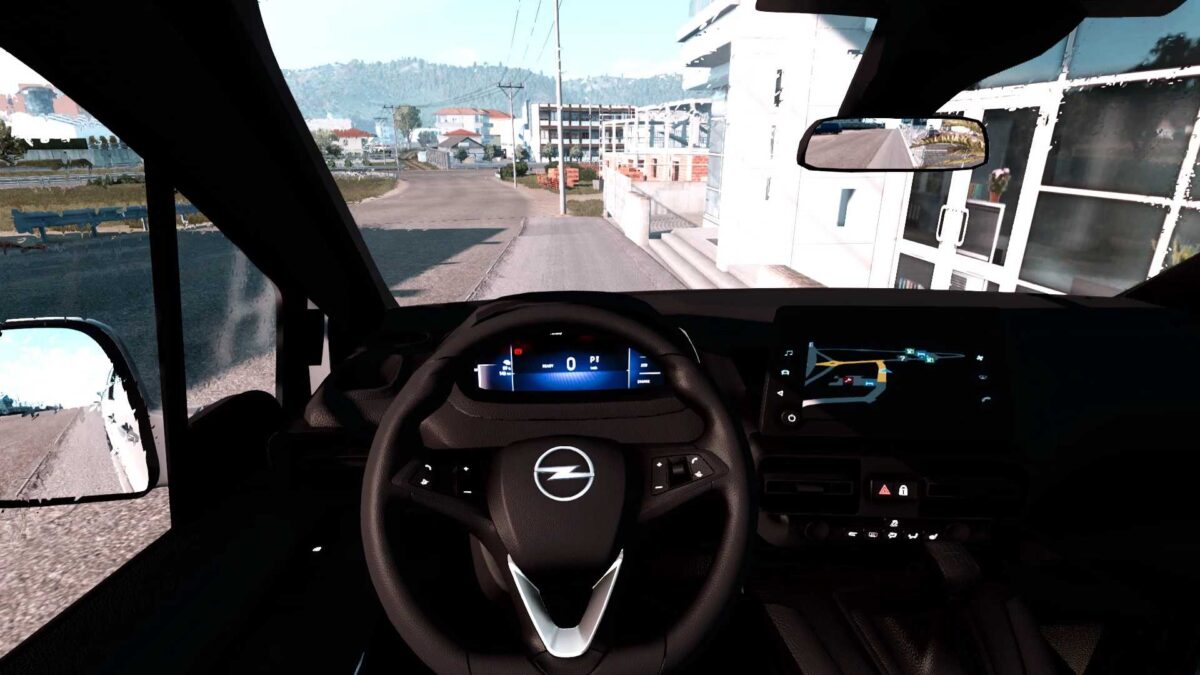
– Superior quality for both exterior & interior
– High-quality UI Dashboard featuring digital speed
_ Interior lights activate with ” O ”
_ Nighttime interior illumination
– Enhanced drivability with improved engine and physics
– Front windows that can be opened
– Accurate wiper functionality
– Engine: 1.5 DCI
– Maximum Speed: 240 KM/H
_ 6th gear available
For Truck Dealers > Access Mod Dealer > Opel
Credits: Gaza, White Alcoa
How to Install ETS2 Mods or ATS Mods
Installing mods in Euro Truck Simulator 2 is straightforward. Simply download the mod from here and copy/unzip the files into the “My Documents\Euro Truck Simulator 2\mod” folder. If you’re playing ATS, place the mods into the “My Documents\American Truck Simulator\mod” folder. For unzipping files, you can use tools like WinRAR or 7zip. Afterward, remember to activate the mods you wish to use.