Sure! Here’s the rewritten content while keeping all the HTML tags:
Pj Indo Map v2.75 for ETS2
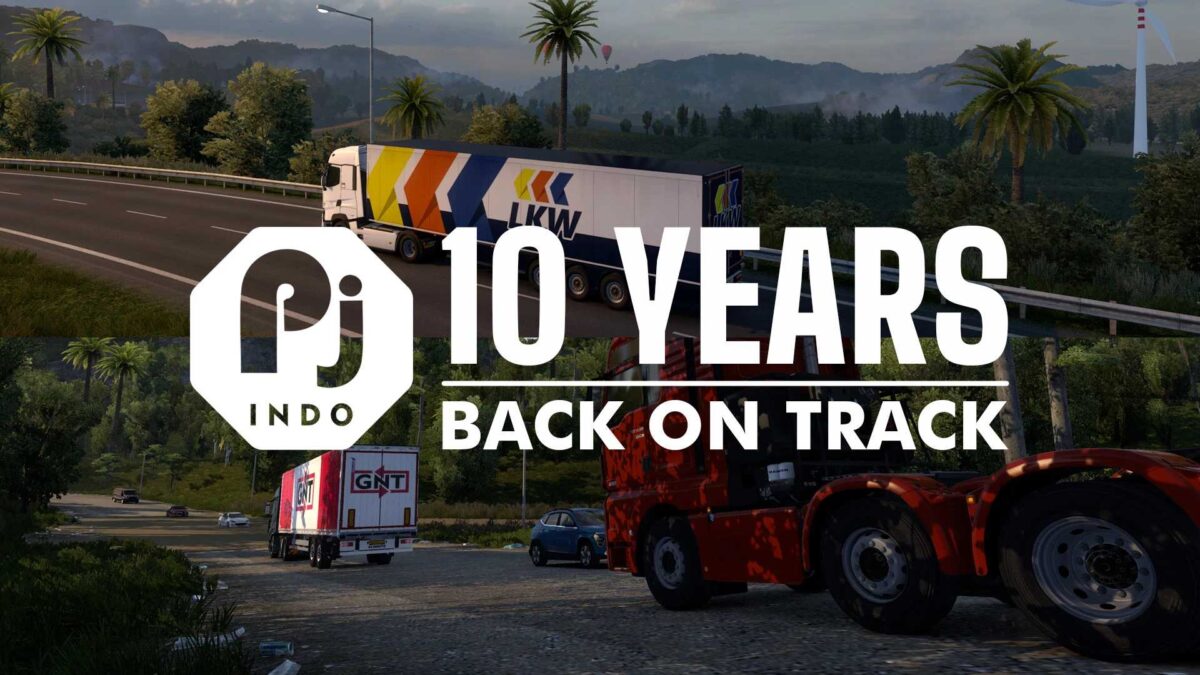
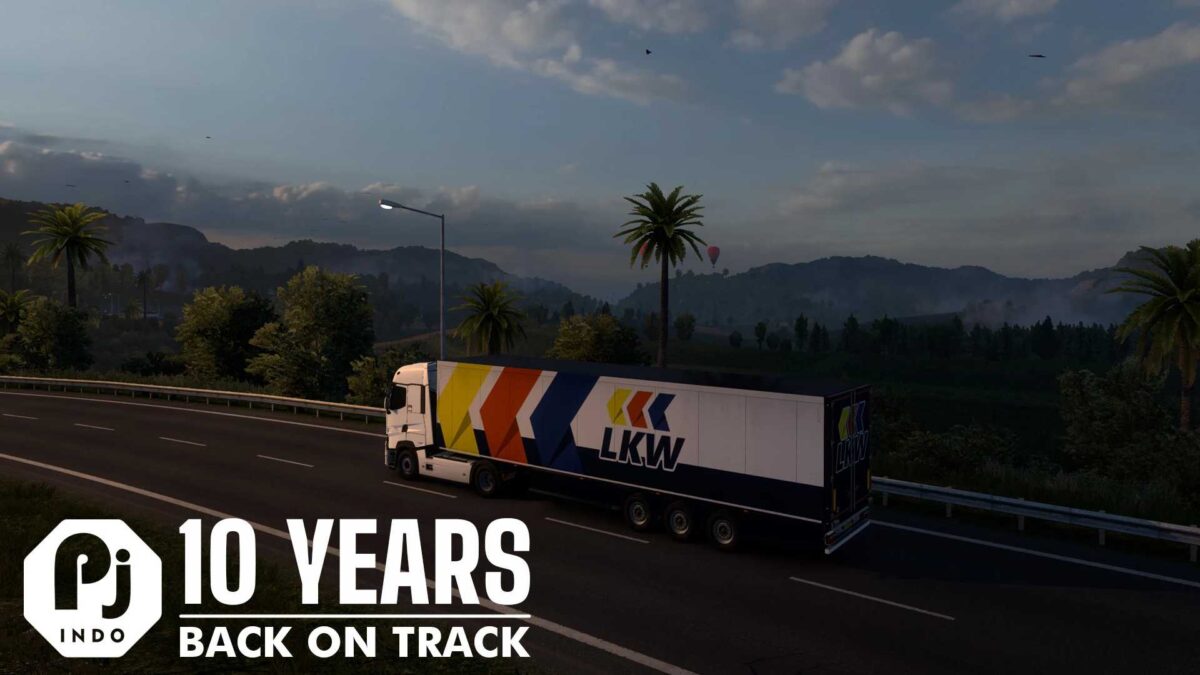
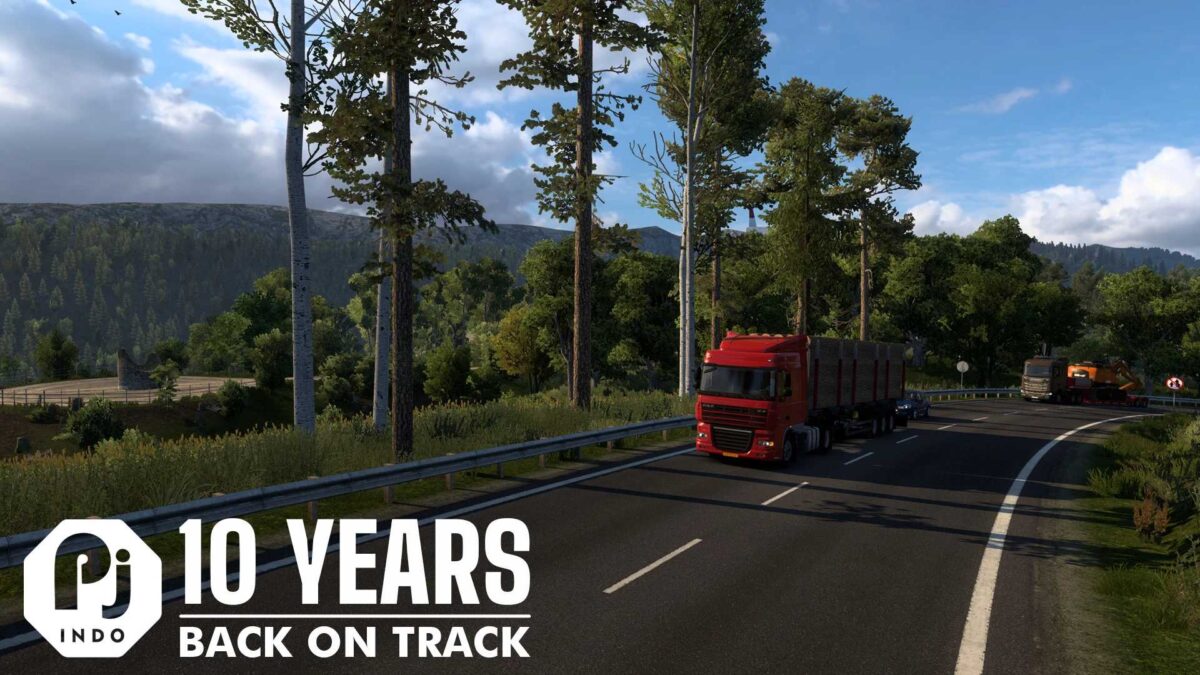
After a prolonged absence, the Pj (Panjelajers) Indo map is making a comeback, perfectly timed to celebrate a decade since its initial launch in 2015. This ‘fictional’ map boasts wild terrains and challenging routes.
A fun tidbit: the acronym ‘Pj’ (capital P, lowercase j) derives from the Indonesian term ‘penjelajah’ (meaning explorer), artfully modified with an English-style suffix of -ers (e.g., travelers, makers). It’s important to note that this is not linked to any other maps sharing the same abbreviation.
Changelogs:
– Updated for compatibility with Euro Truck Simulator 2 version 1.55 (also works with game versions 1.47, 1.50, and 1.53)
– The map has been entirely repositioned around the Indian Ocean, making it suitable for map combination.
Notes:
– No DLC required (playable with or without any map DLC)
– For map combinations: Place below the JRR Indonesia Map. Best enjoyed alongside JRR for a seamless journey across both maps.
– No new content has been introduced in this update. Please bear in mind that the map’s quality may not meet modern standards, as the last release (v2.71) was in 2020.
Credits: Septian_MR
Installation Guide for ETS2 or ATS Mods
Installing mods in Euro Truck Simulator 2 is straightforward. Simply download the mod from here, then copy/unzip the files into the: “My Documents\Euro Truck Simulator 2\mod” directory. Alternatively, for American Truck Simulator, place the mods in: “My Documents\American Truck Simulator\mod”. To unzip files, you can use tools like WinRAR or 7zip. Afterward, activate the mods you wish to use.