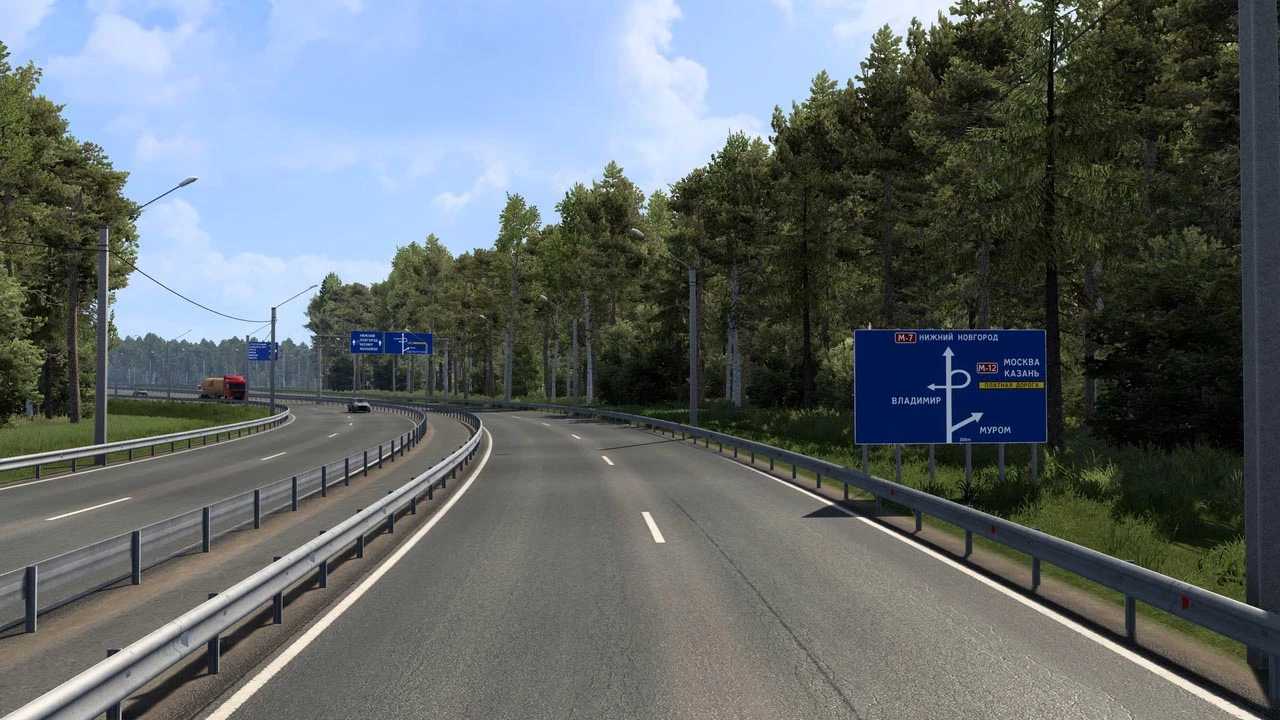
Project M12 Vostok v2.0 for ETS2
Version 2.0 Updates
– Compatibility with the latest game version
– Introduction of new custom objects!
– Performance enhancements completed
– Resolved various bugs and issues encountered
– Added the Melenki-Murom route
– Connectivity to PROJECT RUSSIA 5.6.2 (link attached – dsc.gg/project-russia)
– New section of M12 connecting interchange to Nizhny Novgorod and Shumerlya
– Updates to several roads in Chuvashia
– Road modifications on the M7 highway and portions around Vladimir
– Significant updates along the R-132 highway
– Road redesign from M12 to interchange in Drachevo and Butylitsy
– Newly added cities: Vladimir, Shumerlya, excluding Turgenevo
Compatible with version 1.53
Installation instructions: Place above the maps of Siberia, the South, Kirov, and Nnmap, Project Russia 5.6.2
Credits: Twirk
Installing ETS2 or ATS Mods
Installing mods in Euro Truck Simulator 2 is straightforward. Download the mod from here and copy/unzip the files into: “My Documents\Euro Truck Simulator 2\mod” folder, or for ATS, use: “My Documents\American Truck Simulator\mod” folder. To extract files, you can utilize: WinRAR or 7zip. After that, activate the desired mods in the game.