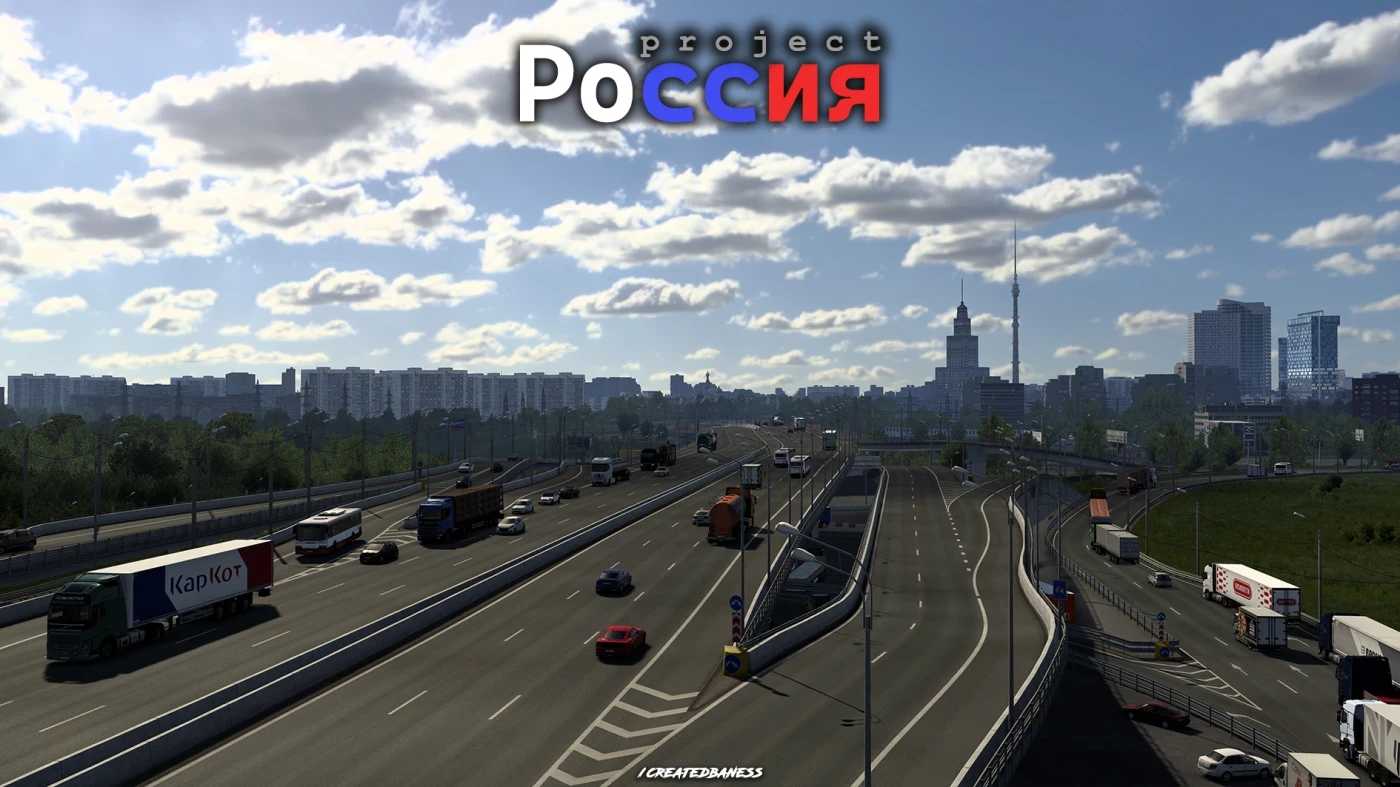
Project Russia Map v5.6.3 ETS2
Changelog: 5.6.3
This is a major update bringing new cities, along with the integration of Road To Arkhangelsk and PushMap. Enhancements to older locations and fixes for visual glitches.
– Newly added cities: Gzhel, Yegoryevsk, Spas-Klepiki
– New addition: Orel (Thanks to iromania for the transfer)
– Updated highways: TSKAD (A113), Yegoryevskoe highway (R105), A107, A108
– Improvements in the city: Noginsk
– Connection established to the M12 Vostok mod
– Comprehensive overhaul of interchanges on the M5 to Kolomna (Thanks to CurvedCrown)
– Introduction of new models for the mod (Thanks: CurvedCrown, iromania, Nizh)
– Price updates at fuel stations
– More localization added
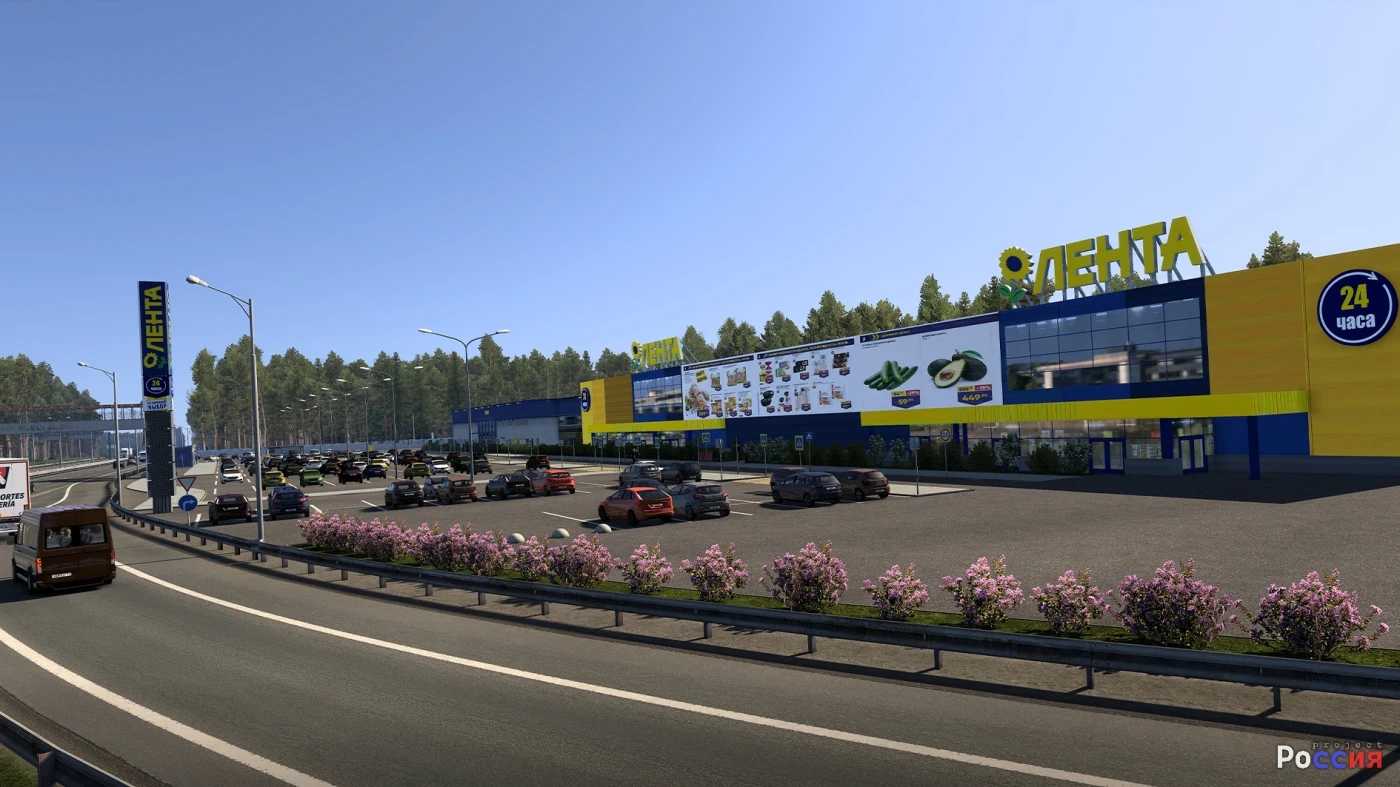
– Revision of advertising content on billboards
– Modification of tram services in Moscow
– Fixes for user-submitted reports on the [blue]Discord server
– Initiatives begun to tidy the mod from outdated and unnecessary assets
– Minor map adjustments
Road To Arkhangelsk
– Road To Arkhangelsk incorporated within Project Russia
– Minor map changes (Thanks: Dz1rtys, CurvedCrown, Vern37)
– Connection to Cherepovets has been revamped
PushMap
– PushMap integrated into Project Russia (Thanks to Smide for permission)
– Minor map adjustments
Includes over 28 cities!
Functions without additional mods; only requires Rusmap 2.54 for connectors.
Credits: createdbaness
How to install ETS2 mods or ATS Mods
Installing mods in Euro Truck Simulator 2 is straightforward. Simply download the mod from here and copy/unzip the files into: “My Documents\Euro Truck Simulator 2\mod” folder. For American Truck Simulator, use: “My Documents\American Truck Simulator\mod” folder. You can use tools like WinRAR or 7zip for unzipping files. After that, remember to activate the mods you wish to use.