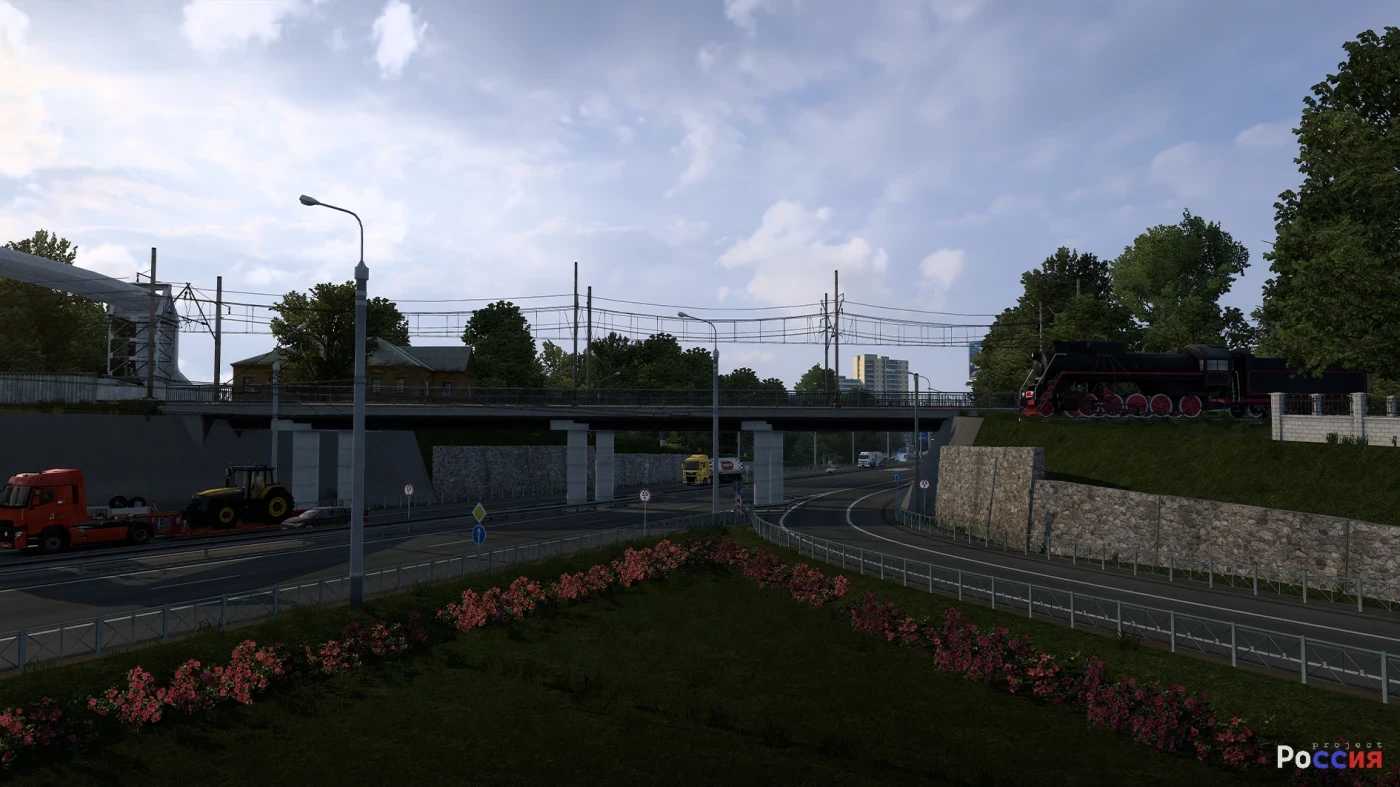
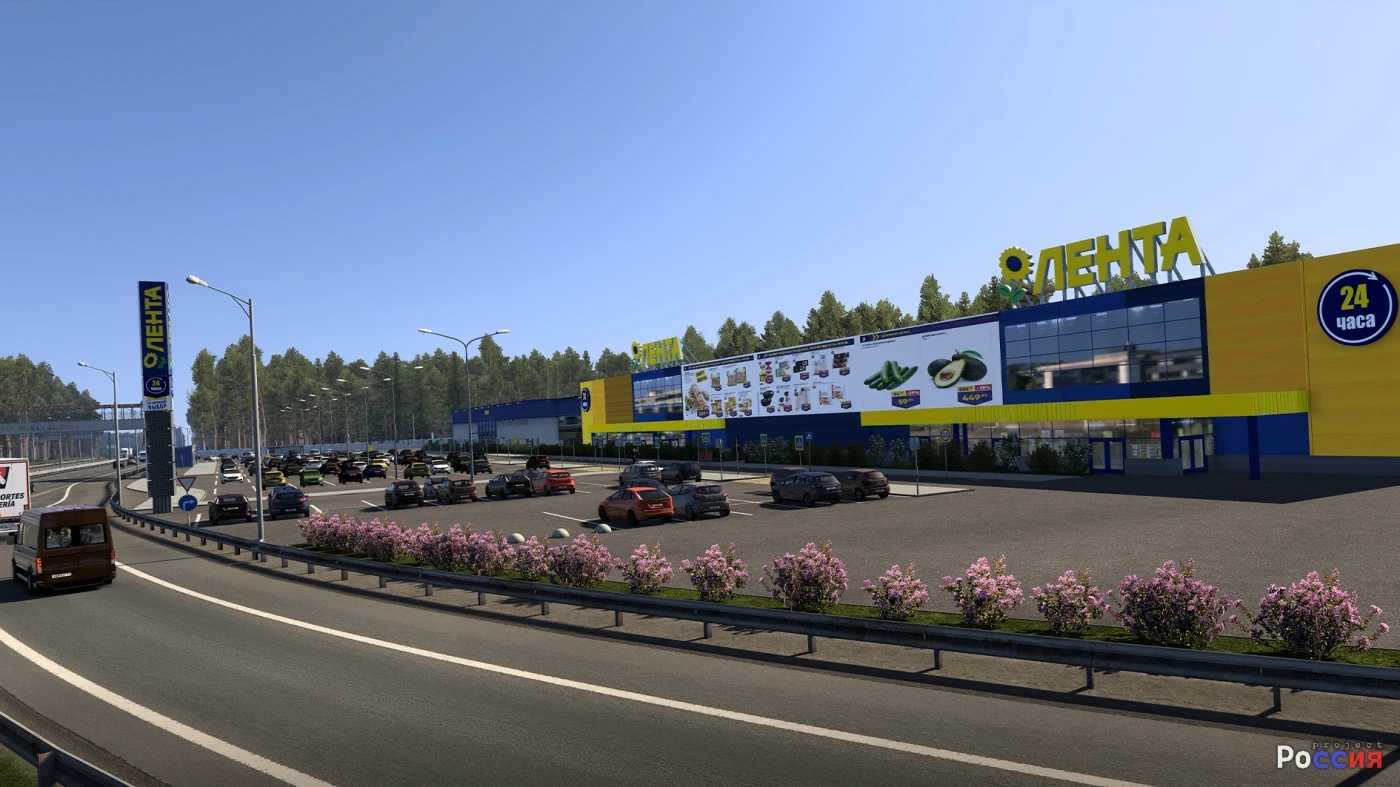
Project Russia Map v5.6.3 1.56 ETS2
Changelog: 5.6.3 (1.56.x)
This update features a host of new cities, integration of Road To Arkhangelsk and PushMap, alongside a revision of some older locations and fixes for visual issues.
– New cities added: Gzhel, Yegoryevsk, Spas-Klepiki
– Added a city: Orel (Special thanks to iromania for the transfer)
– Highway modifications: TSKAD (A113), Yegoryevskoe highway (R105), A107, A108
– Changes implemented in Noginsk
– Connection established to the M12 Vostok mod
– Comprehensive overhaul of interchanges on the M5 to Kolomna (Thanks to CurvedCrown)
– Introduction of additional new models for the mod (Thanks: CurvedCrown, iromania, Nizh)
– Adjustments to fuel prices
– Expansion of localization options
– Updating advertising content on billboards
– Tram modifications in Moscow
– Incorporation of user feedback from the [blue]Discord server
– Initiation of cleaning the mod from outdated assets
– Miscellaneous map adjustments
Road To Arkhangelsk
– Integrated into Project Russia
– Various minor map adjustments (Thanks: Dz1rtys, CurvedCrown, Vern37)
– Reworked connection to Cherepovets
PushMap
– Integrated into Project Russia (Thanks to Smide for granting permission)
– Additional minor map adjustments
Featuring over 28 cities!
Operates without the need for additional mods, only requiring Rusmap for connections.
Credits: createdbaness
Installation Guide for ETS2 or ATS Mods
To install mods in Euro Truck Simulator 2, simply download the mod from this page, extract files, and place them in the “My Documents\Euro Truck Simulator 2\mod” folder. For American Truck Simulator (ATS), place them in the “My Documents\American Truck Simulator\mod” folder. You can utilize WinRAR or 7zip for extraction. After that, activate the mods you wish to use.