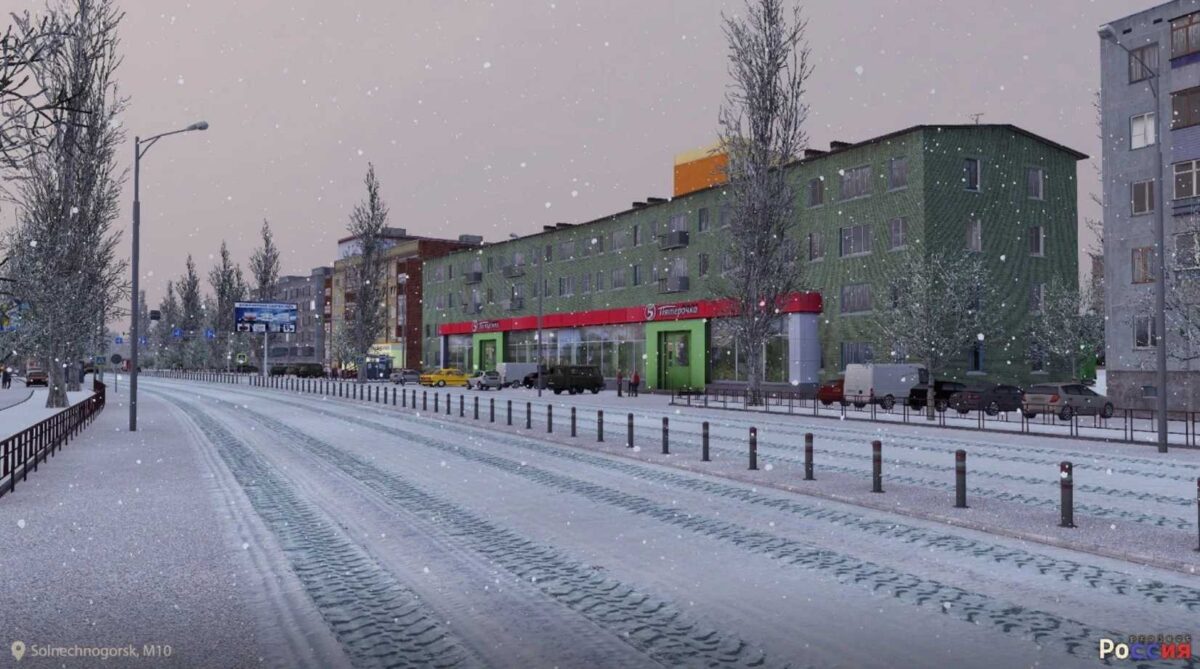
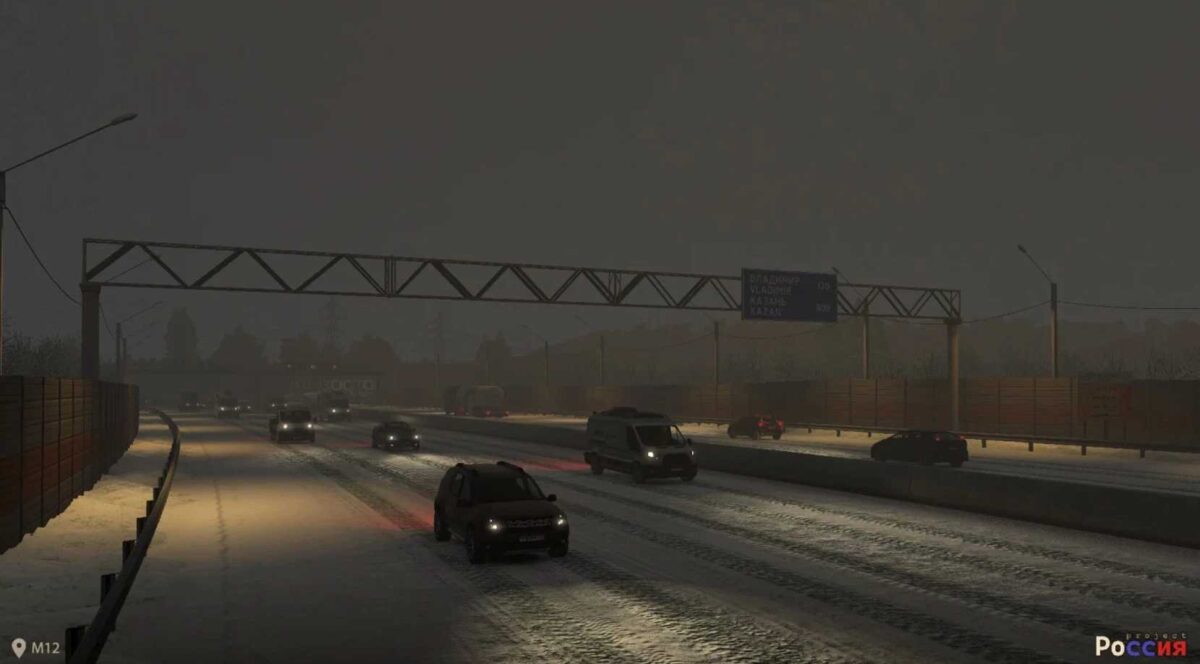
Project Russia v5.6.2a ETS2
Version 5.6.2a:
– Fixes errors found in previous releases
– Addresses various bugs on different maps and minor in-game modifications
– Major correction of pink textures
– Resolves prefab issues in Promods
– Eliminates crashes in certain areas of RusMap
– Responds to reports from Discord users
– Minor adjustments to the map
Credits: createdbaness
How to install ETS2 mods or ATS Mods
Installing mods in Euro Truck Simulator 2 is straightforward. Simply download the mod from here, then copy or unzip the files into: “My Documents\Euro Truck Simulator 2\mod” folder, or for ATS, use: “My Documents\American Truck Simulator\mod” folder. You can utilize tools like WinRAR or 7zip for extracting files. After that, make sure to activate the mods you want to play with.