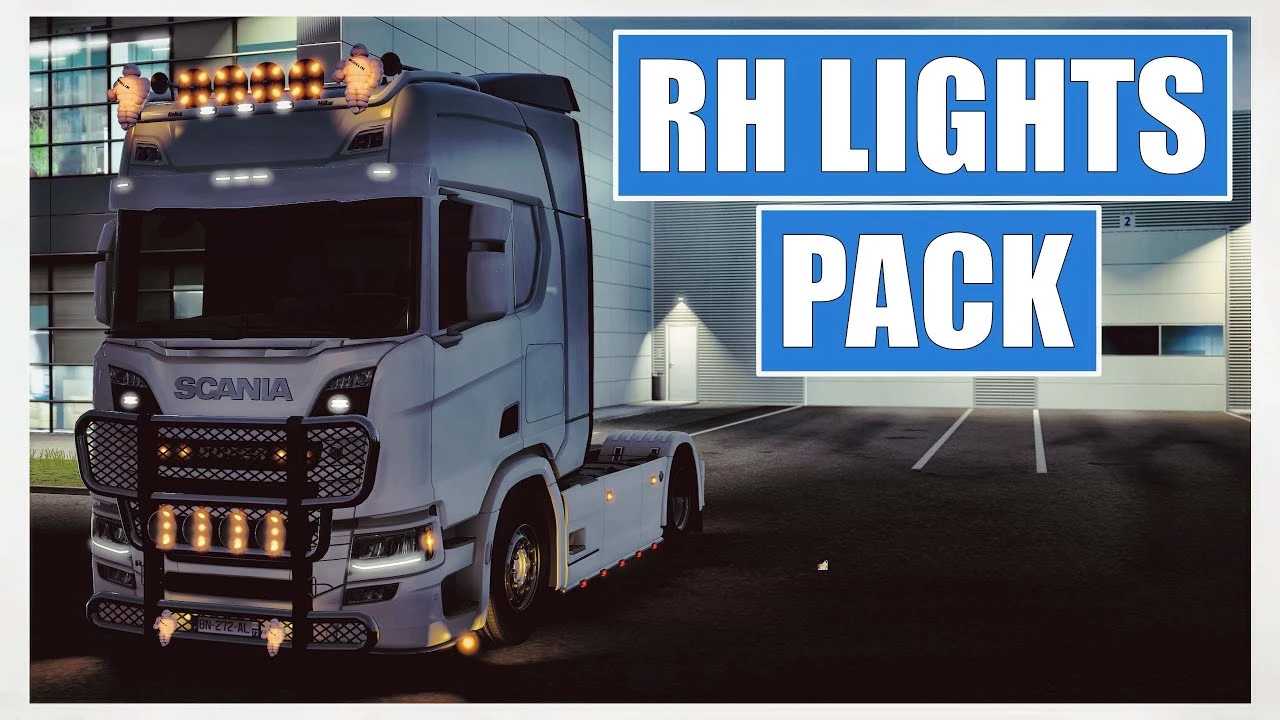
R.H Lightpack v2.8 for ETS2
Key Features:
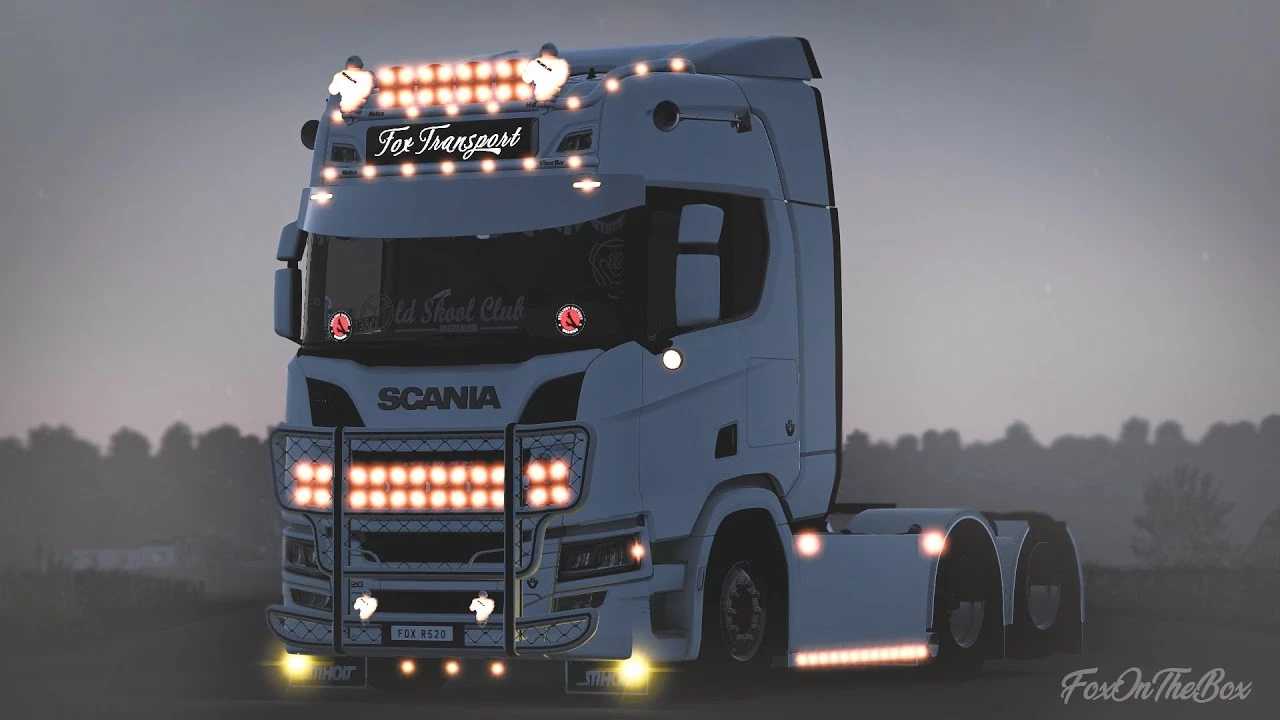
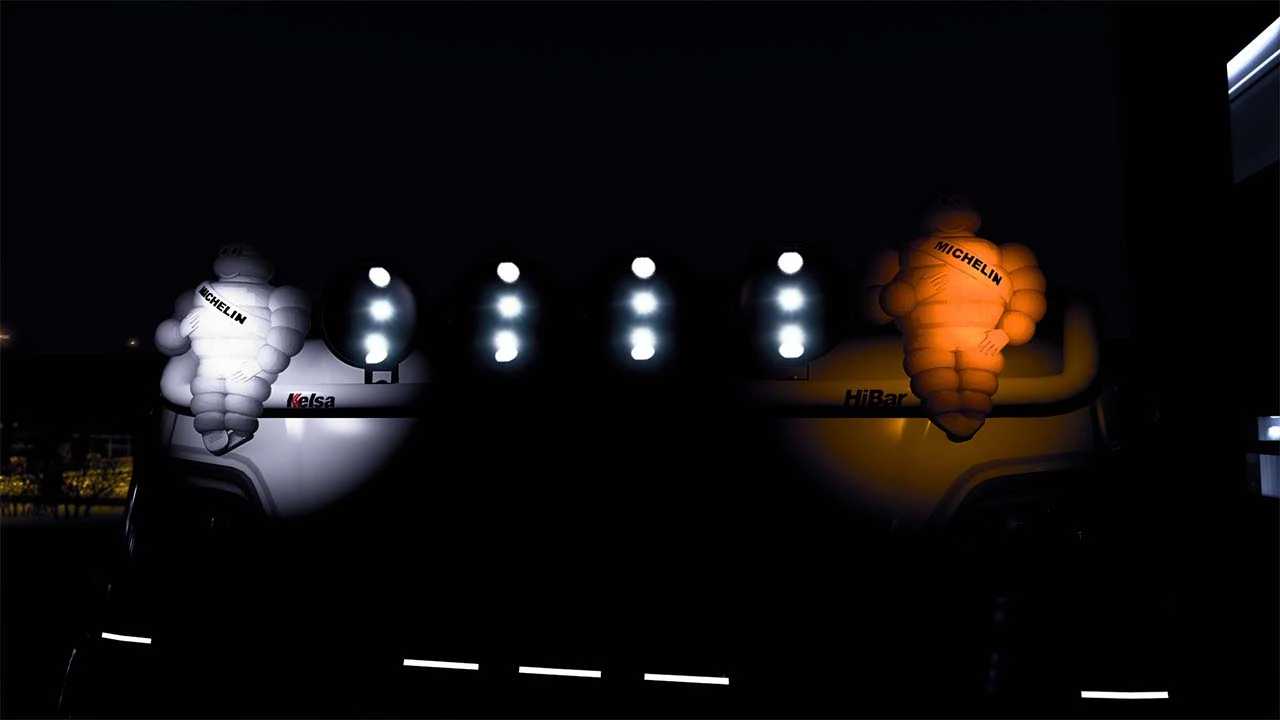
– Small michelindolls
– Regular michelindolls
– Hella marker lights in white and red
– Ledson Pollux 9, featuring white and orange flares
– Chrome Super logo
– Small orange and white led lights
Compatible with versions 1.51-1.53.x
Credits: R.H Truckstyling, PuttePictures, Nicklasmp
Installation Instructions for ETS2 or ATS Mods
Installing mods in Euro Truck Simulator 2 is straightforward. Simply download the mod from the link provided, then extract the files into the “My Documents\Euro Truck Simulator 2\mod” folder. For American Truck Simulator, place the mods in the “My Documents\American Truck Simulator\mod” folder. You can use tools like WinRAR or 7zip to extract the files. After extraction, remember to activate the mods you wish to use.