Realistic Dashboard Computer for Mercedes Actros MP4 1.55 in ETS2
Realistic Dashboard Computer for Mercedes Actros MP4 1.45
Features:
Accurate background markup
Functional upper menu panel with appropriate icons
LEAR LINE SUBMENT
Authentic Mercedes-Benz font (Corporate S and Corporate S Bold)
Correct LCDs displaying distance, hours, and temperature
Information page about the truck featuring odometer, distance, time, and external temperature
Actual speed page
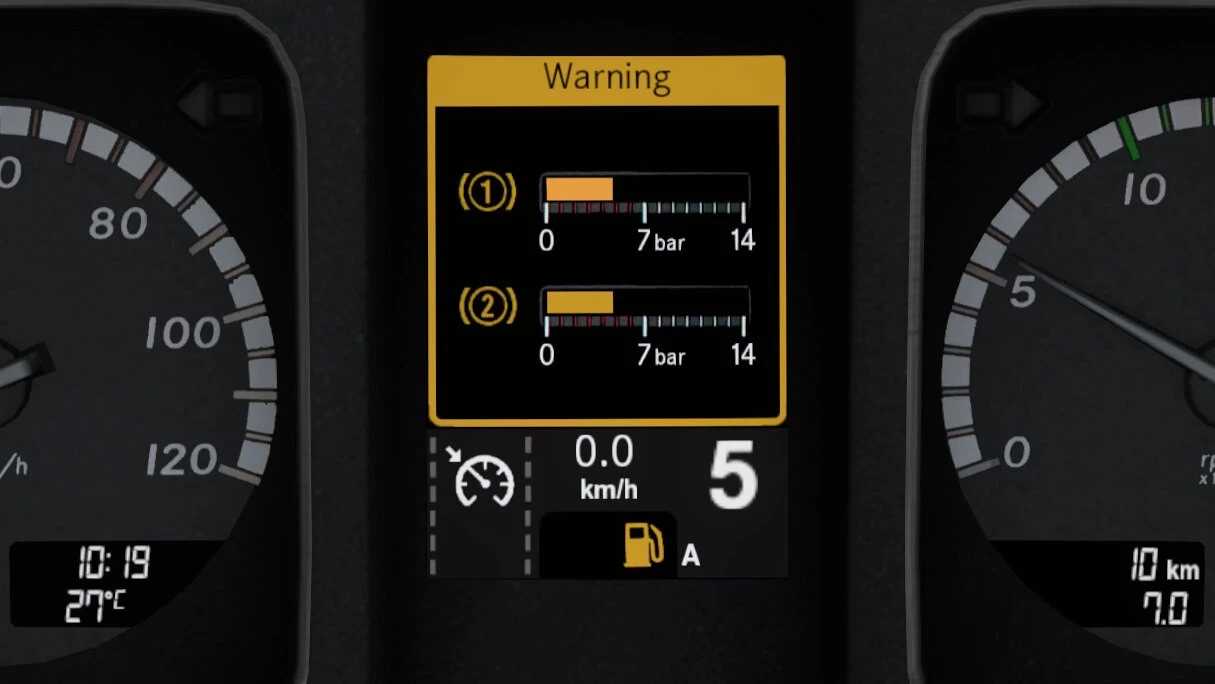
Air-related pages
Coolant temperature page
Actual oil level page
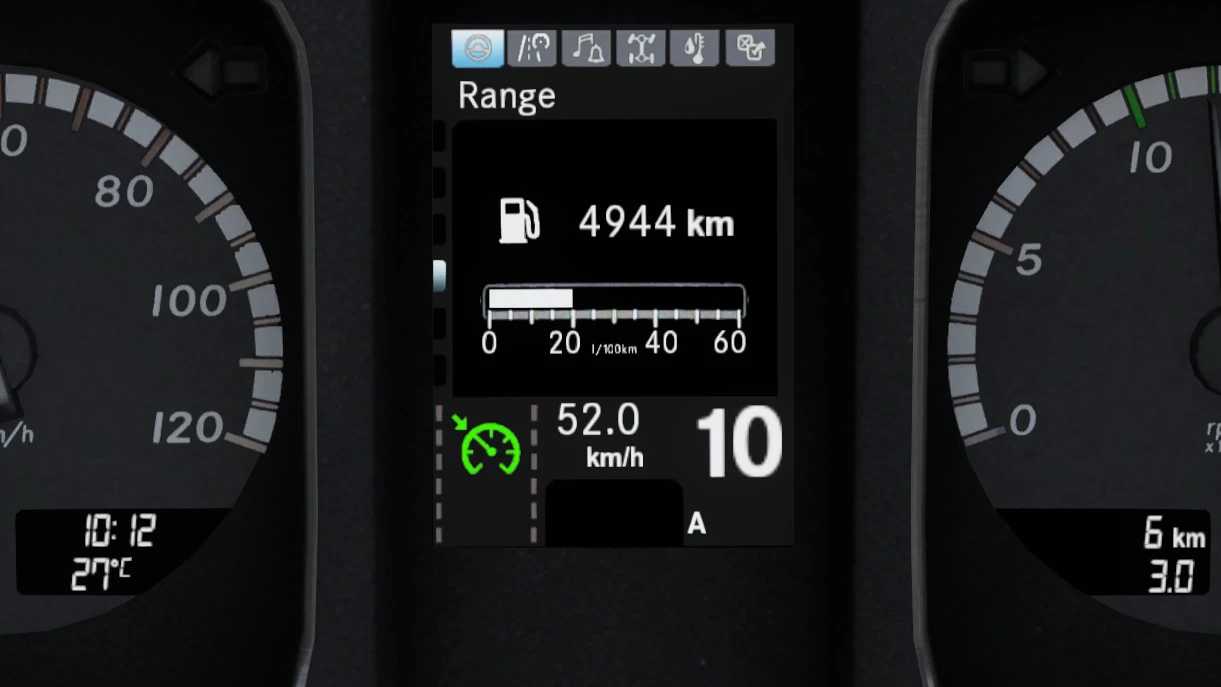
Fuel saving display
Average fuel consumption
Average travel speed
Trip duration
Remaining fuel supply
Air warning screen
Credits: NFSHP253 (Oscar), updated by Fentomized
Installing ETS2 or ATS Mods
Installing mods in Euro Truck Simulator 2 is straightforward. Simply download the mod from here, then copy or unzip the files into either the “My Documents\Euro Truck Simulator 2\mod” folder for ETS2 or the “My Documents\American Truck Simulator\mod” folder for ATS. You can use WinRAR or 7zip to unzip files. After that, remember to activate the mods you’d like to use.