Realistic Rain v5.0.2 1.55 ETS2
Features
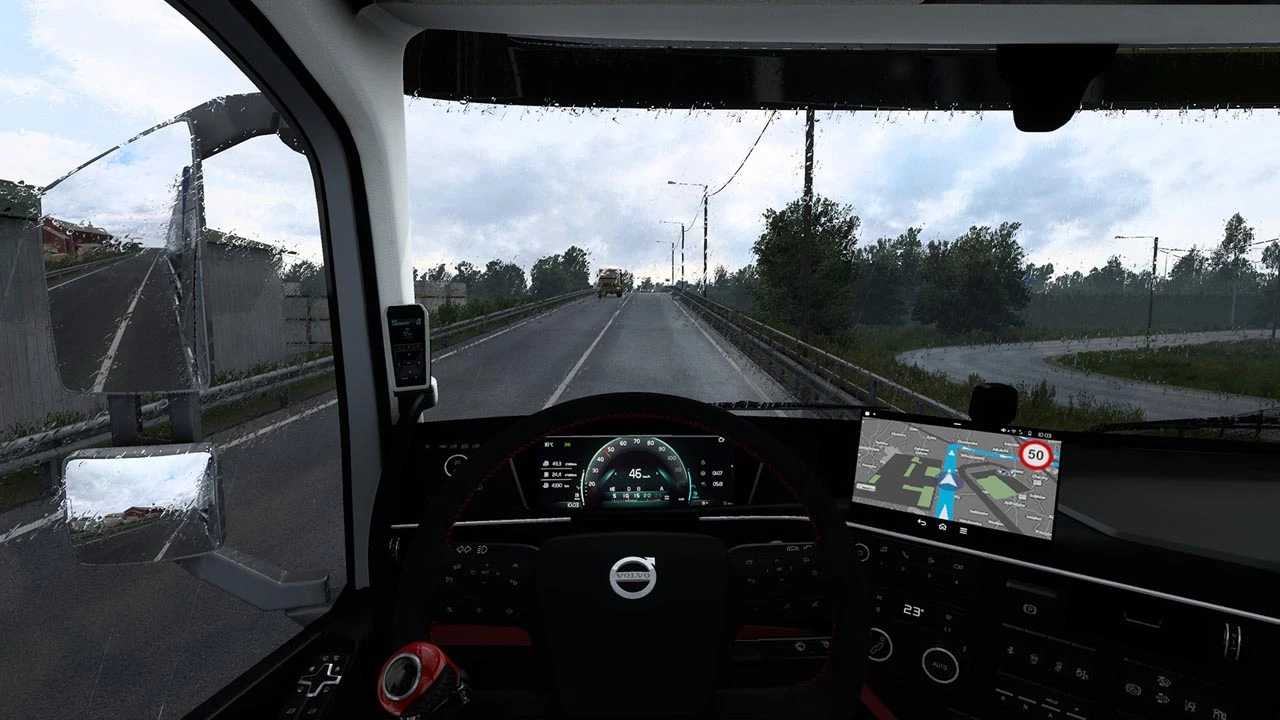
– Enhanced raindrop textures from inside the cabin (windshield & windows) with improved resolution and definition.
– Increased raindrop density on the windshield and windows.
– Superior textures for ‘exterior rain’, featuring better transparency and shorter streaks.
– Refined effects and behavior of raindrops on the windshield and windows.
– Enhanced textures & effects for wheel spray/particles when the road is wet (for both player and AI vehicles).
– Dynamic rain sounds, with effects and transitions accurately reflecting rainfall intensity.
– High-quality thunder sounds, including around 20 variations with delays of 1 to 5 seconds, simulating real-life scenarios.
Note: The density of raindrops on the windows may vary based on the intensity and direction of the rain, influenced by the game or a Weather mod.
Compatible with game version 1.55.
Credits: Darkcaptain
How to install ETS2 mods or ATS Mods
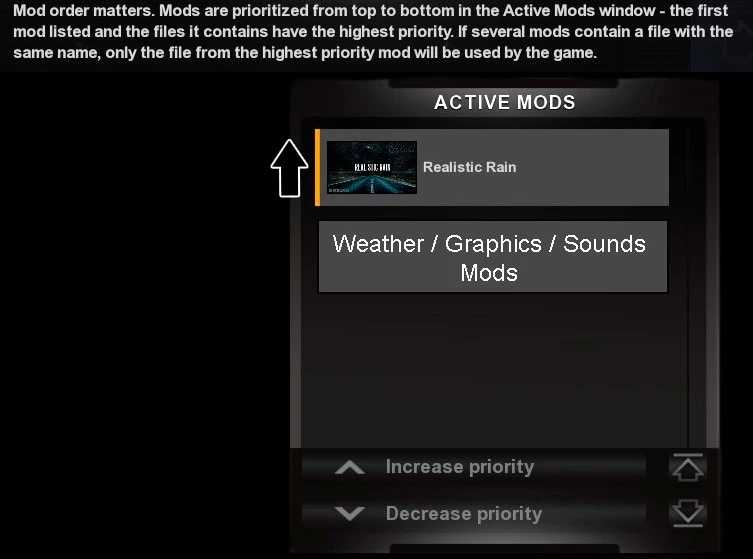
Installing mods in Euro Truck Simulator 2 is straightforward. Download the mod from here, then copy/unzip the files into: “My Documents\Euro Truck Simulator 2\mod” folder. For American Truck Simulator, place mods in: “My Documents\American Truck Simulator\mod” folder. You can use WinRAR or 7zip to unzip files. After that, activate the mods you want to use.