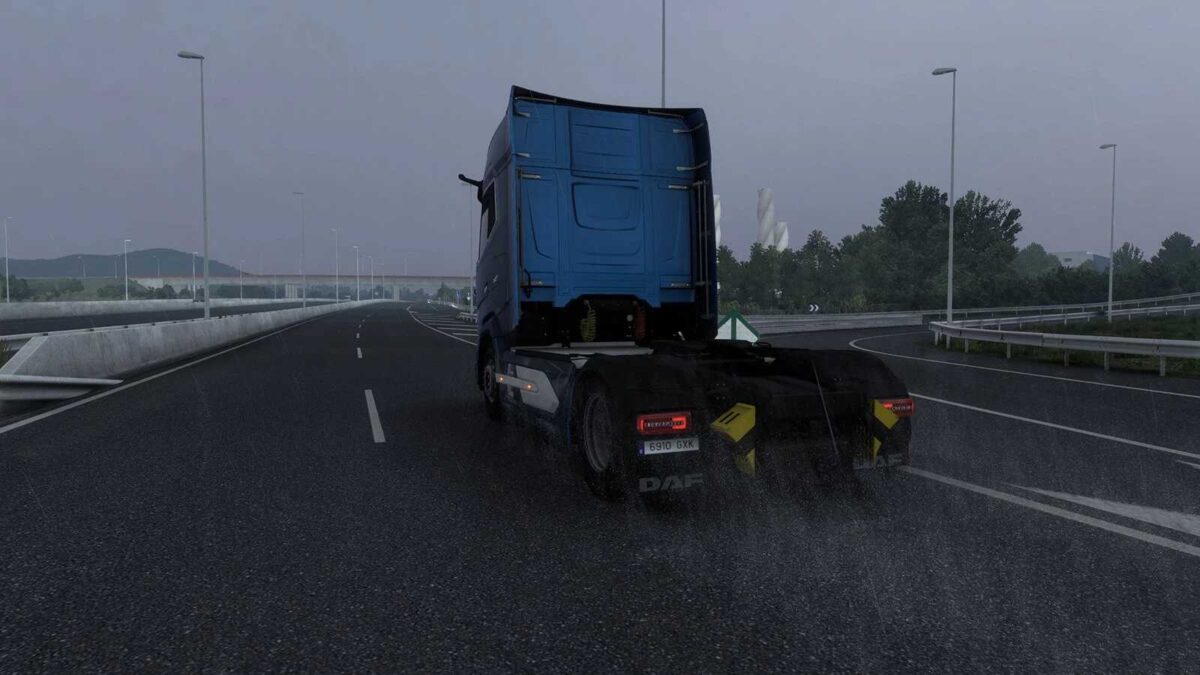
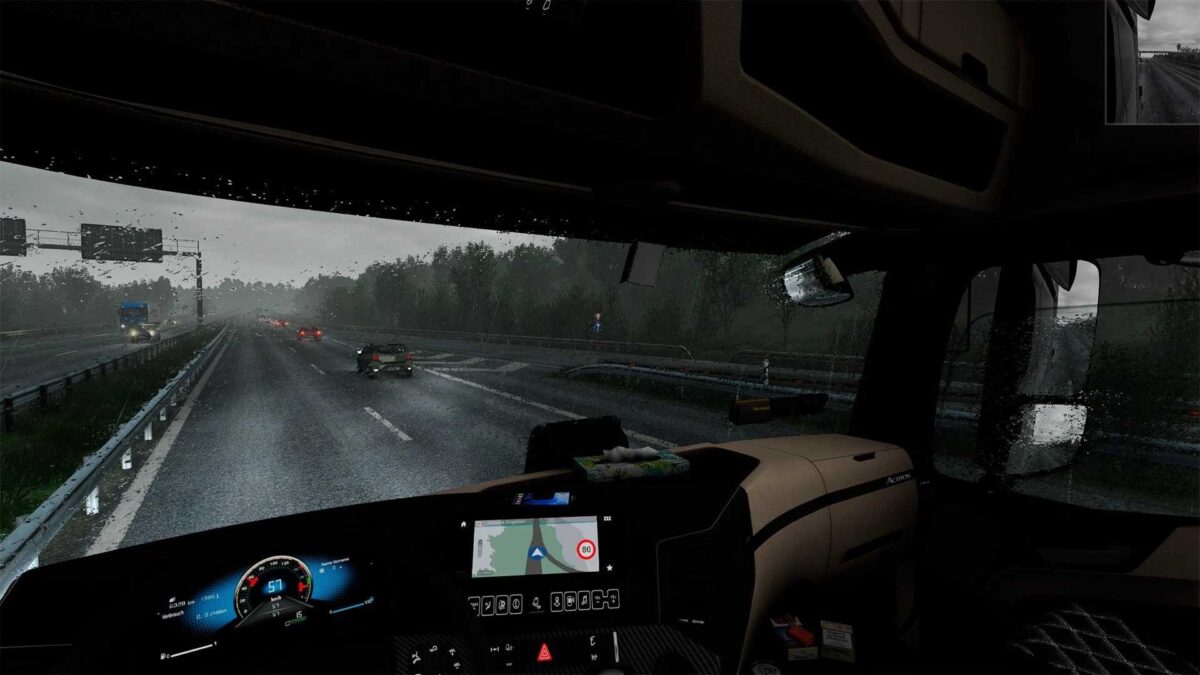
Realistic Rain v5.2 for ETS2
Features:
enhanced raindrop textures from the cockpit view (for windshield and windows)
increased number of raindrops visible from the cockpit
upgraded rain textures viewed from outside
altered effects and behaviors of raindrops on the windshield and windows
refined water particles and splashes from wheels on wet roads (for both player’s truck and traffic)
authentic rain sounds – a variety of sounds inside and outside the vehicle
genuine thunder sound effects with an expanded selection (approximately 20 high-quality sounds)
Thunder follows a lightning flash, with sounds occurring every 1 to 5 seconds
The rain intensity and direction determine the number of drops on the windows.
Updated for v1.57
Credits: Darkcaptain
Instructions for Installing ETS2 or ATS Mods
Installing mods in Euro Truck Simulator 2 is straightforward. Simply download the mod from here, then copy/unzip the files into the “My Documents\Euro Truck Simulator 2\mod” folder. For American Truck Simulator, place mods in the “My Documents\American Truck Simulator\mod” folder. Use WinRAR or 7zip to unzip files. After this, remember to activate the mods you wish to use.