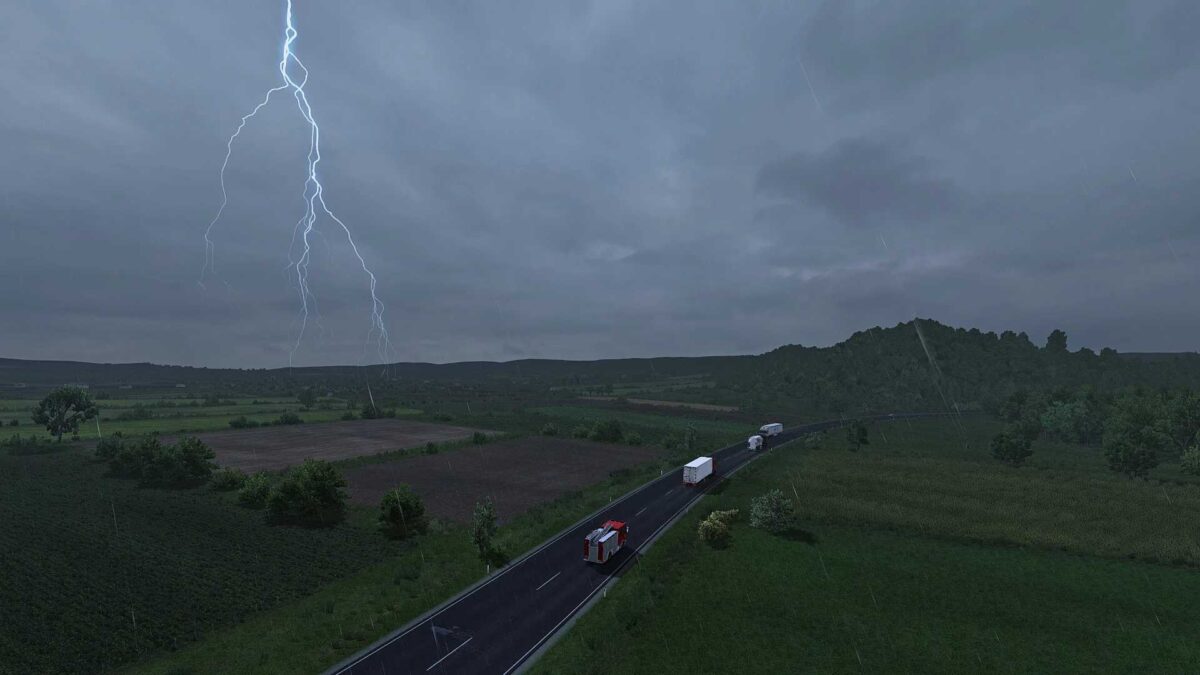
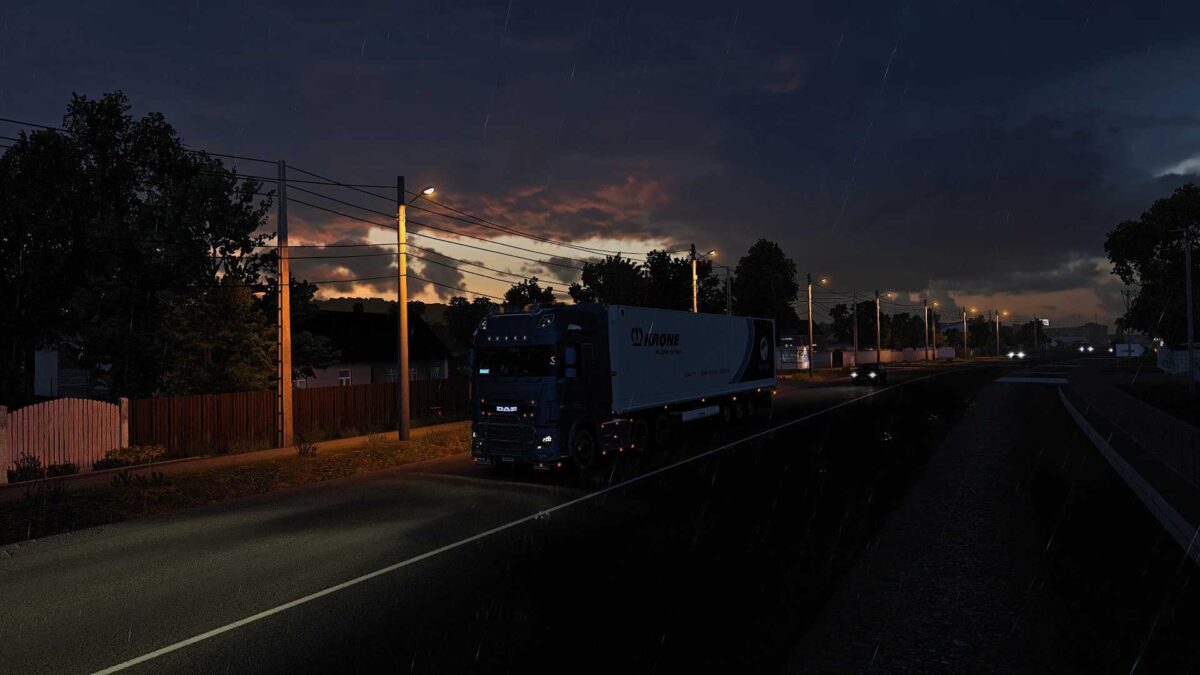
Realistic Weather System v1.8 ETS2
– 10 distinctive and realistic types of Rain & Thunder intensities.
– Genuine Thunderstorm likelihood.
– Rain probabilities tailored to geographical variations.
– Authentic Rain & Thunder intensities reflecting summer weather in Europe.
– Accurate Rain & Thunder intensities for skybox settings.
Authentic simulation of various precipitation types and thunderstorms:
– light/moderate/heavy rain
– light/heavy showers
– light/moderate/severe thunderstorm
Enhanced fog density during rainfall
Improvements in rain and lightning intensities
Credits: Lionv8
How to install ETS2 or ATS Mods
Installing mods in Euro Truck Simulator 2 is straightforward. Simply download the mod, then copy/unzip the files into: “My Documents\Euro Truck Simulator 2\mod” folder. For American Truck Simulator (ATS), place mods in: “My Documents\American Truck Simulator\mod” folder. To unzip files, you can use tools like WinRAR or 7zip. Afterward, activate the mods you wish to use.