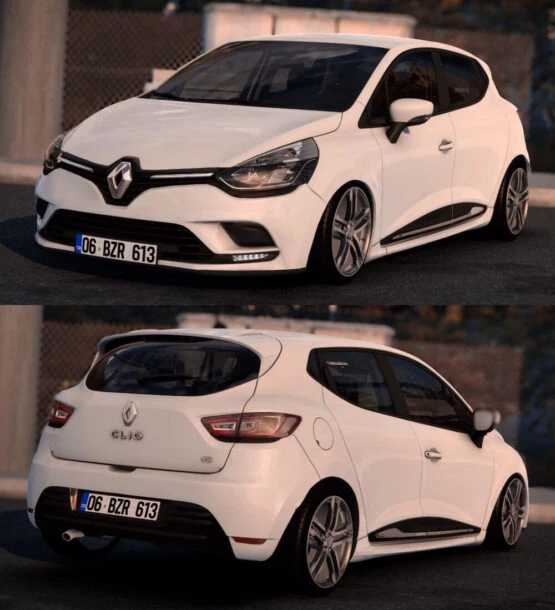
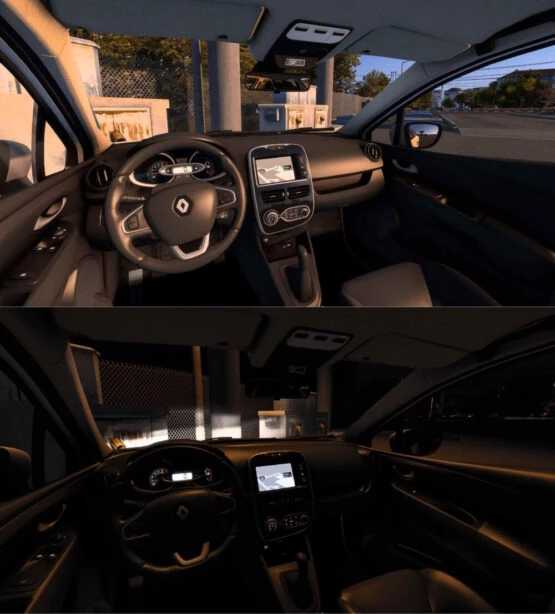
Renault Clio IV 1.55 ETS2
Highlights
– High-Quality Model
– Ambient Occlusion
– Authentic Engine and Transmission Specifications
– Accurate Weight Information
– Realistic Sounds
– Three Wheel Options
Credits: Berkay Pekesen
Installing ETS2 or ATS Mods
Installing mods in Euro Truck Simulator 2 is straightforward. Simply download the mod here, then copy/unzip the files into the “My Documents\Euro Truck Simulator 2\mod” folder. If you’re using ATS, place the mods in the “My Documents\American Truck Simulator\mod” folder. To extract files, you can use programs like WinRAR or 7zip. Once extracted, make sure to activate the mods you wish to use.