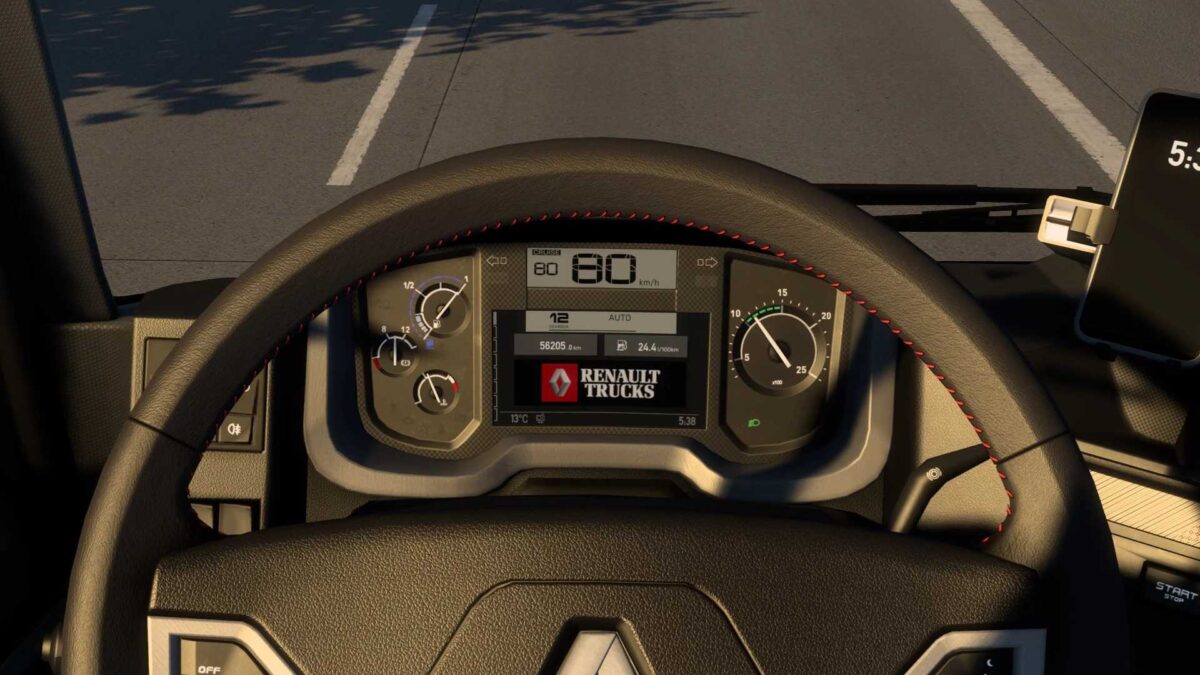
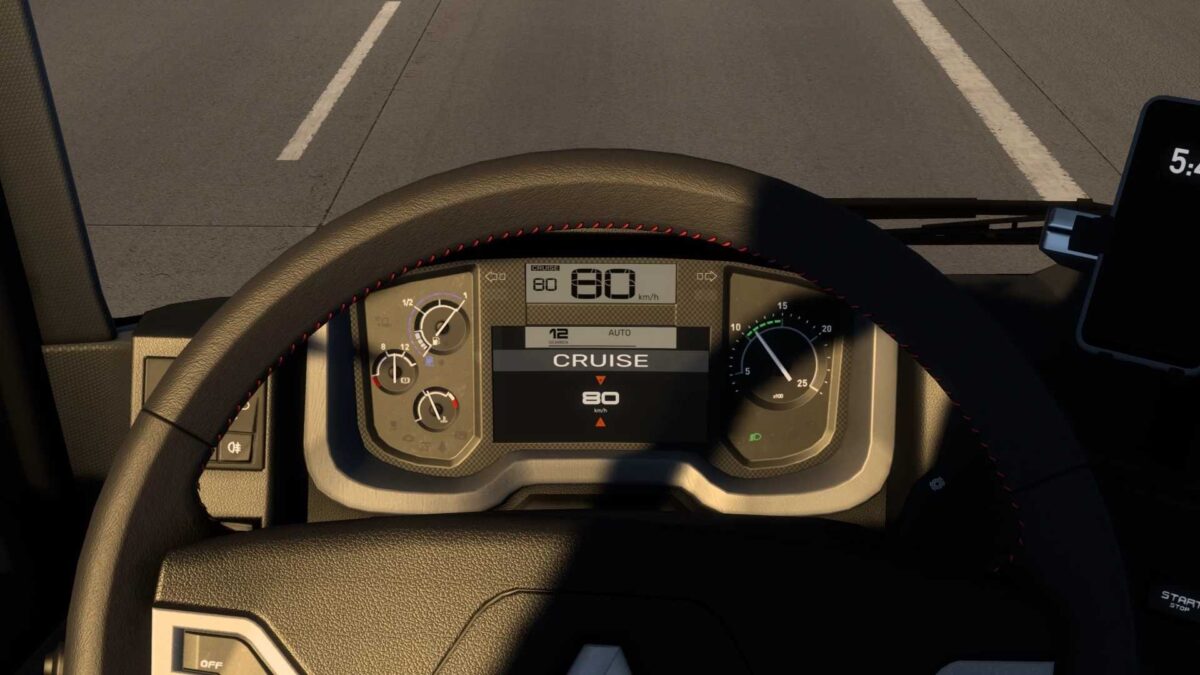
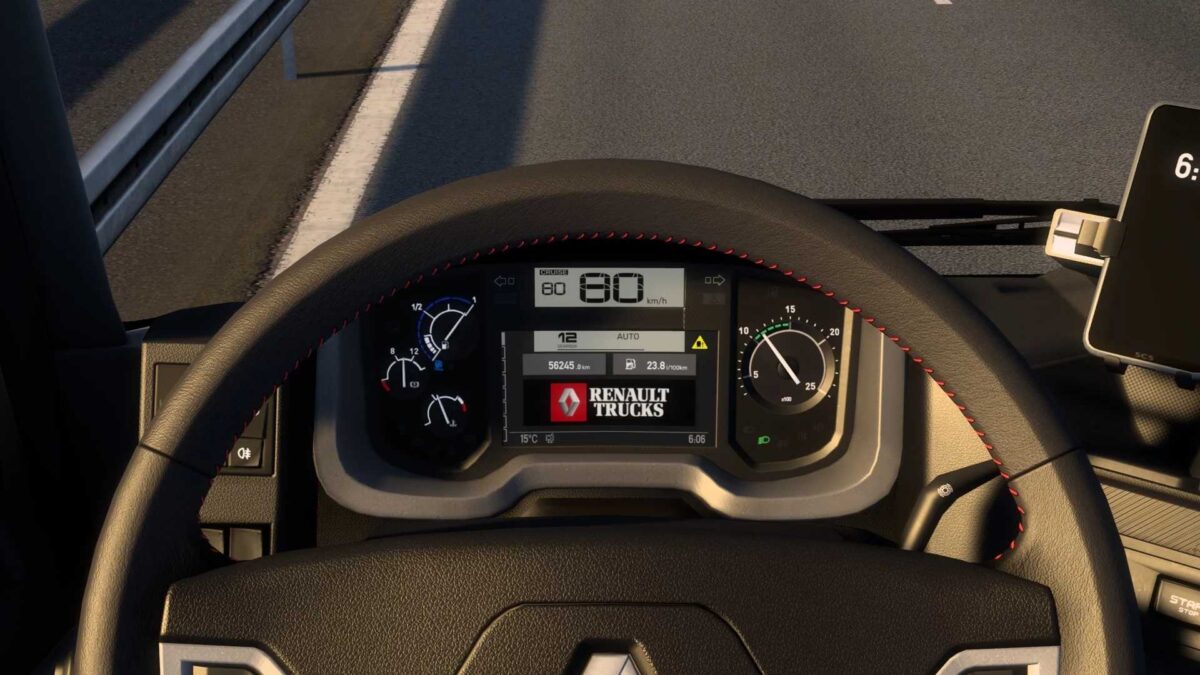
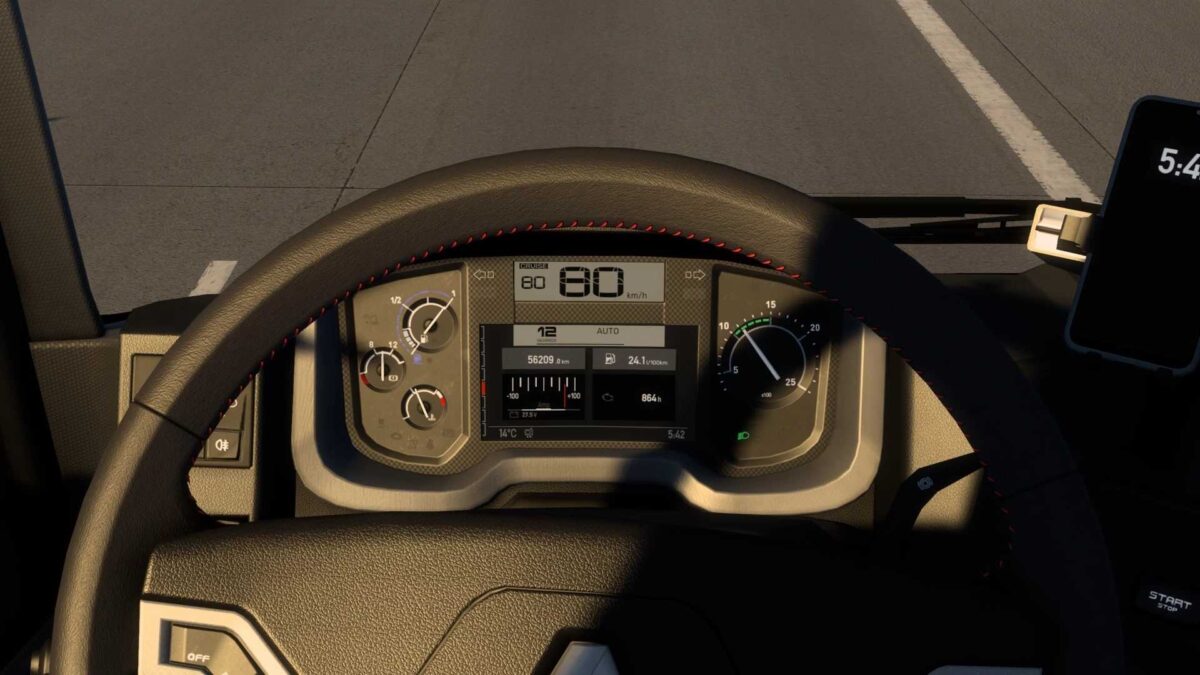
Renault Range T Enhanced Dashboard v2.0 ETS2
This modification enhances the SCS Renault Range T dashboard:
– complete redesign by Oscar with SCS fonts;
– incorporated left/right blind spot indicators;
– added ETA (estimated time of arrival) display, hidden when not applicable (absence of delivery or navigation);
– introduced time until rest is necessary indicator, concealed when fatigue option is off;
– added a page featuring the Renault Trucks logo;
– modified warning sounds (blind spot, etc.);
– numerous fixes and optimizations.
Version 2.0:
– complete redesign by Oscar with SCS fonts;
– updated left/right blind spot indicators;
– modified warning sounds (blind spot, etc.);
– several fixes and enhancements.
Credits: KnightRider
Installation Instructions for ETS2 Mods or ATS Mods
Installing mods in Euro Truck Simulator 2 is straightforward. Simply download the mod from here, and copy/unzip the files into the “My Documents\Euro Truck Simulator 2\mod” folder. If you’re playing ATS, place the mods in “My Documents\American Truck Simulator\mod” folder. You can use WinRAR or 7zip to unzip files. After that, activate the mods you wish to use.