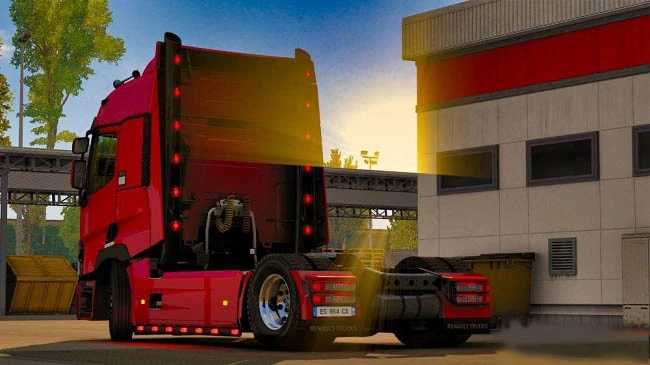
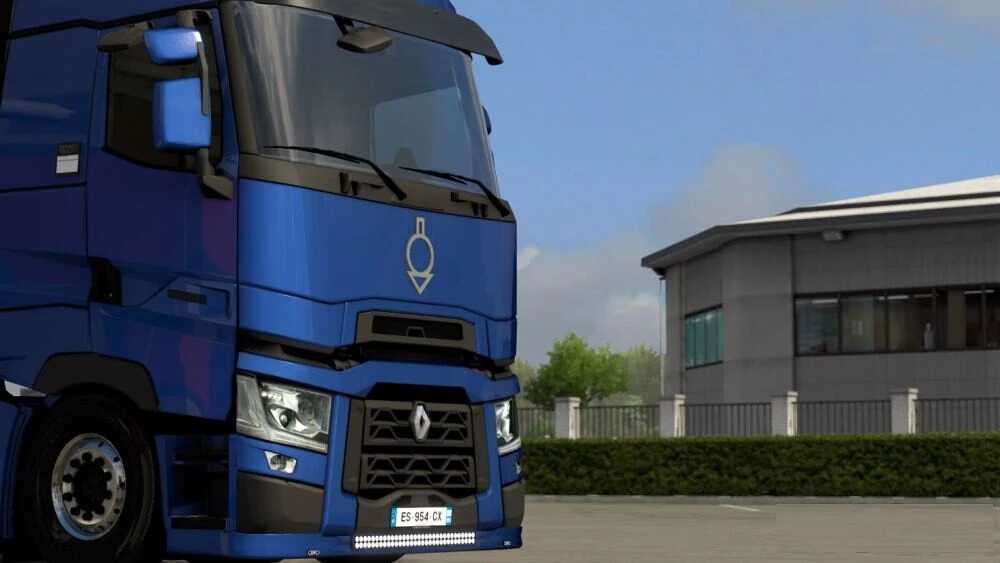
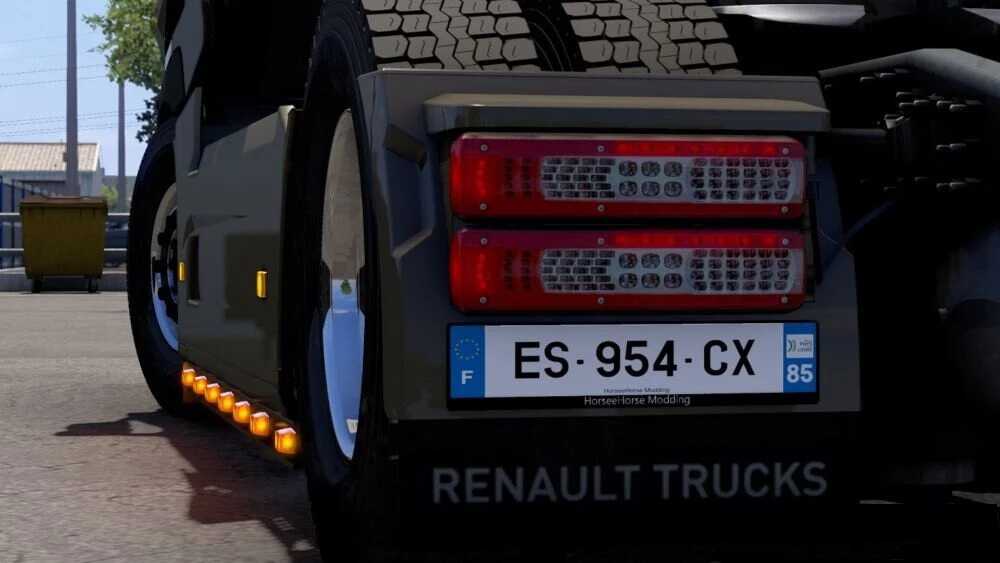
Pack Tuning Renault Range T v1.4 ETS2
– 71 new colors
– 4 new rear bumpers
– 1 new cabin wing (completely black plastic)
– 2 new sun visors
– 1 new landing gear wing (fully painted)
– 2 new paint and chrome stripes -> Template included
– 2 new front element wind frames (painted and chrome)
– 3 slotted lobes (plastic, paint and chrome)
– 7 low chassis options
– Custom license plate numbers
– 3 tall tubes (chrome, painted and black)
– Orange DRL lighting
– 6 front grilles (2 color options and chrome)
– 5 steering wheels (red/yellow/blue/grey Danish color)
– 5 new colors (BERLIET brand)
– 1 front bumper trim with LED strip
– 5 new cabin reflectors (red, yellow, green, blue and black)
– 2 new roof spoilers (chrome and plastic)
– 2 new interior spoilers (chrome and plastic)
– 2 new standalone steering wheels
– Added paint slots on the sun shade
– Included 11 SAVIEM colors (86 total colors)
– Standalone paint filter -> Template included
– 1 new cabin reflector (paint)
Tested on v1.55
Credits: HorseeHorse Modding
How to install ETS2 Mods or ATS Mods
To install mods in Euro Truck Simulator 2, simply download the mod from here, then copy/unzip the files into the “My Documents\Euro Truck Simulator 2\mod” folder. If you’re playing ATS, install the mods in the “My Documents\American Truck Simulator\mod” folder. Use tools like WinRAR or 7zip to unzip files. After that, activate the mods you wish to use.