Rhineland Map – Promods RC FIX v1.2 for ETS2 1.56
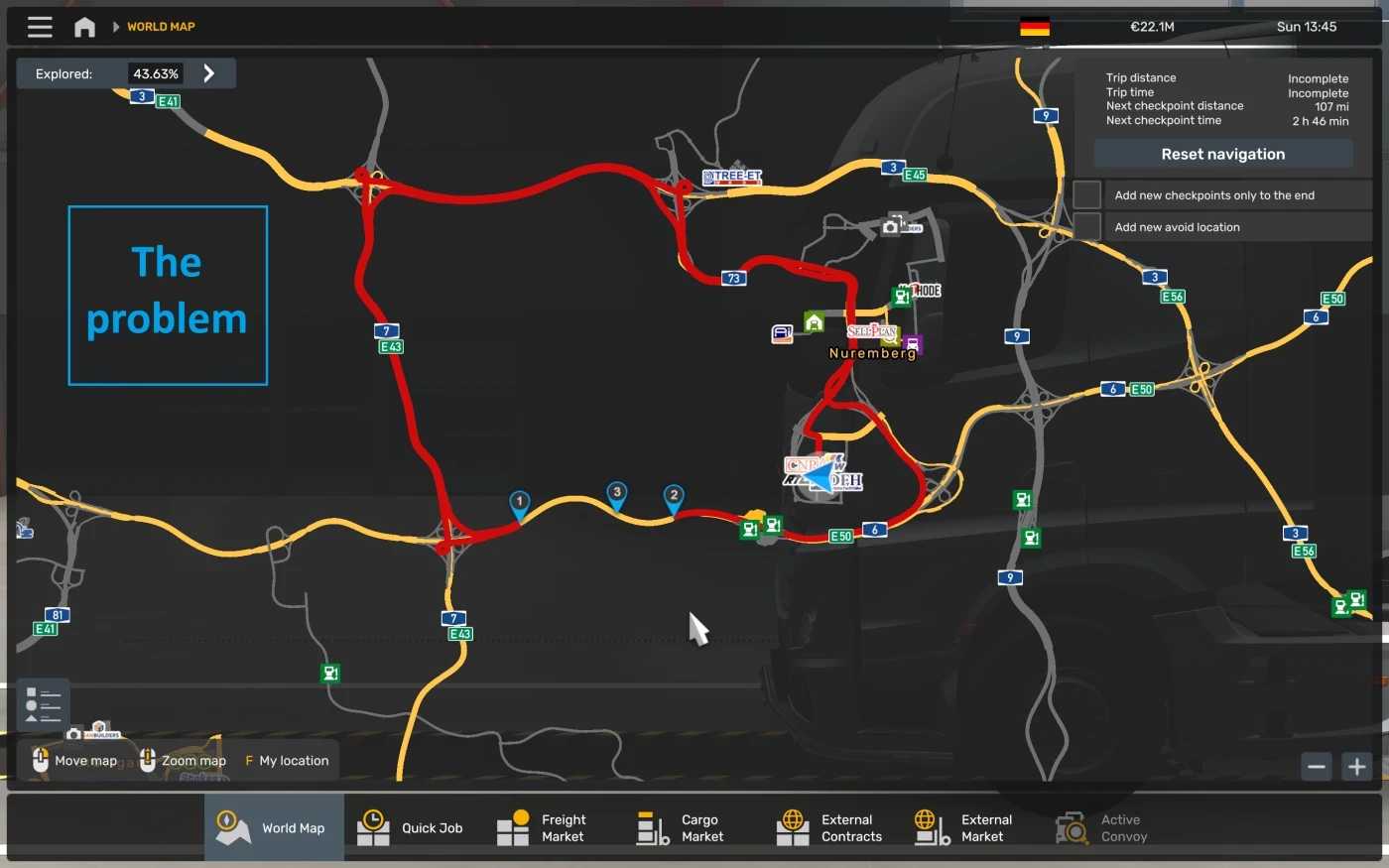
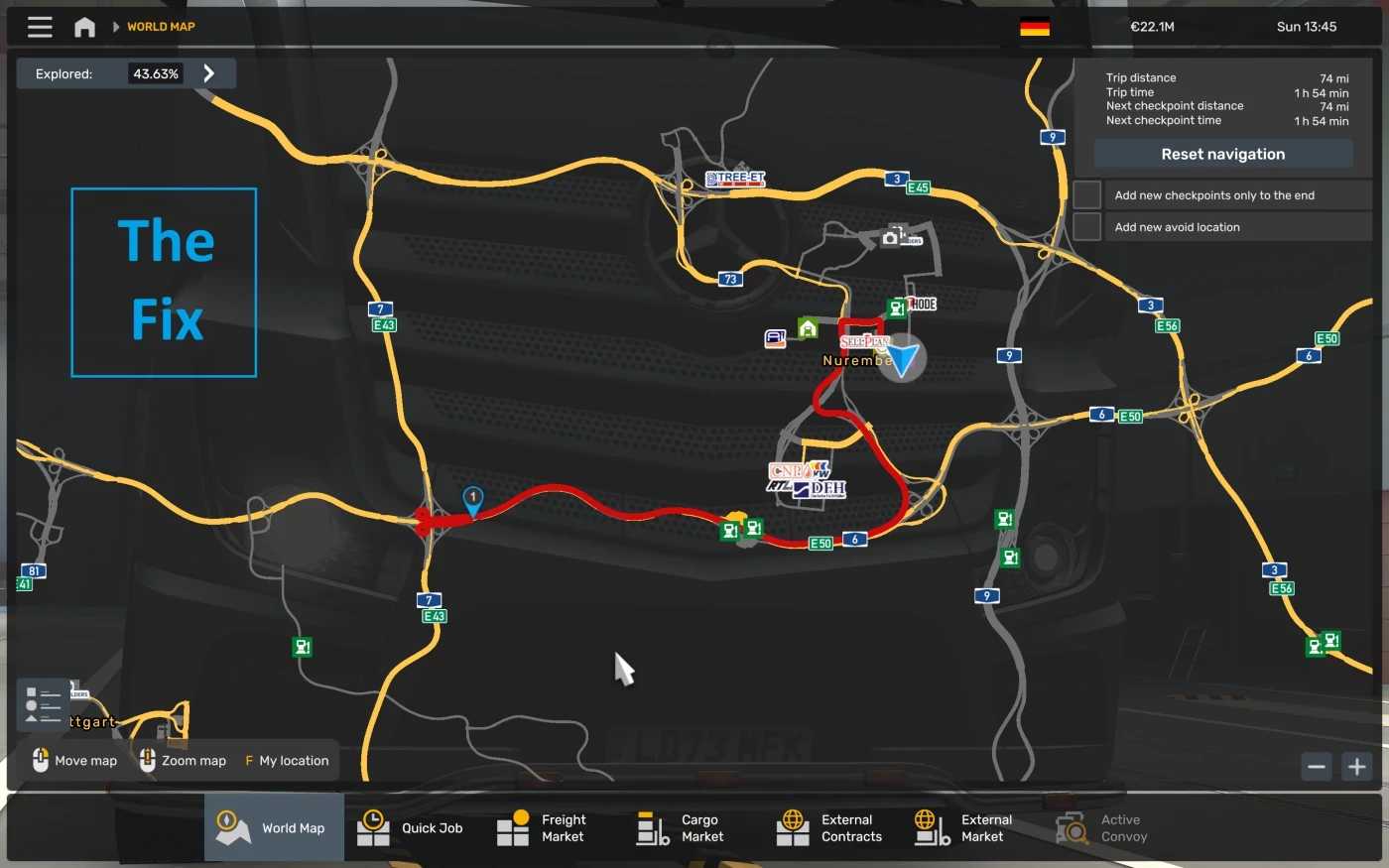
This update addresses terrain gaps, GPS navigation issues, and the despawning of AI vehicles on the A6 highway southwest of Nuremberg when utilizing both the Rhineland Map and Promods.
I made adjustments to a few terrain vertices and nodes on the road, therefore I do not take any credit for Promods, Rhineland Map, or Rhineland Map – Promods RC.
Ensure that you load this above the Promods, Rhineland Map, and Rhineland Map RC in your load order.
v1.2 is now compatible with ETS2 version 1.56.
Credits: Foryst
How to Install ETS2 or ATS Mods
Installing mods in Euro Truck Simulator 2 is straightforward. Just download the mod from here and copy/unzip the files into the “My Documents\Euro Truck Simulator 2\mod” folder. If you’re playing ATS, place the mods in the “My Documents\American Truck Simulator\mod” folder. You can use WinRAR or 7zip to unzip files. After that, make sure to activate the mods you wish to use.