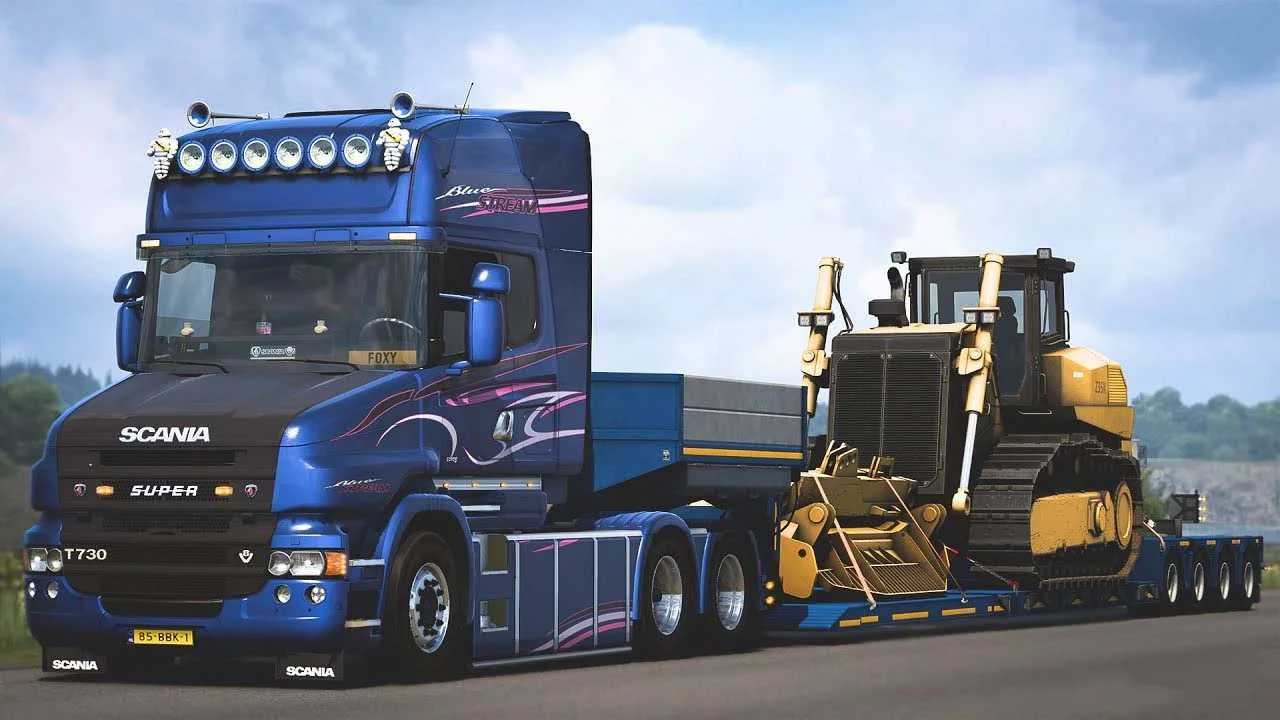
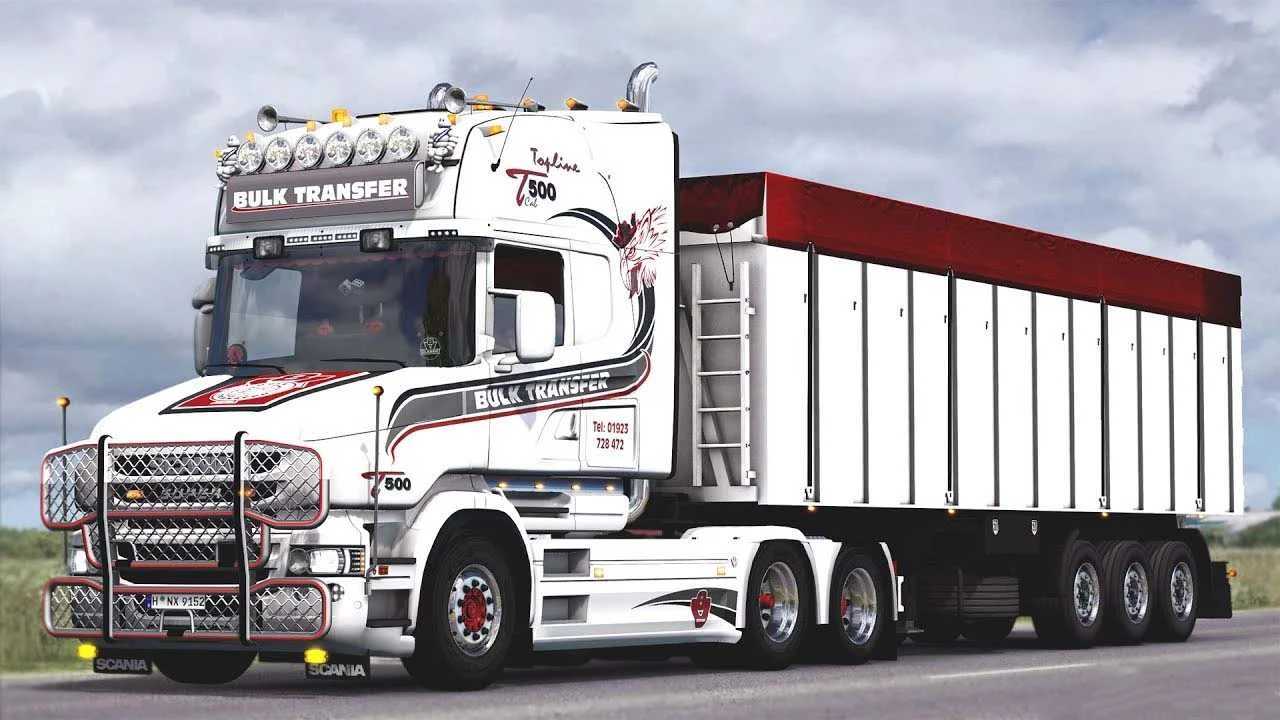
RJL Scania T & T4 Series 1.56 ETS2
<p><strong>Modifications:</strong><br>– Updated for version 1.56 of the game
Features:
– Various cabin options: Normal, Highline, Topline, Extended Topline, and Longline.
– Multiple chassis types: 4×2, 6×2, 6×2/4, 6×2*4, 6×4, 8×2/*6, 8×4/4, 8×4*4, 10×4/6, 10×4*6, 10×6/4.
– Scania T1 and T2 interiors available.
– Engine options: Euro 3, Euro 4, Euro 5, and Euro 6.
– Gearboxes with 8, 9, 12, and 14 speeds, featuring rear differentials of 2.71, 3.08, 3.42, and 3.80.
– Extensive selection of T1, T2, and Streamline parts.
– Chassis available in plastic and paintable options, along with numerous Scania stock parts.
– A variety of custom and tuning parts.
– Compatible with Cabin Accessories, National Window Flags, and Mighty Griffin DLCs (separate compatibility add-ons required).
Credits: LoaderSaints, RJL
Installation Guide for ETS2 or ATS Mods
Installing mods in Euro Truck Simulator 2 is straightforward. Simply download the mod from here, then copy/unzip the files into the “My Documents\Euro Truck Simulator 2\mod” folder. If you’re using ATS, place the mods in the “My Documents\American Truck Simulator\mod” folder. You can use WinRAR or 7zip to unzip the files. After that, activate the mods you wish to use.