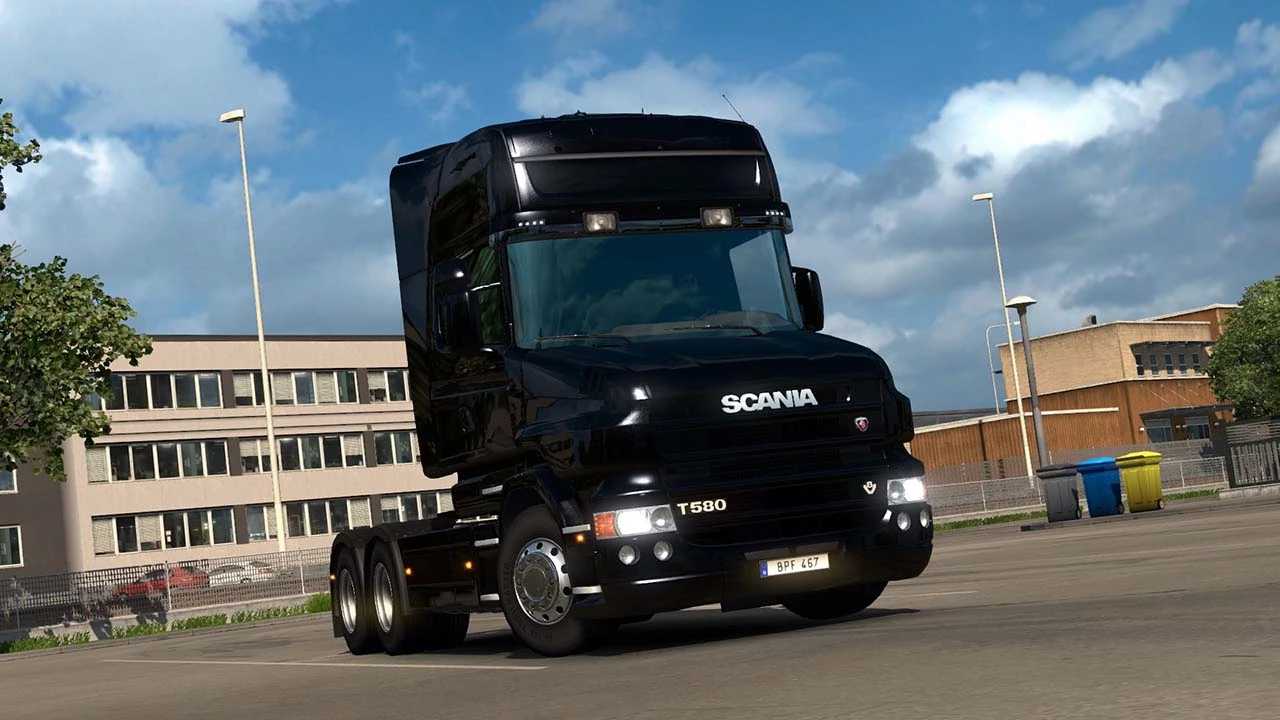
RJL Scania T & T4 Series v24.12.04 v1.0 (1.53) ETS2
Changelog v24.12.04
– Compatibility with versions 1.52-1.53
Content features:
– Various cabin types including Normal, Highline, Topline, Extended Topline, and Longline.
– Multiple chassis options: 4×2, 6×2, 6×2/4, 6×2*4, 6×4, 8×2/*6, 8×4/4, 8×4*4, 10×4/6, 10×4*6, and 10×6/4.
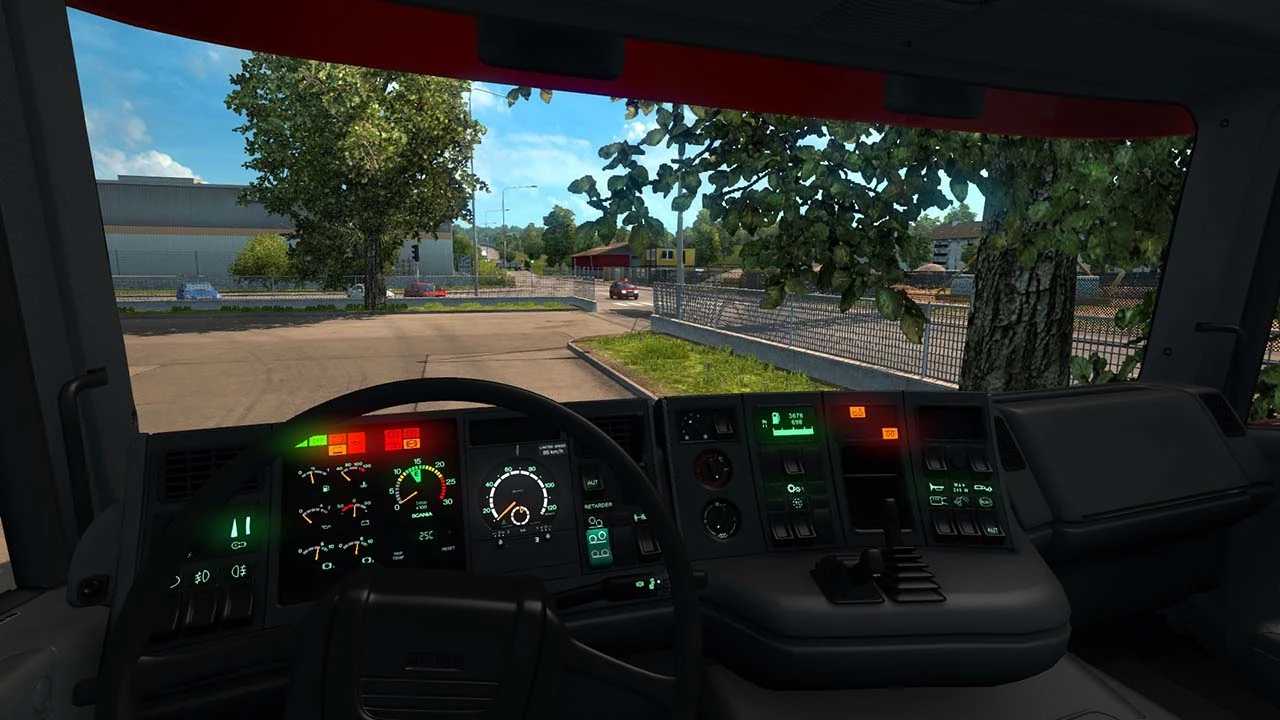
– Interiors for Scania T1 and T2 models.
– Engine options across Euro 3, Euro 4, Euro 5, and Euro 6 standards.
– Gearboxes available with 8-, 9-, 12-, and 14-speed configurations paired with rear differentials of 2.71, 3.08, 3.42, and 3.80.
– An extensive selection of T1, T2, and Streamline components.
– Both plastic and paintable chassis options along with numerous stock Scania parts.
– A variety of customization and tuning parts available.
– Supports Cabin Accessories, National Window Flags, and Mighty Griffin DLCs (requires separate compatibility addons).
Credits: LoaderSaints, RJL
Installing ETS2 mods or ATS Mods
Installing mods for Euro Truck Simulator 2 is straightforward. Download the mod from here, then copy or unzip the files into the following folders: “My Documents\Euro Truck Simulator 2\mod” for ETS2 or “My Documents\American Truck Simulator\mod” for ATS. Use WinRAR or 7zip to unzip files. Once done, activate the mods you want to use.