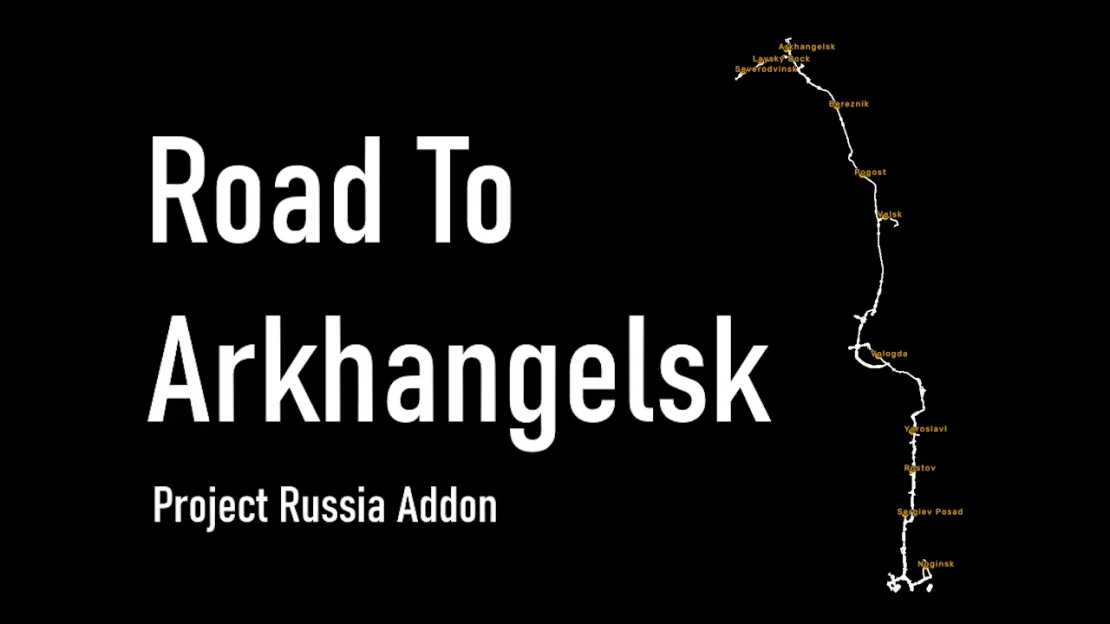
Road To Arkhangelsk – Project Russia Addon v1.2.1 ETS2
Changelog v1.2.1
Resolved definition issue
Description
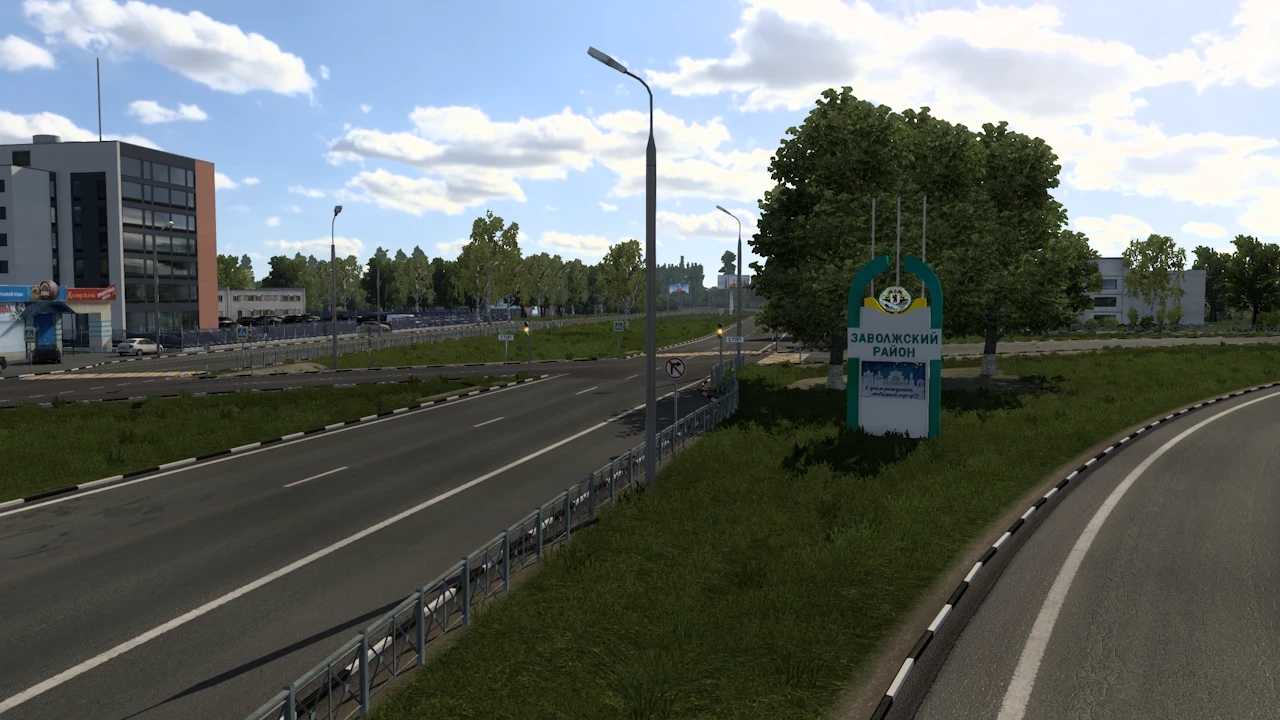
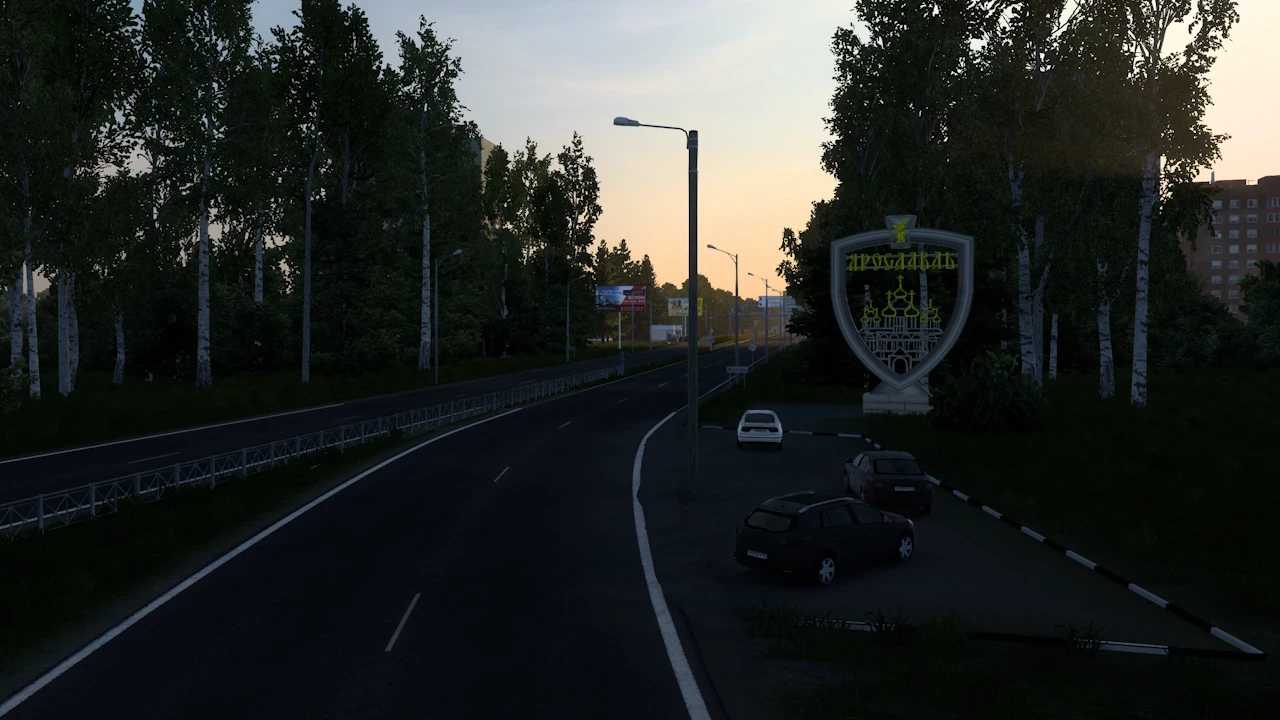
This mod reinstates the M8 highway segment from the standalone PR and adapts it for compatibility with the main mod assembly and adaptations.
New Additions:
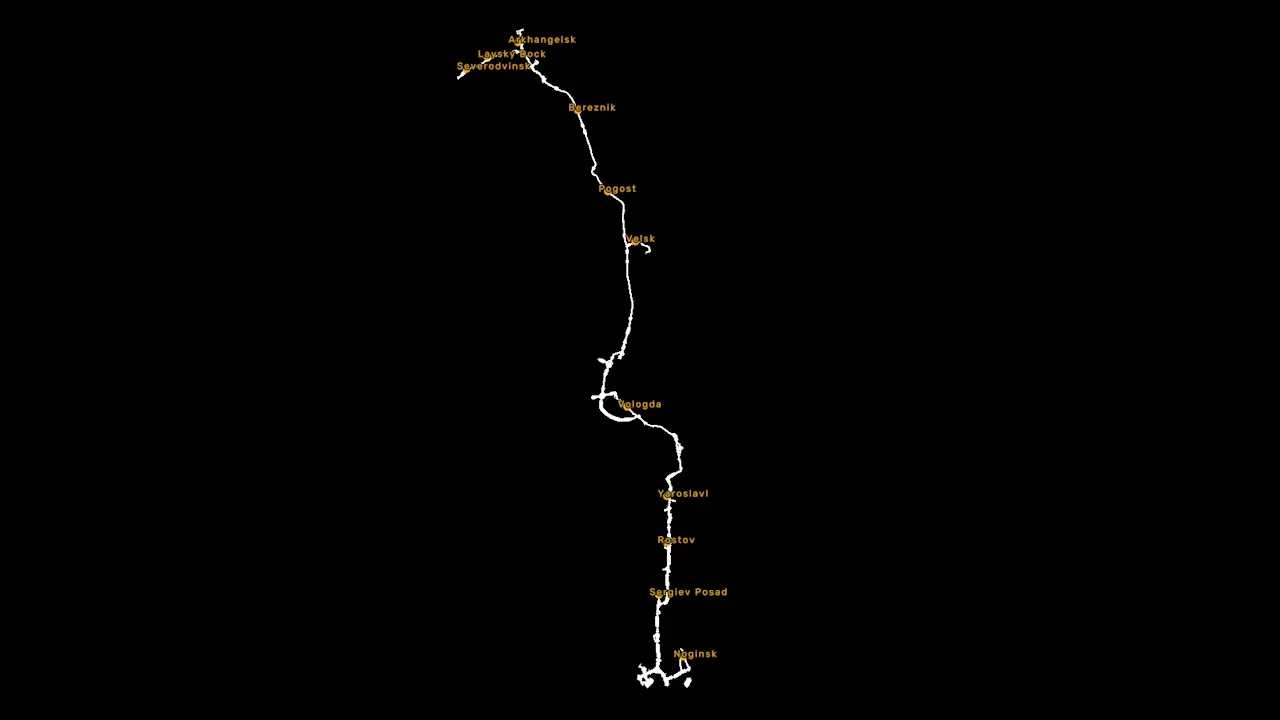
M8 route from Moscow to Arkhangelsk accurately positioned
Cities include Severodvinsk, Laysky Dock, Arkhangelsk, Bereznik, Pogost, Velsk, Vologda, Yaroslavl, Rostov, and Sergiev Posad
Compatibility with VK and truck-sim.club RusMap as well as the general Russian maps assembly
Requirements:
Project Russia
RusMap (for proper integration)
Load order:
Ensure it is placed above Project Russia and RusMap
Additional notes:
If using CentralRussia, place this map above it.
If using Trans-Siberian Truckway, place it below Project Russia to prevent model conflicts.
Credits: Vern37
How to install ETS2 mods or ATS Mods
Installing mods in Euro Truck Simulator 2 is straightforward. Simply download the mod from here and extract the files into your: “My Documents\Euro Truck Simulator 2\mod” folder. For ATS, install mods in: “My Documents\American Truck Simulator\mod” folder. You can use WinRAR or 7zip to extract files. Afterward, activate the mods you wish to use.