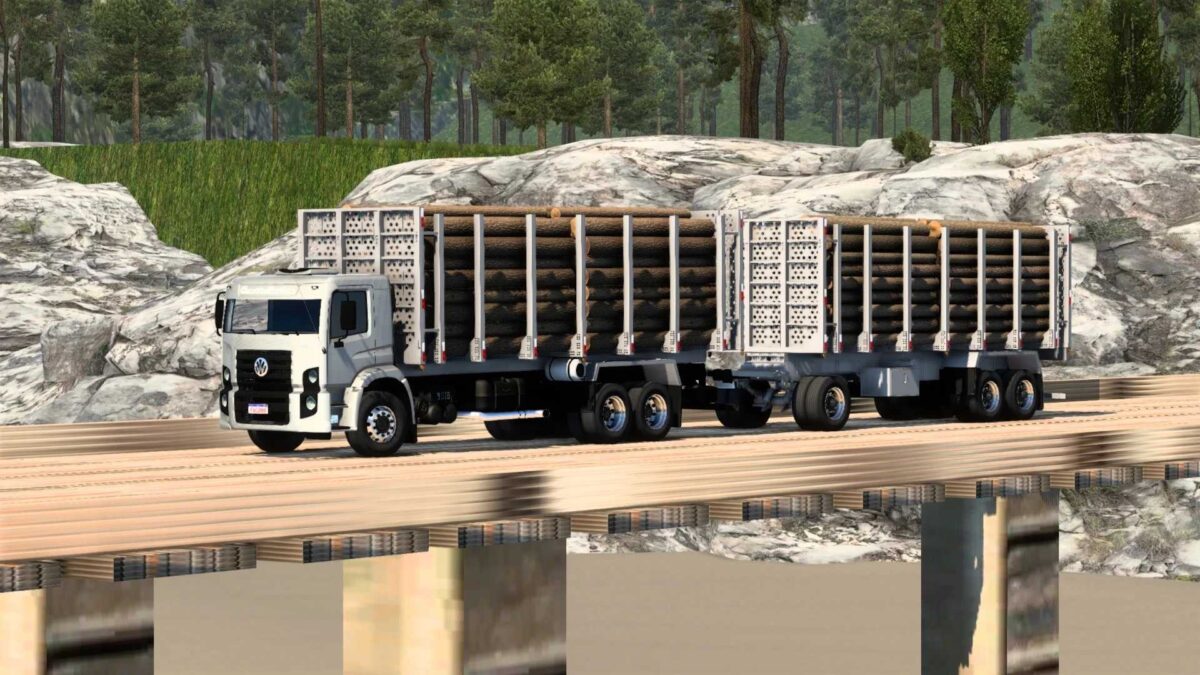
Rota Factor Map v.1.20 Featuring New Hazardous Roads for ETS2 1.55
Introducing the Rota Factor Map for Hazardous Roads V.1.20
Recent updates
New paths and routes
New vehicles including cars, trucks, and buses in traffic
Map Features:
– Standalone;
– 25 towns and cities;
– Map inclusive of “hazardous roads”;
– Multiple cities;
– Roads with varying difficulty levels;
– 1 test track;
– Companies available.
Installation: Place the downloaded file into the mod folder and activate it through the mod manager.
Credits: Factor Gamer BR
Installing ETS2 or ATS Mods
Installing mods in Euro Truck Simulator 2 is straightforward. Download the mod from here, extract the files into: “My Documents\Euro Truck Simulator 2\mod” folder; for ATS, place the mods into: “My Documents\American Truck Simulator\mod” folder. You can use tools like WinRAR or 7zip for extraction. Afterward, activate the desired mods you want to use.