RusMap v2.54.1 ETS2
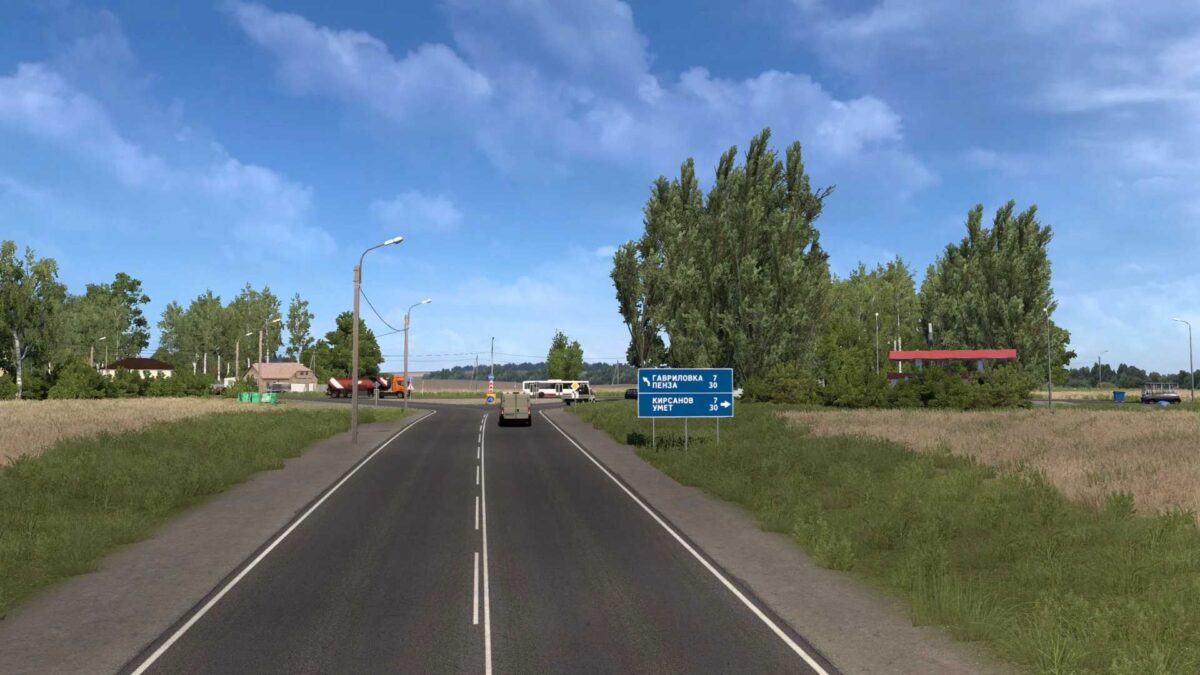
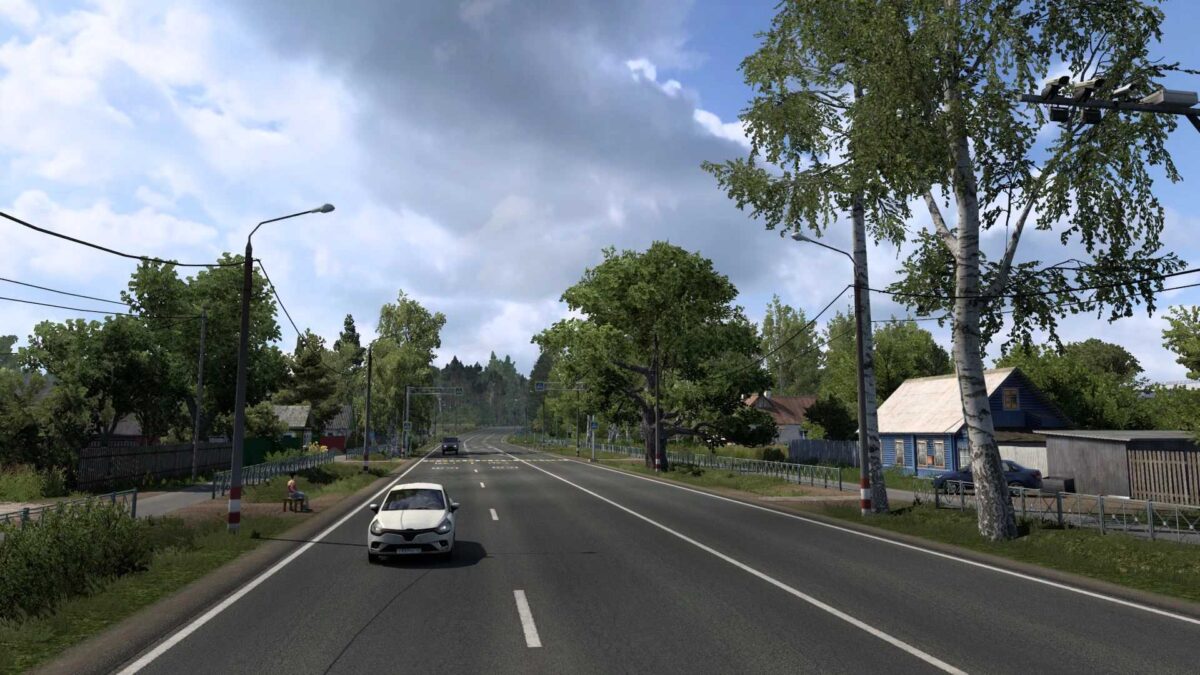
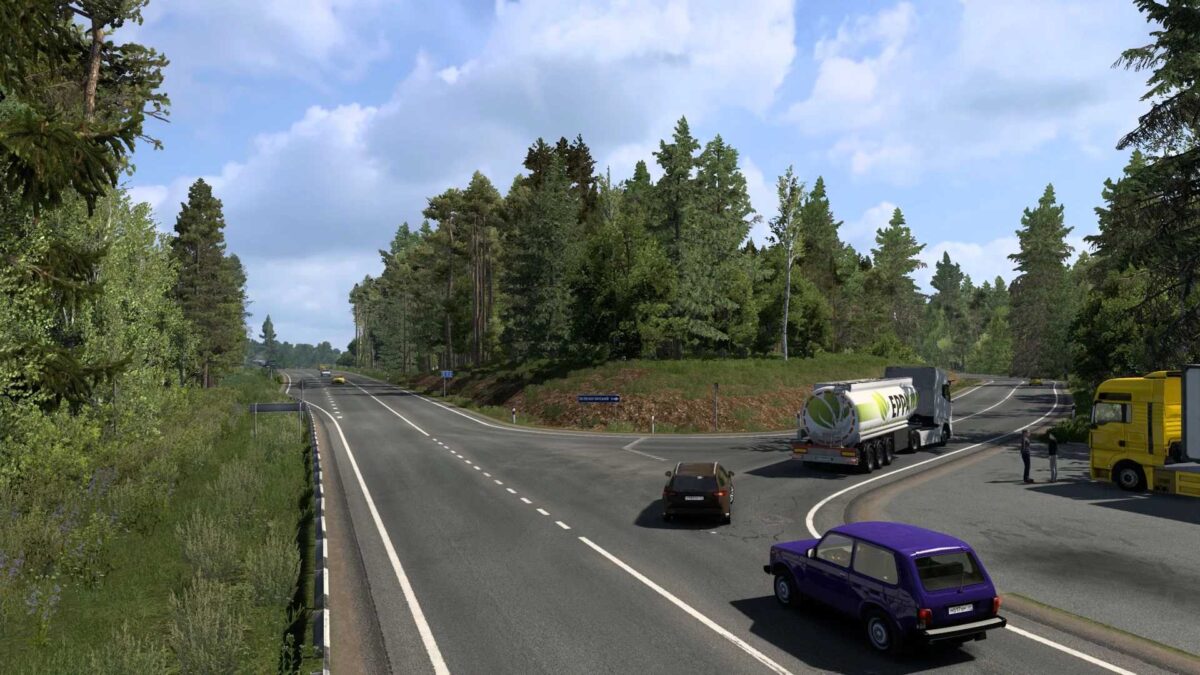
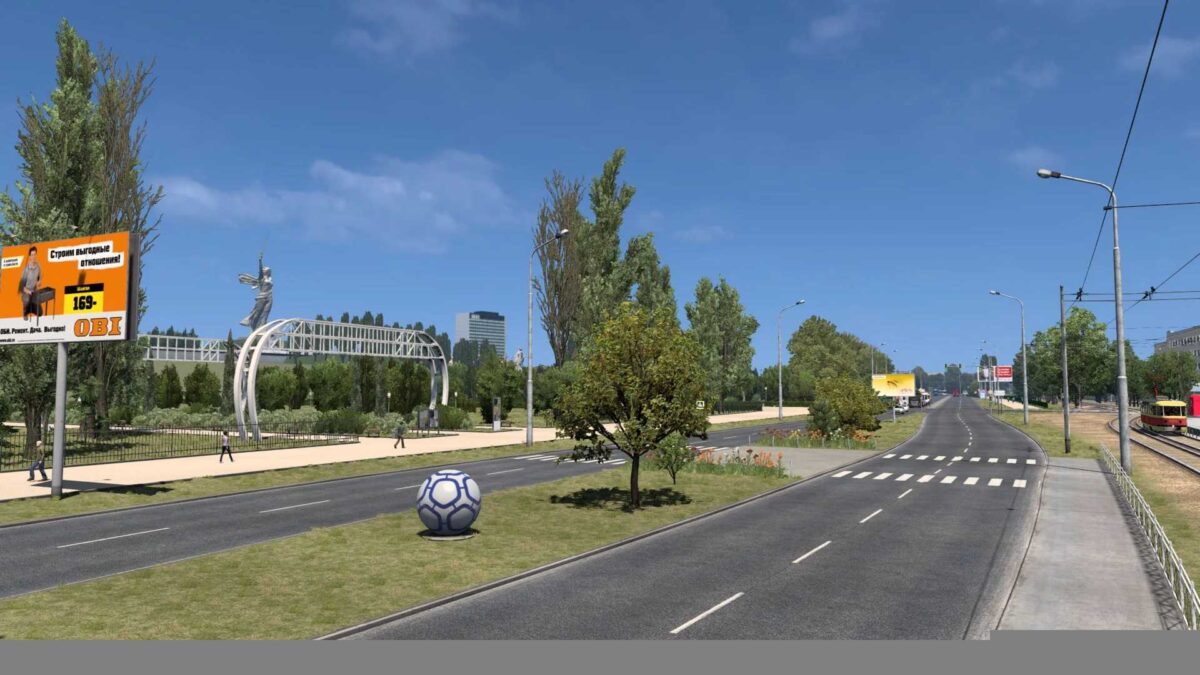
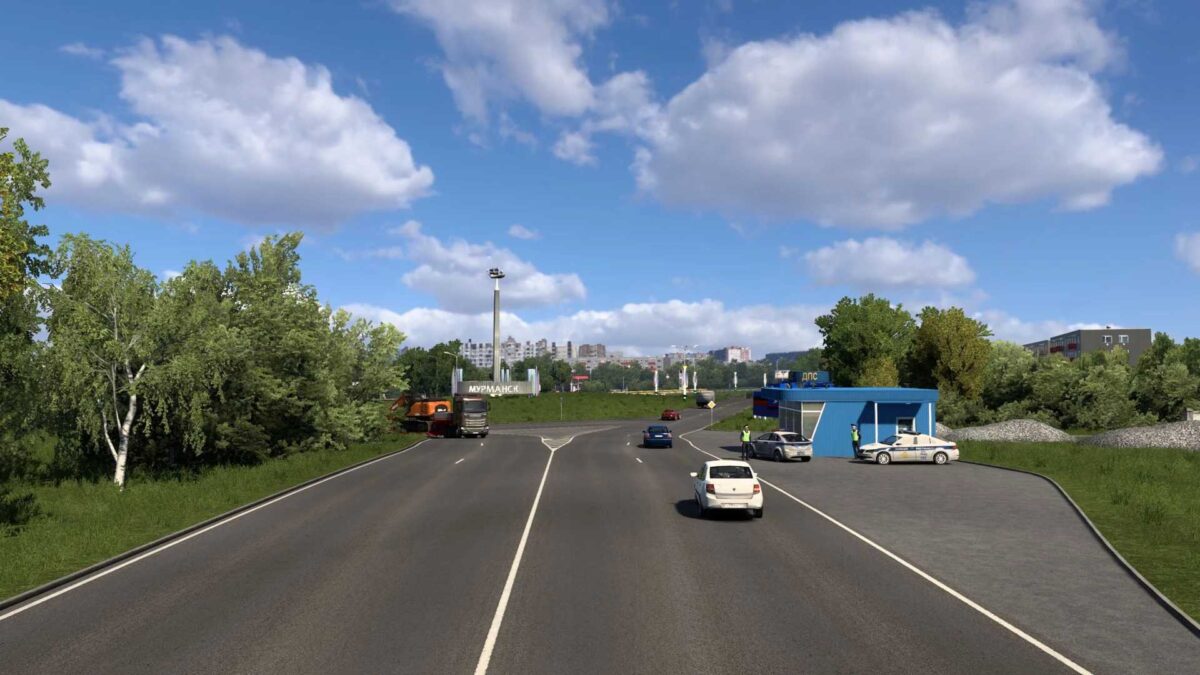
Introducing the “RusMap” Project – a comprehensive modification for Euro Truck Simulator 2. In development since 2014, it showcases the European regions of Russia and the Republic of Belarus. Key areas in Russia include: Northern regions like Moscow, Leningrad, Tver, Novgorod, Pskov, Murmansk, and Karelia; Western areas such as Kaluga, Bryansk, Smolensk, Tula, Oryol, Kursk, and Belgorod; and Southern cities including Voronezh, Tambov, Penza, Lipetsk, Saratov, and Volgograd. In Belarus, six regions are represented: Minsk, Vitebsk, Mogilev, Gomel, Grodno, and Brest.
The map is designed to be compatible with popular projects like ProMods, Roextended Map, SibirMap, Southern Region Map, Volga Map, and many more.
Cities in Russia:
Lyuban, Kirovsk, Bryansk, Valdai, Velikiye Luki, Veliky Novgorod, Velizh, Volokolamsk, Vyshny Volochok, Vyazma, Kaluga, Klin, Moscow, Nevel, Obninsk, Ostashkov, Porkhov, Rzhev, Roslavl, Smolensk, Tver, Kholm, Yukhnov, Tula, Kursk, Orel, Voronezh, Kolomna, Tambov, Borisoglebsk, Volgograd, Volzhsky, Krasnoslobodsk, Saratov, Engels, Lodeynoye Pole, Petrozavodsk, Medvezhyegorsk, Kem, Zelenoborsky, Sortavala, Priozersk, Suoyarvi, Tosno, Razmetelyevo, Murmansk, Monchegorsk, Kandalaksha, Segezha, Alakurtti, Kolpino, Kola, Khimki, Vitino.
Cities in the Republic of Belarus:
Major cities are Baranovichi, Bobruisk, Brest, Vitebsk, Gomel, Minsk, Mogilev, Mozyr, Mstislavl, Orsha, Pinsk, Slutsk, Lida, Grodno, Slonim, Volkovysk, Polatsk, Glubokoe.
Roads in Russia:
The roads include M11, P208, P209, 86K-3, A101, A108, A111, A116, A119, A120, A123, A141, A144, A240, E20, M2, M4, M3, M5, M9, M10, M20, P21, P39, P47, P48, P50, P51, P57, P87, P89, P108, P115, P132, P228, P-236, P-298.
Roads in the Republic of Belarus:
Key roads include M2, M4, M5, M8, M10, M11, P4, P15, P17, P21, P23, P26, P43, P96, P112.
Supported game versions:
The mod supports game version: 1.54 + DLCs: Going East!, Scandinavia, “Beyond the Baltic Sea”, “Italia”, “Vive la France”, “Road to the Black Sea”, “Iberia”, and “West Balkans”.
Changes in version 2.54.1:
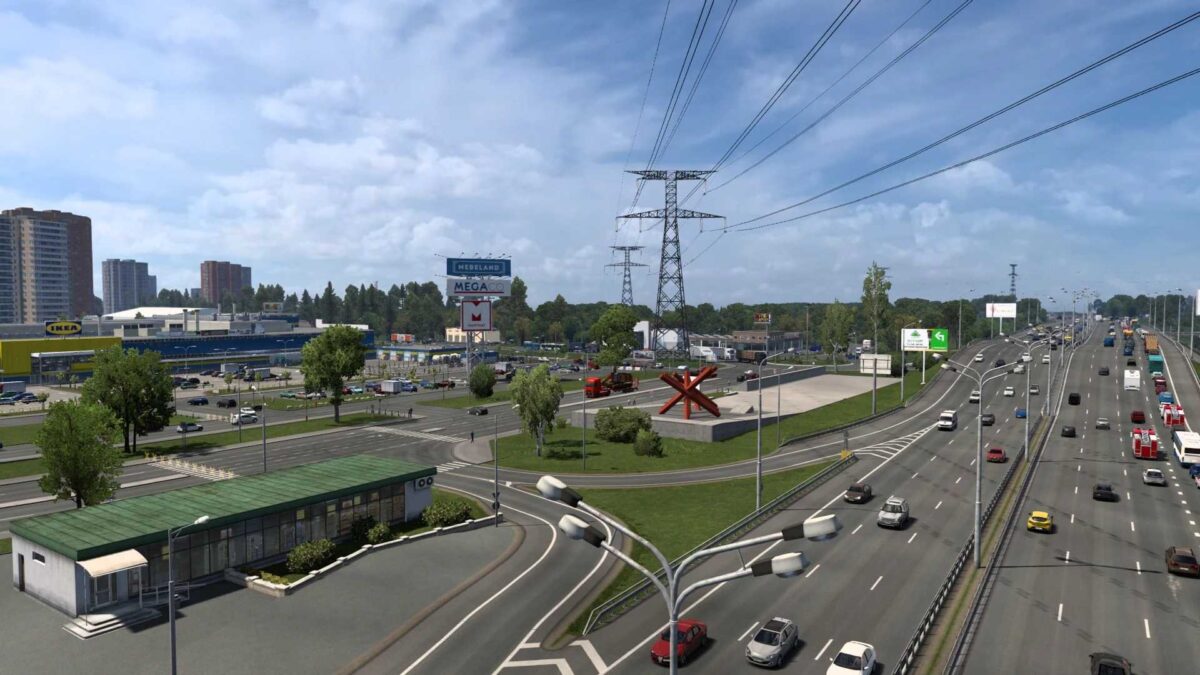
The Moscow city area has been completed. New companies have been introduced, along with the addition of the M2 junction and the restructuring of the M4 junction.
Minor updates have been made to the M2, M4, and R-21 highways.
The Vitino oil depot has been incorporated.
Numerous textures and models have been updated and optimized.
Various graphic and visual errors across the map have been fixed.
Additionally, numerous other adjustments have been made.
Installation instructions:
1. Extract the downloaded file using a 7zip archiver.
2. Move all extracted files to the My Documents/Euro Truck Simulator 2/mod folder.
3. Enable all files in the mod manager.
Compatibility with other projects:
– ProMods Map
– Roextended Map
– SibirMap 2.0 Map
– Southern Region Map
– Volga Map
Credits: Thanks to SCS Software, aldimator, dimon_26 (author of the north Schumi), Sergey061, Schura774 (project support and development). Contributors include 10AVOID (SZM Addon author), Gricko, geohotin, klipstoeun8839, Jazzycat, DENLOG, Schumi (new models), and CsewS, desirent, Igor-Govorukhin (map testing). Special thanks to Jazzycat for assistance in building the map, updating companies, and creating new models in the Republic of Belarus. Additional credits to Vladzz-G for correcting registration numbers, paokkerkir for Greek translations, and wik412 for localizing cities. A heartfelt thank you to everyone involved in the map’s development.
How to install ETS2 mods or ATS Mods
Installing mods in Euro Truck Simulator 2 is straightforward. Simply download the mod from here, unzip the files into the “My Documents\Euro Truck Simulator 2\mod” folder. For American Truck Simulator (ATS), place mods in the “My Documents\American Truck Simulator\mod” folder. You can use WinRAR or 7zip for extraction. After unzipping, activate the desired mods.